
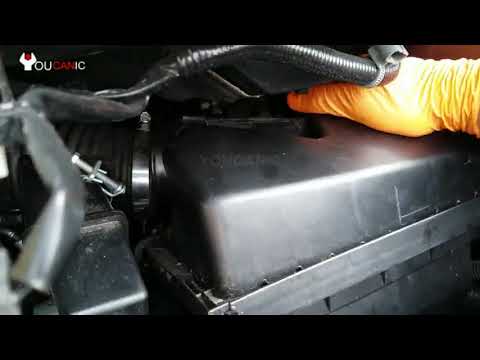
2011-2017 Nissan Quest How to Remove MAF Sensor
About this video
Buy YOUCANIC Pro Scanner
Get Factory Service Repair Manuals & Specs
Ask Car Questions & Get Help
https://www.youcanic.com/forum/ This is a tutorial that provides step-by-step instructions on how to remove the MAF (Mass Air Flow) sensor on a Nissan Quest model year 2011-2017. The video likely covers the tools and materials needed for the removal process, as well as the specific steps for accessing and detaching the MAF sensor from the vehicle. Viewers of this video are likely looking for guidance on how to replace a faulty or damaged MAF sensor, or how to upgrade to a newer or better-performing sensor. By following the instructions in this video, viewers can learn how to remove the MAF sensor correctly and safely, without causing any damage to the vehicle or the sensor itself.
YOUCANIC is your source of auto repair manuals and troubleshooting guides.
For complete instructions and details, visit https://www.youcanic.com.
YOUCANIC – You Can be the Mechanic 👉 Buy *Powerful Diagnostic Scanner*:
https://www.youcanic.com/ucan2
A Full System Diagnostic Scanner that works on all vehicles. Can read and clear codes from any system, module, control unit including engine, transmission, airbag, ABS, traction control, climate control, blind spot monitoring, air suspension, door modules, immobilizer just to name a few. Bidirectional support.
🆘 *Get help* with your car questions:
📧 *Contact Us*