
How Do I Know If the YOUCANIC Scanner Is Right for Me and My Car?
Checking Scanner Compatibility Before You Buy
Before placing your order, it is important to verify that the YOUCANIC scanner supports your specific vehicle and the diagnostic functions you need.
Two Ways to Check Compatibility
- Online Compatibility Checker: Visit coverage.youcanic.com and enter your vehicle details to instantly see what is supported.
- Email Support: Send an email to support@youcanic.com with your vehicle’s VIN number and a list of the specific functions you need (for example: ABS reset, DPF regeneration, battery registration). Our team will confirm compatibility before you buy.
What to Include in Your Email
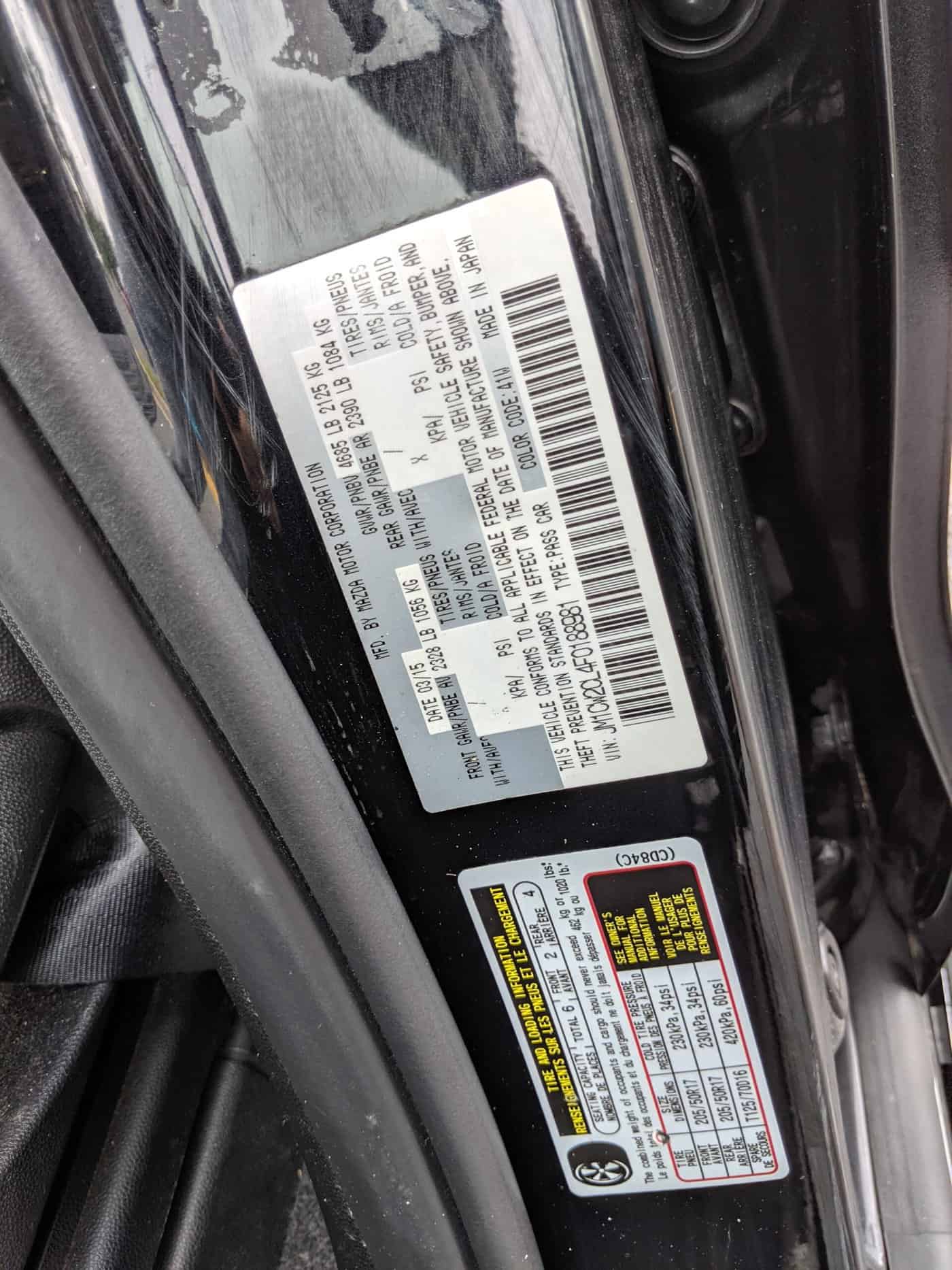
- Your vehicle’s VIN (found on the driver-side dashboard or door jamb sticker)
- Year, make, and model
- The specific diagnostic or maintenance functions you plan to use
This ensures you get the right scanner for your needs and avoids any surprises after purchase.
Related Videos

Didn't find what you were looking for?
Contact Us →Our support team is ready to help.