How to Read & Clear Volvo Fault Codes using an OBD-II Scanner

rhila
on April 21, 2025 | Written by Rushit Hila

Difficulty

Easy

Time

15-20 minutes

Proactively maintaining your Volvo with regular full diagnostic scans can help you catch and fix issues before they escalate into costly repairs. In this in-depth guide, you’ll learn how to perform a complete diagnostic scan using the YOUCANIC scanner—from establishing a secure connection to accurately interpreting and clearing fault codes. With clear, step-by-step instructions and expert tips, you’ll be empowered to keep your Volvo running smoothly and reliably.
Step-by-Step Instructions

  1. Make sure your Volvo is turned off.
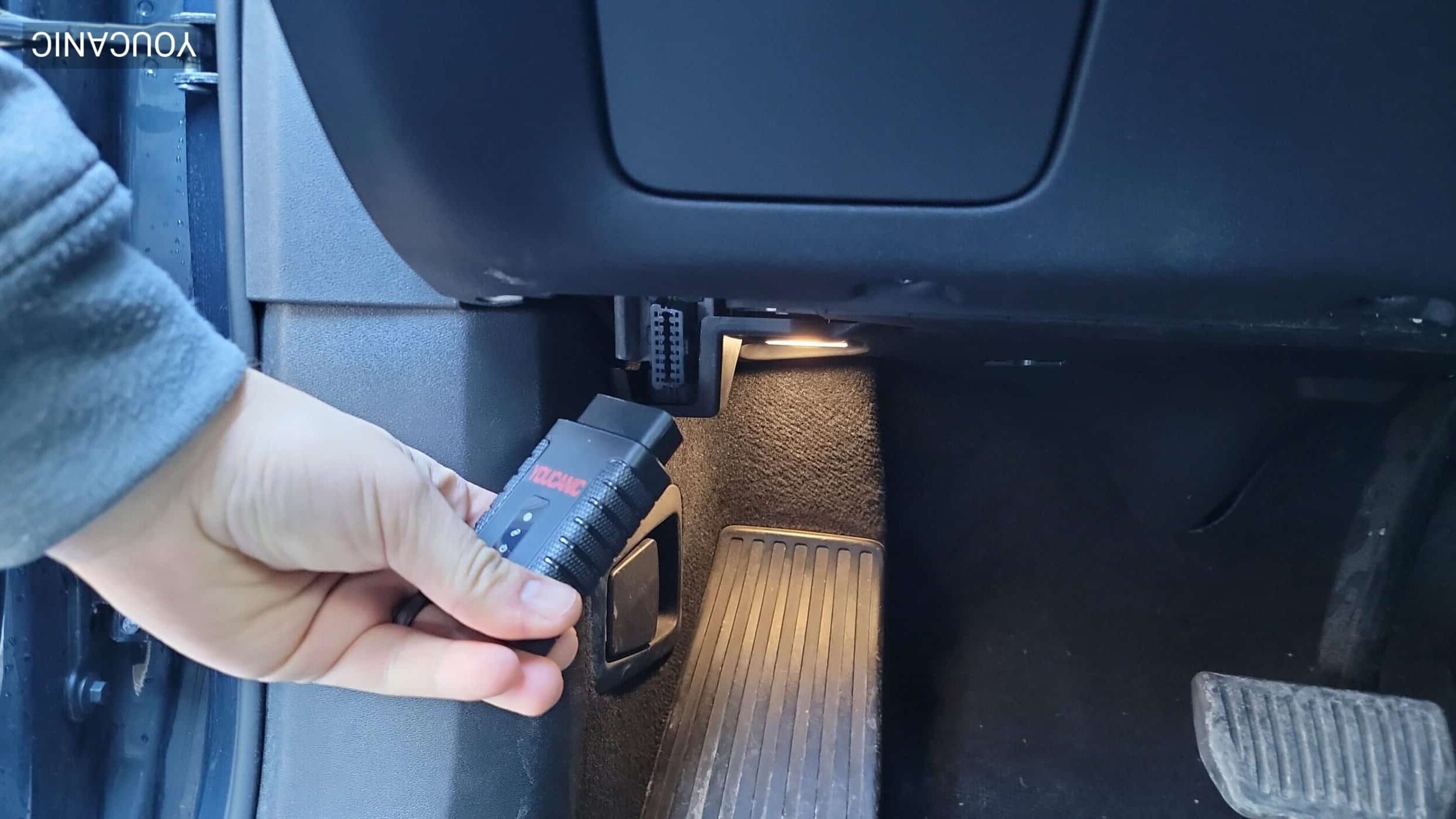
  2. Locate the OBD-II port, remove any port covers for access, and connect the OBD-II scanner. Obd-Ii Port Location
  3. Turn your vehicle on without starting the engine by turning the ignition switch with your foot off the brake pedal, and wait for the scanner to power up. Ignition
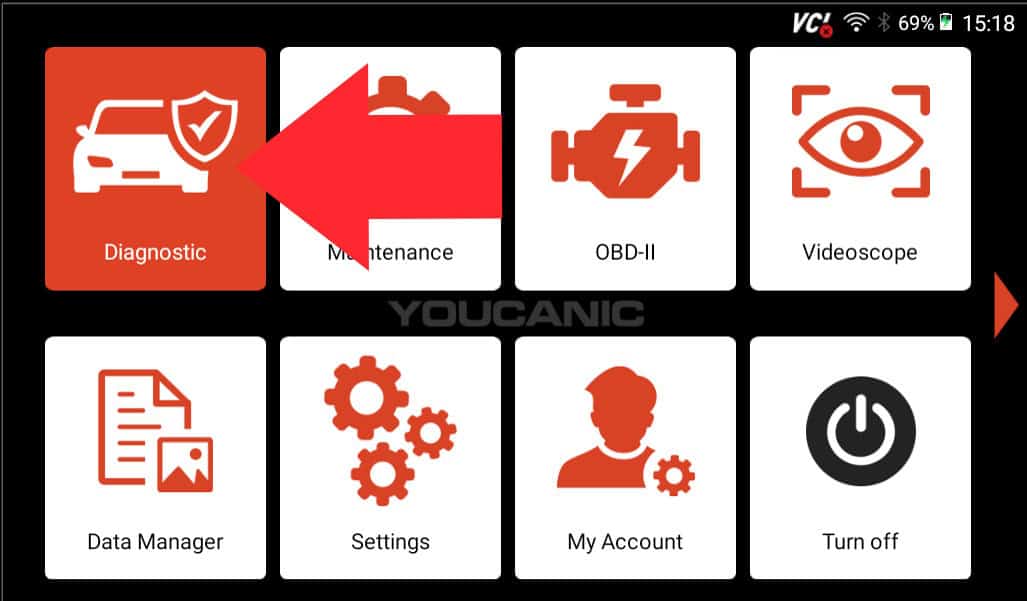
  4. Navigate to the Diagnostics menu, select your vehicle make, and use “SmartVIN” for automatic detection. Youcanic Scanner Diagnostic
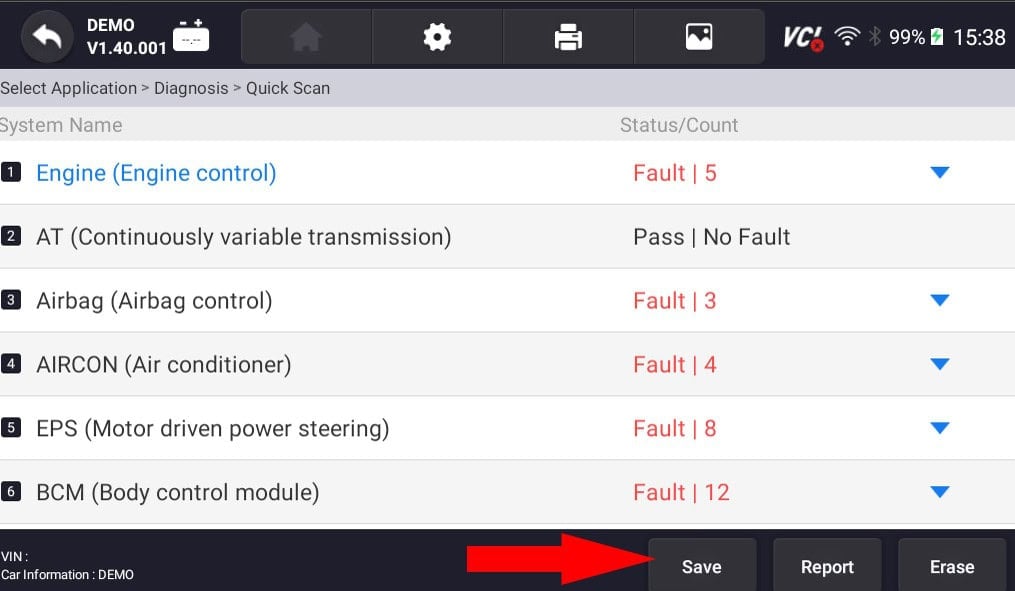
  5. Select “Diagnosis” from the following menu, and then choose “QuickScan” to begin scanning the transmission and other major systems. &Quot;Quick Scan&Quot;
  6. Once the scan is complete, save the diagnostic report and document all warning indicators. Youcanic Scanner Save Report
    👍Pro Tip: Tapping on the blue arrows next to different fault categories will give you more information on why that particular system is failing.
  7. Check the engine bay, check fluids levels and verify all components before clearing codes. Engine Bay Overview

Following these steps ensures a comprehensive diagnostic scan that identifies potential issues early and provides you with the insights needed to keep your vehicle healthy. Once you have connected the scanner, powered up your vehicle, and navigated through the diagnostics menu, save and review your report thoroughly. Use the pro tips to delve deeper into fault codes, verify the engine bay, and confirm that all components are in good condition before clearing codes. Regularly performing these scans is key to proactive maintenance and long-term reliability.

Youtube video

Important Notes

  • Active codes will return if problems aren’t fixed.
  • Save reports before clearing them for future reference.
  • Document all codes found.
  • Note which systems were scanned.
  • Record any persistent warnings for future reference.

Experts Who Contributed to This Article

rhila

rhila, ASE Certified

Diagnostic Specialist15+ years of experience

Rushit Hila is a dedicated automotive engineer with ASE G1 certification and specialized training from an esteemed Automotive Specialty School. His hands-on experience and technical expertise in advanced diagnostics, system integration, and performance optimization make him a trusted voice in the industry.