Lexus Check Level & Add Brake Fluid
Does your Lexus brake feel soft and weak even with new brake pads? Learn how to fix the problem by checking your brake fluid level and adding brake fluid to your Lexus.
How to Add and Check Brake Fluid on a Lexus
What You Need
- Brake fluid
- Clean cloth
- Gloves
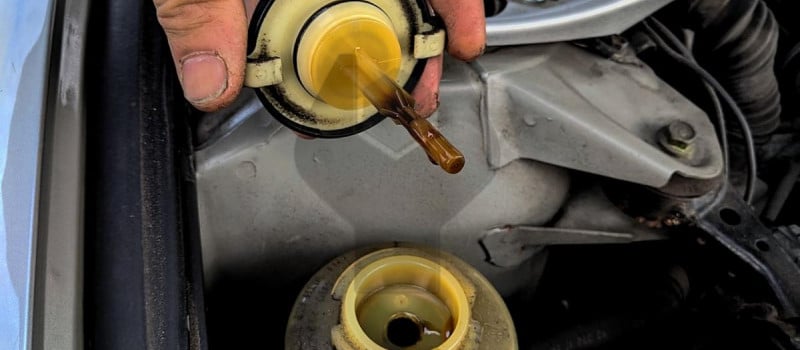
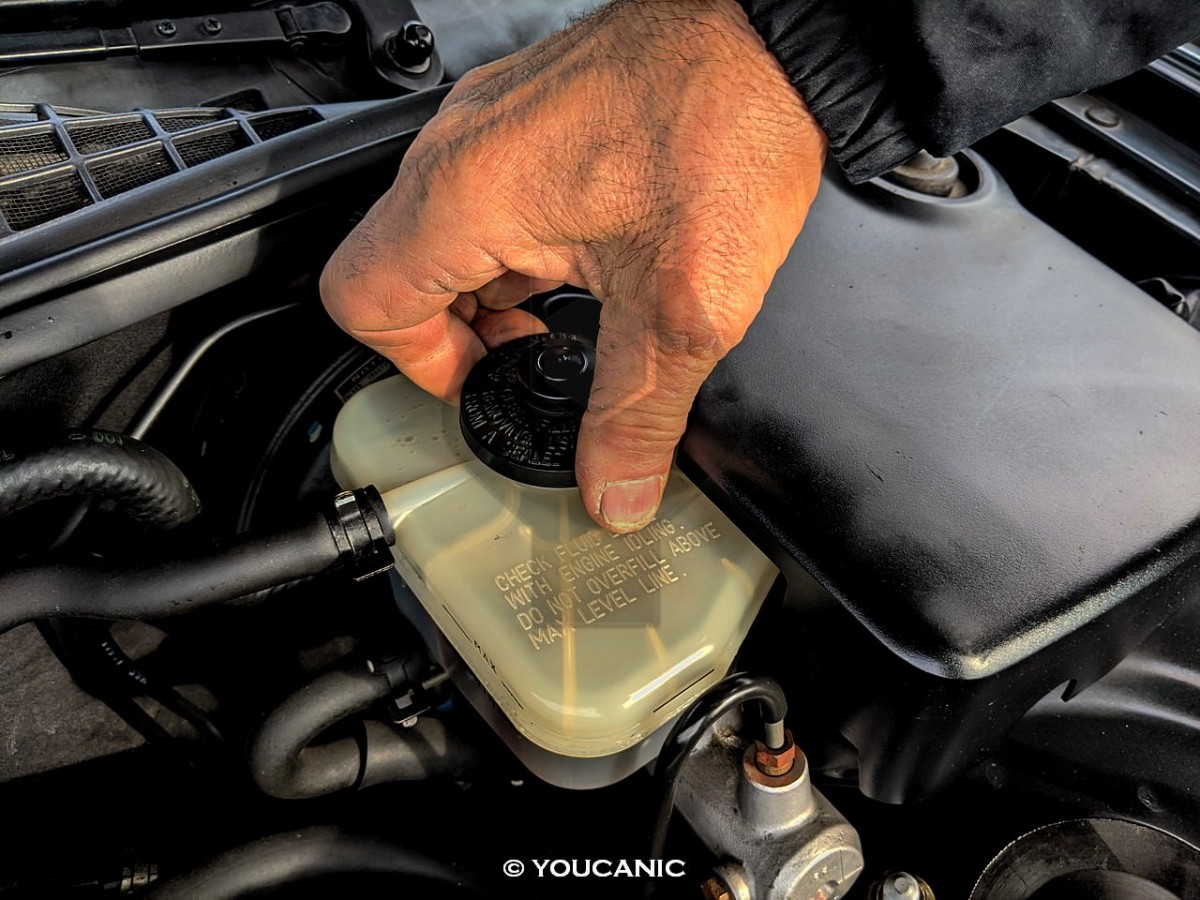
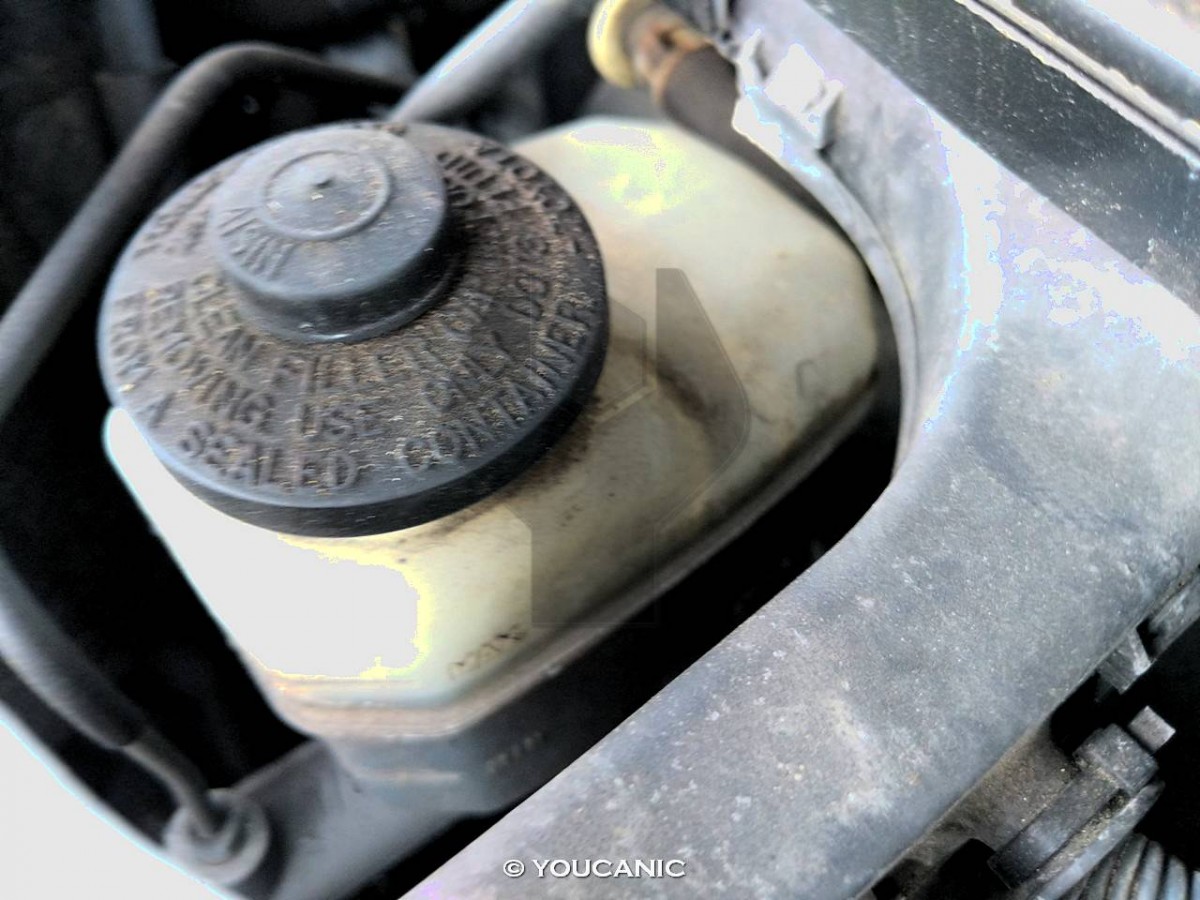
The recommended brake fluid is printed on the cap of the brake fluid reservoir and is also listed in your owner’s manual.
Procedure
- Park the Lexus on level ground and set the parking brakes. Turn off the ignition.

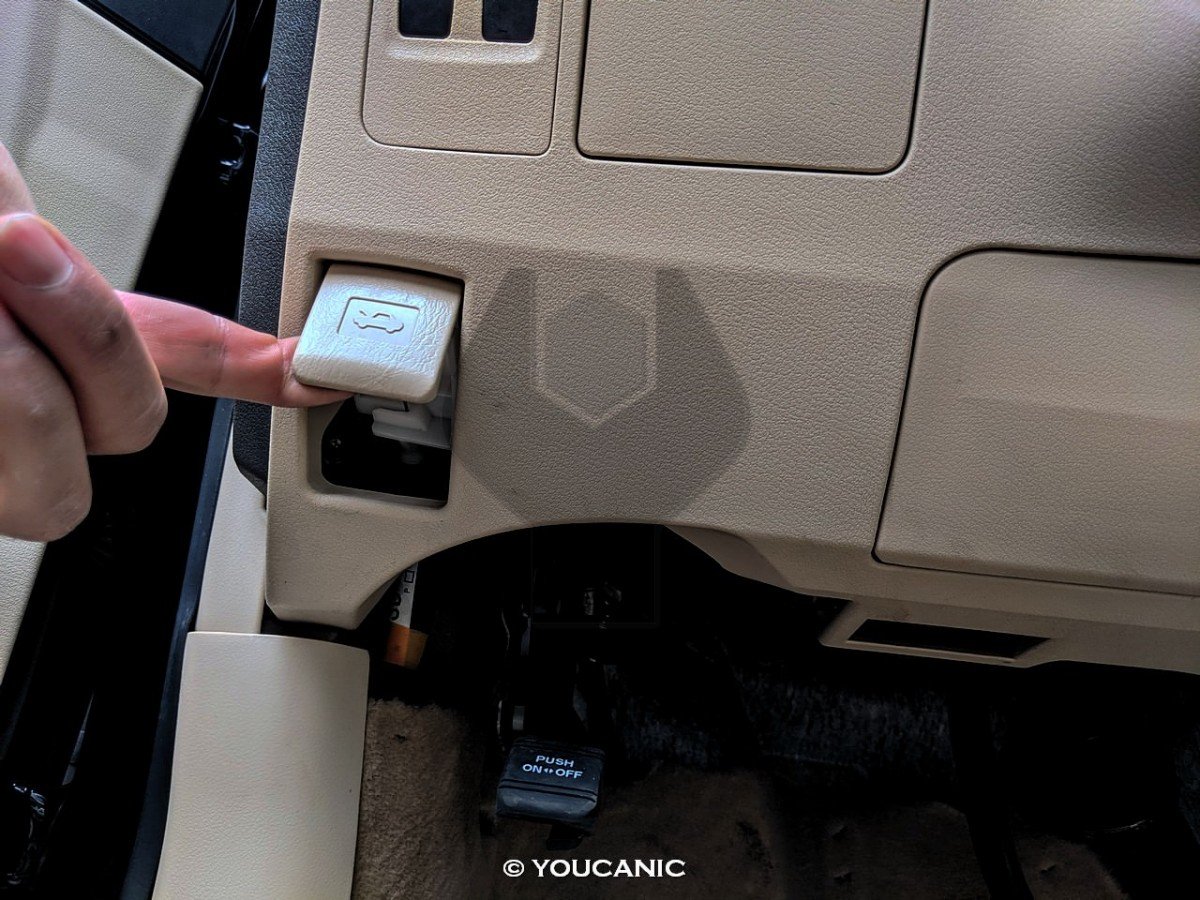
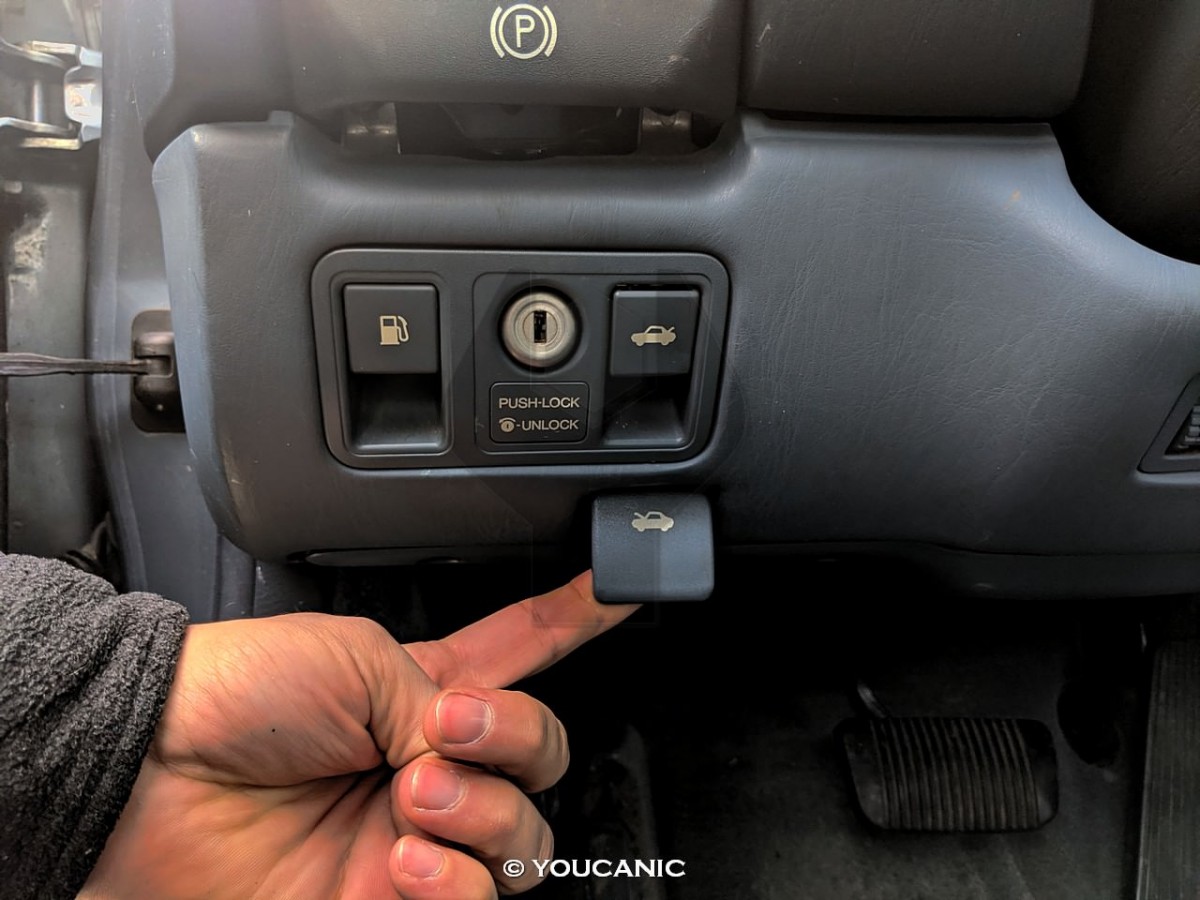
- Open the hood of your car by pulling the release lever under the driver’s side of the dashboard.
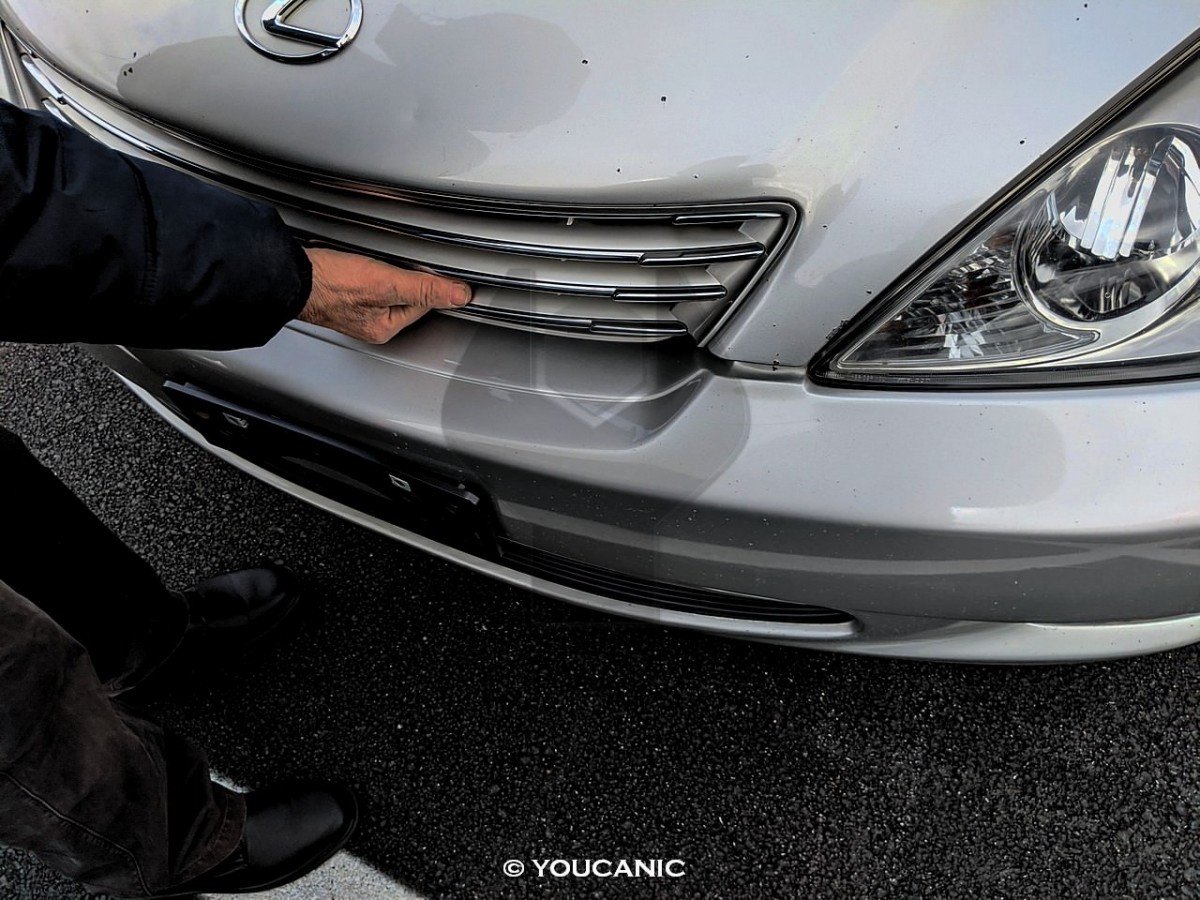
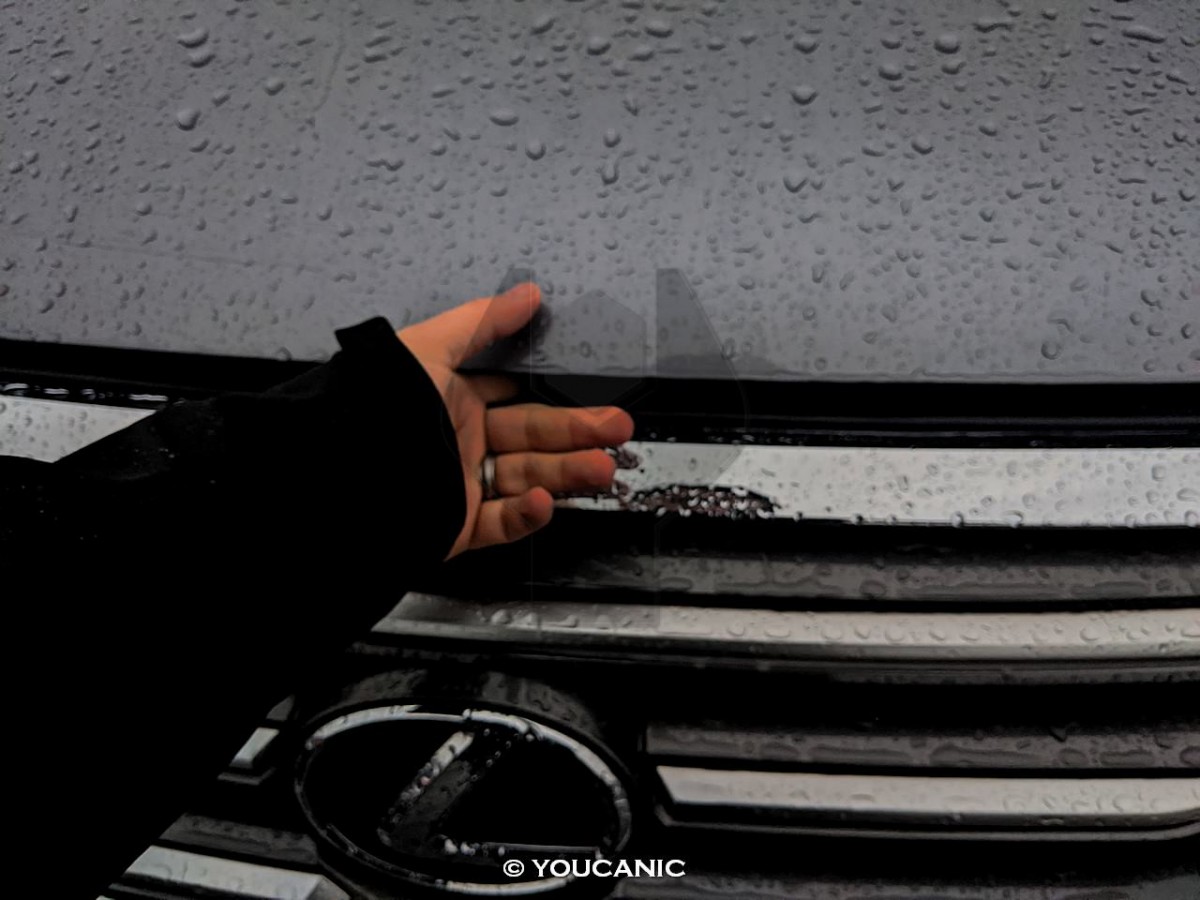
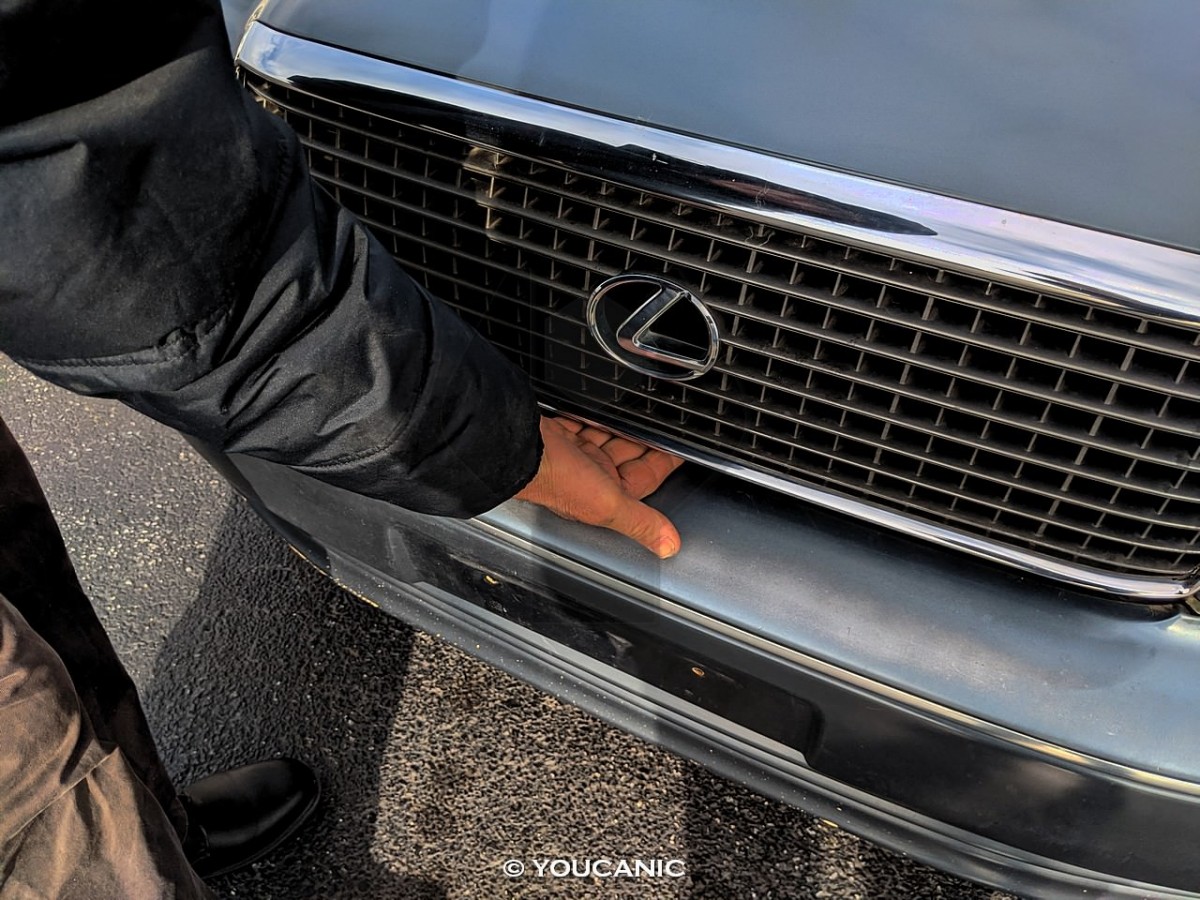
- Press the safety lever at the front of the vehicle and open the hood.
- Locate the brake fluid reservoir in the engine bay.
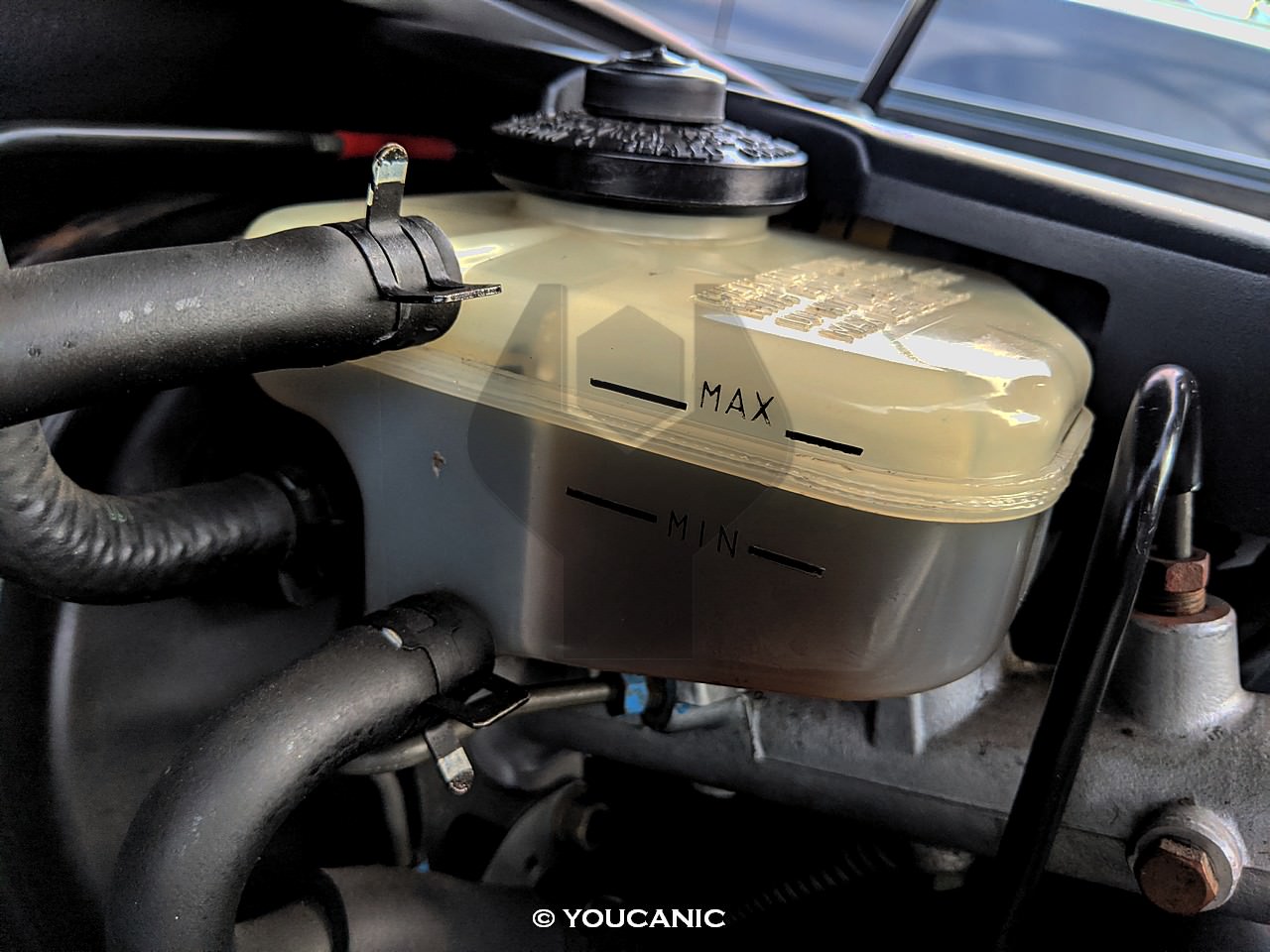
- Notice the level markings on the brake fluid containerand check if your brake fluid level is below the MIN marking. If it is, continue to the next step. In the following example, you can see the brake fluid level is between the MAX and MIN marks.

- Use a clean cloth to clean the top of the reservoir.
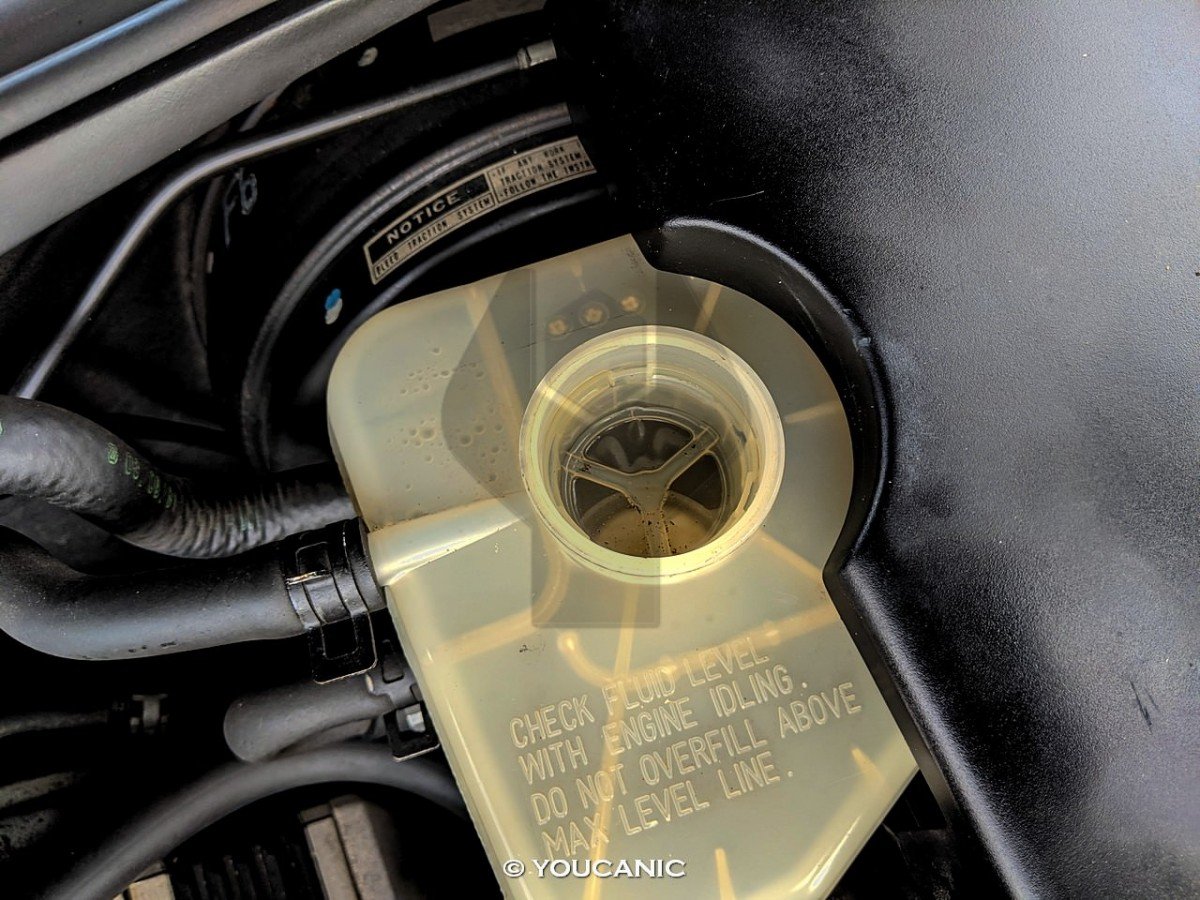
- Remove the cap by lifting or turning it counterclockwise, depending on the design.
- Add the recommended brake fluid to bring the level between the MIN and MAX marks.
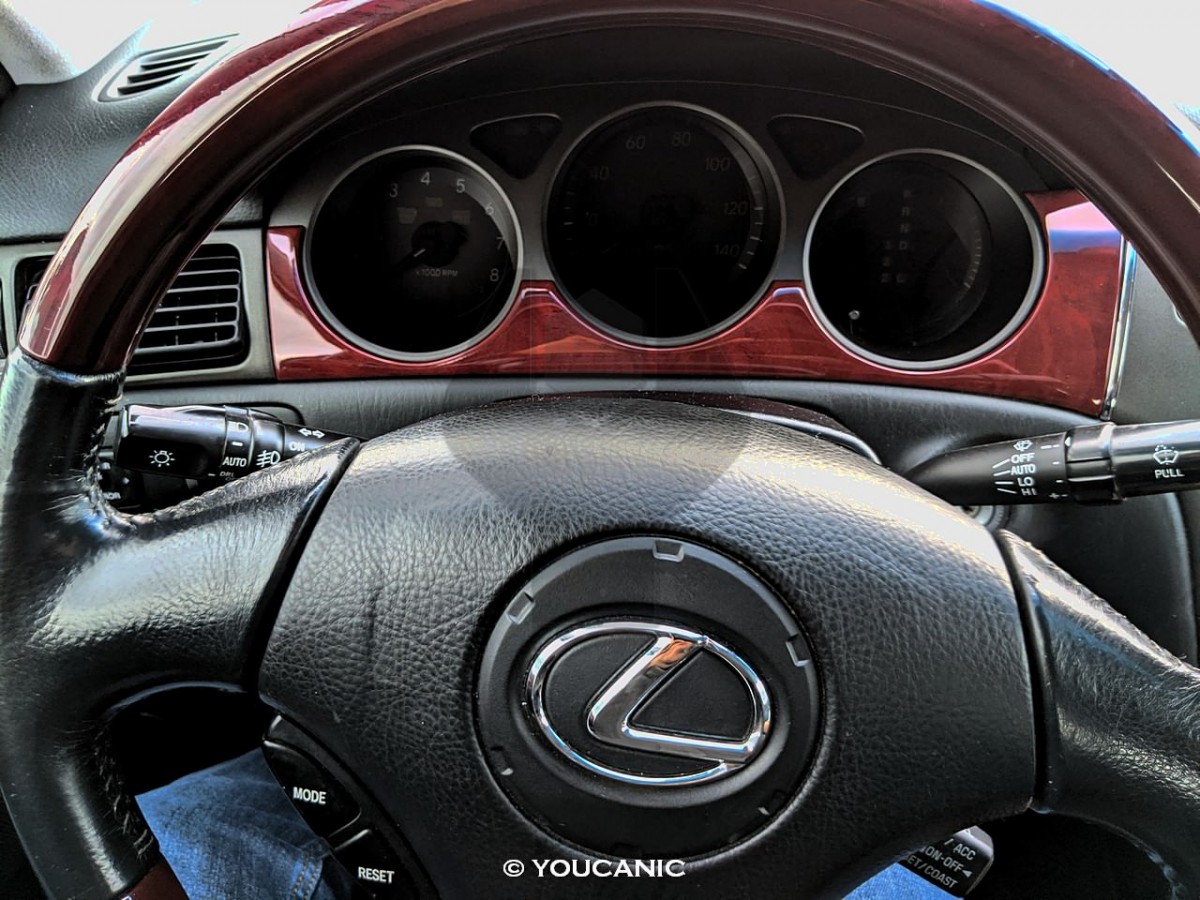
We hope you find the Lexus Check Level & Add Brake Fluid guide helpful. Check these troubleshooting and repair guides for more help on your Lexus.

No subscriptions • lifetime updates
🔧 Stop paying the dealer for every warning light
Get dealer level diagnostics at home with the YOUCANIC Full System Scanner.
- ✔ Works with all makes and models, including most luxury brands
- ✔ Topology map view shows all vehicle modules on one screen for faster diagnostics
- ✔ Bi directional controls to test fans, pumps, actuators and more so you do not have to guess
- ✔ Special resets and calibrations such as ABS bleed, EPB service, battery registration and more
- ✔ Free lifetime updates with no recurring fees