
After completing an oil change, resetting the oil service reminder in your 2016-2025 Volvo XC90 ensures accurate maintenance tracking. This guide will show you how to manually reset the reminder using vehicle controls and how to reset your oil service reminder using a YOUCANIC scanner.
Vehicle-Specific Instructions
- Turn the ignition switch on without pressing the brake pedal. This will turn on the ignition but not start the engine.
- Find the controls on your steering wheel and instrument cluster to access the service menu on your vehicle.
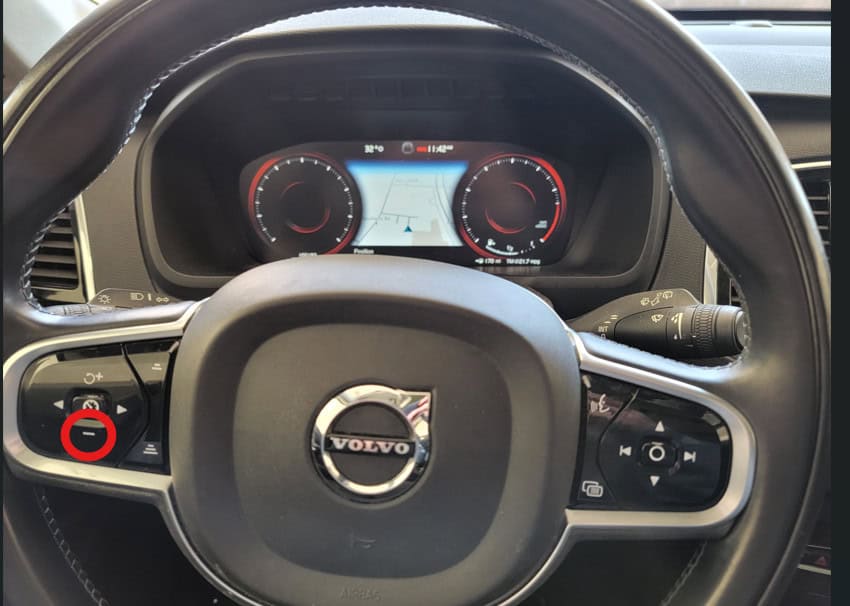
- Find and hold down the bottom button on the left side of your steering wheel, and turn on the car.

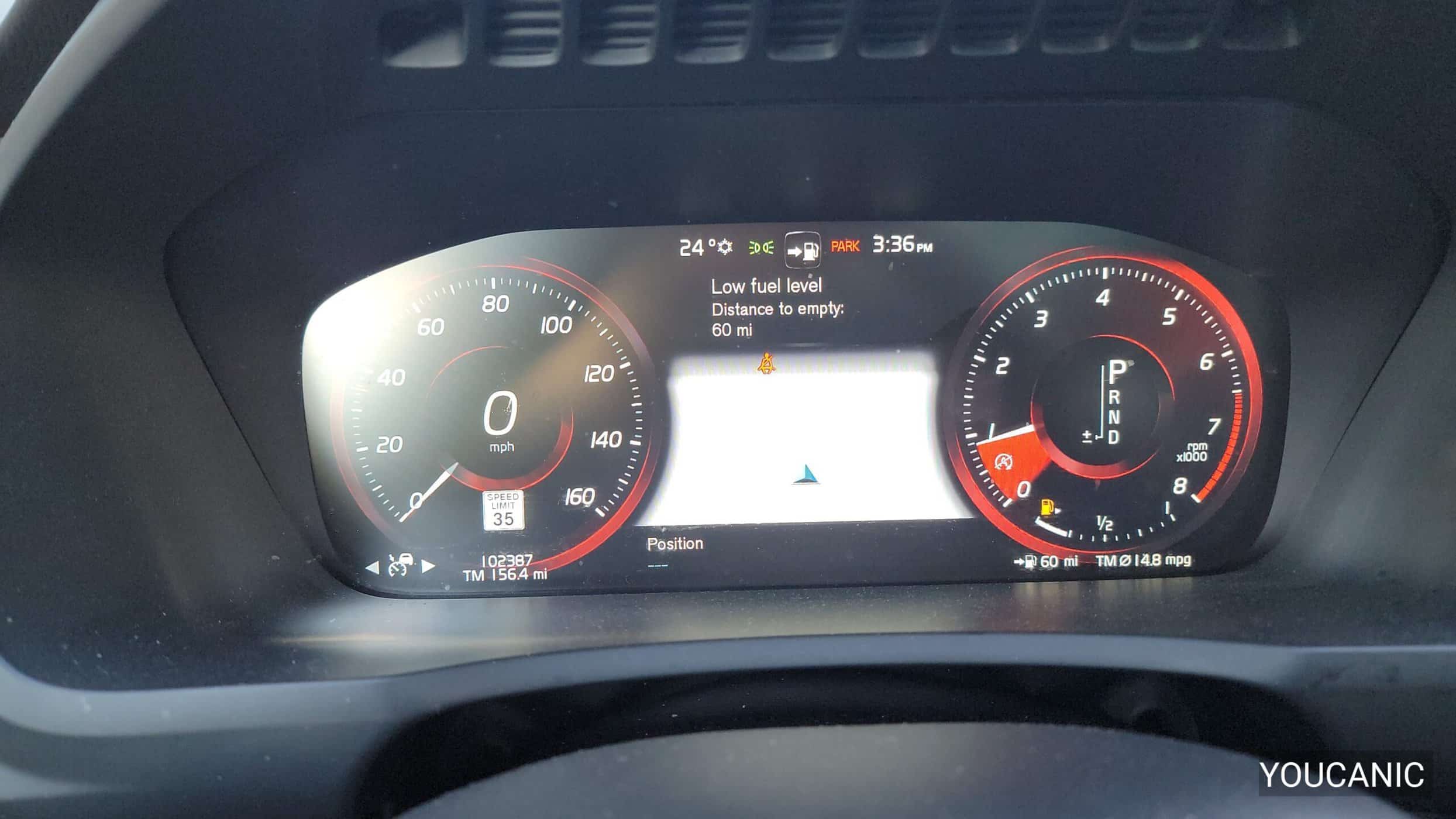
- Watch your dashboard. After turning your 2016-2025 Volvo XC90 on, the oil service reminder light will blink three times. Release the button on the steering wheel.
- You have now manually reset the oil service reminder in your Volvo.
YOUCANIC Scanner Reset
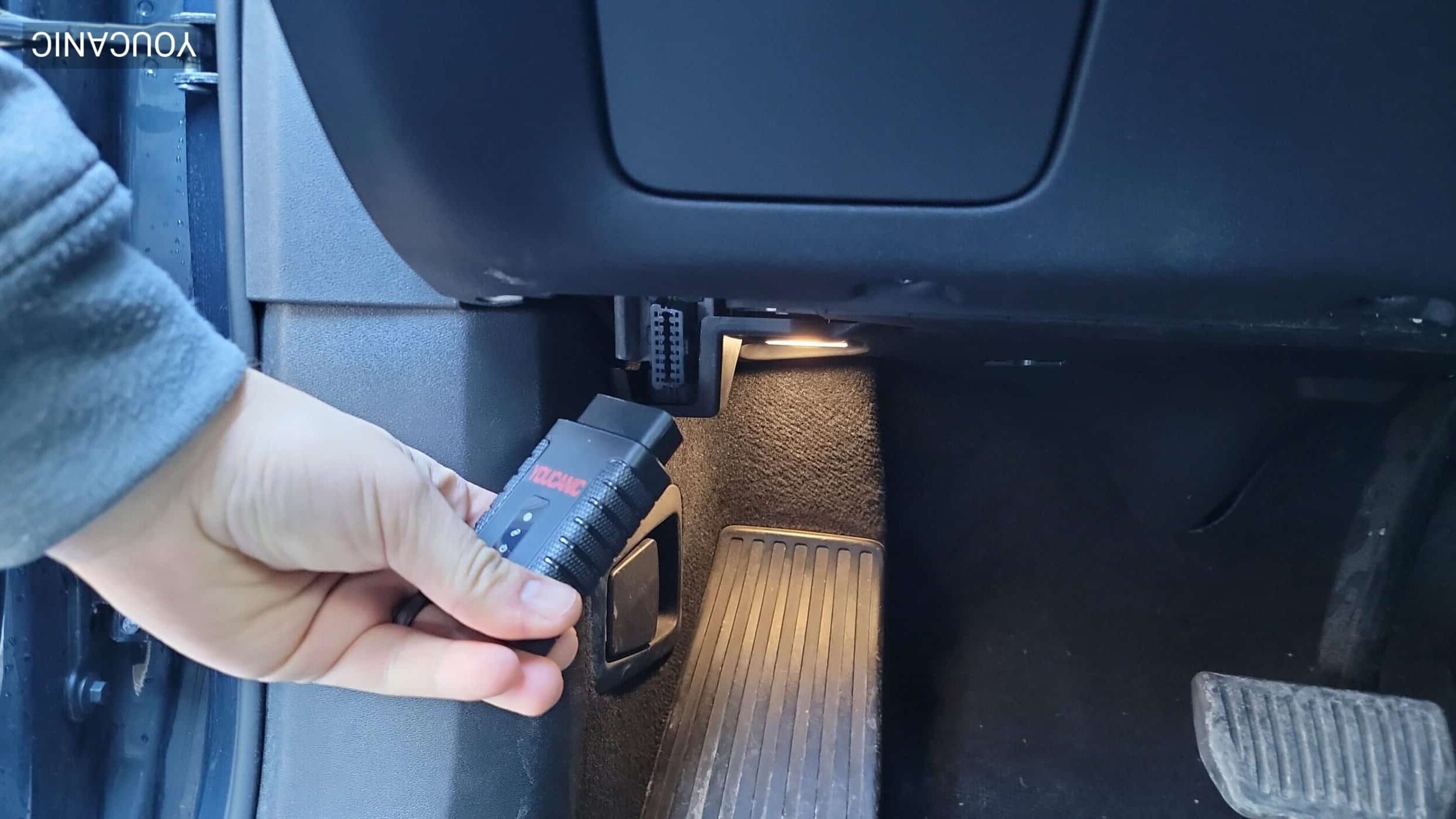
- Locate and connect your scanner to your vehicle’s OBD-II port, which is usually found under the dashboard near the steering column. Connect your YOUCANIC scanner with the ignition OFF
 .
. - Turn on the ignition.

- Turn on the scanner, select “Maintenance,” then select “OILRESET” on the following screen.

- Select your vehicle model, and check the VIN sticker on your car to ensure the correct vehicle selection is being made in the scanner menu. Turn the ignition on, but do not start the engine.

- Select “Reset with tool.”
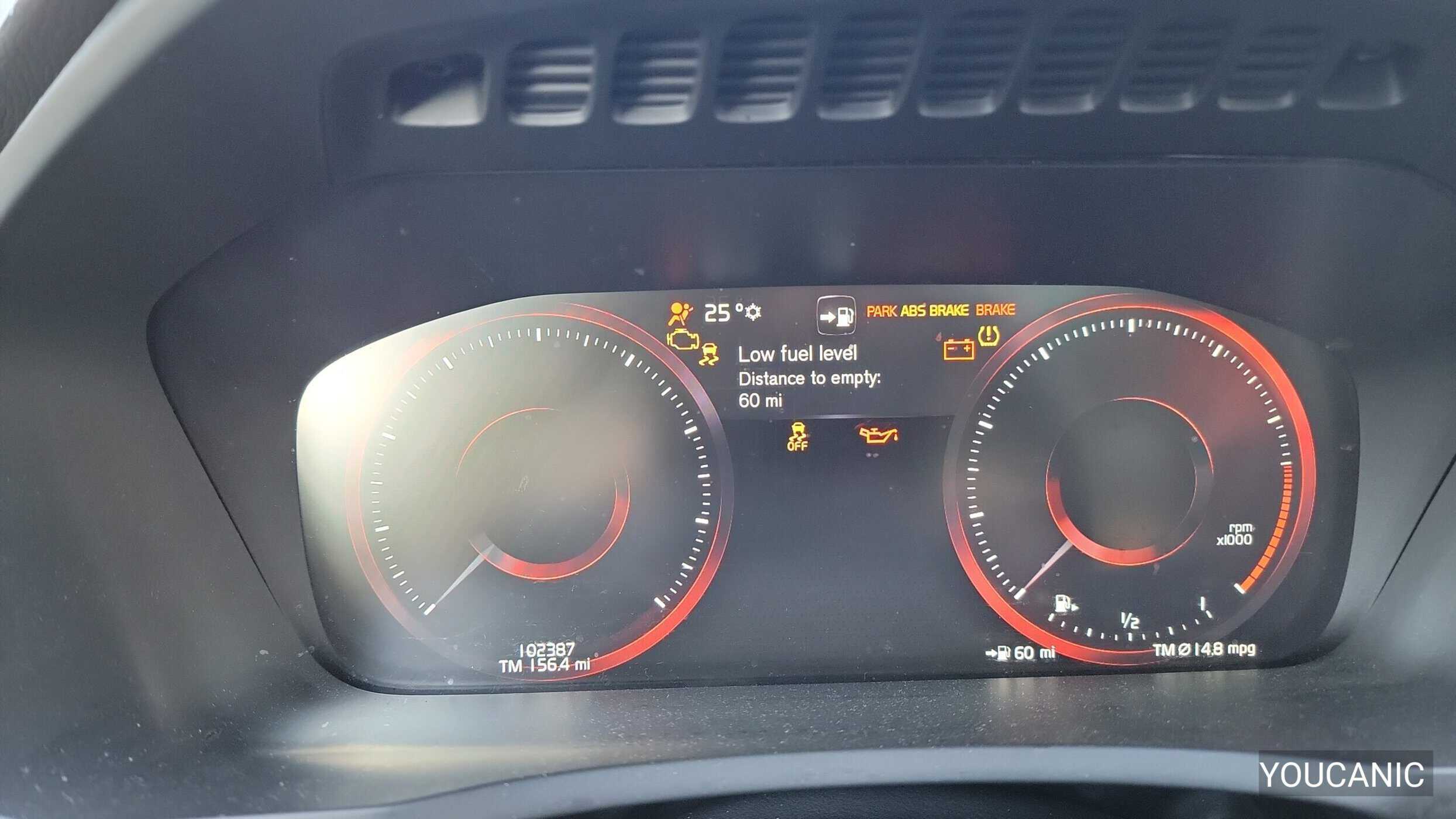
- After completing the reset, verify that all dashboard indicators and service reminders on your instrument cluster have been cleared.
 .
.


Change Maintenance Interval on Volvo vehicles
- Locate your vehicle’s OBD-II port, usually found under the dashboard near the steering column. Connect your YOUCANIC scanner with the ignition OFF
- On your scanner, select “Maintenance.”

- Next, select “OILRESET” on the screen.
- Select your vehicle model, and check the VIN sticker on your car to ensure the correct vehicle selection is being made in the scanner menu. Turn the ignition on, but do not start the engine.
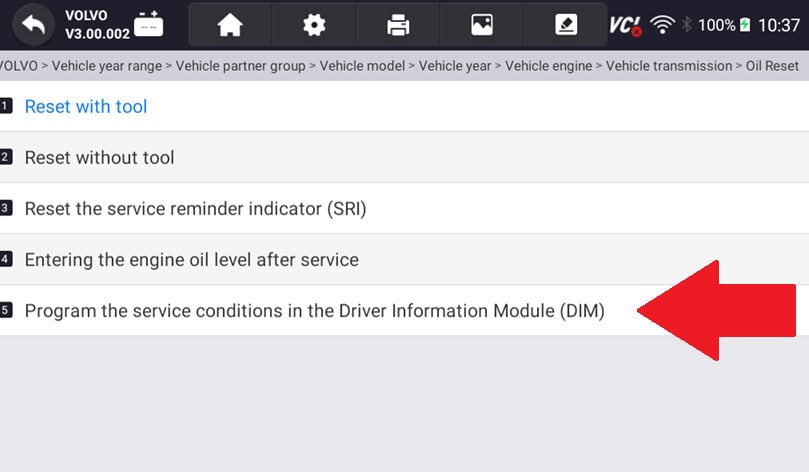
- Select “Program the service conditions in the Driver Information Module (DIM).”
- Using this function, you can reprogram the Volvo’s system to change the service intervals for your car. Follow the instructions on the screen.
- After completing the reset, verify that all dashboard indicators and service reminders on your instrument cluster have been cleared.

If you are having trouble with these steps, check out our YouTube video, “2016–2024 Volvo XC90: How to Reset the Oil Service Reminder,” for a helpful visual guide.

Verification Steps
- Check the instrument cluster display.
- Verify all warning lights are cleared.
- Confirm the oil life has reset on the dashboard.
Important Notes
- Complete the oil change before resetting.
- Record maintenance date.
- Check service intervals.
Troubleshooting
- Reset failure messages on the dash, repeat the reset procedure, or use the scanner.
- Communication errors with the scanner. Check ignition is on.