Display the Mercedes-Benz VIN Number on the Dashboard
How do I retrieve and display the VIN on the instrument cluster on my Mercedes-Benz? Following the procedures below, you can learn how to display the VIN on your Mercedes-Benz instrument cluster using the steering wheel control buttons.
How to Display Mercedes-Benz VIN Number on Dashboard

Procedure
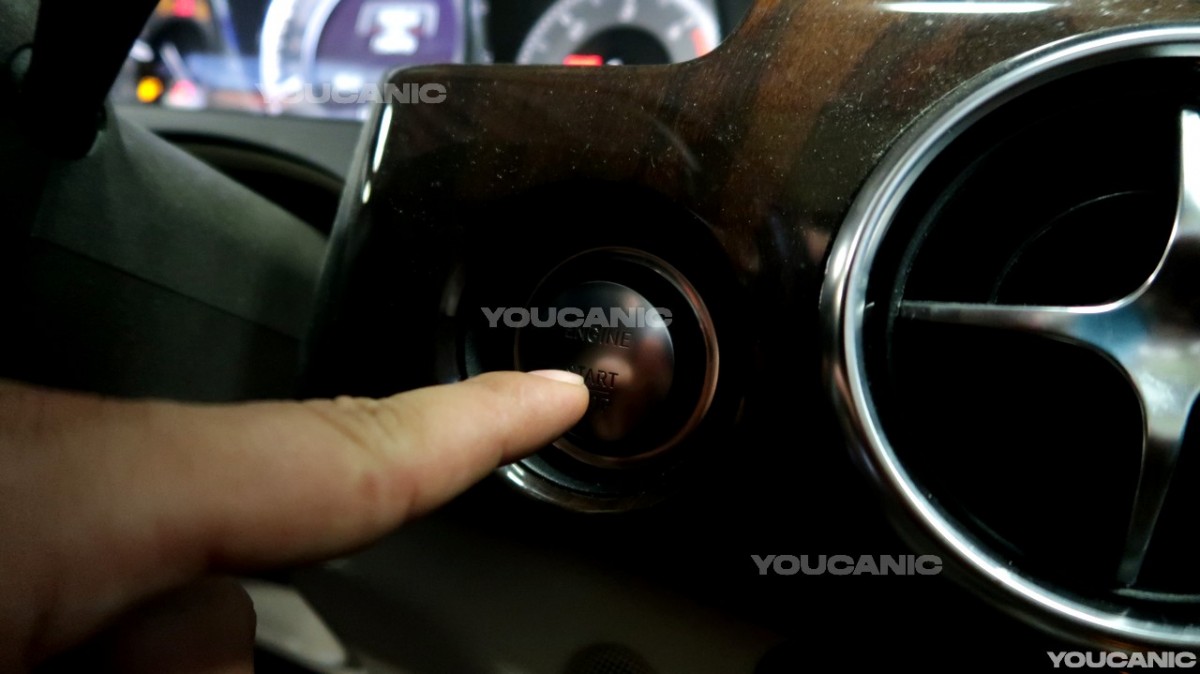
- Get in your vehicle and push the engine start button once; if you have a key, turn it with one click.

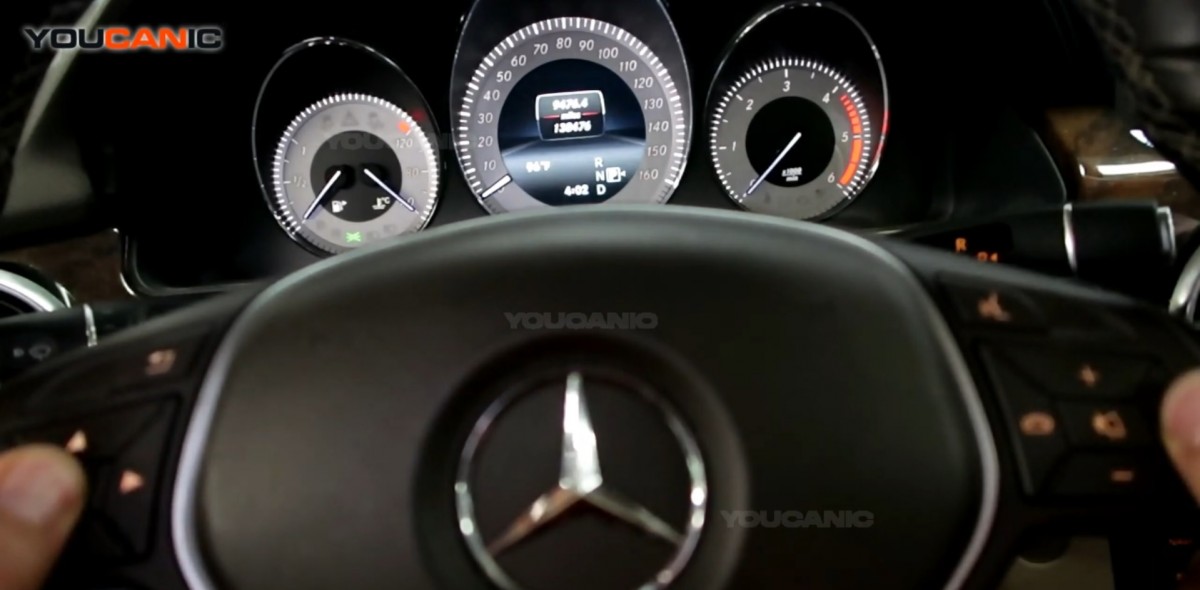
- Once the cluster is on, put it on the trip menu using the left and right arrows. Then press the phone button on the right side of the steering wheel first, and continue by pressing the ok button on the left side. Hold both pressed for five seconds.

- Locate the VIN on your cluster once the vehicle data is already shown, and click the ok button on your steering wheel. Then, find the VIN on your cluster using the up and down arrows on your steering wheel.

We hope you find the Display Mercedes-Benz VIN Number on the Dashboard guide helpful. Check these troubleshooting and repair guides for more help on your Mercedes-Benz.