Is your Mercedes-Benz Check Engine Light on? Learn how to fix the cause of the illuminated check engine light by reading and clearing fault codes using an OBD-II Scanner.
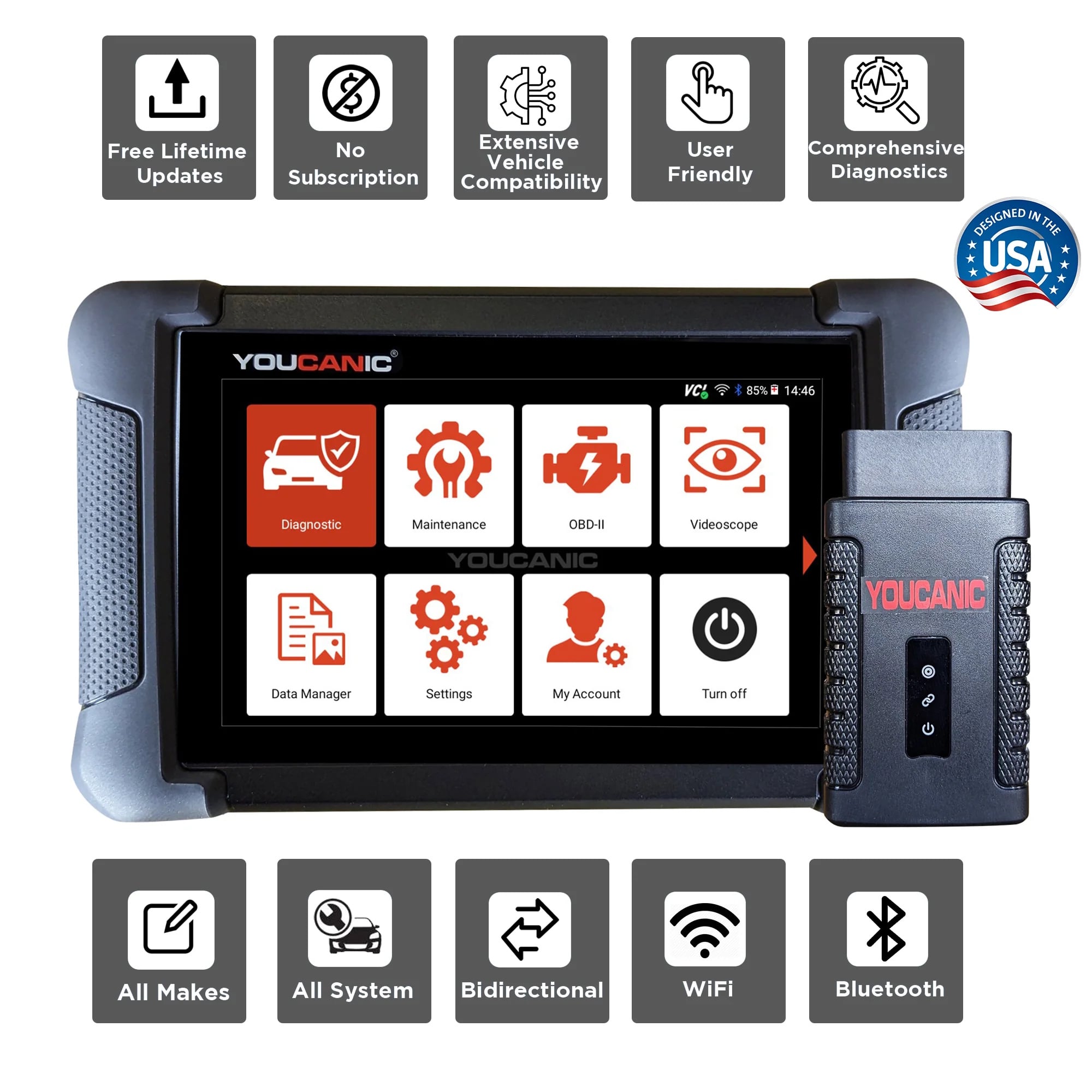
To read Mercedes-Benz fault codes, you will need a good diagnostic scanner to clear fault codes from all the control units. The YOUCANIC full system scanner can read and clear codes on 1996 and newer Mercedes-Benz cars and carry out bidirectional testing of components.
Procedure
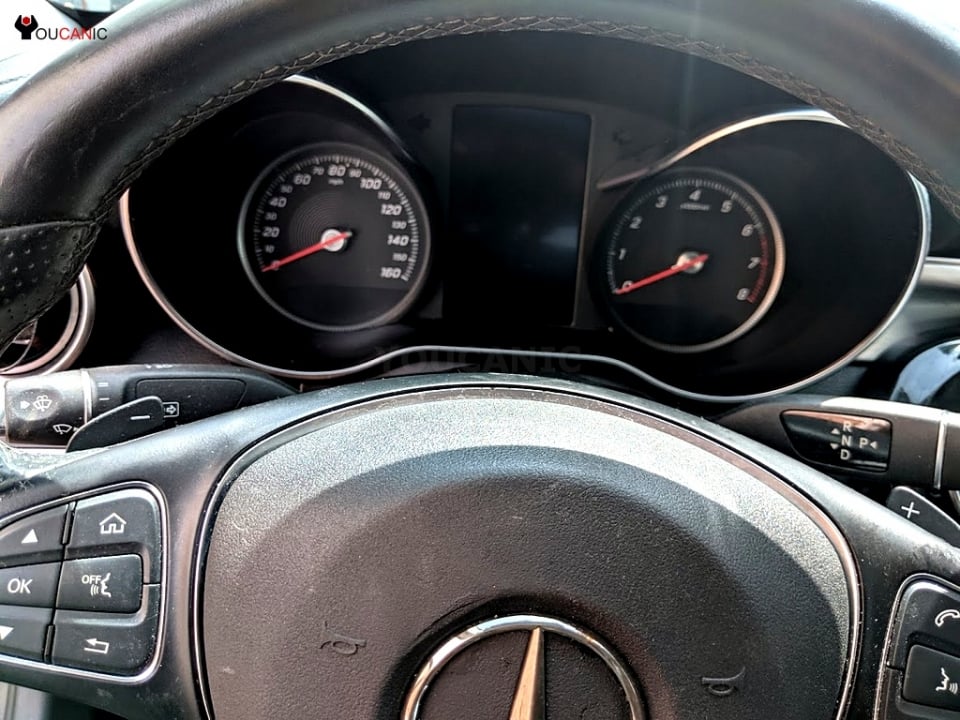
- Park your Mercedes-Benz: Park your vehicle in a safe location and turn off the engine.

- Gather the necessary tools: Equip yourself with a Professional-Grade OBD-II Scanner compatible with your Mercedes, like our Professional-Grade YOUCANIC Scanner.

- Access the OBD-II Port: This port is usually found under the dashboard, near the steering column; the OBD-II port is the gateway to your car’s diagnostic information. Turn the ignition key to the “ON” position without starting the engine to make a connection with the vehicle’s computer. Press the button if your Mercedes has a START/STOP feature without depressing the brake pedal. Do not start the engine. If you are unsure of the OBD-II port of your vehicle, you can always check the Car Owner’s Manual.
- Access the Diagnostic Menu: On the YOUCANIC scanner’s display, navigate to the “Diagnostic” or “Scan” menu. This menu allows you to access various diagnostic functions for your Mercedes.

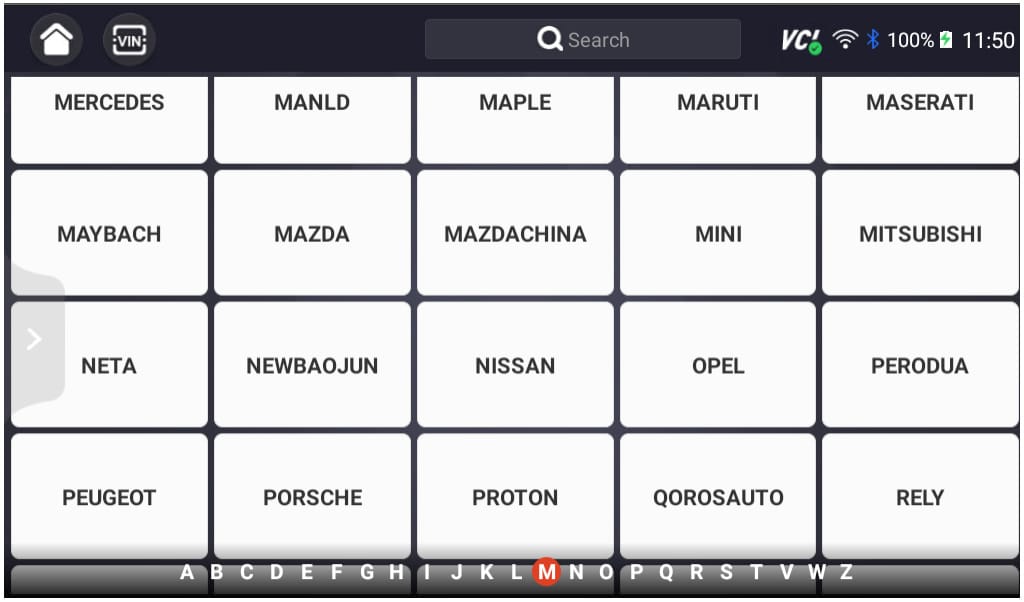
- Select ‘MERCEDES’ as the Vehicle Make: This ensures the scanner effectively communicates with the Mercedes’ On-Board Diagnostic system and effectively scans the fault codes.
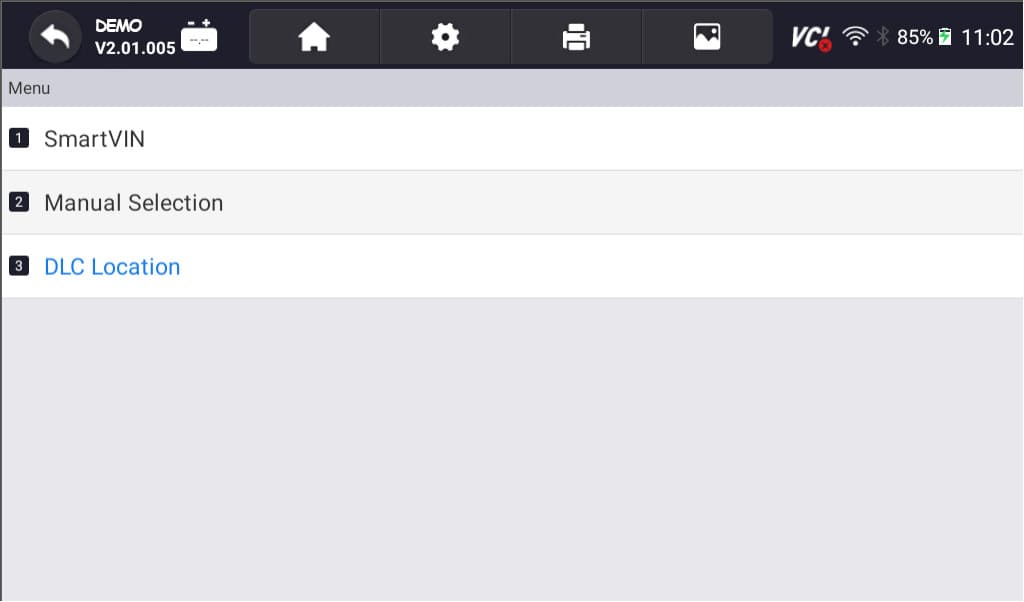
- Select option for model selection: The scanner has various options; you can choose SmartVIN to detect your vehicle automatically. However, you select Selection Manual if SmartVIN does not work as intended.
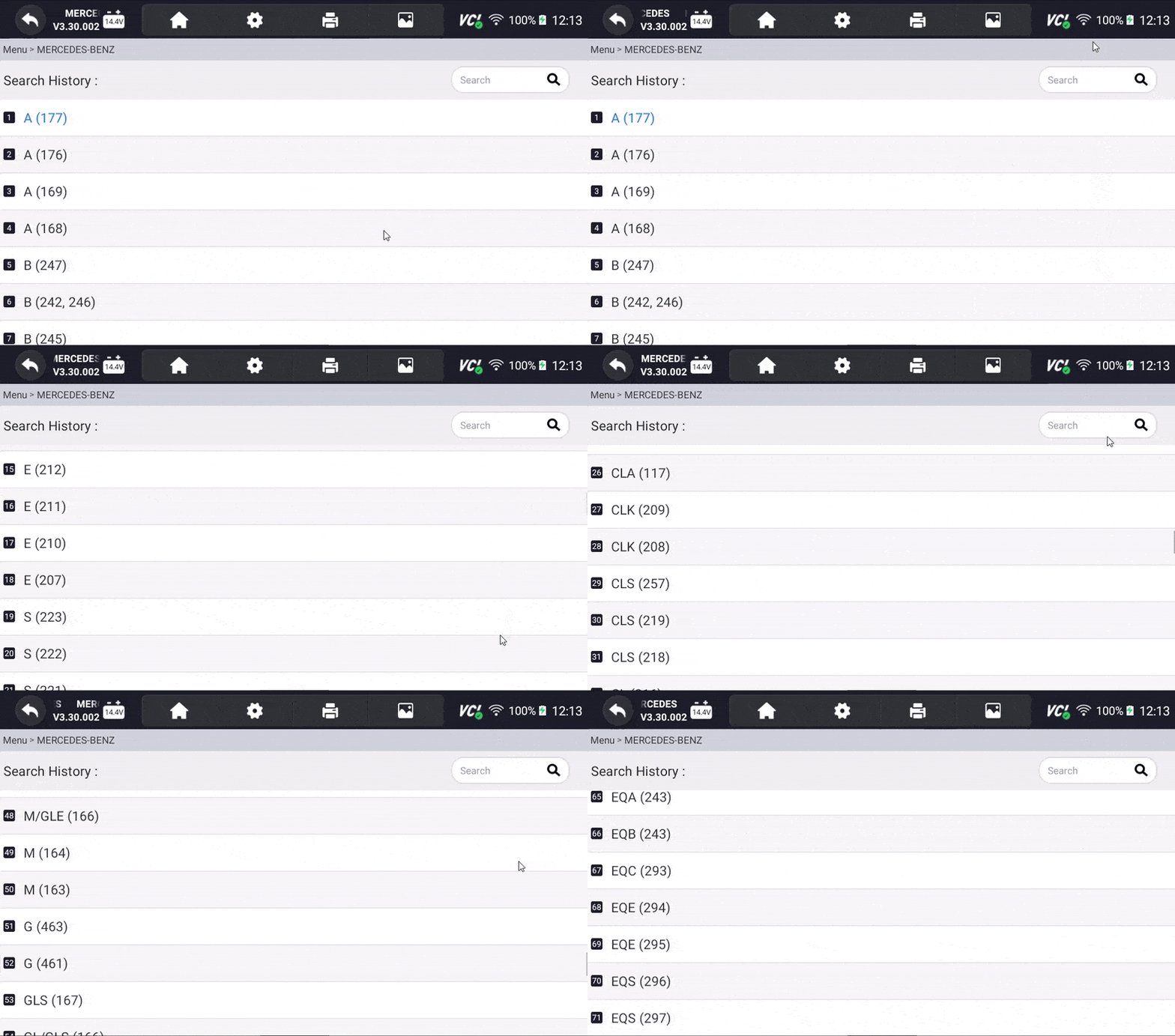
- Select the Specific Model and Chassis: After selecting the vehicle make, scroll through the available models and select the correct one for your Mercedes. Choose the corresponding chassis or body type to correctly sync the scanner to your vehicle.
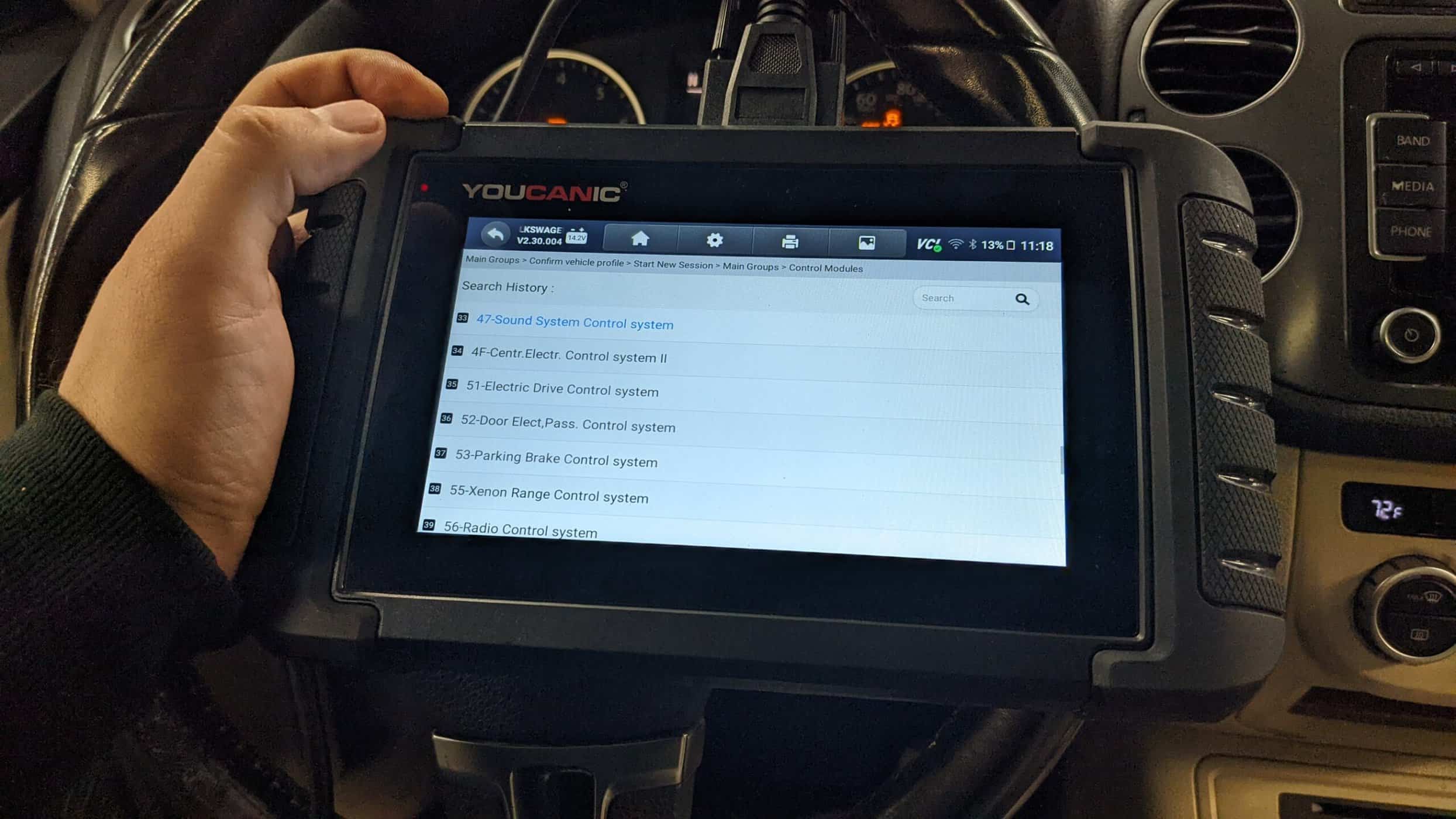
- Select Control Units: Once you have selected the model and chassis, the scanner will let you choose between “Quick scan” or “Control Modules”. Control Modules display a list of control units or modules in your vehicle. Examples include the engine control module (ECM), transmission control module (TCM), and ABS control module. Choose the specific module you want to diagnose. Otherwise, you can also choose the “Quick Scan” to check everything.
- Interpret the Codes: Once the YOUCANIC scanner completes the code retrieval process, the displayed codes will provide information about specific issues detected by the control unit. Take note of these codes for further analysis and diagnosis. Each DTC consists of a letter and four numbers. The letter indicates the system affected, while the numbers describe the issue more precisely.
- Erase Codes: After the problem has been repaired, return to the scanner’s menu and select the option to “Erase Codes” or “Clear Codes.” This action removes the stored fault codes from the control unit’s memory, indicating that the problem has been resolved. Please note that you may or may not erase a code when the issue is not fixed.
NOTE: These pictures are just the demo of our YOUCANIC Scanner, it may or may not be the same but the procedure is the same.
Generic OBD-II scanners cannot read many modules besides the Engine Control Unit (ECU) and maybe Airbag or Transmission. You need a Mercedes-Benz scanner that can read all control modules. Mercedes-Benz cars typically have 30+ modules installed.
If you want to troubleshoot a pre-2000 Mercedes-Benz, you will need a scanner that has supported those models for years and, most importantly, comes with the Mercedes 38-pin connector. If your vehicle does not require a 38-pin connector, the YOUCANIC Full System Scanner is the way to go.
Experts Who Contributed to This Article
rhila, ASE Certified
Diagnostic Specialist15+ years of experience
Rushit Hila is a dedicated automotive engineer with ASE G1 certification and specialized training from an esteemed Automotive Specialty School. His hands-on experience and technical expertise in advanced diagnostics, system integration, and performance optimization make him a trusted voice in the industry.







 Shop our best-selling tools
Like the UCAN-II Pro scanner — dealer-level diagnostics, free lifetime updates, no subscription.
→
🧑🔧
Need help with your car?
Email or talk to a real US mechanic, and unlock our free tools & resources — sign up here.
→
Shop our best-selling tools
Like the UCAN-II Pro scanner — dealer-level diagnostics, free lifetime updates, no subscription.
→
🧑🔧
Need help with your car?
Email or talk to a real US mechanic, and unlock our free tools & resources — sign up here.
→