2010-2018 Mazda 5 Change Rear Turn Signal Light Bulb
Is the rear turn signal light of your Mazda 5 not working? This article provides instructions on how to change the rear turn signal on a Mazda 5. This guide applies to the model years 2010 to 2018.
How to Replace Mazda 5 Rear Turn Signal Light Bulb
What you will need
- 7443NA Bulb –
- This is the same bulb as WY21W, which is 21 watts bulb.
- The replacement bulb needs to be yellow/amber in color.
- Phillips Screwdriver
Procedure
- Park the vehicle. Turn off the ignition. Set the parking brakes.
- Lift the rear tailgate.
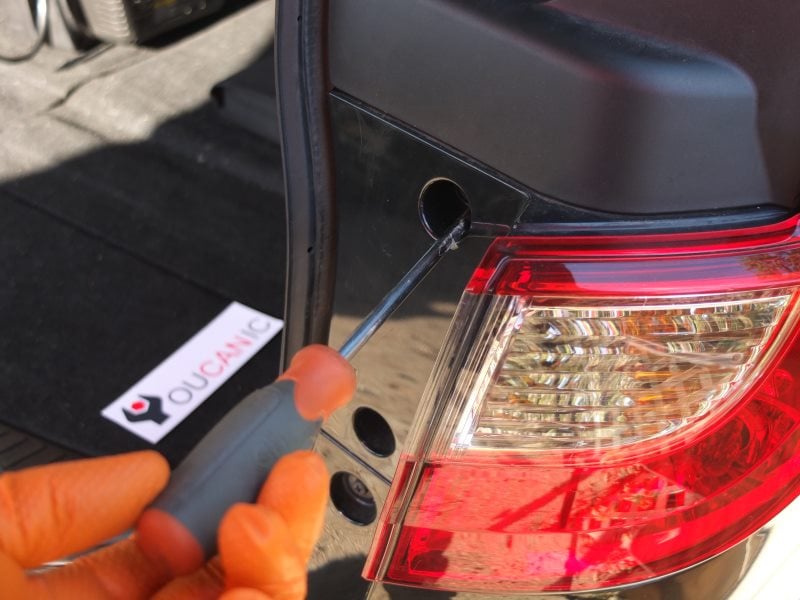
- Remove the tail light assembly. Remove the two Philips screws.
- Pull the tail light towards the back to remove it from the car.
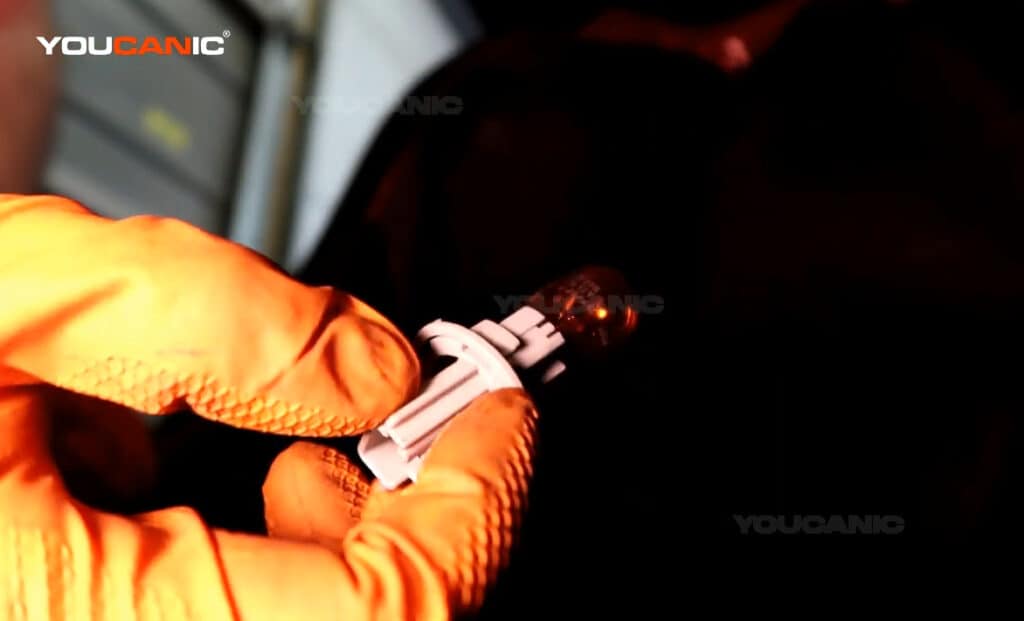
- Replace the turn signal light bulb. The burned light bulb can be pulled straight out. Press the new bulb in place.
- Reinstall the tail light assembly. Make sure to slide the tail light on the locking plastic pin. Once the tail light is installed properly, you can reinstall the screws.
If you replace the turn signal light bulb on your Mazda and the lights still don’t work, the fuse for the turn signals may be blown.
Check fuse 24 in the fuse box found in the engine compartment. The fuse is designated as HAZARD and will be a 10 A fuse. Follow these instructions to change the back turn signal light on the Mazda5. These instructions apply to both the passenger and driver sides.

🔧 Stop paying the dealer for every warning light
Get dealer level diagnostics at home with the YOUCANIC Full System Scanner.
- ✔ Works with all makes and models, including most luxury brands
- ✔ Topology map view shows all vehicle modules on one screen for faster diagnostics
- ✔ Bi directional controls to test fans, pumps, actuators and more so you do not have to guess
- ✔ Special resets and calibrations such as ABS bleed, EPB service, battery registration and more
- ✔ Free lifetime updates with no recurring fees
We hope the 2010-2018 Mazda 5 Change Rear Turn Signal Light Bulb guide is helpful. Check these troubleshooting and repair guides for more help on your Mazda.