

Acura A/C Air Conditioner Recharge Instructions
If the ACURA blows hot air when you set the air conditioner to COLD, the air conditioner (A/C) system is likely low on refrigerant. Learn how to recharge the A/C system on an ACURA yourself.
Before performing the procedure below to recharge Acura A/C, check the air conditioner information sticker under the hood to determine which refrigerant is used on your vehicle. R134a and R1234fy are different types of refrigerants and are not interchangeable.
What you will need
- Air Conditioner Recharge Kit
- Gloves
- Protective Glasses
Procedure
Park the ACURA in a safe area. Turn off the engine. Engage Parking Brakes.

🔧 Stop paying the dealer for every warning light
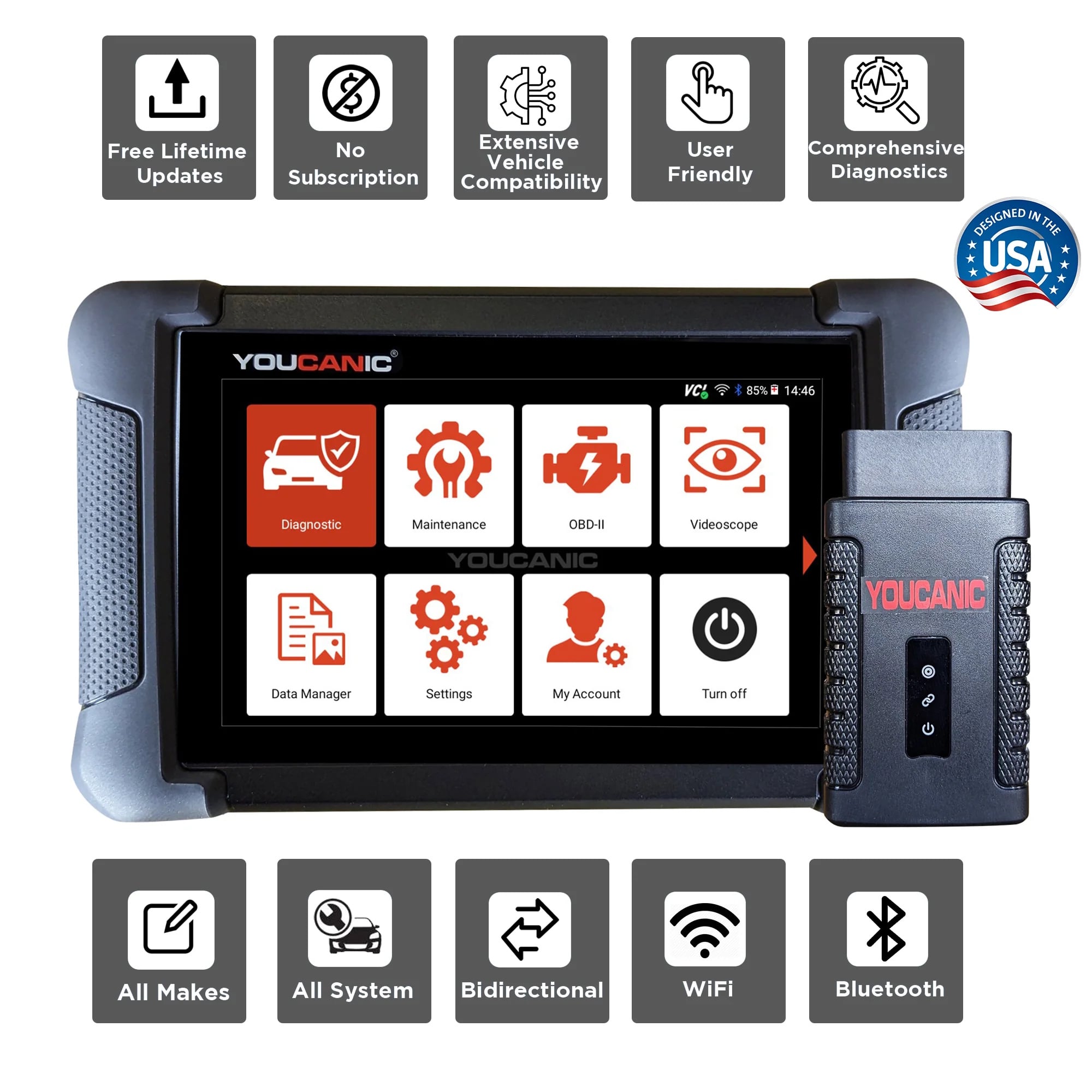
Get dealer level diagnostics at home with the YOUCANIC Full System Scanner.
- ✔ Works with all makes and models, including most luxury brands
- ✔ Topology map view shows all vehicle modules on one screen for faster diagnostics
- ✔ Bi directional controls to test fans, pumps, actuators and more so you do not have to guess
- ✔ Special resets and calibrations such as ABS bleed, EPB service, battery registration and more
- ✔ Free lifetime updates with no recurring fees
Open the hood of your car. The hood release is located under the dashboard on the driver’s side.
Find the A/C info sticker under the hood and verify your Acura uses R134a or R1234fy refrigerant.
Locate the low-pressure port. This is where the A/C charging port is on an ACURA car. Note that there also is a high-pressure line. The A/C kit connector will not fit on the high-pressure line port. The Location of the A/C charging port on the Acura TL is marked with an L.
Acura AC Charge Port on TLX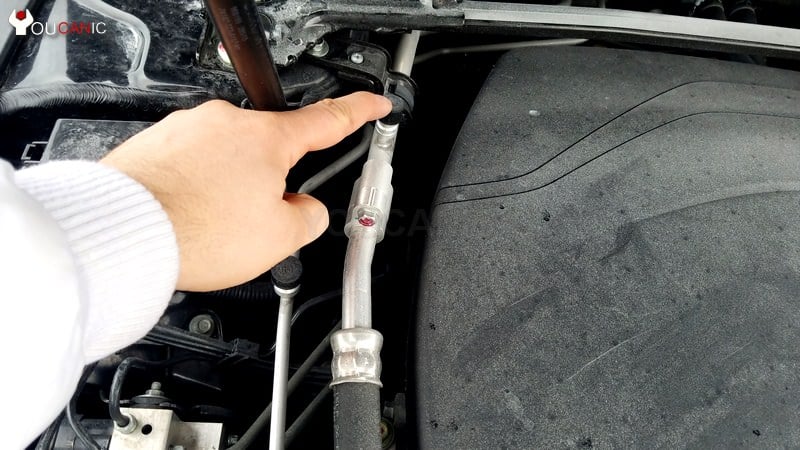
Acura AC Charge Port on TL
The line for the low-pressure side has a larger diameter than the high-pressure line. Remove the cap from the low-pressure port.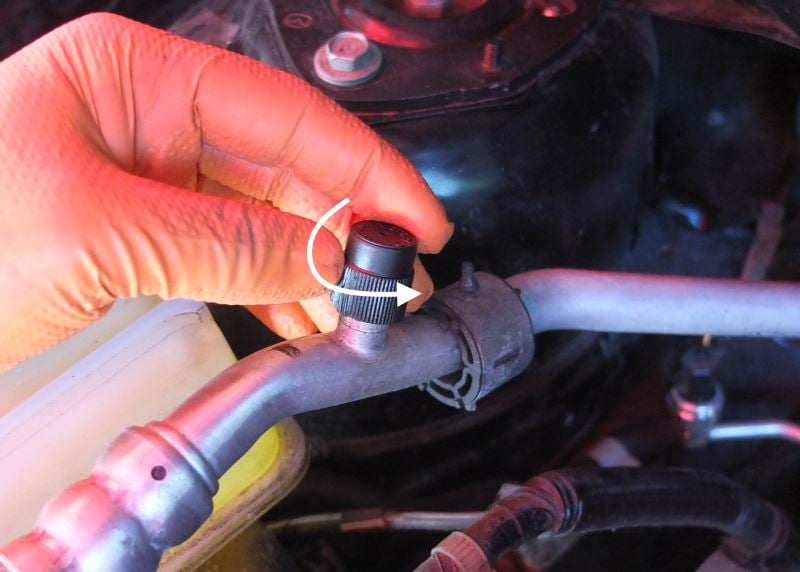
Connect your A/C hose to the charging port.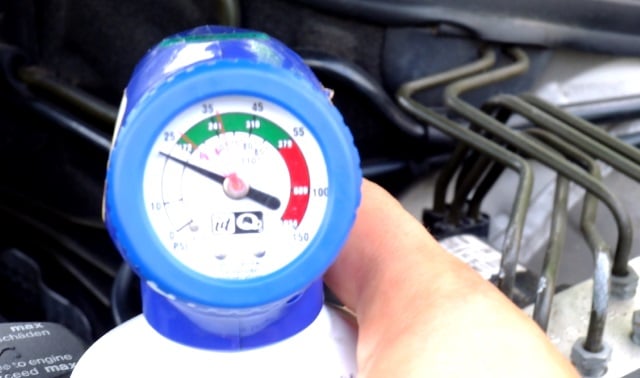
Start the engine and let it idle. 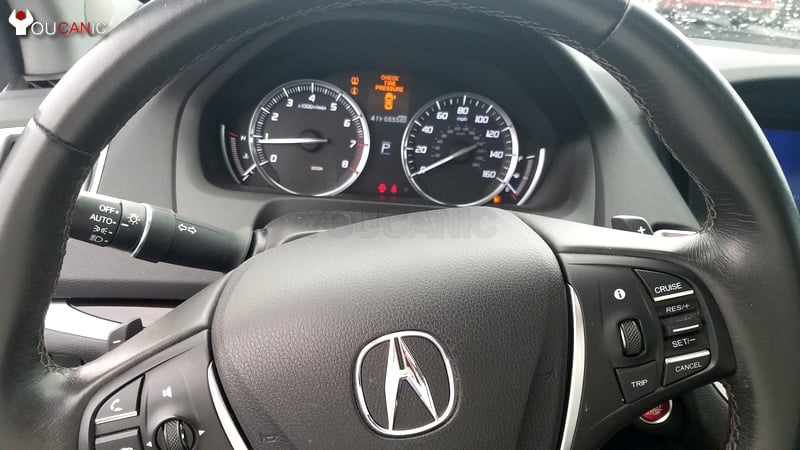
Turn the A/C on and set it to the lowest cold setting. Set the fan to blow at maximum speed. Once you do this, you can add refrigerant to your ACURA air conditioner system.
Rotate the dial on your gauge so the arrow corresponds to the outside temperature. Keep the can in the upright position. Don’t tip the can to the side as this may introduce liquid refrigerant in the a/c system, which is not recommended and could lock up your a/c compressor. Keep the can upright and rotate it between 1 and 2 o’clock as you charge the a/c.
This process can take several minutes. The compressor may not be engaged when the a/c system is low on freon.
As you add refrigerant, the compressor should kick in. As you charge the system, stop pressing the trigger every few minutes to obtain a pressure reading.
Continue adding refrigerant until your gauge reaches the charged range. Do not allow the system to overcharge.
Using the method described here, you can also check the refrigerant pressure and if the system is fully charged.
These instructions apply to various Acura vehicles, including :
- MDX
- NSX
- RDX
- RL RLX
- RSX
- SLX
- TL TLX
- ZDX
- CDX
- CL
- VSX
- EL
- ILX
- Integra
- Legend
We hope you find the Acura A/C Air Conditioner Recharge Instructions guide helpful. Check these troubleshooting and repair guides for more help on your Acura vehicle.


In my 2008 Acura TL, the low port is a smaller dimension than the high one.
not bad, but the instructions on tilting the can are confusing and contradictory. Plus the video only repeats the text and is cut off at the end when some new info was being provided….