How to Check if Your Car Will Pass State Emission Readiness Test using an OBD2 Scanner
Emission readiness checks are important for ensuring your vehicle will pass the state emission test, also known as the readiness test or I/M test. Instead of guessing if your car will pass the emission test, use a YOUCANIC scanner to stay on top of it and catch potential problems early.
Step-by-Step Guide
1. Connect your VCI connector to the OBD port on your vehicle.


🔧 Stop paying the dealer for every warning light
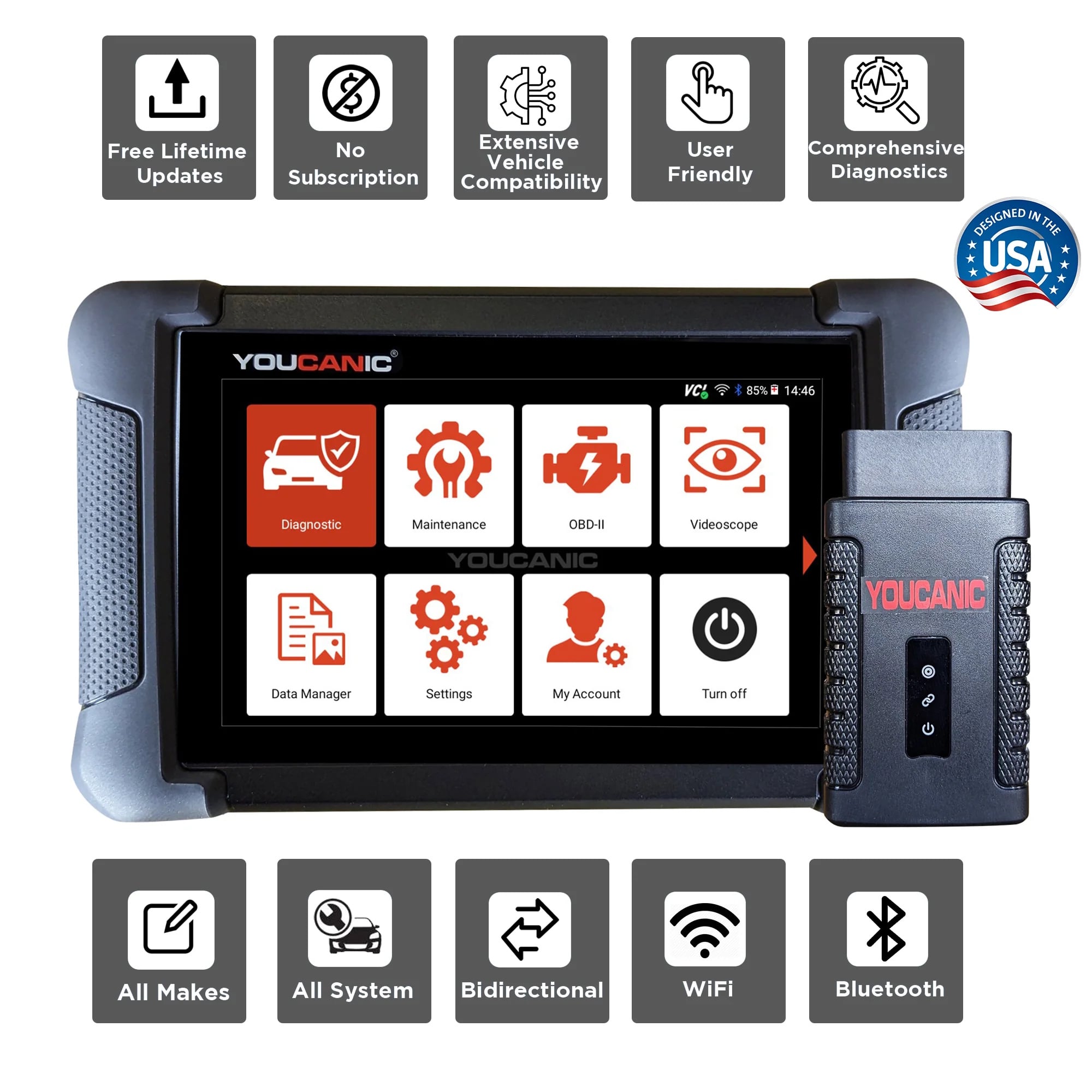
Get dealer level diagnostics at home with the YOUCANIC Full System Scanner.
- ✔ Works with all makes and models, including most luxury brands
- ✔ Topology map view shows all vehicle modules on one screen for faster diagnostics
- ✔ Bi directional controls to test fans, pumps, actuators and more so you do not have to guess
- ✔ Special resets and calibrations such as ABS bleed, EPB service, battery registration and more
- ✔ Free lifetime updates with no recurring fees
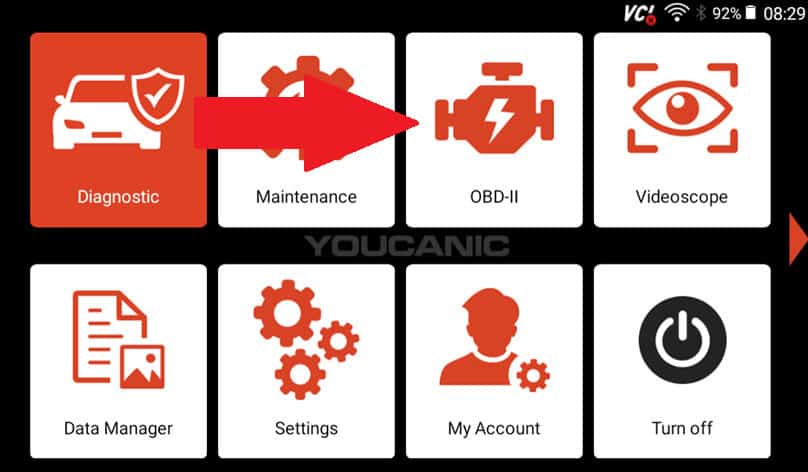
2. On the home screen, select OBD-II.
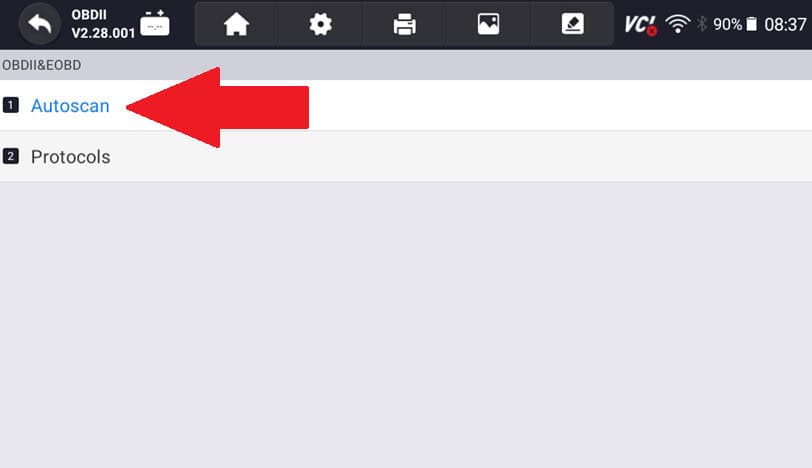
3. Select Autoscan. The following page might take a minute to load.
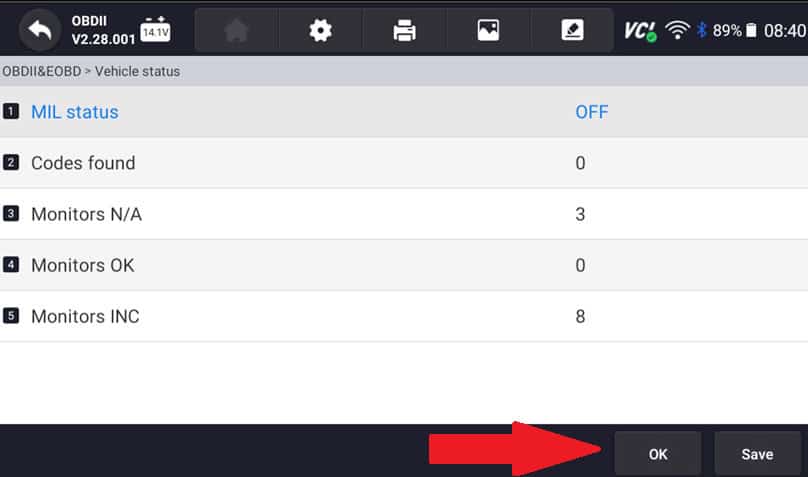
4. Select OK.
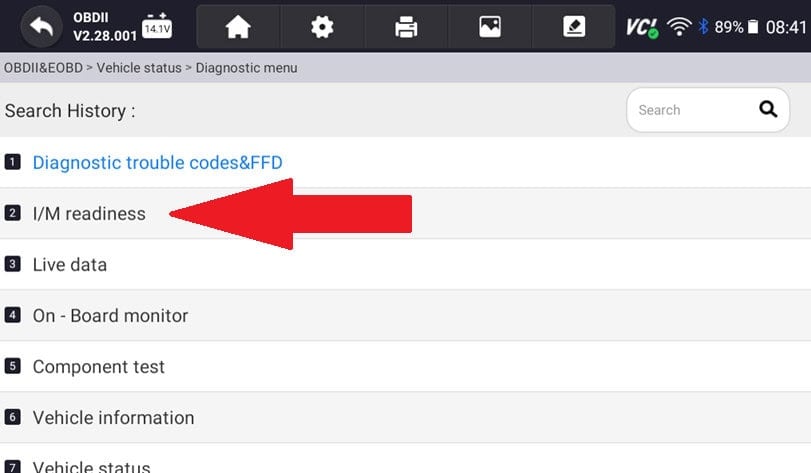
5. Select I/M readiness.
6. On the following screen, you will see two options:
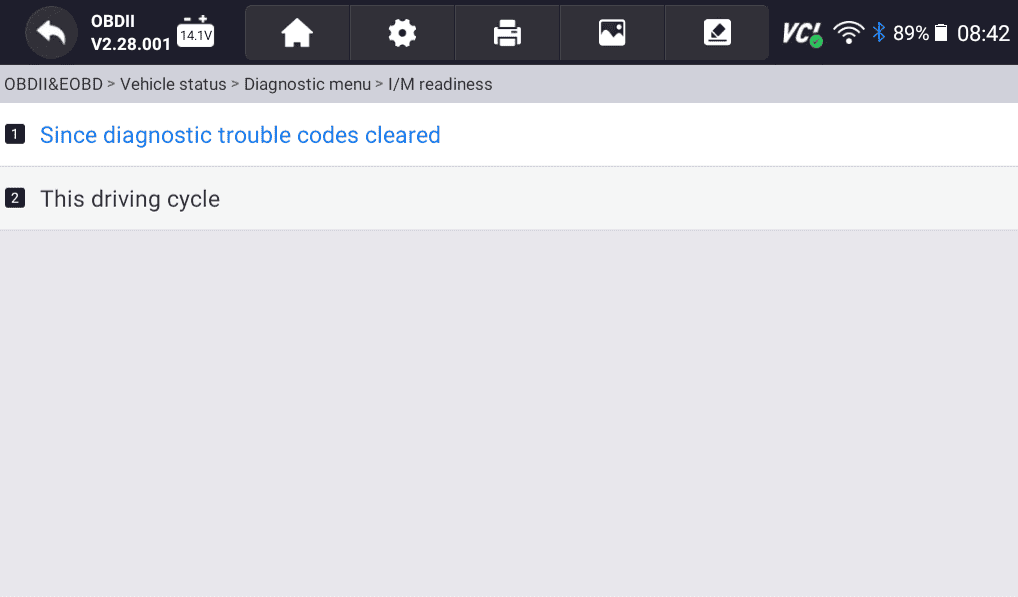
“Since diagnostic trouble codes cleared” will show you the long-term status of your vehicle after diagnostic trouble codes have been cleared.
“This driving cycle” will show you the status of your vehicle during the current driving cycle.
Will my car pass the state emission test?
In order for your car to pass the emission test the MIL should be OFF as in the following picture. If the MIL status is ON then your car will not pass emission test, it will fail.
In addition, for the car to pass the state emission test, the MONITORS INC should be 0. So both the MIL STATUS should be OFF and MONITORS INC should be 0.
If the monitor’s INC is a number higher than 0, then you need to drive the vehicle for a couple of days so that the monitors can complete the switch from INC to OK.
Thank you for choosing YOUCANIC! If you need help with your scanner or need some more troubleshooting tips, email us at support@youcanic.com!