Read and Clear Audi Fault Codes Easily: A Step-by-Step Guide
Reviewed/Verified by:

When an unfamiliar dashboard warning light comes on in your Audi, it is most likely a check engine light (CEL) or another error light, such as the ABS, SRS, transmission error code, or traction control, that has come on. Those illuminated symbols are triggered by diagnostic trouble codes (DTCs), which are the automotive equivalent of Morse code conveying messages about potential problems with your vehicle. While these codes can be intimidating, understanding them is crucial for maintaining your Audi’s health and performance.
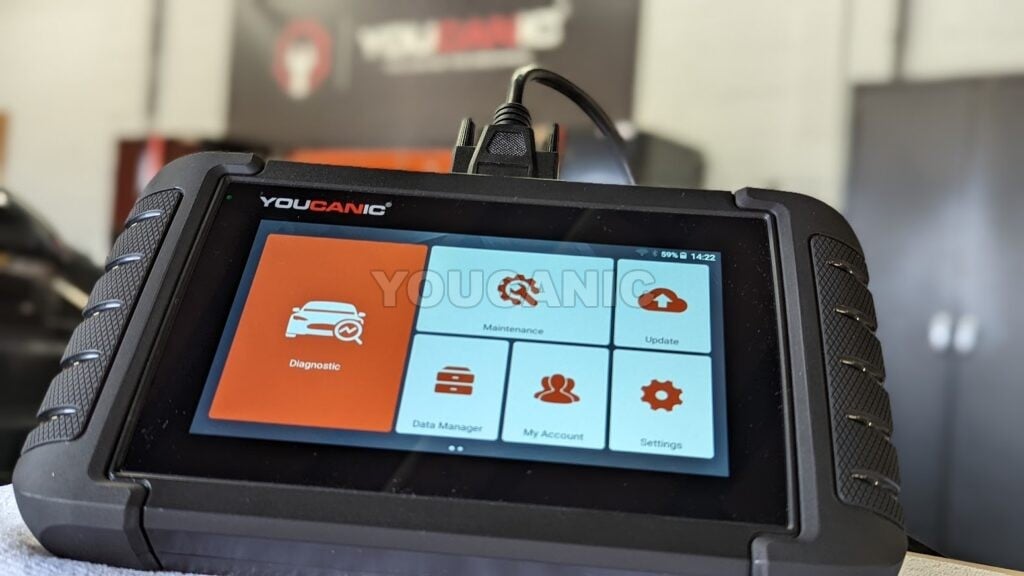
How do I convert this “Morse code” or FAULT CODES from computer to human language? With the help of a professional-grade OBD-II Scanner, of course! Take our YOUCANIC UCAN-II Pro, for example. It reads generic engine codes on any OBD2 compliant car, covers more than 140 makes for full system diagnostics, and is built for both professional mechanics and DIY owners.
Now, your car has a lot of parts that may seem overwhelming. Still, this guide delves into how to read, interpret, erase codes, live data, freeze frame data, and the significance of professional-grade scanners that could save you hundreds or thousands on repairs if appropriately diagnosed.

🔧 Find out what is actually wrong before you pay someone to guess
Dealer level diagnostics at home with the YOUCANIC UCAN-II Pro.
- ✔ Covers most makes and models, including many luxury brands. Send us your VIN and we will confirm your car before you order
- ✔ Reads every module, not just the engine, so you find the faults a basic reader says are not there
- ✔ Commands the car: test a fan or pump, bleed ABS, retract an electronic parking brake, register a battery
- ✔ No subscriptions. Free lifetime updates, so the price you pay is the whole price
- ✔ Backed by real mechanics in the USA you can email before and after you buy
Featured in The Wall Street Journal
Choose a good Audi scanner!
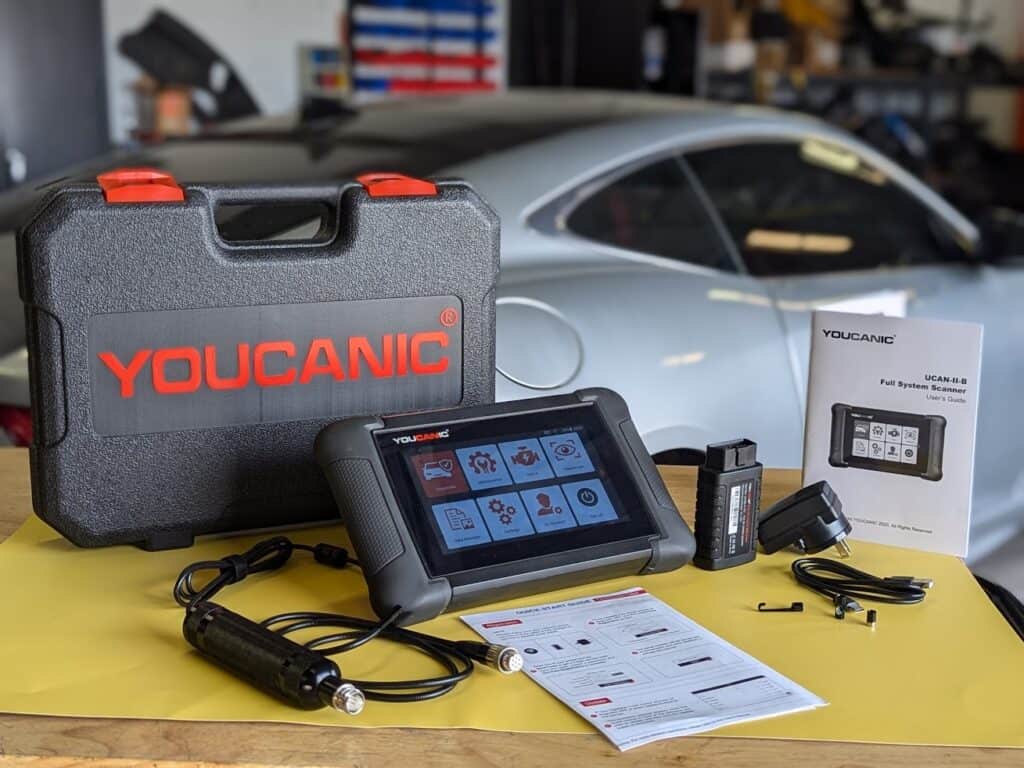
While some basic DTC Scanners are available for DIY enthusiasts, professional-grade scanners offer a more comprehensive and accurate diagnosis. It can also include Live and Freeze data and access deeper levels of vehicle data, providing more detailed information. The Youcanic Scanner is an easy-to-use, professional-grade scanner that is accessible to both independent mechanics and DIY enthusiasts. You can also connect a video scope to view mechanical issues. It is important to ask for assistance, especially when the problem persists or is complex.
All Audis since 2001 have an OBD-II Port. These cars includes A1, A3, A4, A6, Q3, Q5, Q7, TT, A5, A7, A8, Q2, Q8, and R8. Some models may find it harder to locate the OBD-II socket, and it is always important to check your owner’s manual if you are unsure.
How to read and clear Audi fault codes
- Gather the necessary tools: Equip yourself with a Professional-Grade OBD-II Scanner compatible with your Audi. Click Here for our Professional-Grade YOUCANIC UCAN-II Pro scanner.
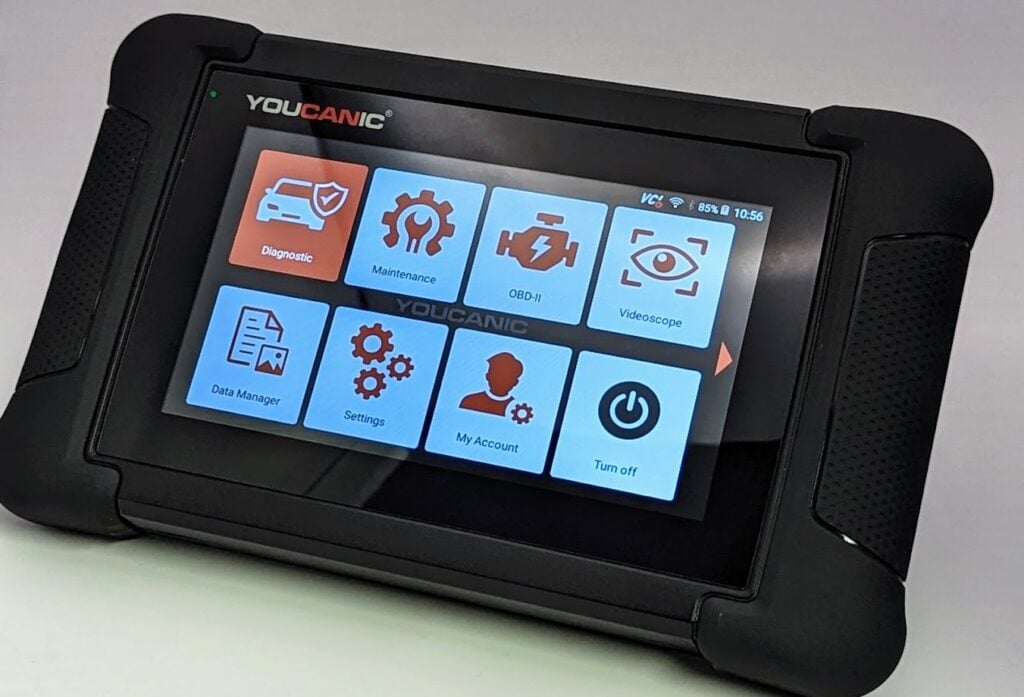
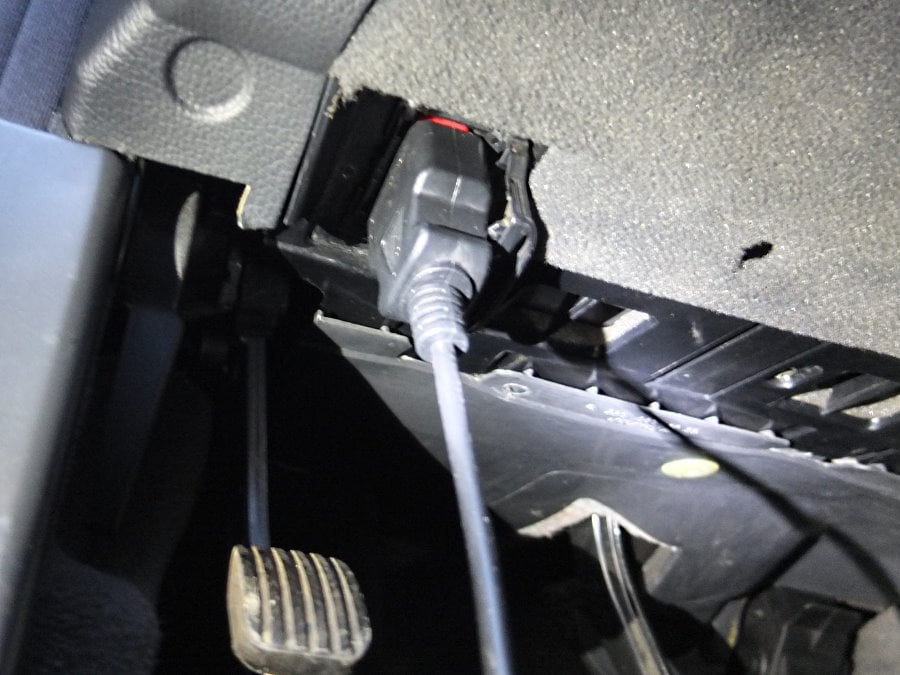
- Access the OBD-II Port: This port is usually found under the dashboard, near the steering column; the OBD-II port is the gateway to your car’s diagnostic information. Turn the ignition key to the “ON” position without starting the engine to make a connection with the vehicle’s computer. If your Audi has a START/STOP function, press the button with your foot off the brake pedal. Do not start the engine. If you are unsure of the OBD-II port of your vehicle, you can always check the Car Owner’s Manual.

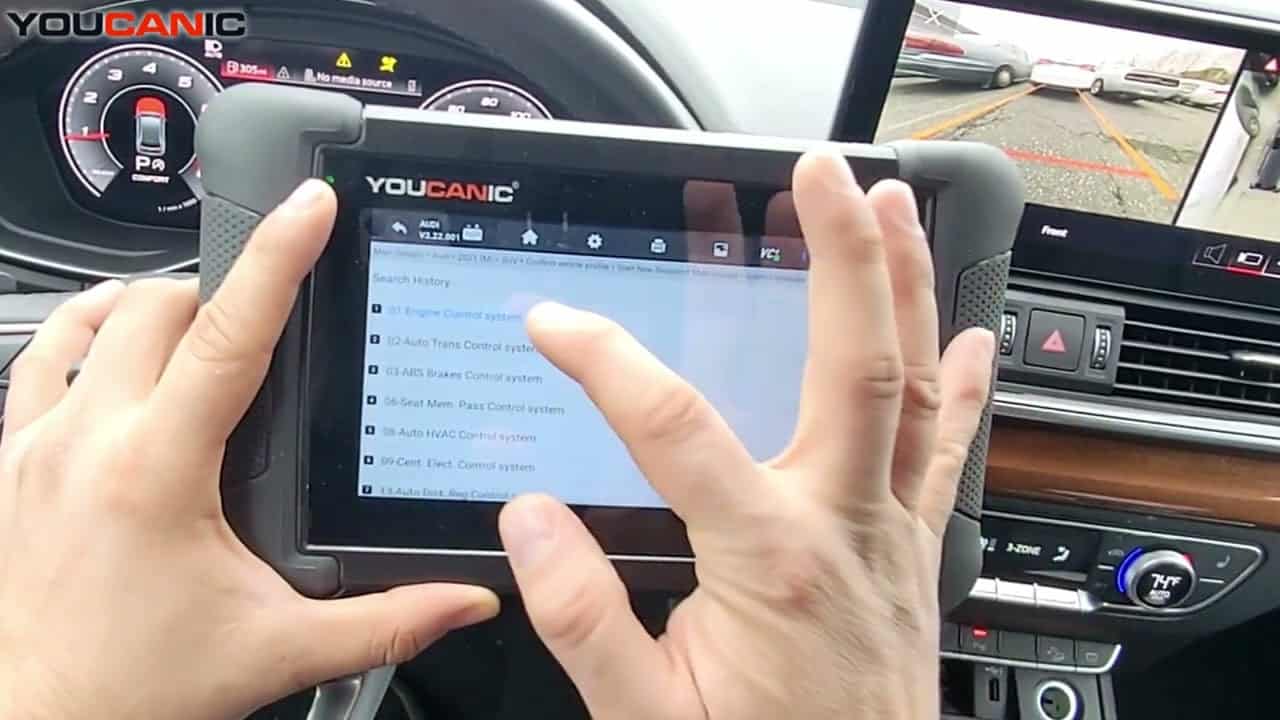
- Access the Diagnostic Menu: On the scanner’s display, navigate to the “Diagnostic” or “Scan” menu. This menu allows you to access various diagnostic functions for your Audi.

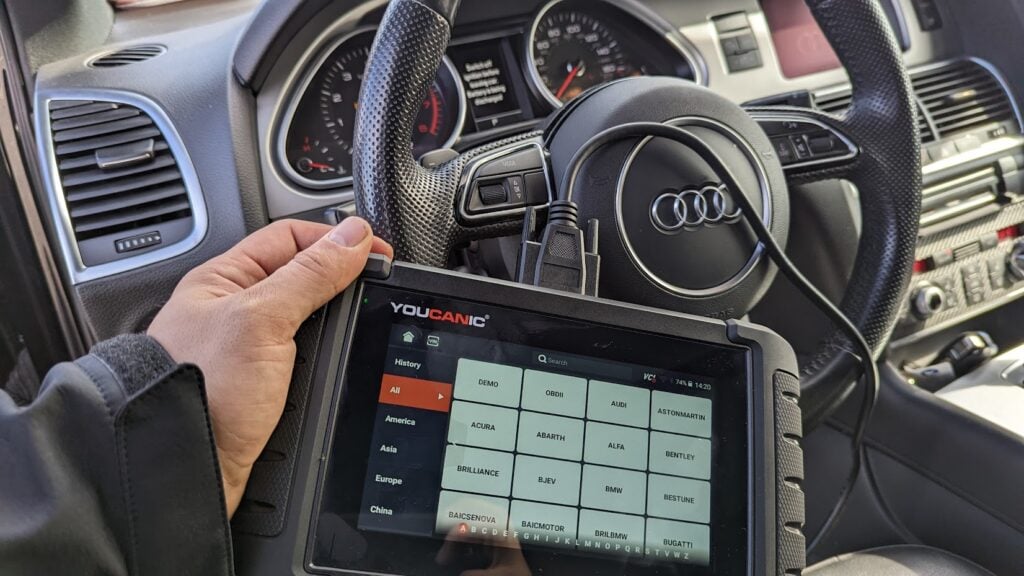
- Select ‘Audi’ as the Vehicle Make: This ensures the scanner effectively communicates with the Audi On-Board Diagnostic system and effectively scans the fault codes.
- Select an option for model selection: The scanner has various options; you can choose SmartVIN to detect your vehicle automatically. However, you select Selection Manual if SmartVIN does not work as intended.
- Select the Specific Model and Chassis: After selecting the vehicle make, scroll through the available models and select the correct one for your Audi. Choose the corresponding chassis or body type to sync the scanner to your vehicle correctly.

- Select Control Units: Once you have selected the model and chassis, the scanner will let you choose between “Quick scan” or “Control Modules”. Control Modules display a list of control units or modules in your vehicle. Examples include the engine control module (ECM), transmission control module (TCM), and ABS control module. Choose the specific module you want to diagnose. Otherwise, you can also choose the “Quick Scan” to check everything.
- Interpret the Codes: Once the scanner completes the code retrieval process, the displayed codes will provide information about specific issues detected by the control unit. Take note of these codes for further analysis and diagnosis. Each DTC consists of a letter and four numbers. The letter indicates the system affected, while the numbers describe the issue more precisely.
- Erase Codes: After the problem has been repaired, return to the scanner’s menu and select the option to “Erase Codes” or “Clear Codes.” This action removes the stored fault codes from the control unit’s memory, indicating that the problem has been resolved. Please note that you may or may not erase a code when the issue is not fixed.


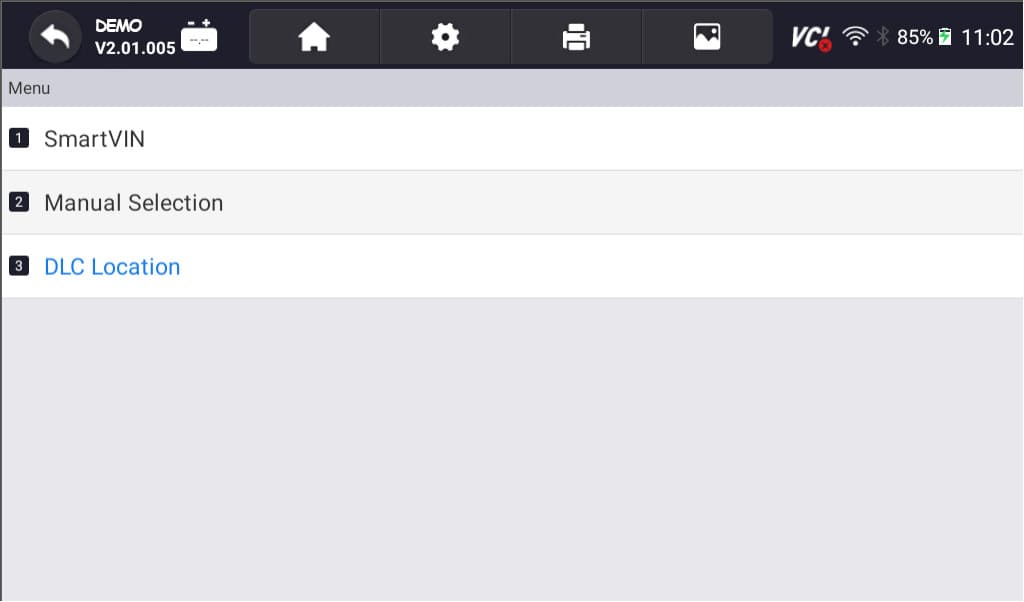
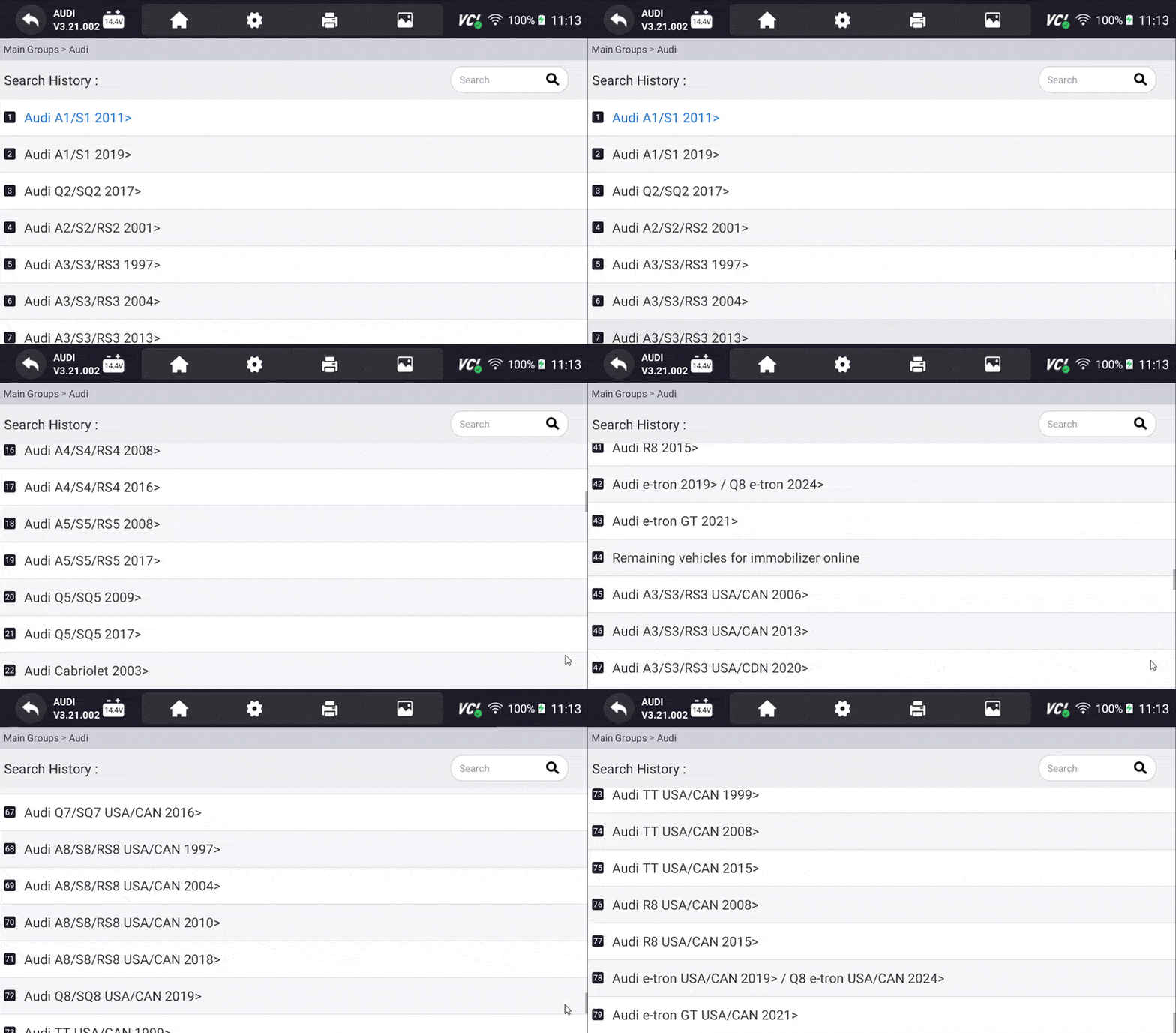


NOTE: These pictures are just the demo of our scanner, it may or may not be the same but the procedure is the same.
Decoding the language of DTCs
DTCs are standardized codes that follow a specific format, making interpretation easier. This can be seen in the OBD scanner. Each code consists of five characters:
- The first character indicates whether the code is an SAE generic code (applies to all OBDII systems) or is specific to the vehicle manufacturer
- The second character identifies the general type of fault. For instance, ‘0’ indicates a fuel and air metering system issue.
- The third character further narrows down the fault type. It could suggest a circuit malfunction.
- The fourth and fifth characters provide a specific description of the problem.
What are Live Data and Freeze data? Why do they matter?
Live data allows you to monitor real-time sensor readings, providing valuable insights into the car’s operation. On the other hand, Freeze frame data captures a snapshot of vehicle conditions when a fault code is triggered. Analyzing this data provides context and aids in pinpointing the root cause of the issue.
Common Audi Fault Codes and Their Symptoms
| P0030 | Misfire in Cylinder 3 |
| P0420 | Catalyst system efficiency below threshold |
| P0500 | Vehicle speed sensor malfunction |
| P0700 | Transmission control system malfunction |
Frequently Asked Questions:
What happens if I ignore DTCs?
Ignoring DTCs can lead to more serious problems and potentially damage your Audi’s engine or other components.
Can I clear DTCs myself?
While it’s possible to clear DTCs yourself using a basic scanner, having a professional mechanic diagnose the underlying issue before clearing the codes is recommended.
How often should I scan my Audi for DTCs?
Regularly scanning your Audi for DTCs, especially if you notice any changes in performance or feel any unusual vibrations, can help identify potential problems early on.
Remember, your Audi’s DTCs are not a sign of doom and gloom; they’re simply a way for your vehicle to communicate its needs. Understanding and addressing these codes allows you to keep your Audi running smoothly and safely for many miles.
References
- A Guide to Understanding DTC Codes
samsara.com - Audi Diagnostic Trouble Codes DTC Table: General http://www.bentleypublishers.com/tech/audi/audi.dtc.table.htm (vaglinks.com)
- The Complete Guide to Audi Fault Codes: Understanding and Troubleshooting Your Vehicle: PDF for FREE (procarmanuals.com)
How to Read Audi fault codes
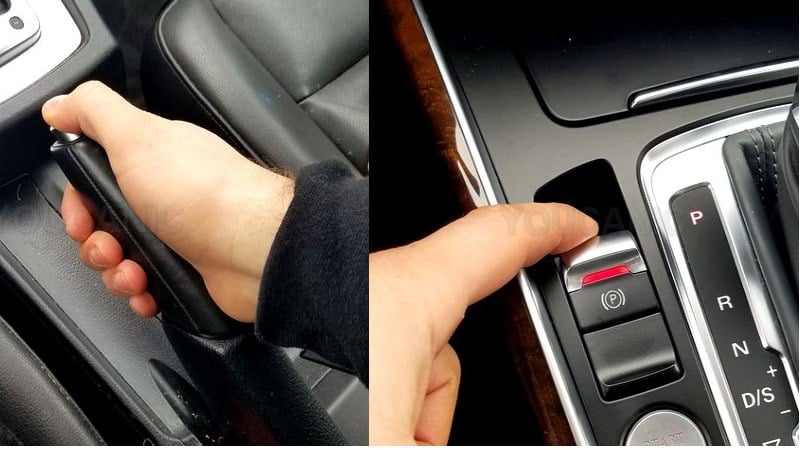
- Park your Audi on a level surface and set the parking brake.

- Open the driver’s door and locate the diagnostic port under the dashboard.
- Plug your scanner into the OBD2 port

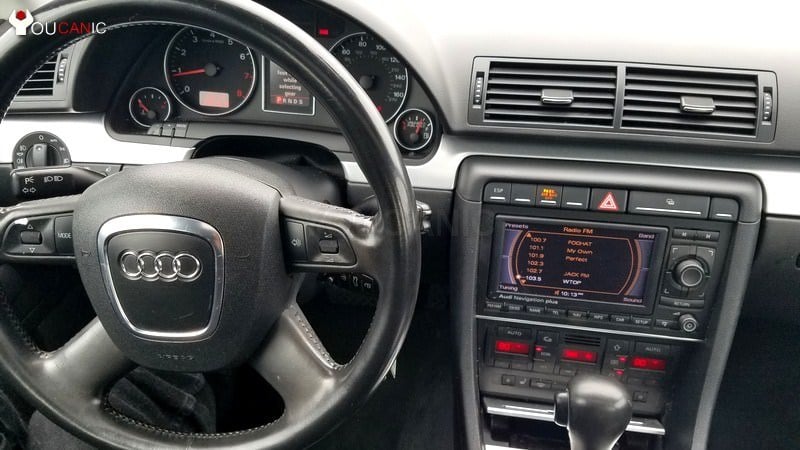
- Turn on the ignition by turning the key to position II. If your Audi has START/STOP feature, press the button without pressing the brake pedal.
- Allow your scanner to turn on. Follow the promptings on your scanner to read fault codes.
- Read the check engine light from the ECU by going to the OBD-II menu, then Read Codes. Watch this video to learn how to use an OBD 2 scanner to read and clear Audi Check Engine Light codes.
Diagnose Audi Anti-lock Brake System
Watch this video to learn how to use ABS OBD-II Scanner to retrieve Audi Anti-lock Brake System codes.
- Plug scanner into OBD-II port.
- Turn on the ignition.
- Turn on the scanner.
- Select the Audi model.
- Select-control unit ABS.
- Select Read Codes
Diagnose Audi Airbag Warning Light
Watch this video to learn how to use an Audi Airbag Scanner to troubleshoot your Audi airbag light.
- Plug in scanner into the OBD-II port.
- Turn on the ignition.
- Turn on the scanner.
- Select your Audi model from the menu.
- Select SRS/Airbag control unit.
- Select Read Fault Codes from the menu.
Knowing which scanner to read Audi fault codes may be difficult. Level 1 OBD2 scanners can only retrieve fault codes from your Audi Engine Control Unit (ECU). Those are faults that trigger the Check Engine warning light on the dashboard.
To diagnose ABS and Airbag/SRS warning lights, you will need an OBD-II scanner to read the Audi manufacturer’s fault codes. The procedure for reading Audi fault codes is similar, regardless of which scanner you use.
Check these troubleshooting and repair guides for more help on your Audi vehicle.
More Photos and Video
Related guides: Audi OBD2 Port Location · Audi Dashboard Warning Lights Meaning