Where is the OBD-II Port in your Mitsubishi?
Need to diagnose your Mitsubishi but don’t know where the OBD-II port is? By following the procedures below, learn to locate the OBD-II port on your Mitsubishi.
Where is the OBD-II Port Located in a Mitsubishi?
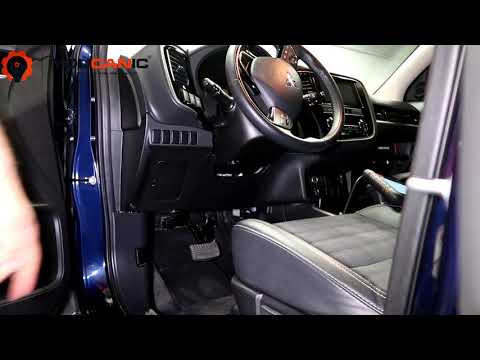
The OBD-II port on a Mitsubishi vehicle is under the dashboard on the driver’s side.
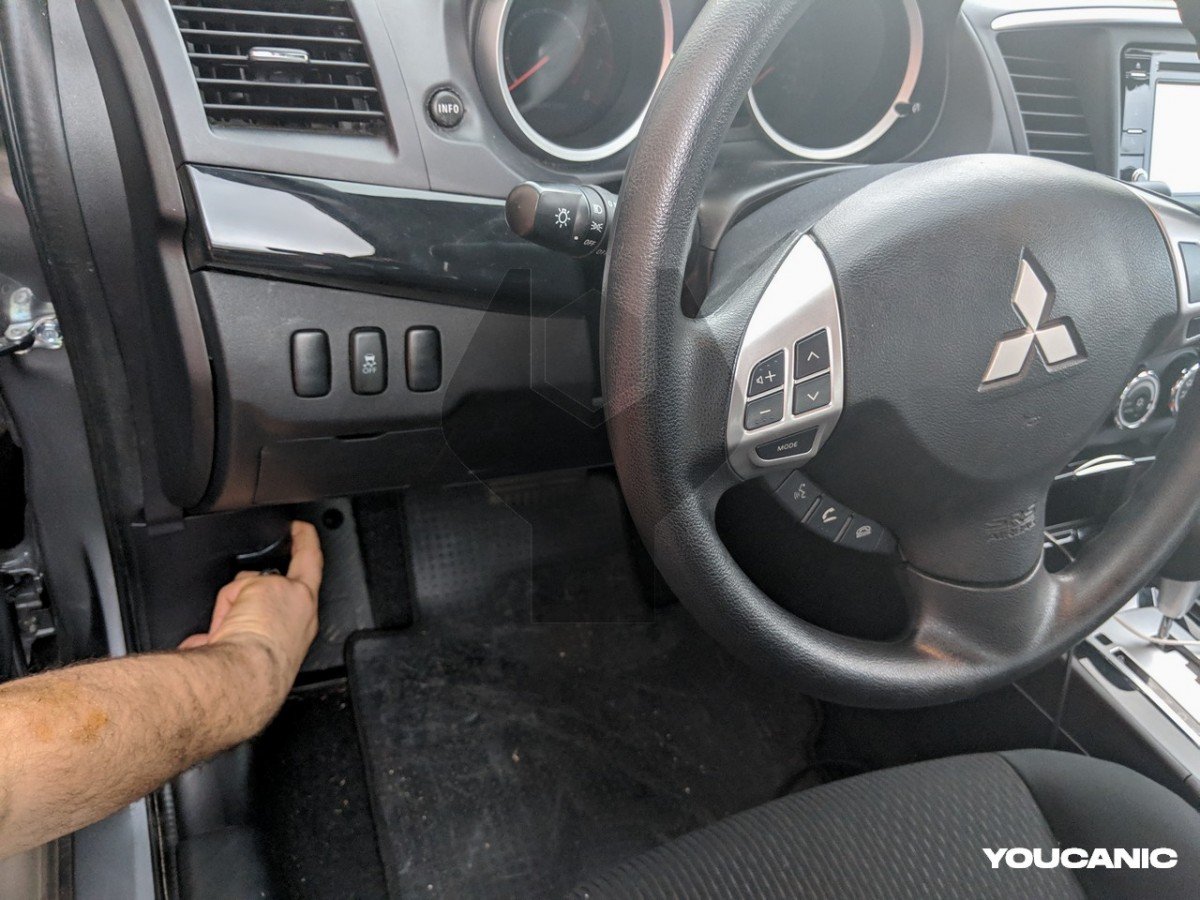
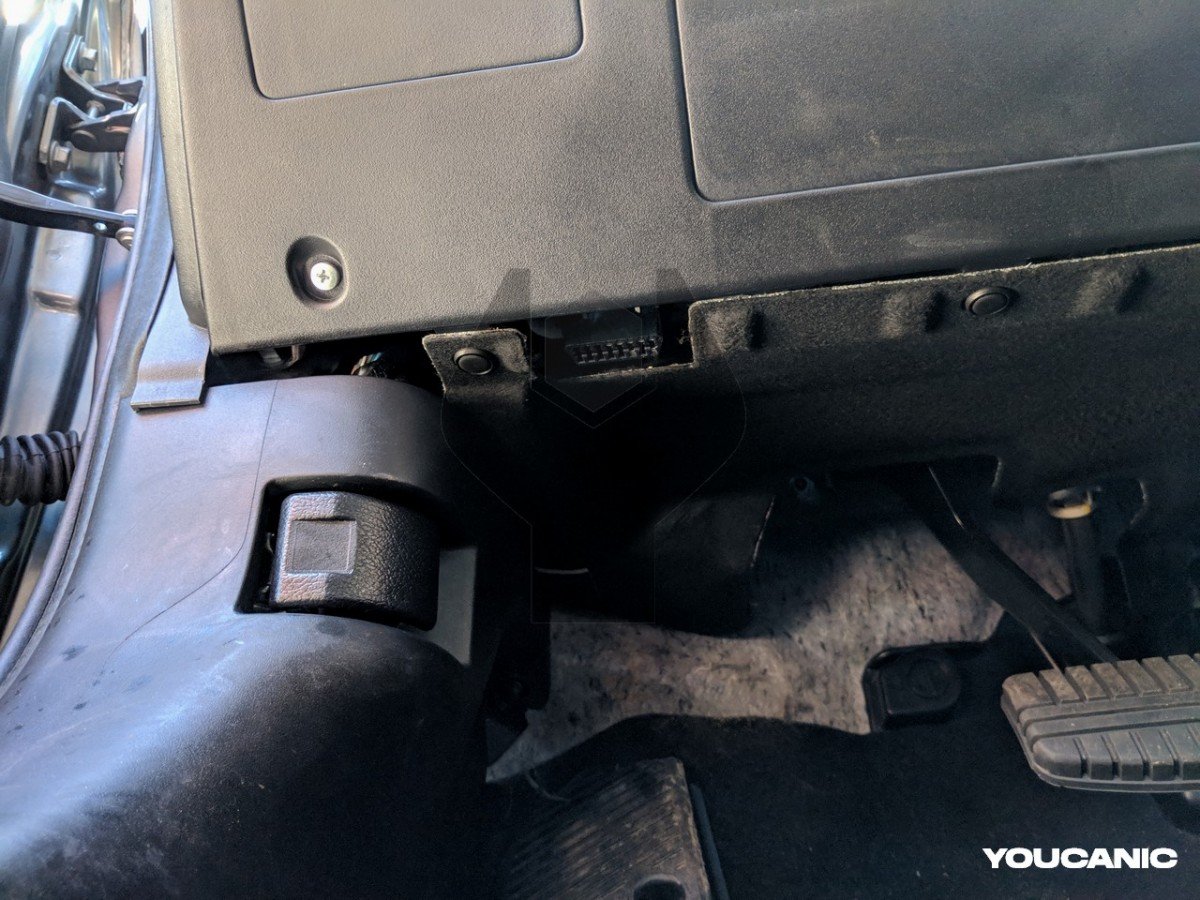
Slide under the dashboard on the driver’s side and look above the brake pedal. You will see the trapezoid-shaped OBD2 port. The OBD-II port (OBD2) can diagnose engine, ABS, traction, transmission, and Mitsubishi problems.

🔧 Stop paying the dealer for every warning light
Get dealer level diagnostics at home with the YOUCANIC Full System Scanner.
- ✔ Works with all makes and models, including most luxury brands
- ✔ Topology map view shows all vehicle modules on one screen for faster diagnostics
- ✔ Bi directional controls to test fans, pumps, actuators and more so you do not have to guess
- ✔ Special resets and calibrations such as ABS bleed, EPB service, battery registration and more
- ✔ Free lifetime updates with no recurring fees
All Mitsubishi vehicles sold in the US since 1996 and Europe since 2000 have the OBD2 port under the dash. This guide applies to all Mitsubishi models, including Lancer, Eclipse, Outlander, Mirage, Galant, Montero, Pajero, etc.
Troubleshooting with YOUCANIC Full System Scanner
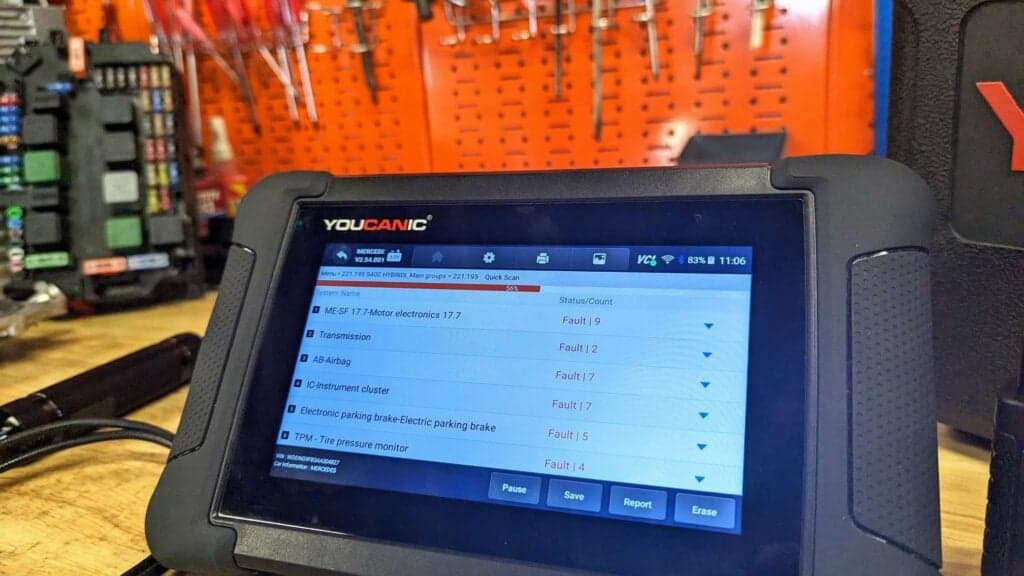
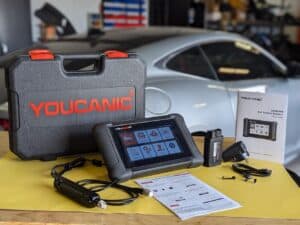
The YOUCANIC Full System Scanner can read and clear fault codes from all the modules of your Mitsubishi Vehicles. It can also perform bi-directional tests, maintenance and repair resets, and many more.
We hope you find the Mitsubishi OBD-II Port Location guide helpful. Check these troubleshooting and repair guides for more help on your Mitsubishi.