Read & Clear Toyota Check Engine Fault Codes
Reviewed/Verified by:

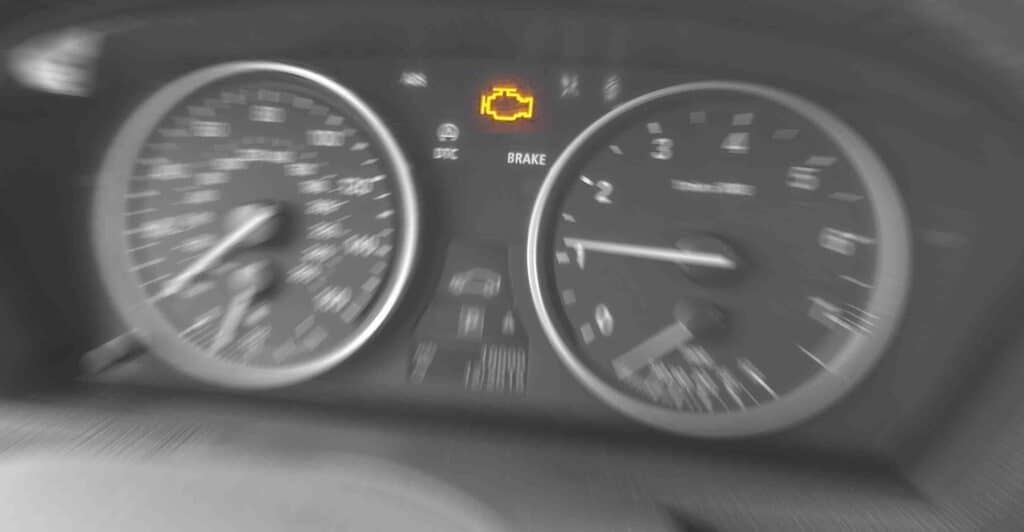
Is your Check Engine Light illuminating on your Toyota dashboard? Learn how to fix the problem by reading and clearing the fault codes using an OBD-II Scanner.
First, you must follow the procedure to learn why a warning light has turned on. Once you have the code, you will need to fix the problem. Then, you will use the same procedure to reset Toyota fault codes, reset the corresponding warning light, the Check Engine Light, the ABS light, and the airbag light. To clear the check engine on a Toyota and read codes from the ECU, you will need an OBD-II scanner.
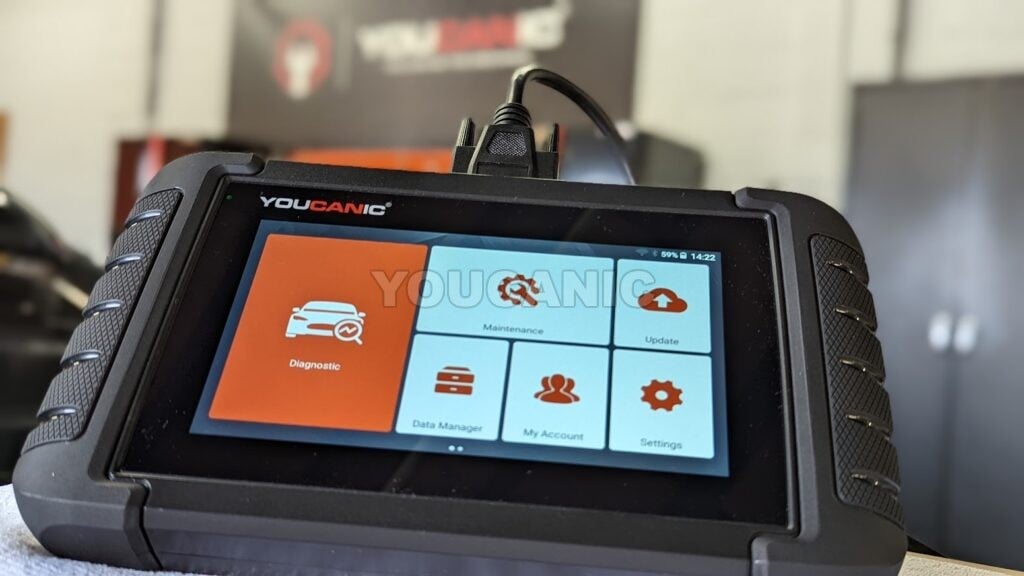
Suppose you need to reset other warning lights, such as airbag, traction control, and ABS, and retrieve fault codes for systems such as transmission, airbag, anti-lock brakes, and traction control. In that case, you will need a multi-system OBD-II scanner such as the YOUCANIC Full System Scanner.

🔧 Find out what is actually wrong before you pay someone to guess
Dealer level diagnostics at home with the YOUCANIC UCAN-II Pro.
- ✔ Covers most makes and models, including many luxury brands. Send us your VIN and we will confirm your car before you order
- ✔ Reads every module, not just the engine, so you find the faults a basic reader says are not there
- ✔ Commands the car: test a fan or pump, bleed ABS, retract an electronic parking brake, register a battery
- ✔ No subscriptions. Free lifetime updates, so the price you pay is the whole price
- ✔ Backed by real mechanics in the USA you can email before and after you buy
Featured in The Wall Street Journal
Procedure
The following procedure will allow you to read fault codes and clear warning lights on any 1996 and newer Toyota vehicle, including the Toyota Corolla, Sienna, Camry, Highlander, Rav4, 4Runner, etc.
- Locate the OBD port under the dashboard on the driver’s side. The OBD port is white and is located right above the brake pedal.

- Connect the OBDII reader to the OBD port.

- Turn the key in the ignition with two clicks. On vehicles with Start/Stop, press the button twice without touching the brake pedal.
- All dashboard lights should turn on; the engine should be off.
- Allow the scanner to power on and select your Toyota model.
- Select Auto Scan or Full System Scan to read fault codes from all the modules. Or select Control Units to pick the system you want to diagnose. Select Read Fault codes. A list of fault codes will be displayed on the scanner.
- Codes that show up as PRESENT or CURRENT need to fix.
- Codes that show STORED, PAST, or HISTORY mean that they existed in the past but are not currently an issue. They can help you troubleshoot challenging problems, and they can be cleared.


 On vehicles with Start/Stop, press the button twice without touching the brake pedal.


