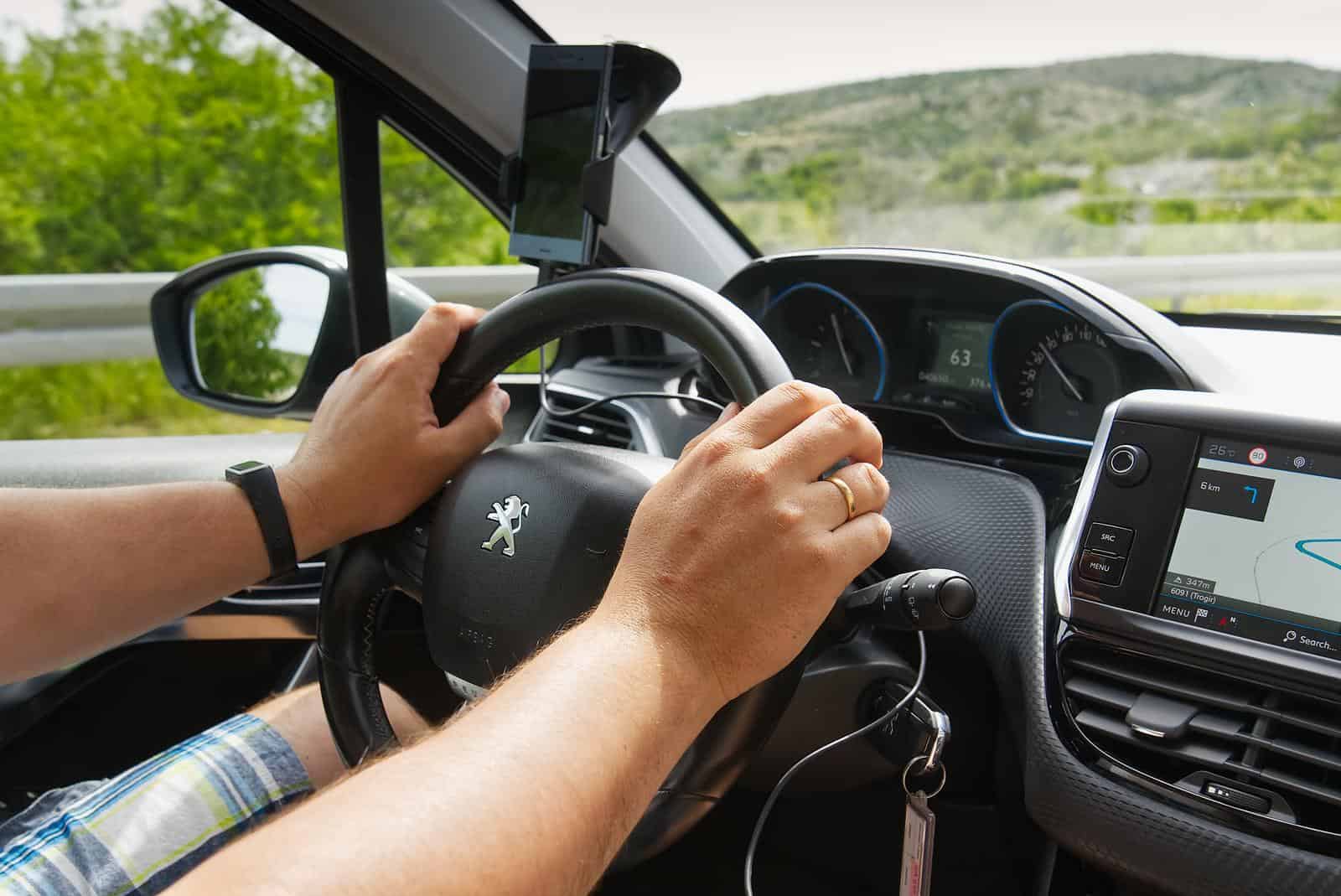
Unlock Your Peugeot’s Secrets: Easy Guide to Reading and Clearing DTCs/Fault Codes
Over its two centuries of existence, this French automobile manufacturer called Peugeot has become one of the world’s most respected and innovative car brands. However, your Peugeot is susceptible to the occasional glitch or malfunction like any complex system. If you see a Check Engine Light (CEL), that could mean your transmission or any other warning light like SRS, ABS, Traction control, or differential. That’s where Diagnostic Trouble Codes (DTCs), also known as fault codes, come into play.
DTCs or Fault codes are like secret messages your Peugeot conveys when something’s amiss. These alphanumeric codes are like the Morse code of humans. They provide clues to underlying issues, helping mechanics or DIY enthusiasts to diagnose and repair problems efficiently. Understanding DTCs empowers you, the Peugeot owner, to stay informed about your vehicle’s health and make informed decisions during its maintenance.

How do you access the fault codes? What is OBD?
OBD stands for “On-Board Diagnostic”. Most modern vehicles now include an OBD port, which can be utilized by a scanner that communicates to your vehicle. It is plugged in by an OBD-II scanner into the socket designed to help automotive technicians interpret faults and other issues that your Peugeot may be experiencing or have recorded. Most Peugeots now have OBD-II Ports, including 3008, 208, 508, 2008, 5008, RCZ Coupe, 206, and newer models.

🔧 Stop paying the dealer for every warning light
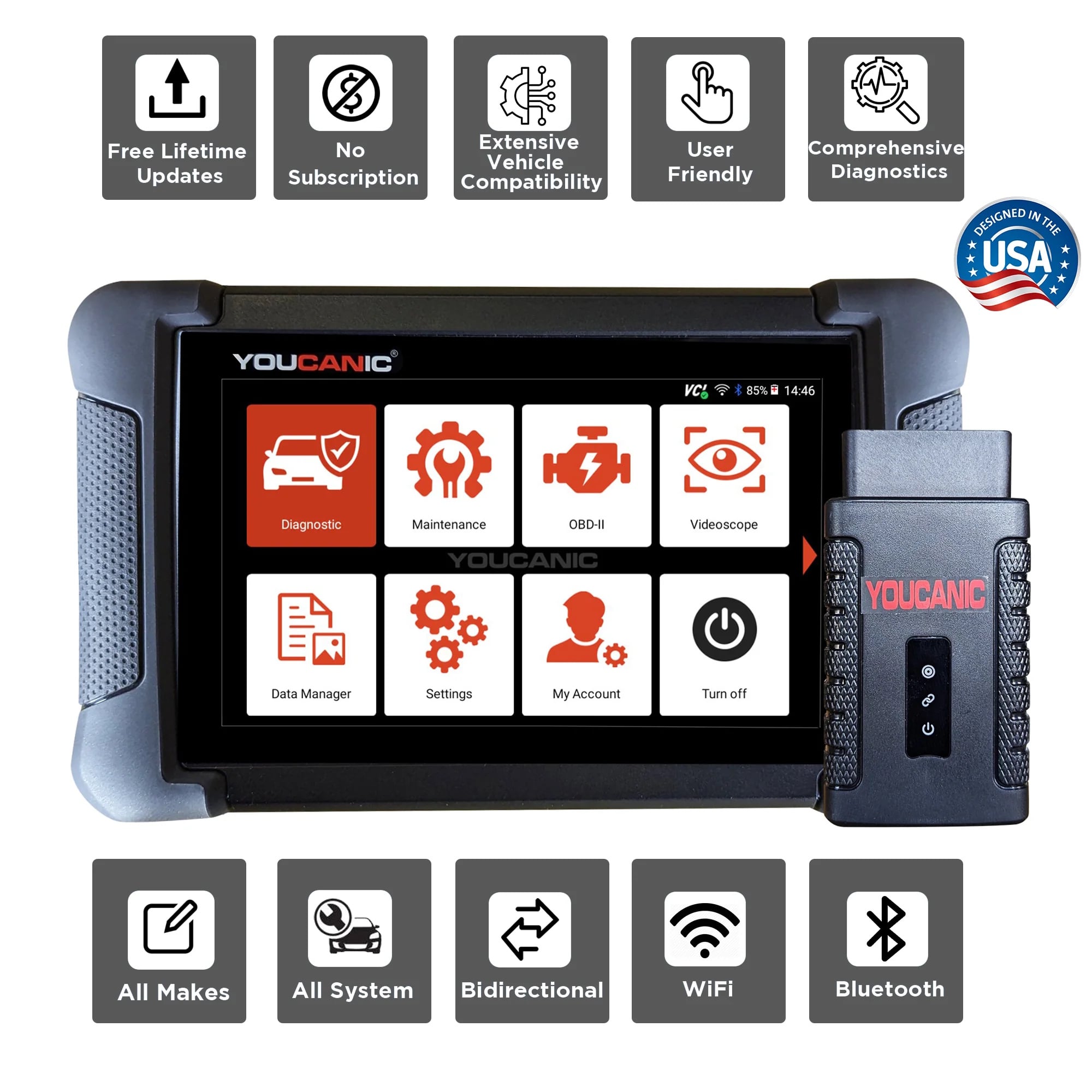
Get dealer level diagnostics at home with the YOUCANIC Full System Scanner.
- ✔ Works with all makes and models, including most luxury brands
- ✔ Topology map view shows all vehicle modules on one screen for faster diagnostics
- ✔ Bi directional controls to test fans, pumps, actuators and more so you do not have to guess
- ✔ Special resets and calibrations such as ABS bleed, EPB service, battery registration and more
- ✔ Free lifetime updates with no recurring fees
Now, your car has many parts that may seem overwhelming. However, this guide explores how to read, interpret, erase codes, live data, freeze frame data, and the importance of professional-grade scanners that could save you hundreds or even thousands on repairs if diagnosed correctly.
Procedure of Reading and Clearing DTCs or Fault Codes
- Gather the necessary tools: Equip yourself with a Professional-Grade OBD-II Scanner compatible with your Peugeot. Click Here for our Professional-Grade YOUCANIC Scanner

- Access the OBD-II Port: This port is usually found under the dashboard, near the steering column; the OBD-II port is the gateway to your car’s diagnostic information. Turn the ignition key to the “ON” position without starting the engine to make a connection with the vehicle’s computer. If your Peugeot has a START/STOP feature, press the button without pressing the brake pedal. Do not start the engine. If you are unsure of the OBD-II port of your vehicle, you can always check the Car Owner’s Manual.

- Access the Diagnostic Menu: On the YOUCANIC scanner’s display, navigate to the “Diagnostic” or “Scan” menu. This menu allows you to access various diagnostic functions for your Peugeot.

- Select ‘Peugot’ as the Vehicle Make: This ensures the scanner effectively communicates with the Chrysler On-Board Diagnostic system and effectively scans the fault codes.
- Select option for model selection: The scanner has various options; you can choose SmartVIN to detect your vehicle automatically. However, you choose Manual Selection if SmartVIN does not work as intended. If you want to know more about the VIN of your Peugeot, check our article here.
- Select the Specific Model and Chassis: After selecting the vehicle make, scroll through the available models and select the correct one for your Peugeot. Choose the corresponding chassis or body type to sync the scanner to your vehicle.

- Select Control Units: Once you have selected the model and chassis, the scanner will let you choose between “Quick scan” or “Control Modules”. Control Modules display a list of control units or modules in your vehicle. Examples include the engine control module (ECM), transmission control module (TCM), and ABS control module. Choose the specific module you want to diagnose. Otherwise, you can also choose the “Quick Scan” to check everything.
- Interpret the Codes: Once the YOUCANIC scanner completes the code retrieval process, the displayed codes will provide information about specific issues detected by the control unit. Take note of these codes for further analysis and diagnosis. Each DTC consists of a letter and four numbers. The letter indicates the system affected, while the numbers describe the issue more specifically. Click here to learn more about fault codes.
- Erase Codes: After the problem has been repaired, return to the scanner’s menu and select the option to “Erase Codes” or “Clear Codes.” This action removes the stored fault codes from the control unit’s memory, indicating that the problem has been resolved. Please note that you may or may not erase a code when the issue is not fixed.
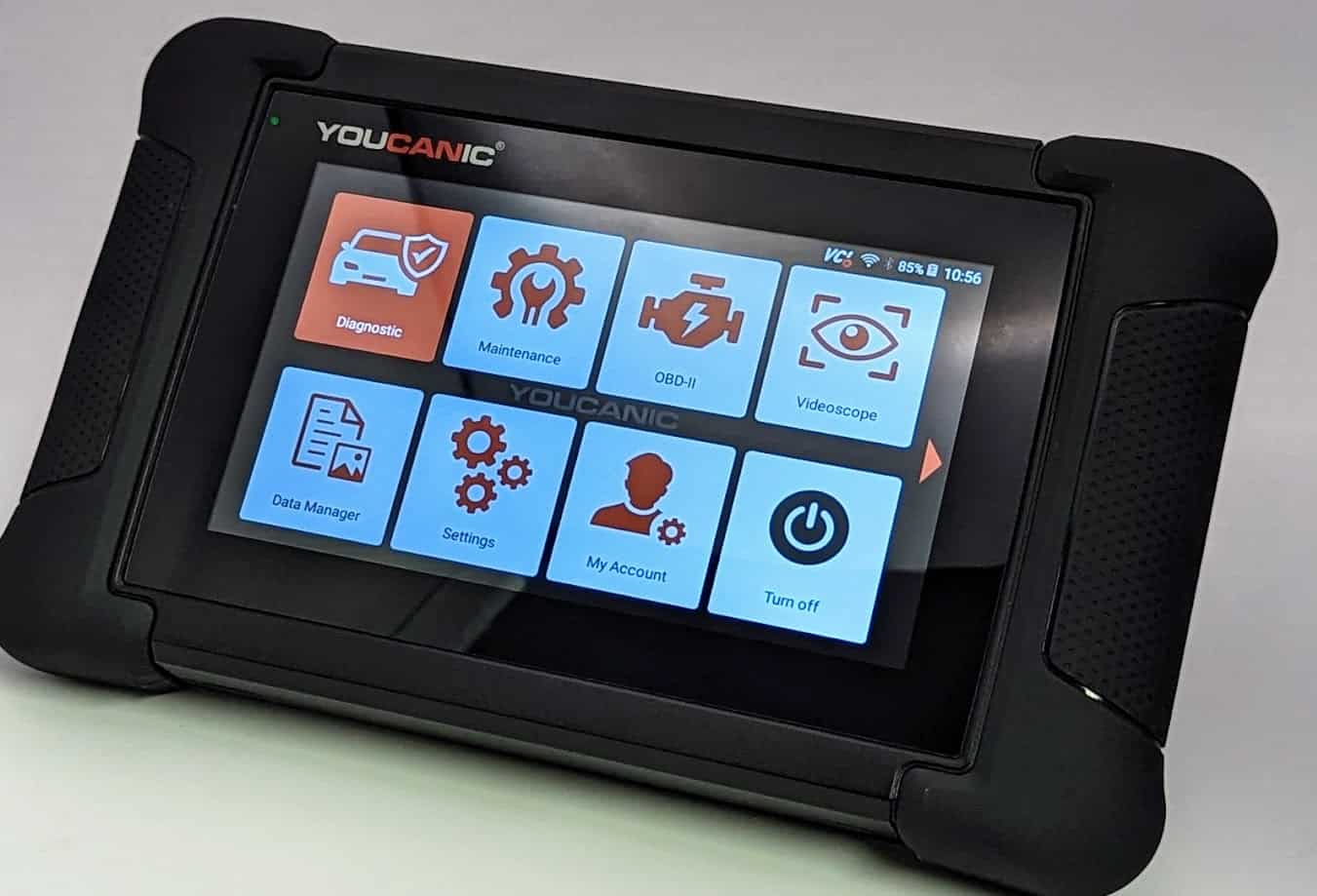


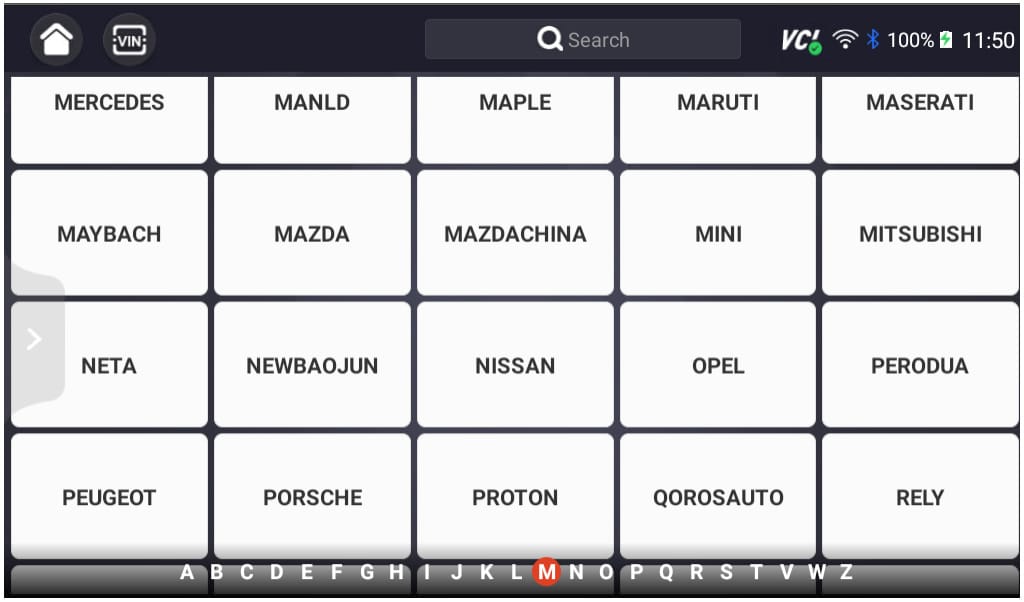
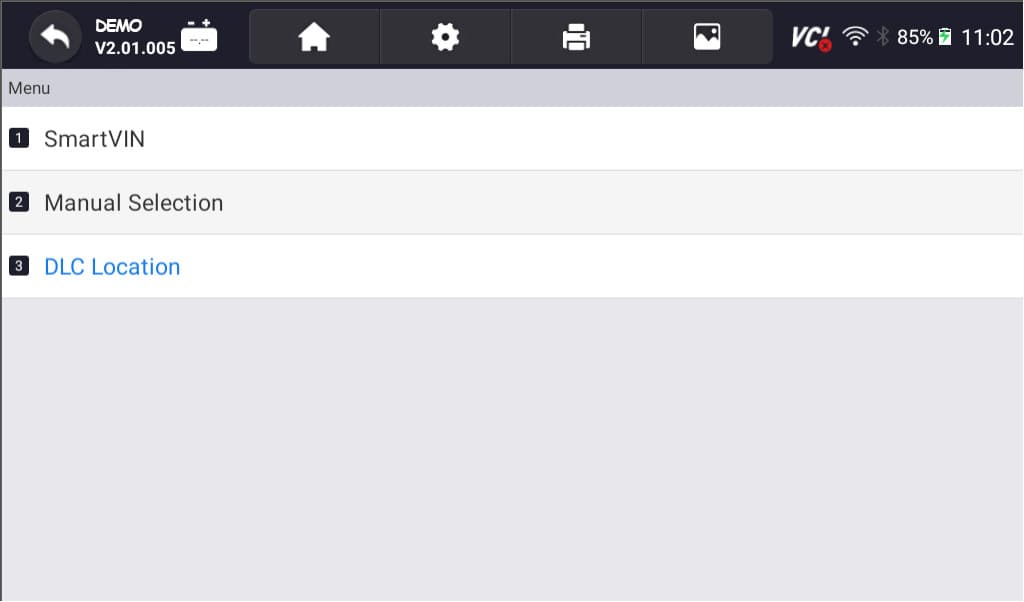


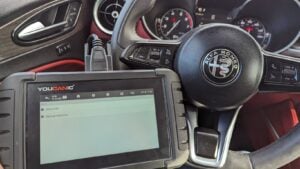
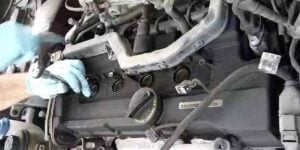
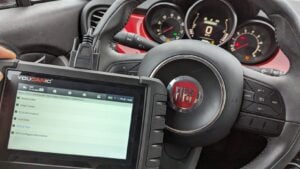
NOTE: These pictures are just the demo of our YOUCANIC Scanner, it may or may not be exactly the same but the procedure is the same.
Why am I unable to clear the codes?
Once you’ve identified the DTCs, you may be tempted to clear them, hoping to continue driving your Peugeot, and the problem magically disappears. While clearing the codes can temporarily remove the “Check Engine” light, it doesn’t address the underlying issue. It will always come back. Here are also some lists of why you cannot clear the codes of your Peugeot:
- Use a Professional-Grade Scanner: Ditch the generic scanner and upgrade to a professional-grade one like the YOUCANIC scanner. Generic scanners are like trying to open a Ferrari with a Ford key – it won’t work! YOUCANIC, on the other hand, is like the master key to your Peugeot’s diagnostics, unlocking hidden diagnostic powers and letting you clear codes that would otherwise remain stubborn and hidden.
- Underlying Issues: Before clearing fault codes, remember to address the underlying issue that triggered them in the first place. Clearing codes is like patching a leaky pipe without fixing the cracked valve – it’s just a temporary fix. The ‘check engine’ light will surely come back and haunt you.
- Continuous Fault Monitoring: Like the SRS system, certain fault codes may be cleared by disconnecting the battery (like a reset). They will reappear even after clearing until the root cause is resolved. It is a persistent reminder to fix the problem, not just mask it.
- Proper Clearing Procedure: Following the correct steps outlined in your diagnostic scanner’s user manual is essential to clear fault codes effectively. If unsure about the clearing procedure, consult a professional for guidance specific to your scanner and Chrysler model.
Click here and check our article to know more about the check engine light on your Peugeot.
Understanding the Role of Historical, Current, and Stored DTCs
- History: These codes indicate past issues that have resolved themselves or are no longer causing the “Check Engine” light to illuminate. They typically do not require immediate attention.
- Current Codes: These codes represent the current or active problems that require immediate diagnosis. It indicates a present issue or malfunction in a specific system or component of the vehicle that needs to be addressed. They will remain displayed until the underlying issue is resolved.
- Stored Codes: These codes are inactive but remain stored in the computer’s memory, recording previous issues. These can provide additional information about past issues as a historical reference for previous faults. While they may not be active, they can offer insights into the vehicle’s history and aid in the diagnostic process.
Please click here to learn more about the history, current, and stored DTCs.
Understanding the Importance of Live Data and Freeze Data
Live data allows you to monitor real-time sensor readings, providing valuable insights into the car’s operation. On the other hand, Freeze frame data captures a snapshot of vehicle conditions when a fault code is triggered. Analyzing this data provides context and aids in pinpointing the root cause of the issue.
Frequently Asked Questions
Can I clear DTCs myself?
Yes! While clearing DTCs can temporarily turn off the “Check Engine” light, it doesn’t address the underlying issue. It’s recommended to have a qualified mechanic diagnose and repair the problem first before you clear all the codes. You can also ask for professional assistance.
How Often should I check for DTCs?
Regularly checking for DTCs can help you identify potential issues early on, preventing more serious problems. You can also use it whenever a check engine light illuminates to diagnose or check why your car is acting up.
What are the benefits of using a professional-grade scanner?
Professional-grade scanners provide more detailed information, manufacturer-specific codes, guided diagnostics, and component testing capabilities, making them a valuable tool for accurate diagnosis and repair.
Remember, your Peugeot deserves the best care, and understanding DTCs is crucial in maintaining its peak performance and ensuring your driving pleasure remains uninterrupted.
References
- What Is an OBD2 Scanner and How Does It Work?
What Is an OBD2 Scanner and How Does It Work? | The Drive - DTC Fault Codes
DTC Fault Codes – YOUCANIC - What Does the Check Engine Light Look Like, and What Does It Mean?
What Does the Check Engine Light Look Like, and Really Mean? – Consumer Reports - Current / Stored / Active / Past / History Fault Codes Explained
Current / Stored / Active / Past / History Fault Codes Explained – YOUCANIC