Nissan Check Engine Oil Level
Nissan oil light on? Getting a warning on the dashboard to add engine oil? Learn how to check the engine oil level on a Nissan and add oil.
Checking the oil level on a Nissan is easy and takes less than five minutes.

What you will need
- Clean Cloth
- Nissan Engine Oil – ( If the level is low)
- As noted in your owner’s manual or printed on top of the oil cap.
- Typically 0W-20 or 5W-30 synthetic.
Procedure
- Park the Nissan on level ground.
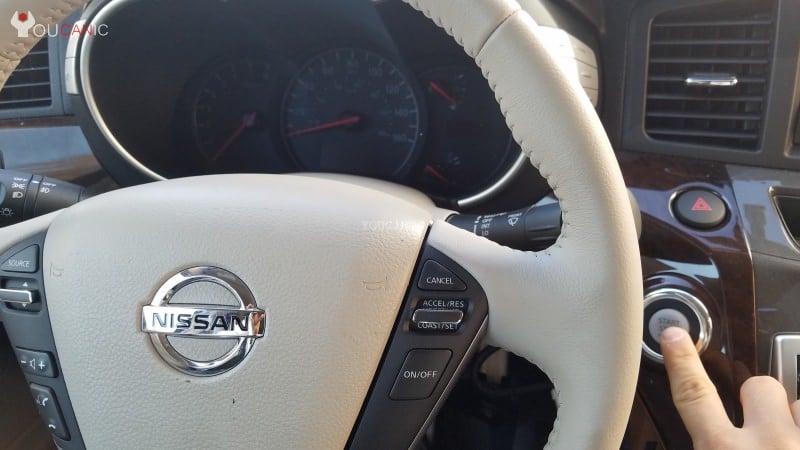
- Apply the parking brakes and turn off the engine.

- Wait for at least five minutes before proceeding to the next step. Waiting a few minutes will allow the engine oil to return to the oil pan, which means you will get an accurate reading.
- Open the hood of your Nissan by pulling the hood release under the dashboard.
- Locate the oil dipstick on the engine. The oil dipstick has a yellow handle. Remove it by pulling it up.
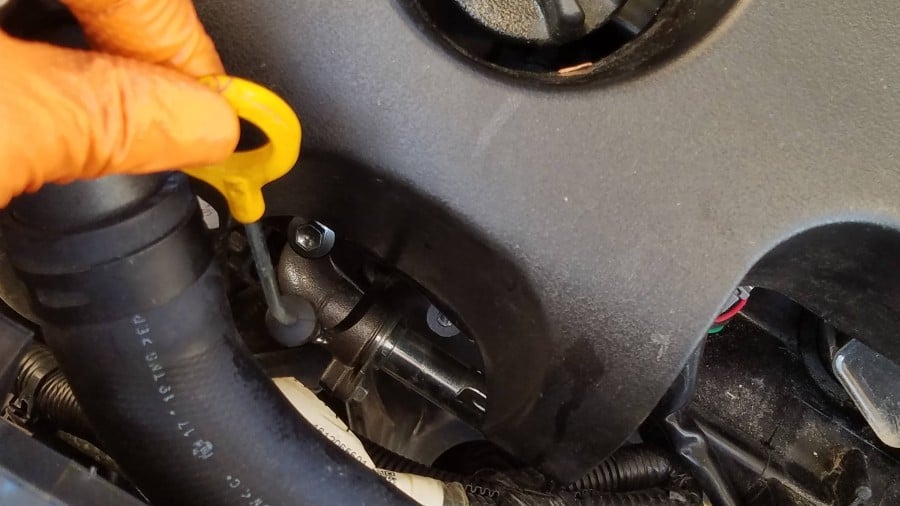
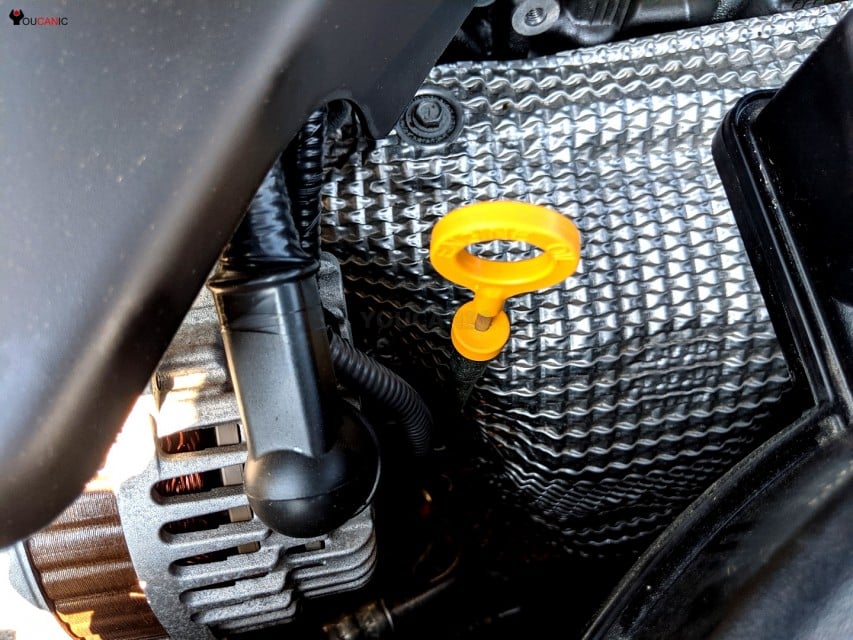

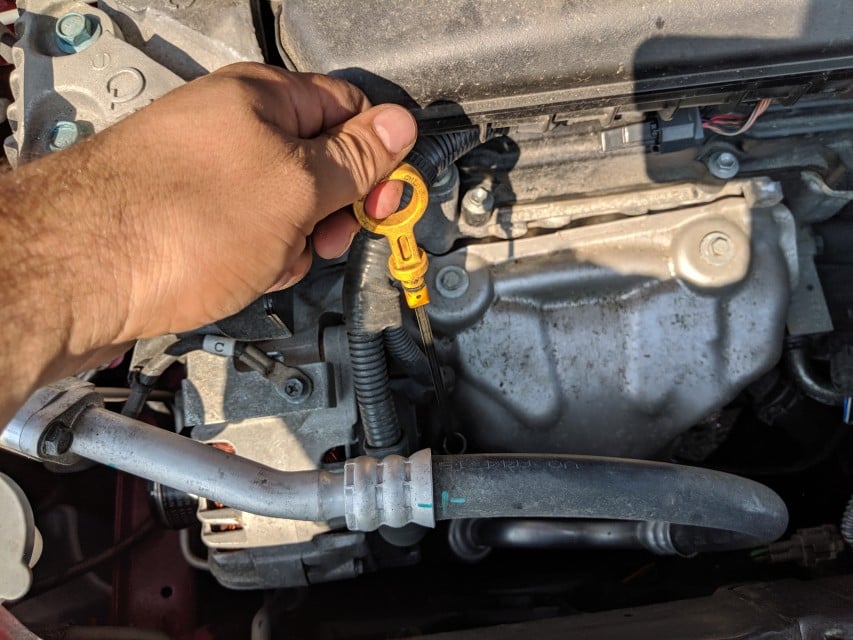
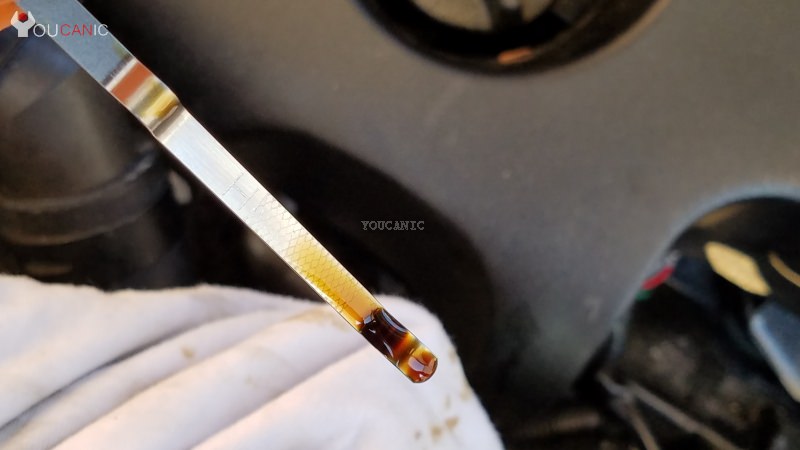 High and low marks on a dipstick. Oil level should be in the hatched area.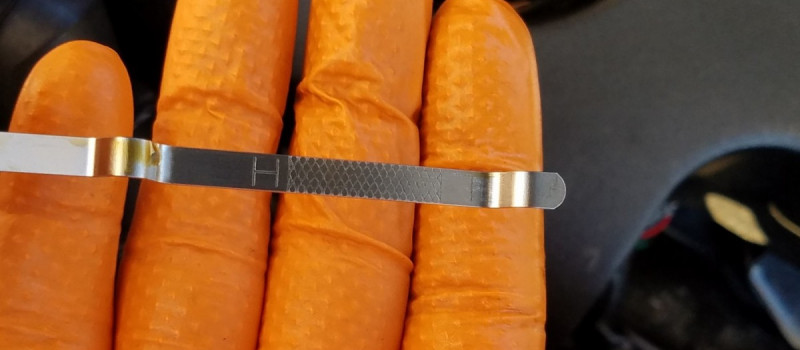
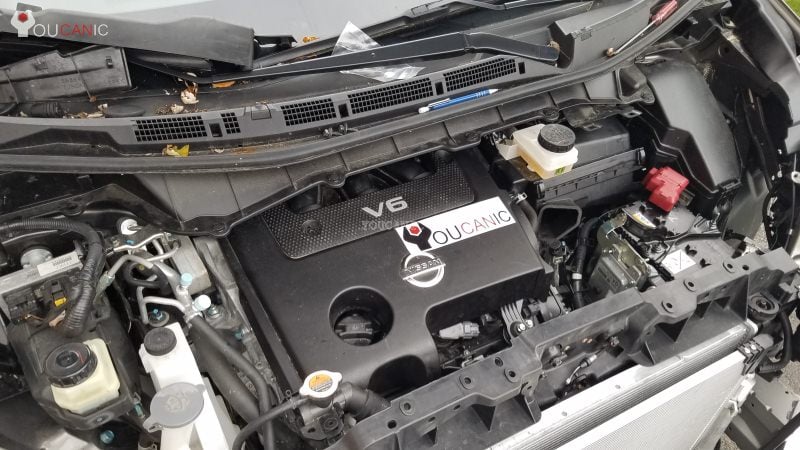
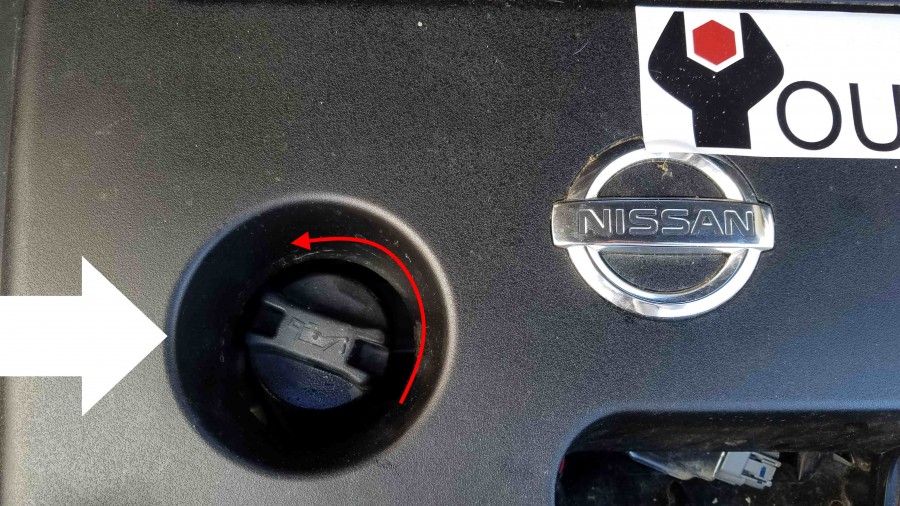
As you can see, checking the engine oil level on a Nissan is very easy and takes only a few minutes.

No subscriptions • lifetime updates
🔧 Stop paying the dealer for every warning light
Get dealer level diagnostics at home with the YOUCANIC Full System Scanner.
- ✔ Works with all makes and models, including most luxury brands
- ✔ Topology map view shows all vehicle modules on one screen for faster diagnostics
- ✔ Bi directional controls to test fans, pumps, actuators and more so you do not have to guess
- ✔ Special resets and calibrations such as ABS bleed, EPB service, battery registration and more
- ✔ Free lifetime updates with no recurring fees
We hope you find the Nissan Check Engine Oil Level guide helpful. Check these troubleshooting and repair guides for more help on your Nissan.