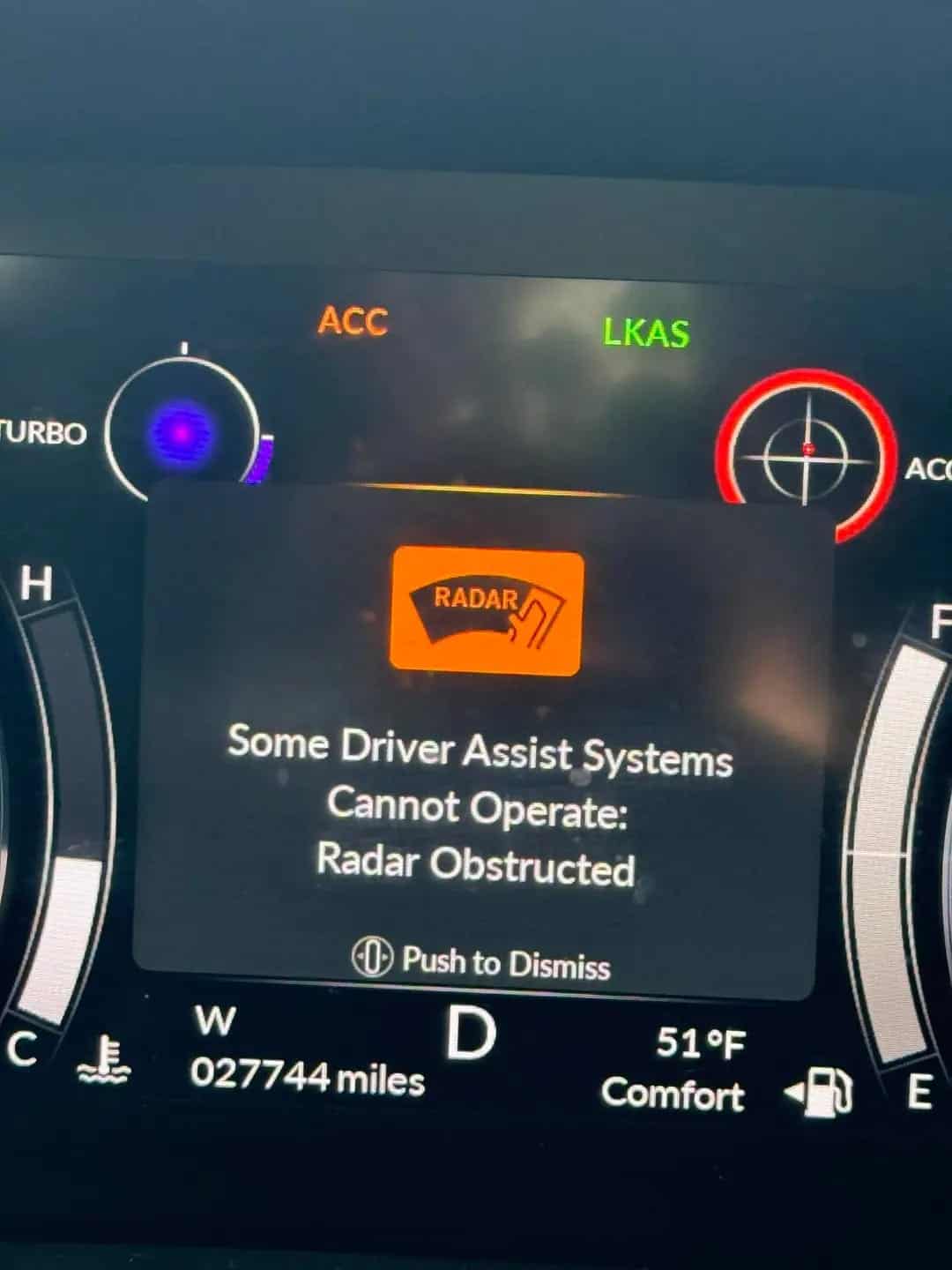
Acura – Radar Obstructed: Some Driver Assist Systems Cannot Operate


Medium
20 mins - 3 hour
$500
If your Acura suddenly flashes “Radar Obstructed – Some Driver Assist Systems Cannot Operate”, don’t ignore it. This warning usually means that your vehicle’s front radar, which is key to features like automatic braking and adaptive cruise control, is malfunctioning or blocked. It’s a serious safety concern, but in many cases, it’s caused by something simple, such as a dirty sensor or a weak battery. A quick scan with a full-system OBD-II tool, like the YOUCANIC Scanner, can help pinpoint the problem quickly, before it puts you or others at risk.
The Radar is part of your vehicle’s sensing technology, and it detects objects in front of your vehicle, such as cyclists, people, animals, and other vehicles. When this light turns on, it means the sensor is malfunctioning for several reasons.
⚠️ Why You Should Fix It As Soon As Possible:
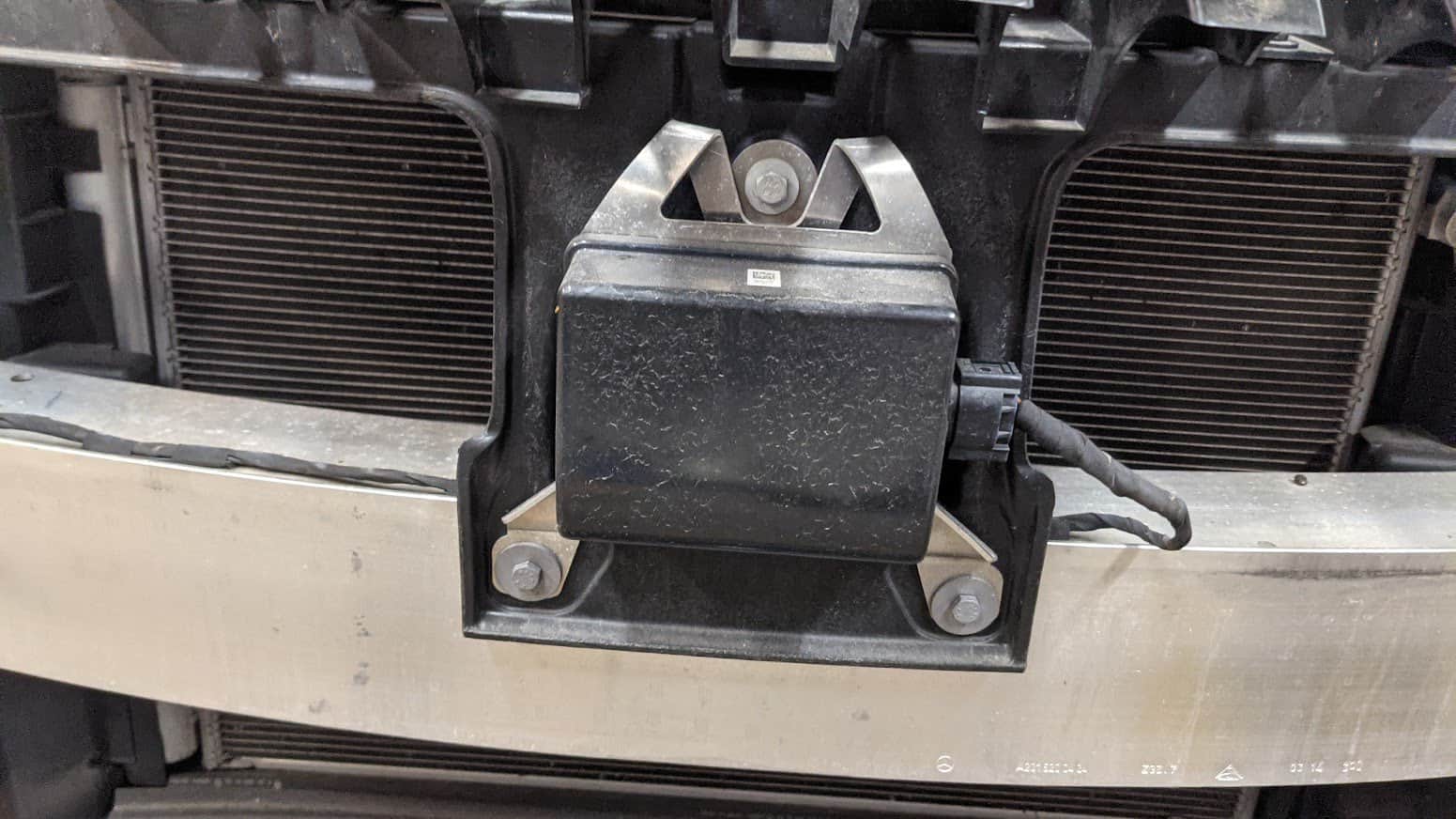
Here are the most common reasons for the warning message:
🛠️ Pro Tip: Use an OBD-II scanner to check for error codes related to the issue.
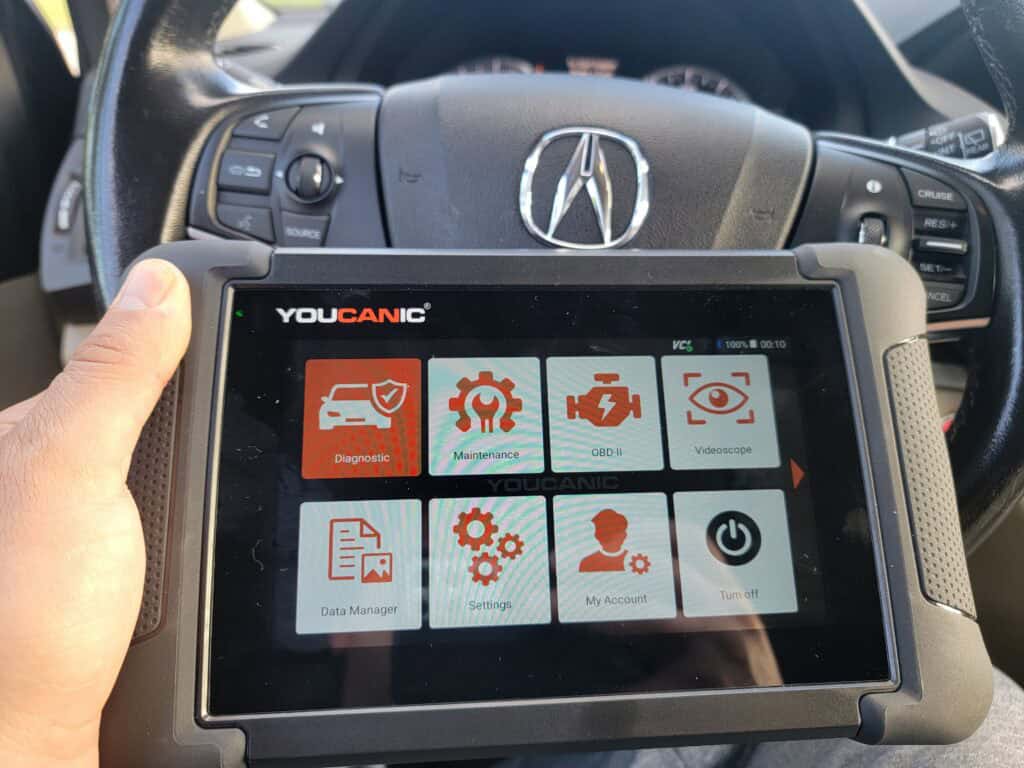
Before taking your car to a mechanic, try these DIY fixes:

Watch the following video to learn how to read fault codes from the driver assist module on an Acura using the YOUCANIC full system scanner.

Acura has recalls on the Radar, especially 2014-2015 Acura MDX and RLX models. Contact your nearest ACURA dealership to check your vehicle as soon as possible. You may check your vehicle if it has a recall on this website: https://owners.acura.com/service-maintenance/recalls
Seek help from a professional if you can not solve the issue by yourself.
If you scan your vehicle with an OBD-II scan tool, you may see one of these codes:
🚗 Need help decoding a fault code? Use the YOUCANIC Scanner to read and clear trouble codes instantly.
Follow this video tutorial on how to read and clear fault codes on an Acura.
Can I still drive with the radar obstructed warning on?
➡️ Yes, you can still drive the vehicle, but be aware that some driver assist systems may not function. So, be alert and drive carefully.
Where can I find the radar?
➡️ Different models have different locations of the radar. The radar is usually found on the front center grille of your vehicle. Some are located on the emblem, on the upper grille, lower grille, or sometimes on the side grille. The radar typically has a square appearance that can be easily determined.
Is the radar connected to the camera?
➡️The radar is not connected to the camera, but they work together to provide clear information for the vehicle, assisting the driver as soon as possible when needed.
How does the radar cause the lurching?
➡️ The CMBS, ACC, and RDM are sharing a sensing sensor, which is the front radar. If the radar is faulty, the features mentioned will not function properly, and they may send a false signal to the ABS to apply the brake, causing the lurching issue.
While basic steps like cleaning the radar or checking battery voltage might fix the issue, deeper problems—like a failing radar module or miscommunication between systems—can only be diagnosed with a full-system scanner. The YOUCANIC Scanner lets you read every module in your Acura, from radar to braking systems, so you can fix the problem yourself or head to a mechanic fully informed. Whether it’s a false warning or a real fault, always scan first, stay safe, and keep your Acura’s advanced features running smoothly.
Elbert G. Nonog is an Automotive Technical Writer and Training Manager with over 10 years of experience across major brands including Chevy, MG, Ford, Volkswagen, and Toyota. Rising from technician to leadership roles, Elbert excels at transforming complex automotive concepts into accessible training materials and documentation. His expertise spans conventional and electric vehicle systems, nationwide dealership training, and aftersales operations management. With TESDA certification and pursuing further education from the Technological University of Philippines, Elbert effectively bridges the gap between automotive engineering and practical application for industry professionals and enthusiasts.

Rushit Hila is a dedicated automotive engineer with ASE G1 certification and specialized training from an esteemed Automotive Specialty School. His hands-on experience and technical expertise in advanced diagnostics, system integration, and performance optimization make him a trusted voice in the industry.
Searching...
⭐⭐⭐⭐⭐ 4.8 stars · 247 Verified Reviews
The UCAN-II-D gives you full system diagnostics, bidirectional controls, and lifetime free updates. One scanner. Own it forever.
+ Free shipping · No subscription ever