

Chevy Airbag Light Stays On Troubleshooting Guide
Is your airbag light illuminated on your Chevrolet dashboard? Learn how to fix it by following the procedures below.
If the Chevrolet airbag light stays on and won’t turn off, the Safety Restraint System (SRS) has detected a problem with one of the Airbag System’s components. Two possibilities are damaged wires or low voltage.

While the airbag light stays on, the SRS system will not function, and no airbag will deploy in case of an accident. Don’t ignore the airbag light. Get the airbag system diagnosed as soon as possible.

🔧 Stop paying the dealer for every warning light
Get dealer level diagnostics at home with the YOUCANIC Full System Scanner.
- ✔ Works with all makes and models, including most luxury brands
- ✔ Topology map view shows all vehicle modules on one screen for faster diagnostics
- ✔ Bi directional controls to test fans, pumps, actuators and more so you do not have to guess
- ✔ Special resets and calibrations such as ABS bleed, EPB service, battery registration and more
- ✔ Free lifetime updates with no recurring fees
What Causes Chevy Airbag Lights to Come On?
Chevrolet airbag light may come on due to several possible issues, such as:
- Low battery voltage caused by a dead battery
- Passenger weight sensor defective
- Previous accident
- Deployed airbags
- Faulty seat belts
- Damaged crash sensor
- Bad clock spring
- Wiring harness damaged
Read fault codes from the Supplemental Restraint System (SRS) / airbag system to narrow down the problem.
How to Reset Airbag Light on a Chevy
Below, you will find instructions on reading codes from the airbag module and clearing them appropriately.
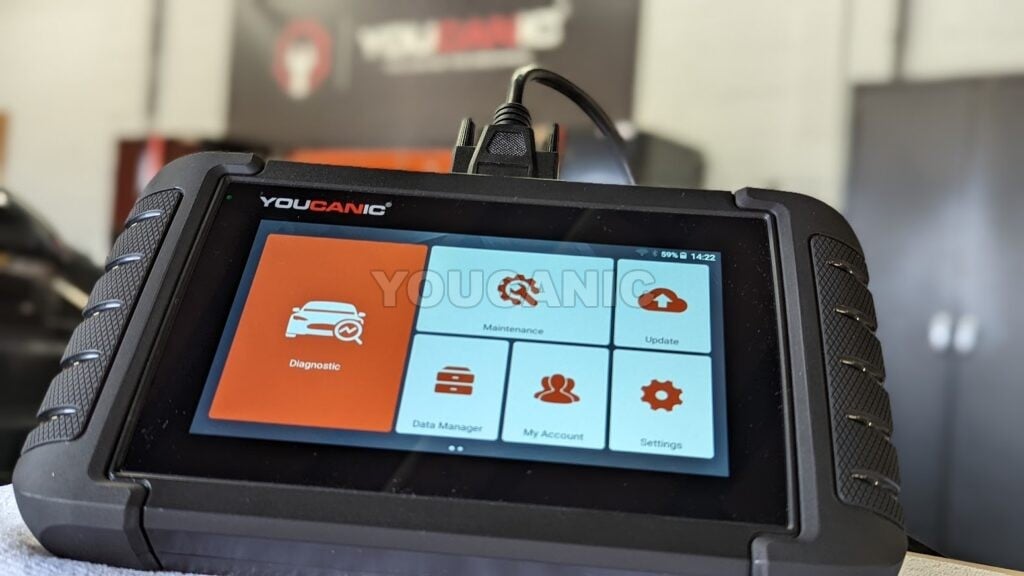
You will need an OBD-II scanner, like the YOUCANIC Full System Scanner, to read and clear codes from the ABS ECU in your Chevrolet.
- Under your Chevrolet dashboard, you will find the Onboard Diagnostic port, the OBD-II port.
 All 1996 and newer Chevrolets have this port.
 - Plug your Chevrolet Airbag Scan Tool into the 16-pin OBD2 port. The trapezoid port allows the scanner to plug only in one direction.

- Turn on the ignition. Do not start the engine. If your Chevrolet has a START/STOP button, press this button without pressing the brake pedal.

- Allow the Chevrolet airbag scanner to power on. The scanner should turn on once the ignition is turned on or to position II. Once the scanner is fully powered, select Chevrolet from the menu.
- Follow the prompting on the diagnostic scanner to select your model. Next, manually select the AIRBAG SYSTEM. Scroll down to read codes and scan your Chevrolet for airbag fault codes. If the codes you retrieve are PRESENT or CURRENT status, you must fix that problem before you can clear the airbag light.
- If the status of the codes is STORED or PAST, it is ok to clear the code. For example, an airbag fault code triggered by battery voltage can be erased once the battery has been recharged. After you clear the Chevrolet airbag light, turn off the ignition, then back on to determine if the airbag light has been reset.
- Go back to the Airbag / SRS control unit.
- Scroll down to Clear / Erase Fault Codes and press enter.
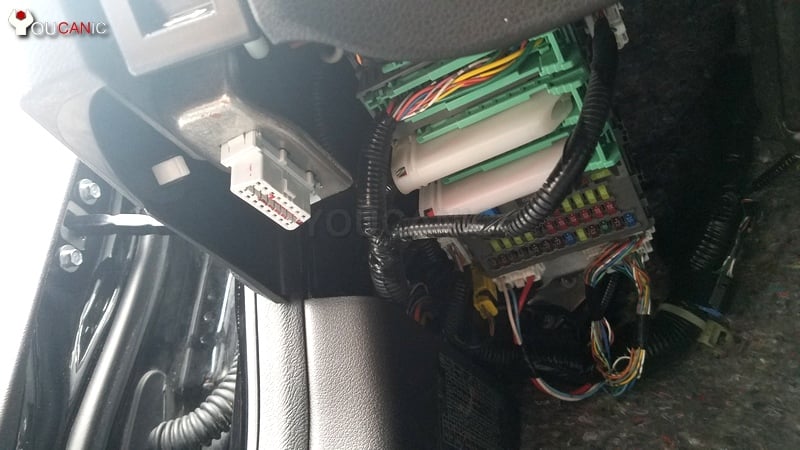 All 1996 and newer Chevrolets have this port.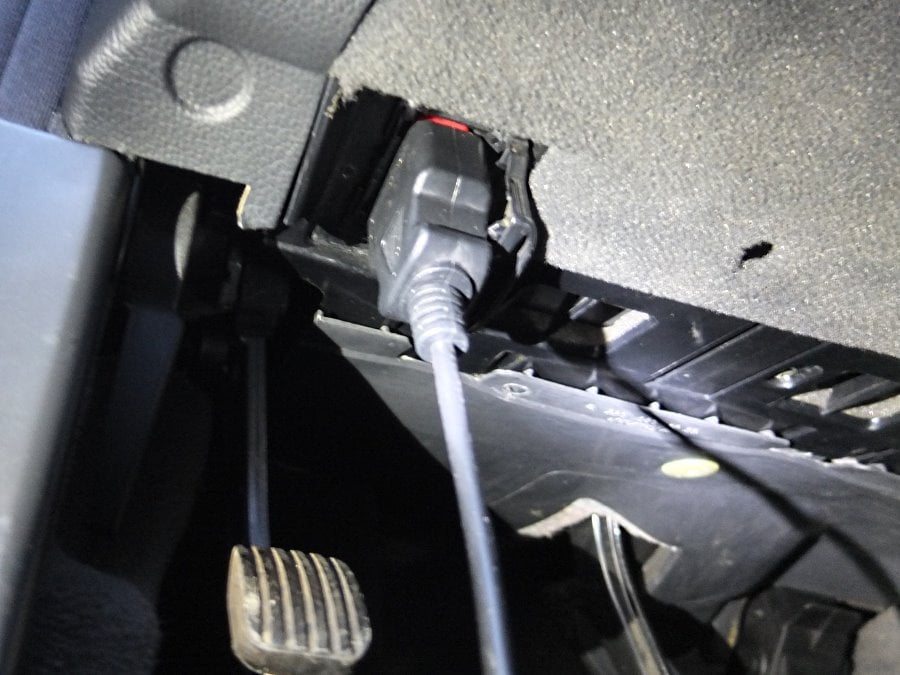
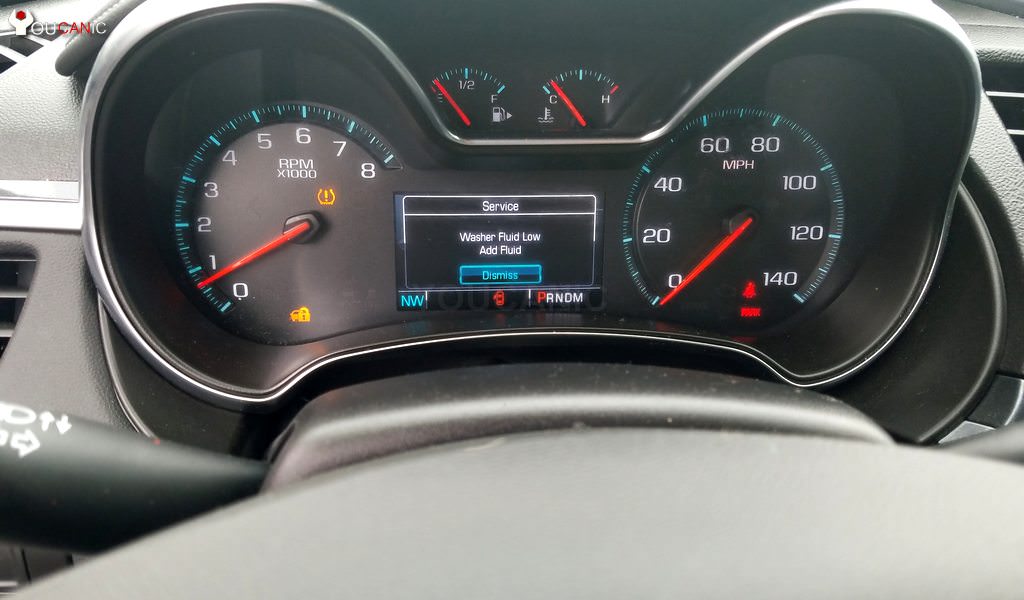

If the problem hasn’t been fixed, the airbag light will return immediately or immediately after the problem is detected.
These instructions apply to Chevy Spark, Sonic, Bolt, Volt, Cruze, Malibu, Impala, Camaro, Corvette, City Express, Trax, Equinox, Traverse, Tahoe, Suburban, Colorado, Silverado, Sonic, Blazer, Astro, HHR, Uplander, Avalanche, etc.
Recall
Chevrolet has issued several airbags recalls over the years.
Find your VIN at the lower-left corner of the windshield and call any Chevy dealer to check if any recalls are open. You can check it here.
If there is an open recall for your Chevy airbag system, the dealer may fix that problem-free charge if related to the recall. The dealer must diagnose the vehicle and verify that the airbag light is on because of the recall.
Dealers are not responsible for fixing all airbag problems free of charge—only those related to the recall.
Frequently Asked Questions
Can I reset Chevy’s airbag light by disconnecting the battery?
Disconnecting and reconnecting the battery for a few hoursdoes not clear the Chevrolet vehicles’ airbag fault codes. You will need a diagnostic scanner to read and clear Chevrolet airbag codes.
The Chevy airbag light is on, but there are no codes.
If you scan the car with an OBD-II scanner and don’t get any codes, the most likely cause is that you are using a generic scanner that can not access the Chevrolet airbag module. Instead of using a generic scanner, use an airbag scanner for Chevy.
How can I reset the airbag light on a Chevy?
Use an airbag scanner to read the fault codes via the OBD-II port under the dashboard. Address all fault codes shown when you read the codes. Use the scanner to reset the codes.
We hope you find this “Chevy Airbag Light Stays On | Troubleshooting Guide” helpful. Check these troubleshooting and repair guides for more help on your Chevrolet vehicle.



If you have replaced the sensor.. has the problem been fixed?
Sometimes, you might just see an error for a while.
If the ACTUAL problem still remains remember that the B0091 code can mean 3 things
1. Faulty Left Front Side Air Bag Satellite Sensor
2. Left Front Side Air Bag Satellite Sensor harness is open or shorted
3.Left Front Side Air Bag Satellite Sensor circuit poor electrical connection
If you solved the 1st problem, check for the other two
How to repair B0091 after replacing sensor and still getting code?
The airbag light on my chevy impala has been on for a few months. The dealer wanted $90 for diagnostics. And there are no open recalls for that car. So I knew I would have to pay for diagnostics plus the price of the repir who knew how much. I ended up getting Launch creader and scanned for the codes. It came with a code for passenger seat sensor. I was looking under the seat on the passenger side and found the connector disconnected. Pluged it back on and reset the airbag code with the scanner. Light is gone. Plus I have a scanner that I can use again on this and othe rcars. Thank you for this tutorial