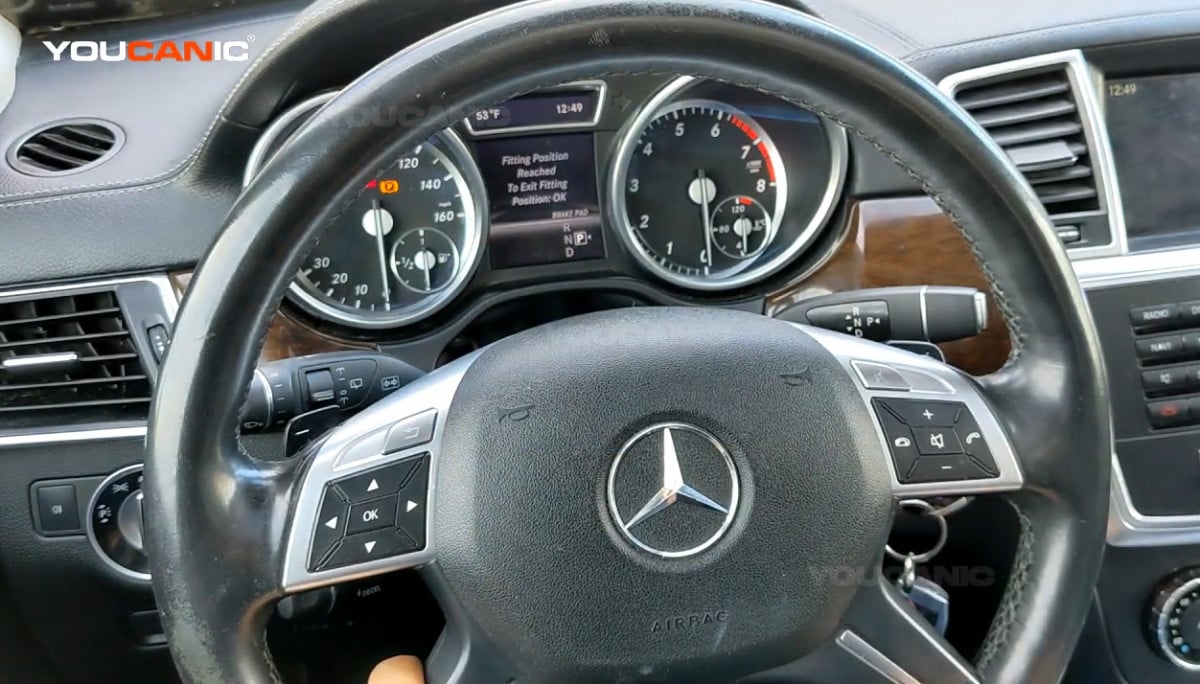
Mercedes-Benz Release Electronic Parking Brake to Change Pads
Procedure
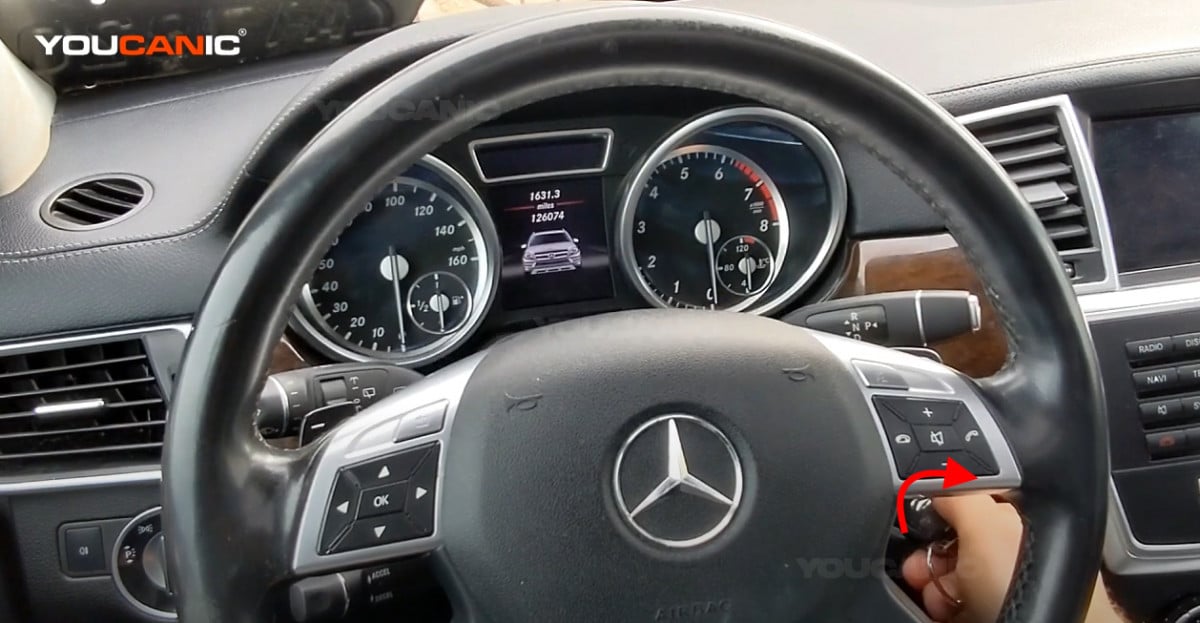
- Remove the push start button by pulling it out of the vehicle.
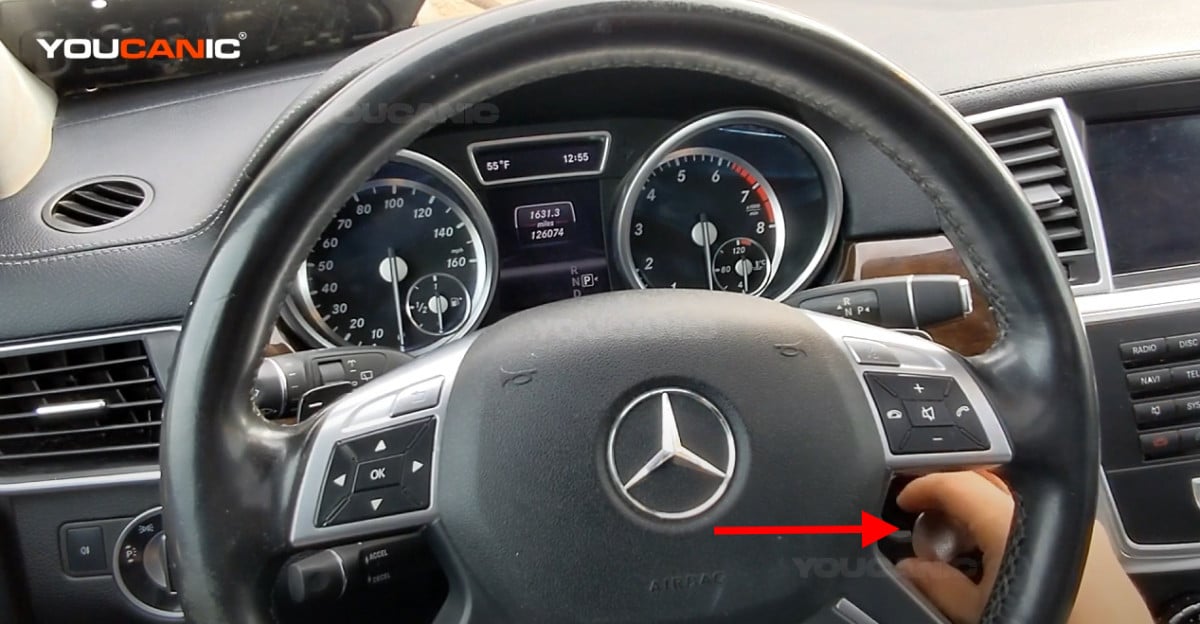
- Insert the key into the ignition switch and turn it one click (accessories position).

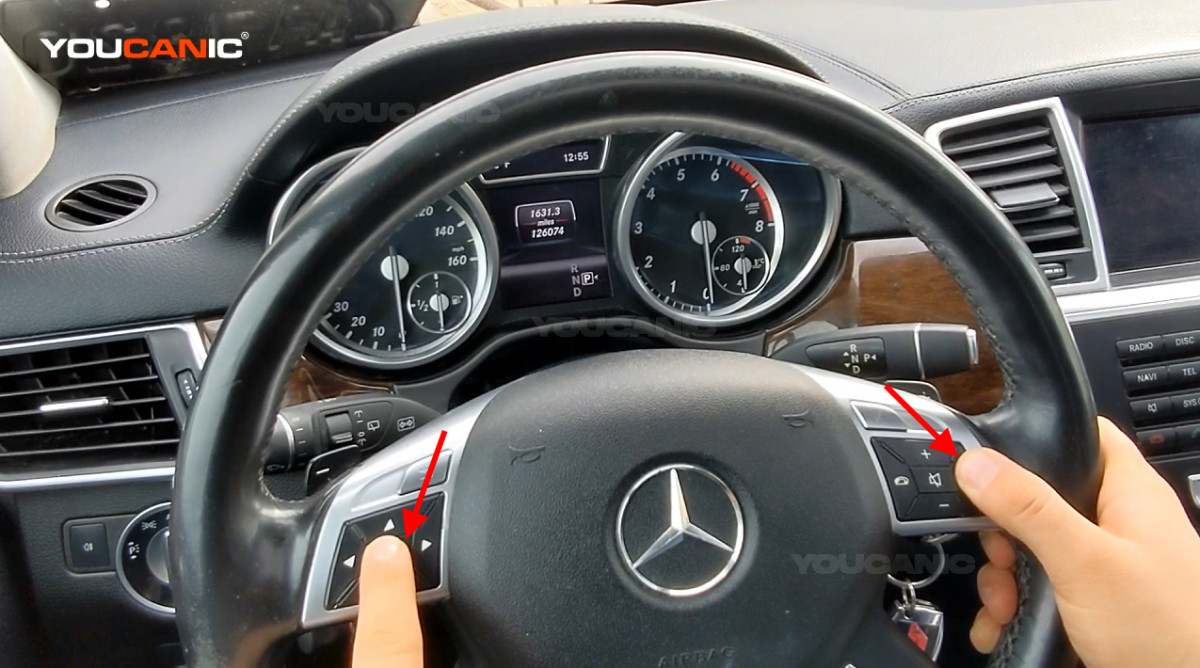
- Press the phone button on the right side of the steering wheel, and then press the OK button on the left side of the steering wheel. Hold them both for a few seconds.

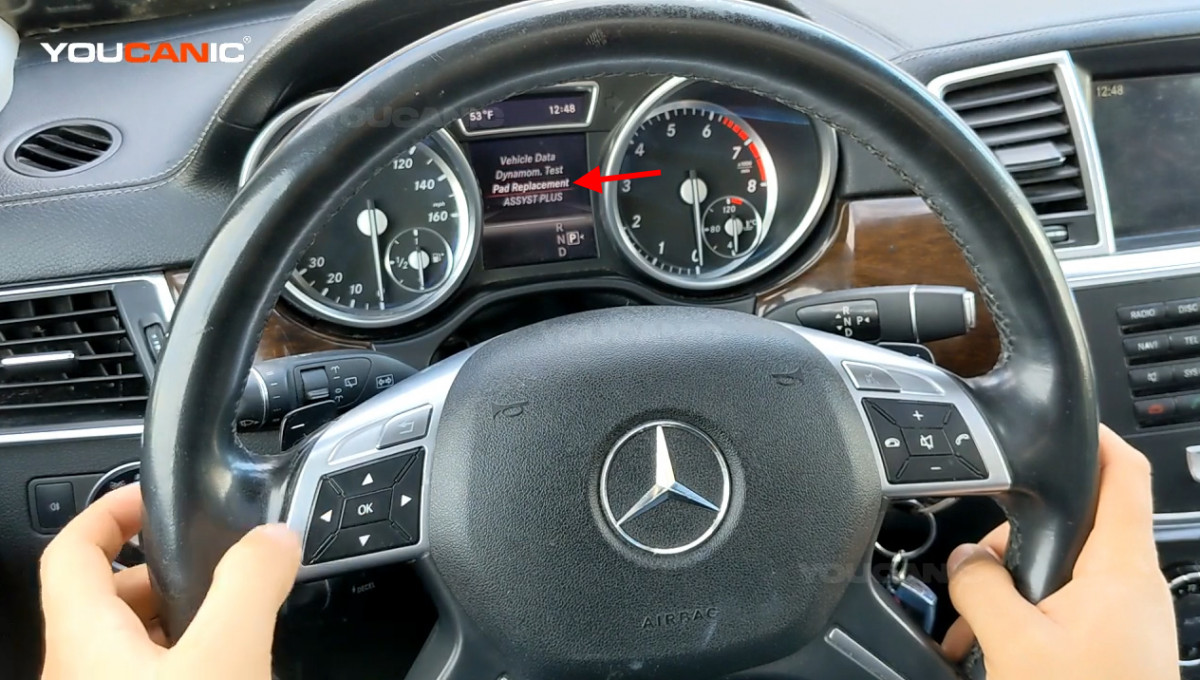
- The instrument cluster will show different menus. Select Pad Replacement, then press ok to confirm.

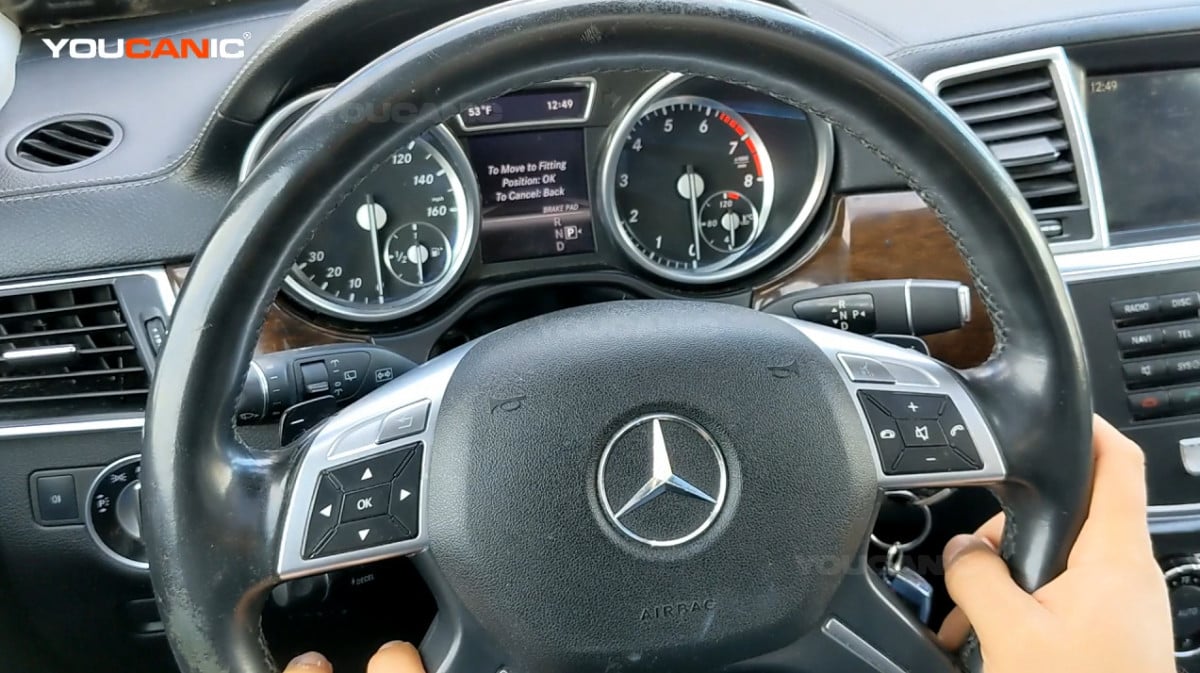
- The instrument cluster will show To Move to Fitting, press ok to release the parking brakes.


- Once you’re done changing brake pads, press ok to set the parking brakes back.