Mercedes-Benz S-Class W221 Tail Light Replace or Upgrade DIY
Are your Mercedes-Benz Tail Lights not working? Learn how to fix the problem by replacing your Mercedes-Benz tail light bulbs. This guide provides step-by-step instructions on replacing or upgrading the tail lights on the Mercedes-Benz S-Class W221.
How to Replace Mercedes-Benz S-Class W221 Tail Light

What you will need
- W221 LED Tail Lights
- 8mm socket
- Flathead screwdriver
- Philips screwdriver
Procedure
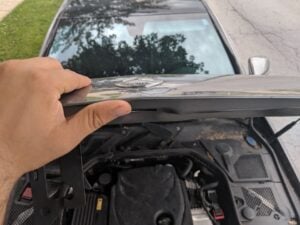
- Open the trunk lid.
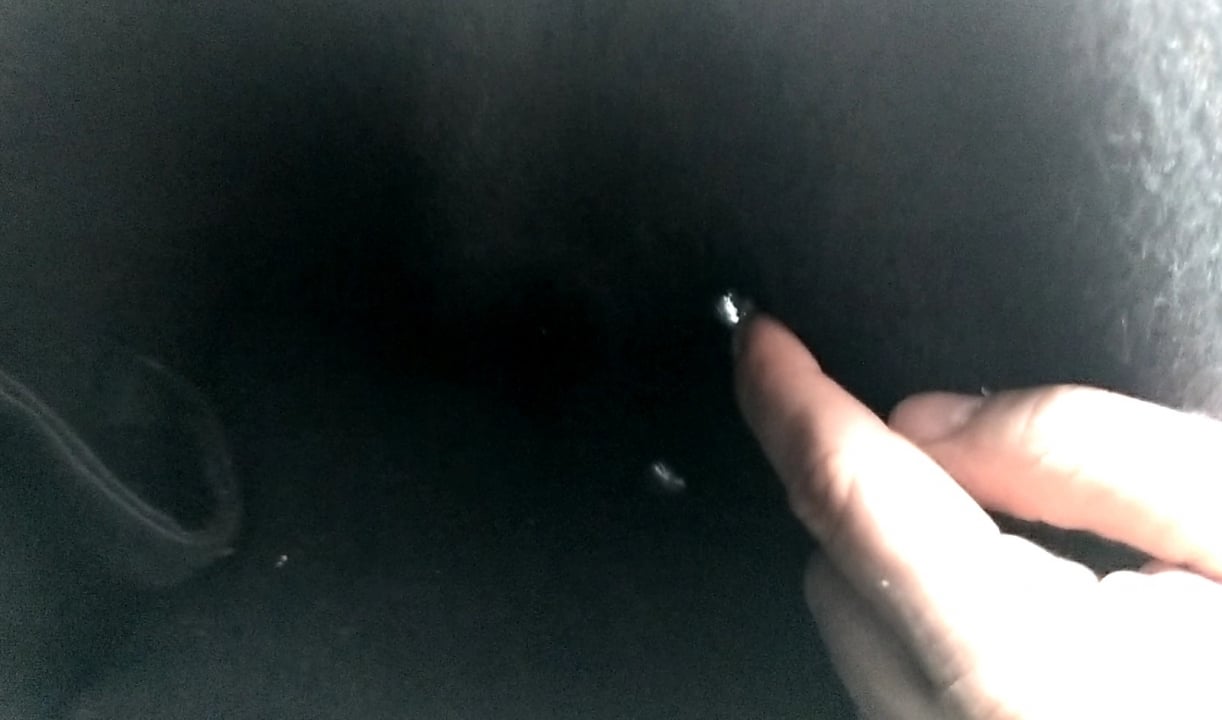
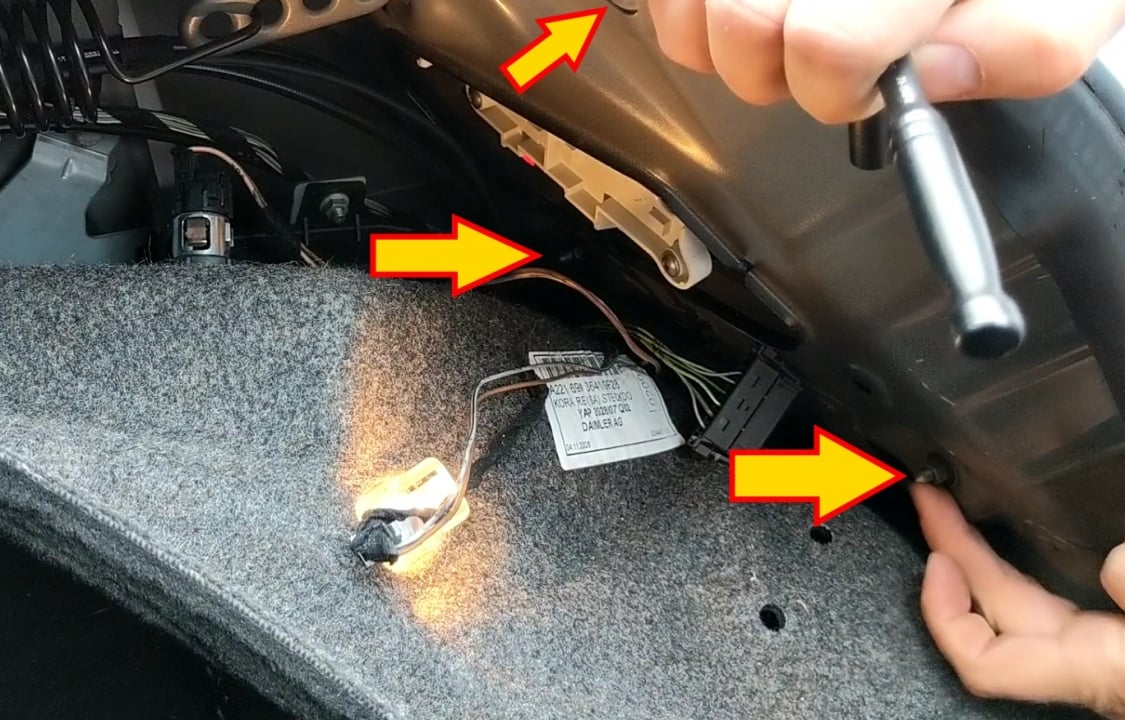
- Remove two plastic retainers behind the tail light and fold or remove the liner.

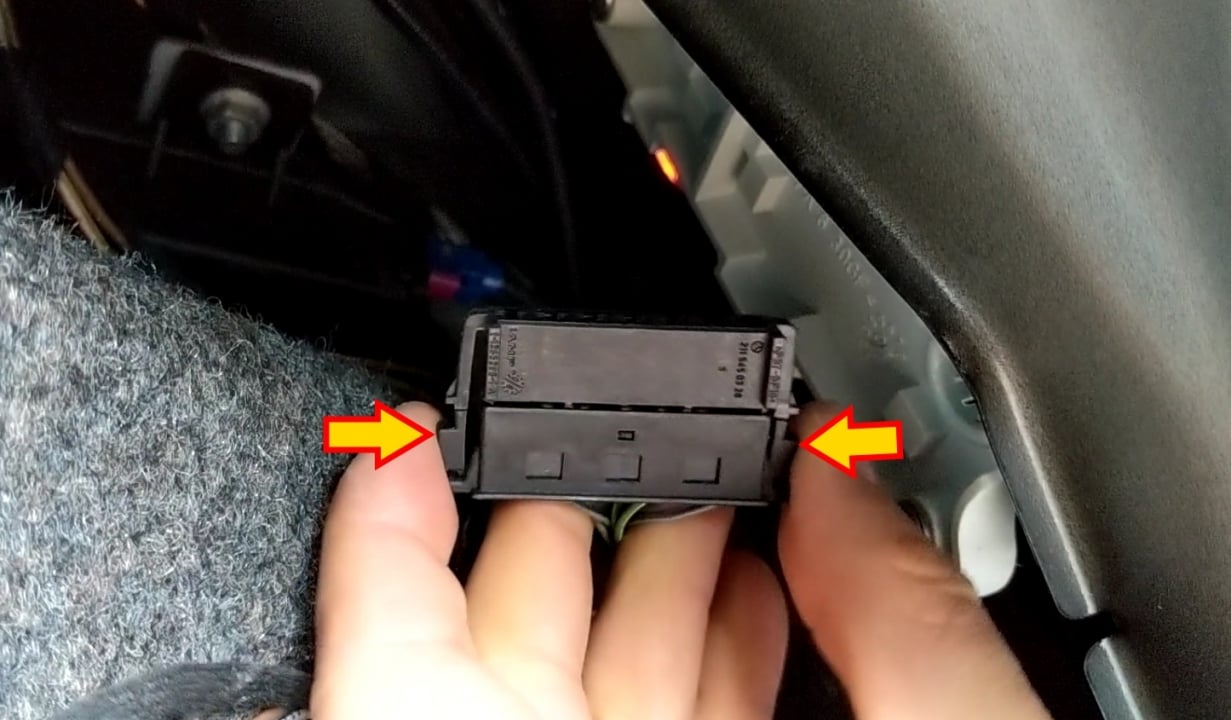
- Press two small tabs on the connector and pull it away from the tail light.

- Remove three 8mm nuts.

- Remove the tail light and install the new one.

- Tighten all nuts and connect the electrical connector. Place the liner back in place and reinsert the plastic retainers.
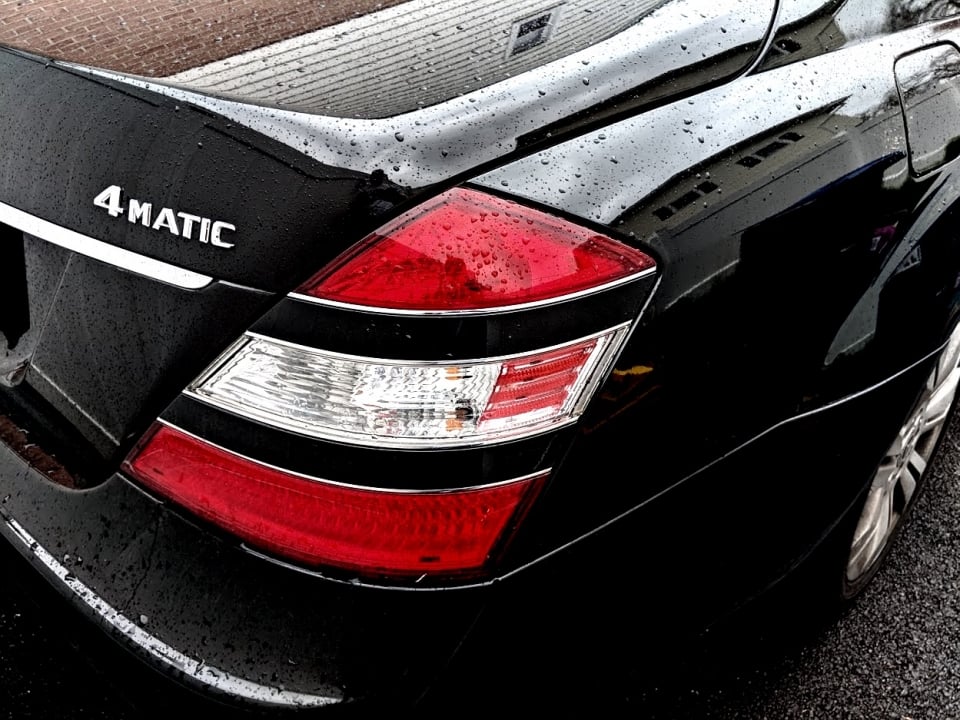
Applicable to model years 2007, 2008, 2009, 2010, 2011, 2012, 2013.
If you are upgrading the tail lights to LED on the 2006-2009 S-Class, the new taillights need to be designed specifically for those years, or you will get a warning on the dashboard stating marking lights are faulty and the lights may not operate correctly or flash.

🔧 Stop paying the dealer for every warning light
Get dealer level diagnostics at home with the YOUCANIC Full System Scanner.
- ✔ Works with all makes and models, including most luxury brands
- ✔ Topology map view shows all vehicle modules on one screen for faster diagnostics
- ✔ Bi directional controls to test fans, pumps, actuators and more so you do not have to guess
- ✔ Special resets and calibrations such as ABS bleed, EPB service, battery registration and more
- ✔ Free lifetime updates with no recurring fees
We hope you find the Mercedes-Benz S-Class W221 Tail Light Replace or Upgrade DIY guide helpful. Check these troubleshooting and repair guides for more help on your Mercedes-Benz.