Scanner Guide: How to Access and Delete Stored Vehicle Information
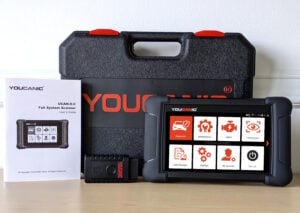
Are you tired of jumping through hoops every time you need to scan your car? Did you know? Your YOUCANIC scanner automatically saves information on every car that you scan, and accessing that stored vehicle information is super easy!

To Add a Vehicle
- Connect your VCI to the OBD-II port of your car, and turn your car on to position I.
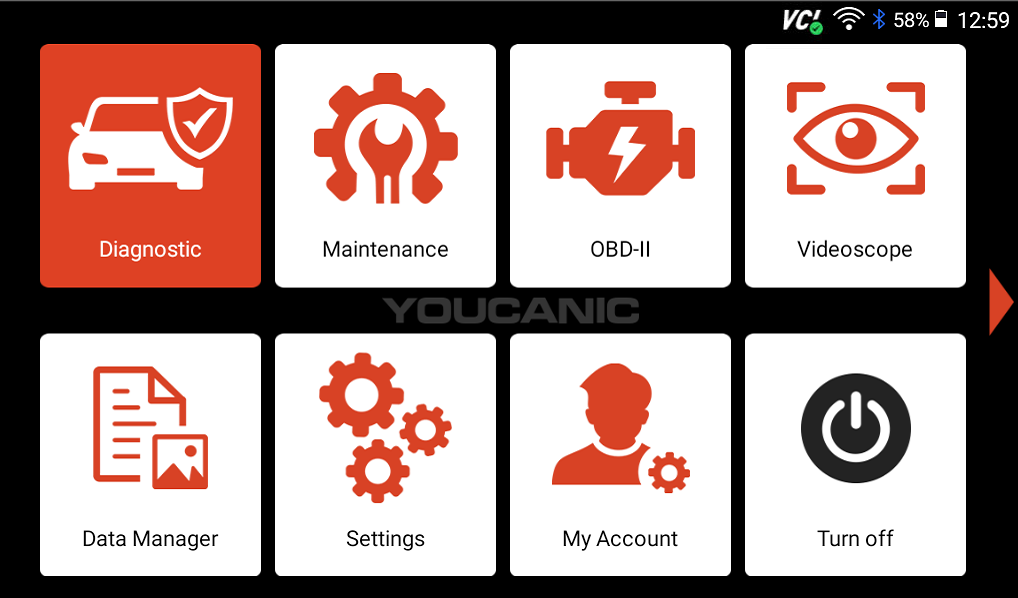
- Select Diagnostic from the homescreen of your scanner.

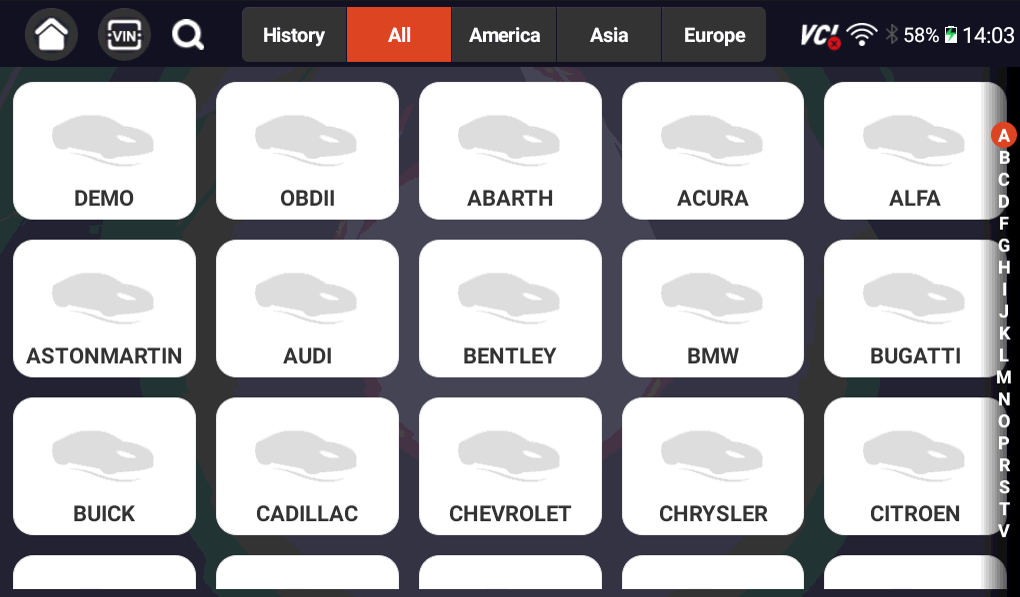
- Find your vehicle make on the list, or select the VIN icon at the top of the screen.

- Use either the Smartvin or Manual Entry options to enter necessary vehicle information.
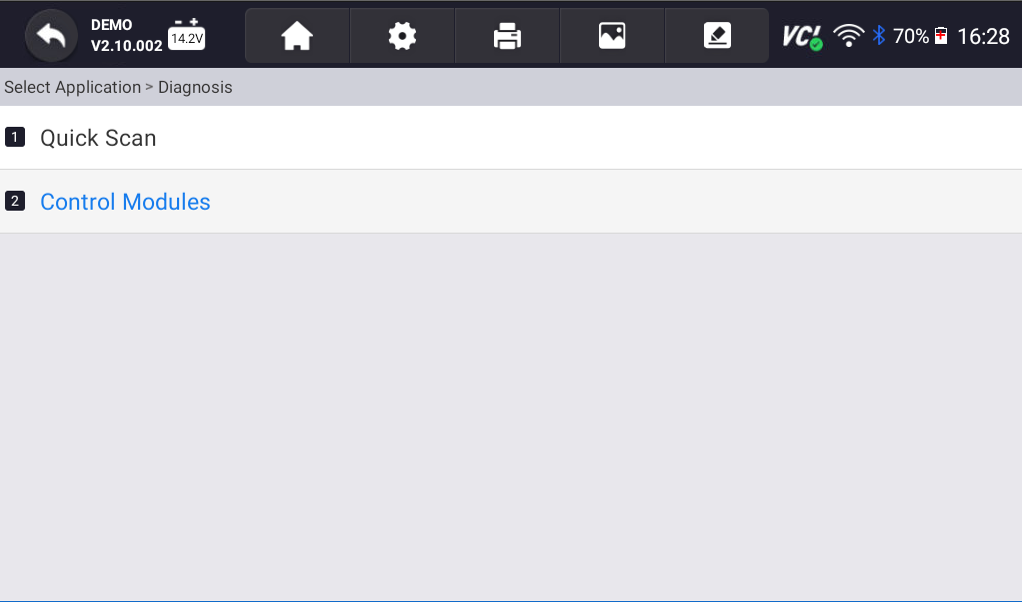
- From here, you can either continue running a full-system scan or exit to the main diagnostic page to confirm that your vehicle information has been saved.

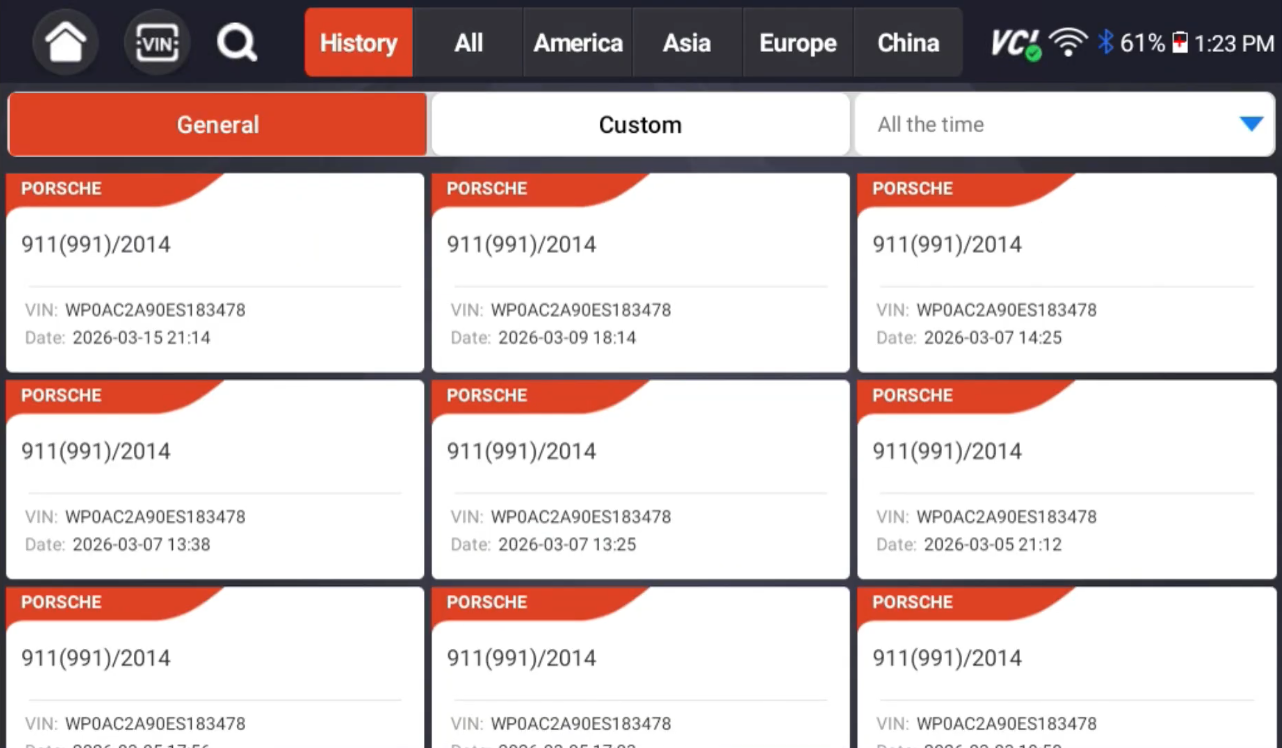
- Press the History button at the top of your screen to confirm.

To View Saved Vehicles
- From the homepage of your scanner, select Diagnostic.
- Connect your VCI to your car’s OBD-II port and turn the car on to position I.
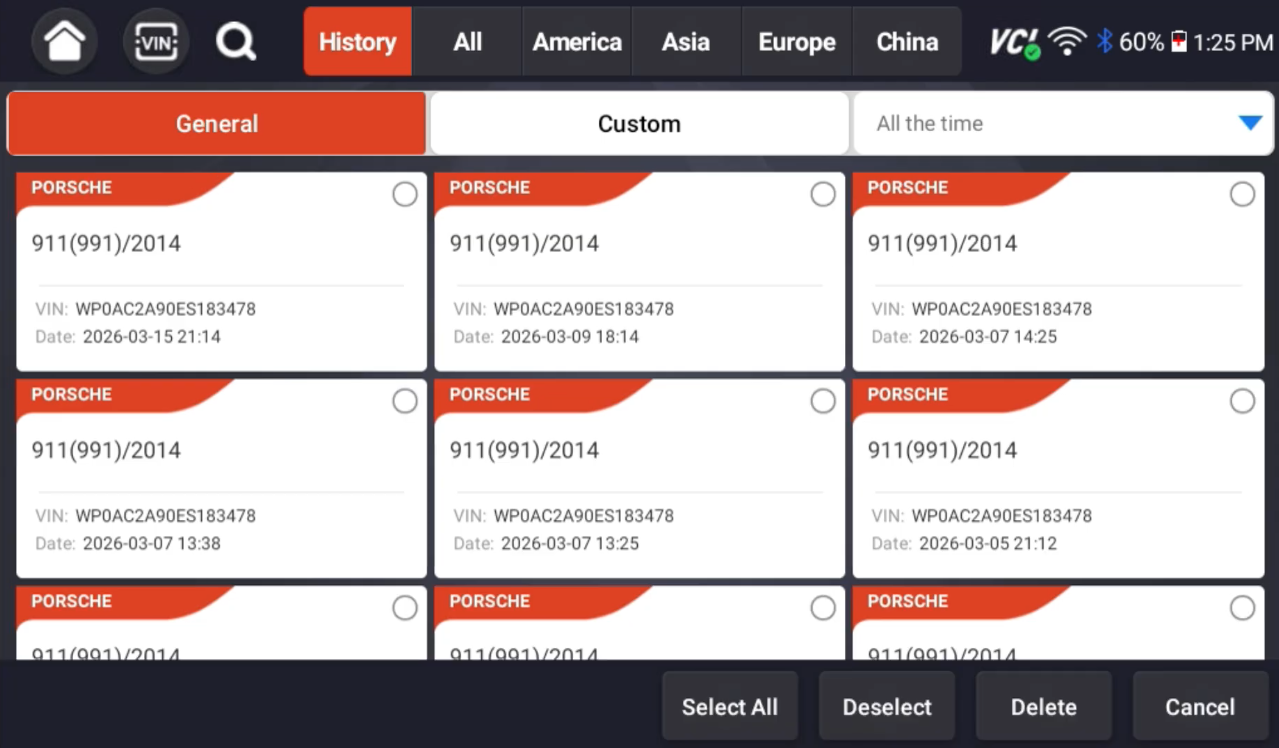
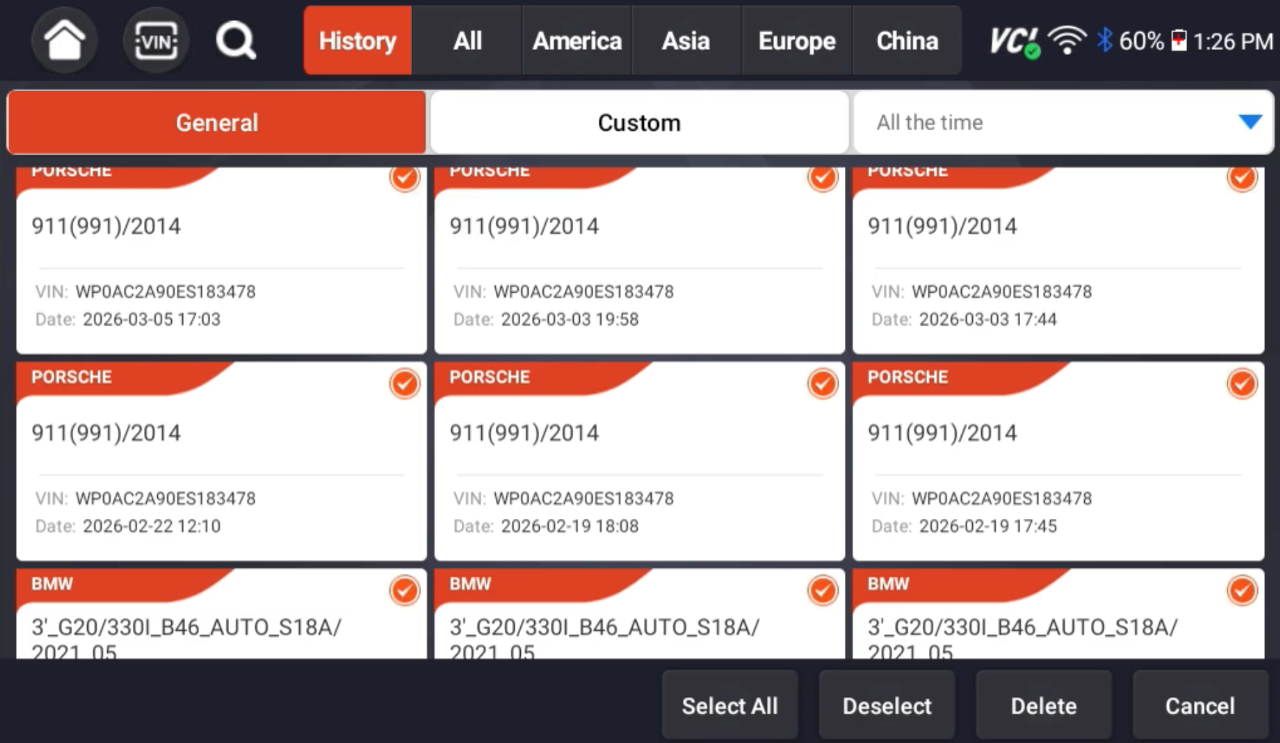
- Tap on the History button to view all of your previously scanned vehicles. If you select your vehicle make and use the SmartVIN function every time you connect to your car, you will have duplicate entries saved.
- Find the vehicle that your VCI is connected to, then use your scanner to run quick scans or special functions like you usually would.
To Delete Saved Vehicles
- On the history tab, press and hold an option until you see a dot appear in the corner of all available options.
- Select the vehicles you want to delete, or press the Select All button to delete everything.

- Once this information is deleted, it is gone forever. You will need to connect and scan the car to bring that vehicle back.
Need more scanner help? Check out our other Scanner Resources here!

No subscriptions • lifetime updates
🔧 Stop paying the dealer for every warning light
Get dealer level diagnostics at home with the YOUCANIC Full System Scanner.
- ✔ Works with all makes and models, including most luxury brands
- ✔ Topology map view shows all vehicle modules on one screen for faster diagnostics
- ✔ Bi directional controls to test fans, pumps, actuators and more so you do not have to guess
- ✔ Special resets and calibrations such as ABS bleed, EPB service, battery registration and more
- ✔ Free lifetime updates with no recurring fees