
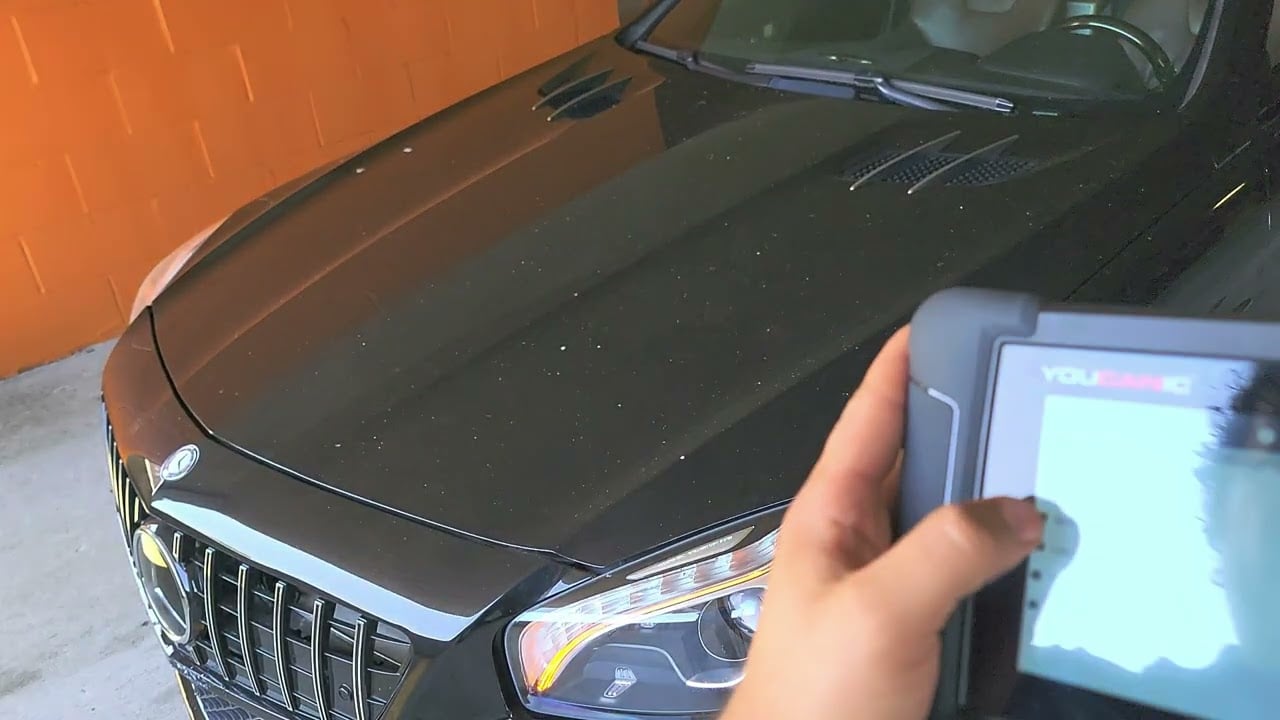
How To Run Active Tests Using a YOUCANIC Scanner
Reviewed/Verified by:

Ever wondered why active tests, also known as bidirectional tests, can be important when working towards finding a fix for your car? Active tests give you a better idea of what could be going on under the hood of your car, steering you in the right direction if a basic fault scan has let you down. Did you know that your YOUCANIC Scanner can run these tests?

DISCLAIMER: While these steps may work for most modern cars, vehicles made before 2000 do not have active test capabilities, so these steps will not work.
Step-by-step guide
- Connect your VCI to your car’s OBD-II port, usually found on the driver’s side near the brake pedal. If you don’t know where it is in your car, you can find it online or in your car’s user manual.

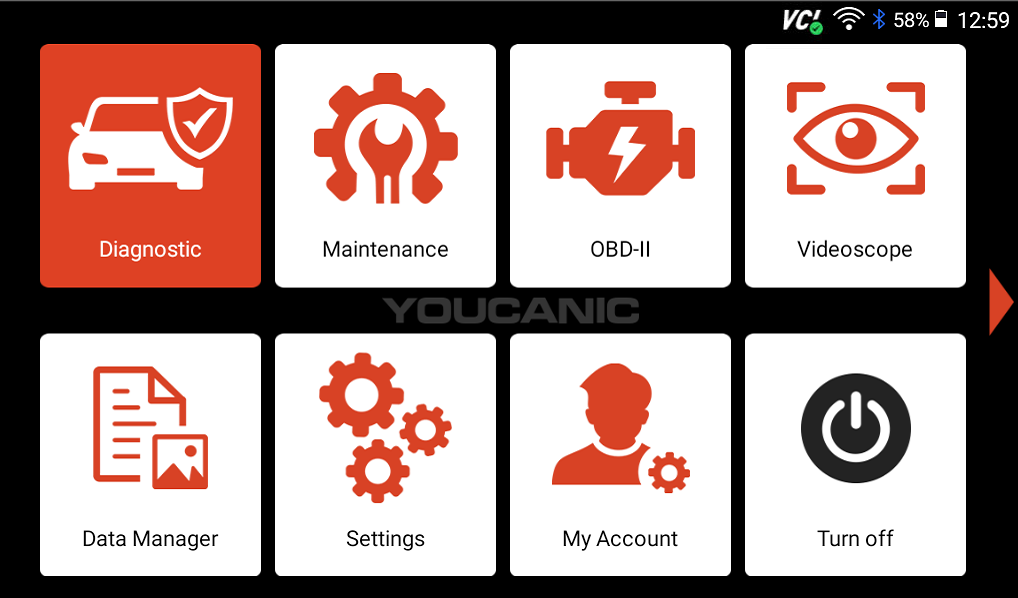
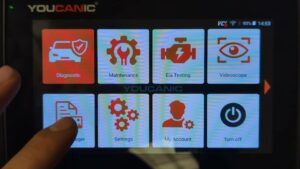
- From the homepage of your scanner, select the Diagnostic app.

- On the next screen, select your vehicle make, then use either the SmartVIN or Manual Entry option to enter other important information about your car.
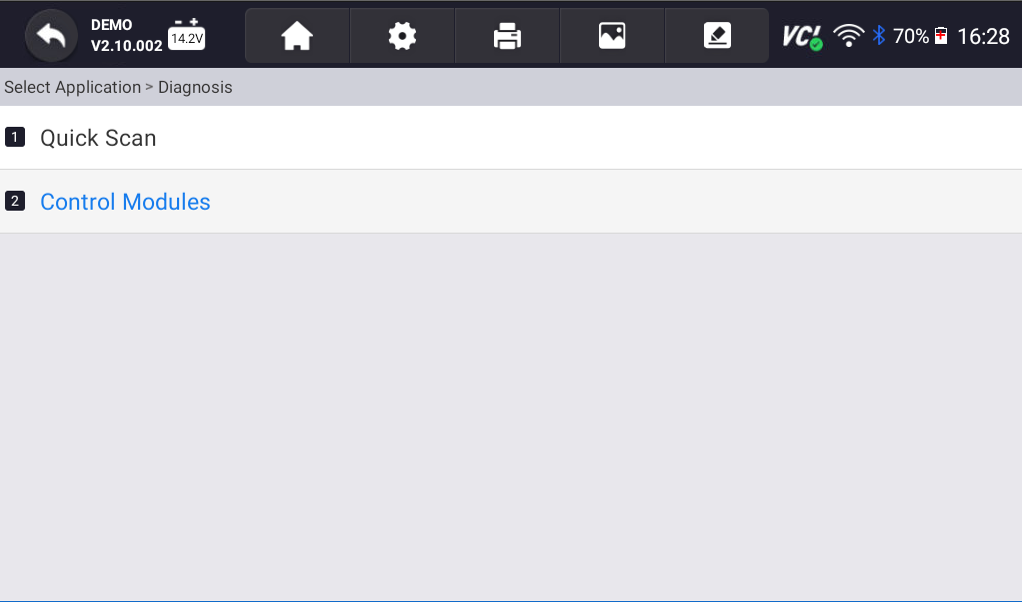
- Select Control Modules.

- Next, you will need to find the control unit that will let you gain access to the component you want to test.
For example, if you want to test the windshield wipers on a Mercedes, you would first go to Body; if you were going to perform the same test on a BMW, you would select the Drive option. You will need to know where to look for the specific test you want to run, or you will have to go through a lot of trial and error. - From here, depending on the module you select, you will be able to control a couple of different systems in your car. The video above features the Front SAM on a Mercedes SL, which can control headlights (including turn signals, high beams, and low beams); interior lighting (including ceiling lights); A/C; windshield wipers; and even the car’s horn. Available functions may vary by vehicle.

- Select a component that you would like to test. On the following screen, a couple of other options will appear. Select what you would like to test based on your diagnostic needs.


Practical Application:
The following steps will walk you through diagnosing an issue with your Windshield wipers by running an active test. Are you more of a visual learner? Follow along with our video guide below!

🔧 Find out what is actually wrong before you pay someone to guess
Dealer level diagnostics at home with the YOUCANIC UCAN-II Pro.
- ✔ Covers most makes and models, including many luxury brands. Send us your VIN and we will confirm your car before you order
- ✔ Reads every module, not just the engine, so you find the faults a basic reader says are not there
- ✔ Commands the car: test a fan or pump, bleed ABS, retract an electronic parking brake, register a battery
- ✔ No subscriptions. Free lifetime updates, so the price you pay is the whole price
- ✔ Backed by real mechanics in the USA you can email before and after you buy
Featured in The Wall Street Journal

Step-by-step Guide
- Connect your scanner to your car, go to Diagnostic, find your car model, and enter your car’s VIN.
- Next, select Control Modules.
- Now, things start to get confusing. Before you can proceed, you need to know which control module you need to select to run an active test on your wiper system. If you have a Mercedes, you might select Body, then select Front SAM, but if you have a BMW, you would select Drive, then select Body Domain Controller (BDC). You need to know where to go for your car, or there will be a lot of trial and error.
- Select Active Test, then select the wiper option. The name that is displayed will vary by vehicle. Where one might say Wipe and wash, another might read something like Wash/wipe system. It should be fairly obvious once you have found the system you are looking for.


- The following screen will show several tests you can run to verify that your wiper system is functioning correctly. Running tests will help you determine if the issue is a faulty motor or a broken switch. If reading fault codes hasn’t helped, running an active test may be the next step in diagnosing and fixing the issue.


Disclaimer: This guide may not apply to all vehicle makes and models. If you need to verify coverage for your particular vehicle, please contact YOUCANIC support or use our Compatibility Checker.
Related Guides
- Scanner Guide: How to run Firmware Updates on Your YOUCANIC Scanner
- Scanner Guide: How to run Software Updates on your YOUCANIC Scanner

Hi, I got one of the scanners about 4 years ago and love using it for Mercedes save me from dealing with the BS at the dealerships Thanks for make these scanners