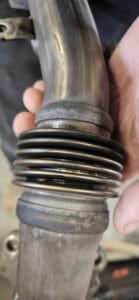
How to Check your Catalytic Converter Efficiency Using a YOUCANIC Scanner
Reviewed/Verified by:

Is the check engine light (CEL) on in your car? Have you been experiencing a rough idle and reduced fuel efficiency? The issue could be a faulty oxygen (O2) sensor or catalytic converter!
Don’t panic! Before taking your car to the dealership or a mechanic, try to diagnose the issue yourself with a YOUCANIC scanner! Are you more of a visual learner? Follow along with our video guide below!

Step-by-step Guide
- Connect your VCI to the OBD-II port in your car. If you don’t know where it is in your vehicle, look it up in your owner’s manual or find it online.

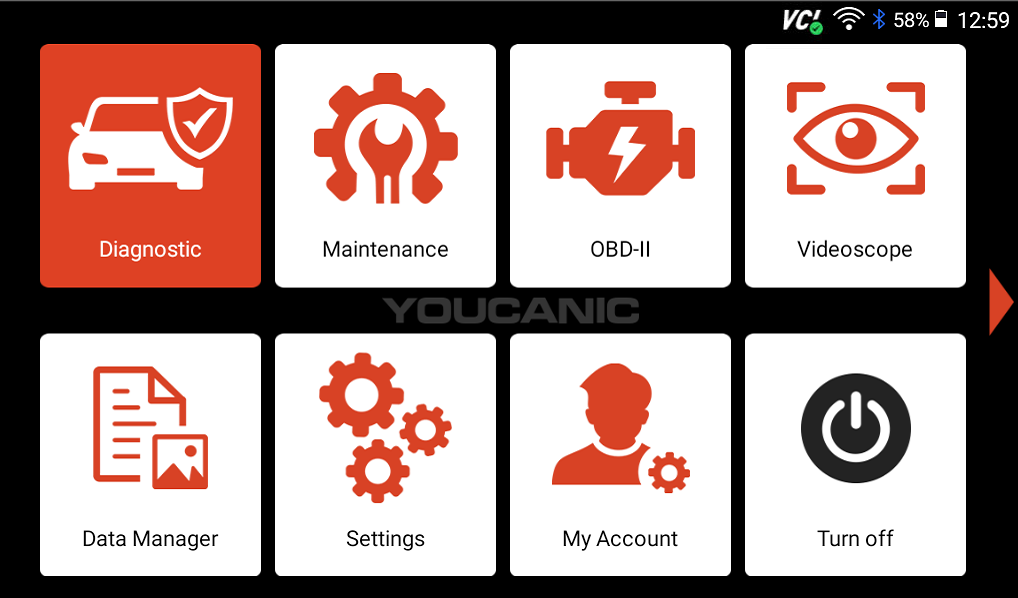
- From the home page on your scanner, select Diagnostic.

- Select your vehicle make, and choose either SmartVIN or Manual Entry to enter your car’s information.

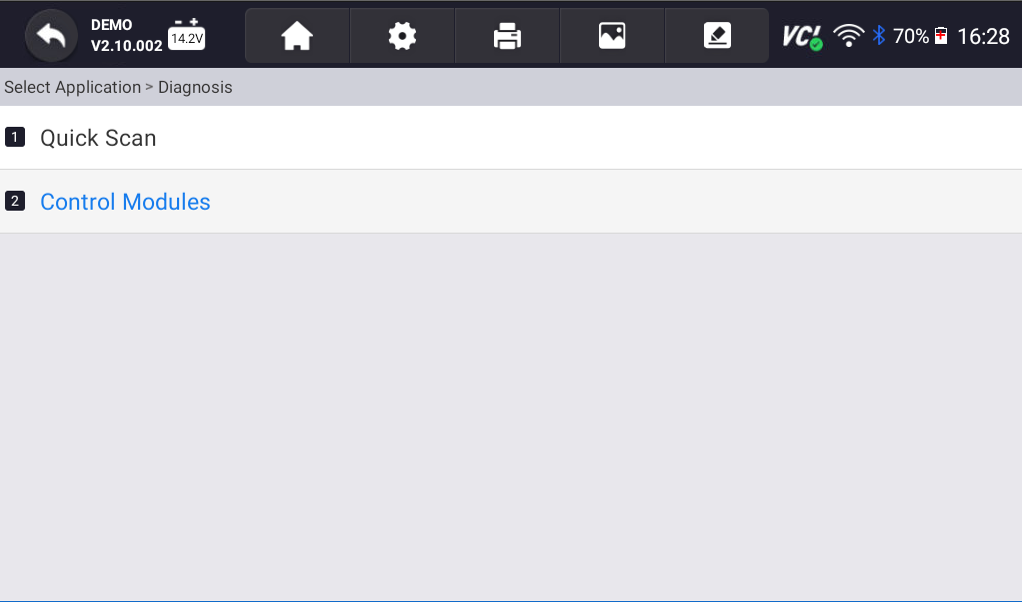
- Select Control Modules on the following screen.
- Scroll down and select the Drive option on the following screen.
- Next, select the Engine Control Unit or Motor Electronics option. It will usually be the first option on the drive page.
- Select Live Data.

- Select Further actual values towards the bottom of the following page, then select O2 sensor/control.
- On the next screen, you can select the live data values you want to view. In the demo video above, we used the Select All option, but for this guide, you only need to review a few values: 105 Lambda control before TWC (left and right) and O2 sensor voltage after TWC (left and right).
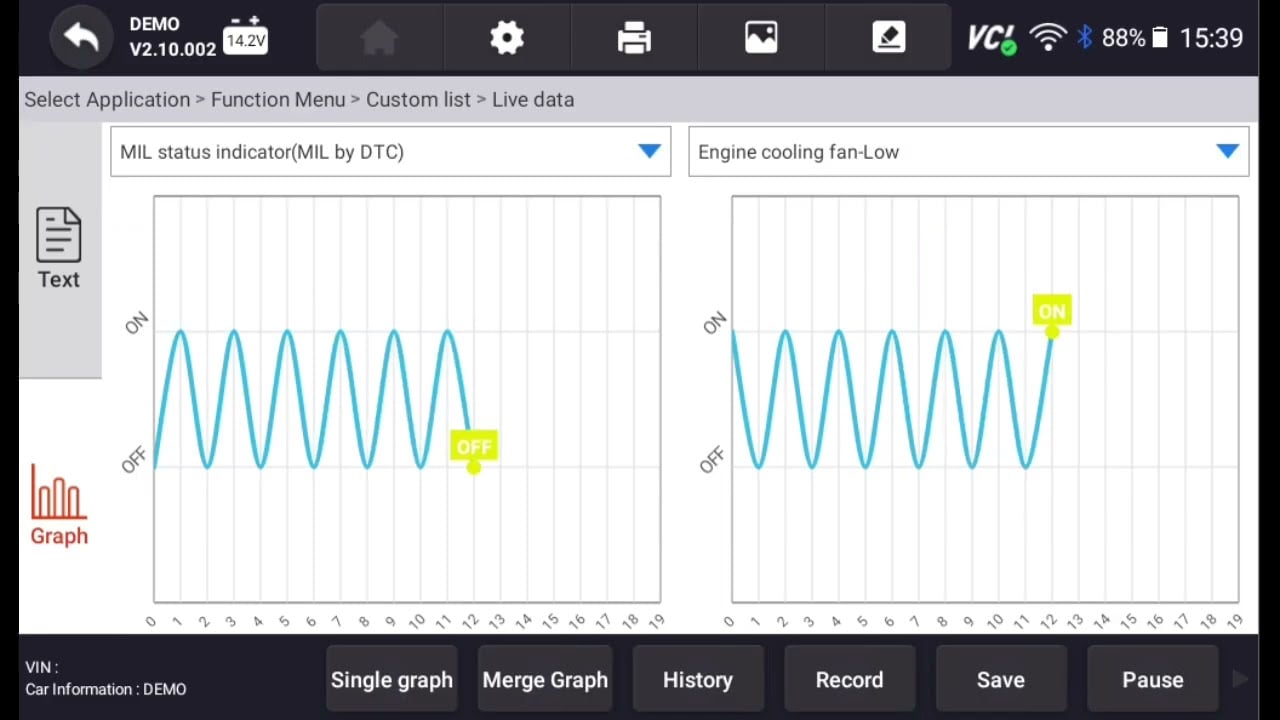
- On the following screen, select the graph option. Your scanner has the ability to show up to four live data graphs at a time, but you will only need to look at two at a time.

- Select Multi-graphs.

- You will want to observe the before-and-after effects of a TWC (Three-way catalyst) to ensure your catalytic converter is working correctly. To do this, you can select the values 105 Lambda control before TWC and O2 sensor voltage after TWC.

- The first value should fluctuate, while the second should move steadily. These are good indicators that your catalytic converter is working normally.
NOTE: O2 sensor voltage should show between 0.5 and 0.7 on the graph. If the sensor voltage is too low or is changing rapidly, that could point to a faulty oxygen sensor. - For further testing, rev your engine with the scanner connected and continue to observe live data. When you first rev your engine, the O2 sensor voltage will drop, but it should stabilize after a little while.
- You can also take your car for a test drive to record live data. On that same screen, press the Record button.
- Put your scanner to the side, and drive your car for a couple of minutes.
- When you return, press the Stop button, and save the data that you just recorded.
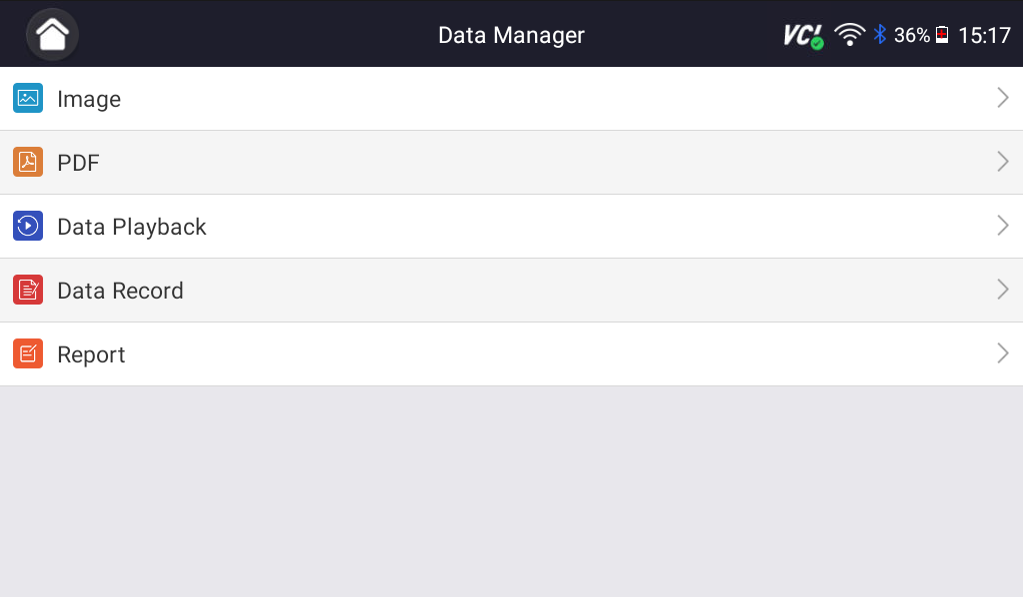
- On the home screen, go to Data Manager and select Data Playback.

- Select the recording you just saved to review footage.
- If you notice any abnormalities when reviewing the recorded data, run a quick scan to read codes related to your catalytic converter and O2 sensor, or take your car to a trusted mechanic for additional support.






Disclaimer: This guide may not apply to all vehicle makes and models. If you need to verify coverage for your particular vehicle, please contact YOUCANIC support or use our Compatibility Checker.