
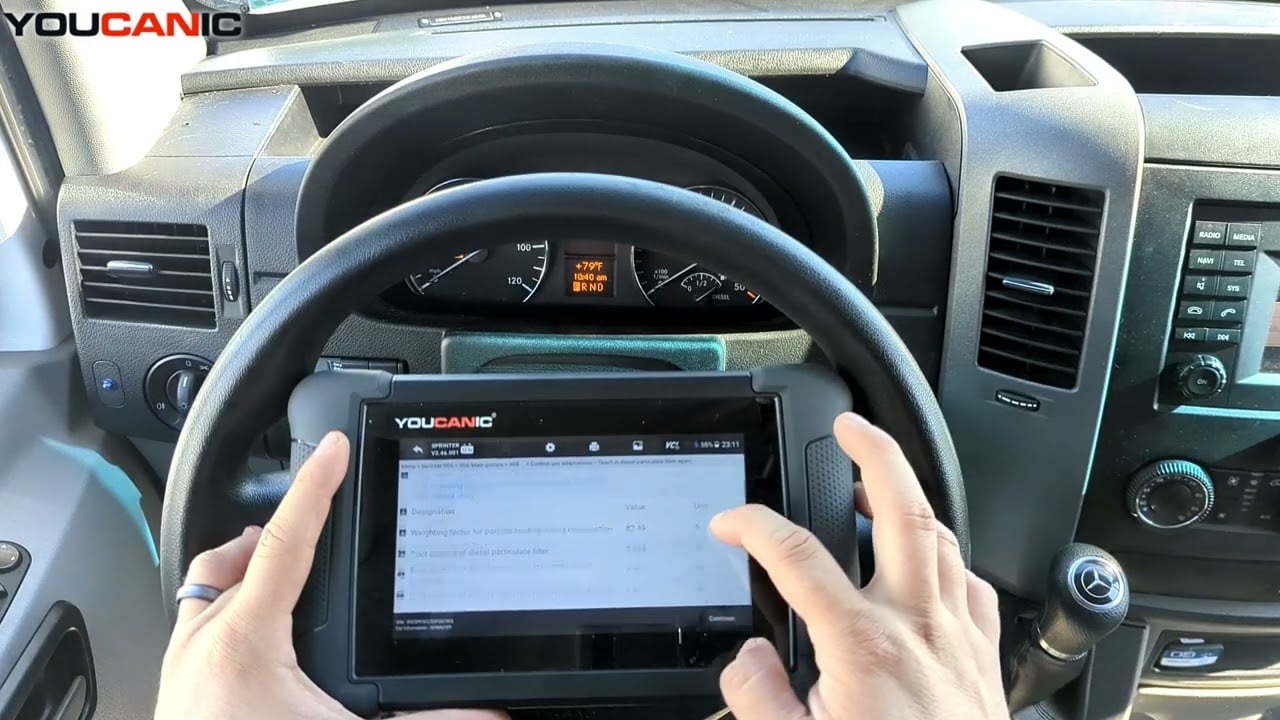
How to Perform a DPF Filter Health Check Using a YOUCANIC Scanner
Is your diesel engine running rough? Is the check engine light on in the dashboard? Your Diesel Particulate Filter (DPF) might be clogged. Before you rush to your local dealership, you can check the DPF on your car yourself using a YOUCANIC scanner!
This guide will show you how to check the health of your DPF using a YOUCANIC Scanner! Are you more of a visual learner? Follow along with our video guide below!
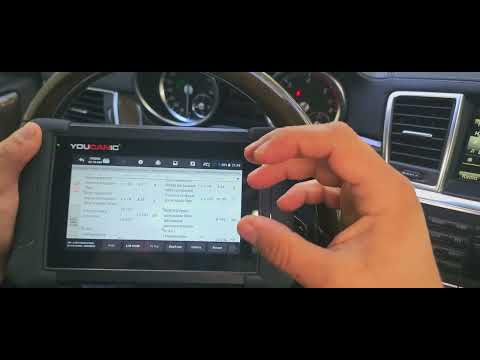
Demo Model: 2015 GL 350 3.0 Liter engine

🔧 Stop paying the dealer for every warning light
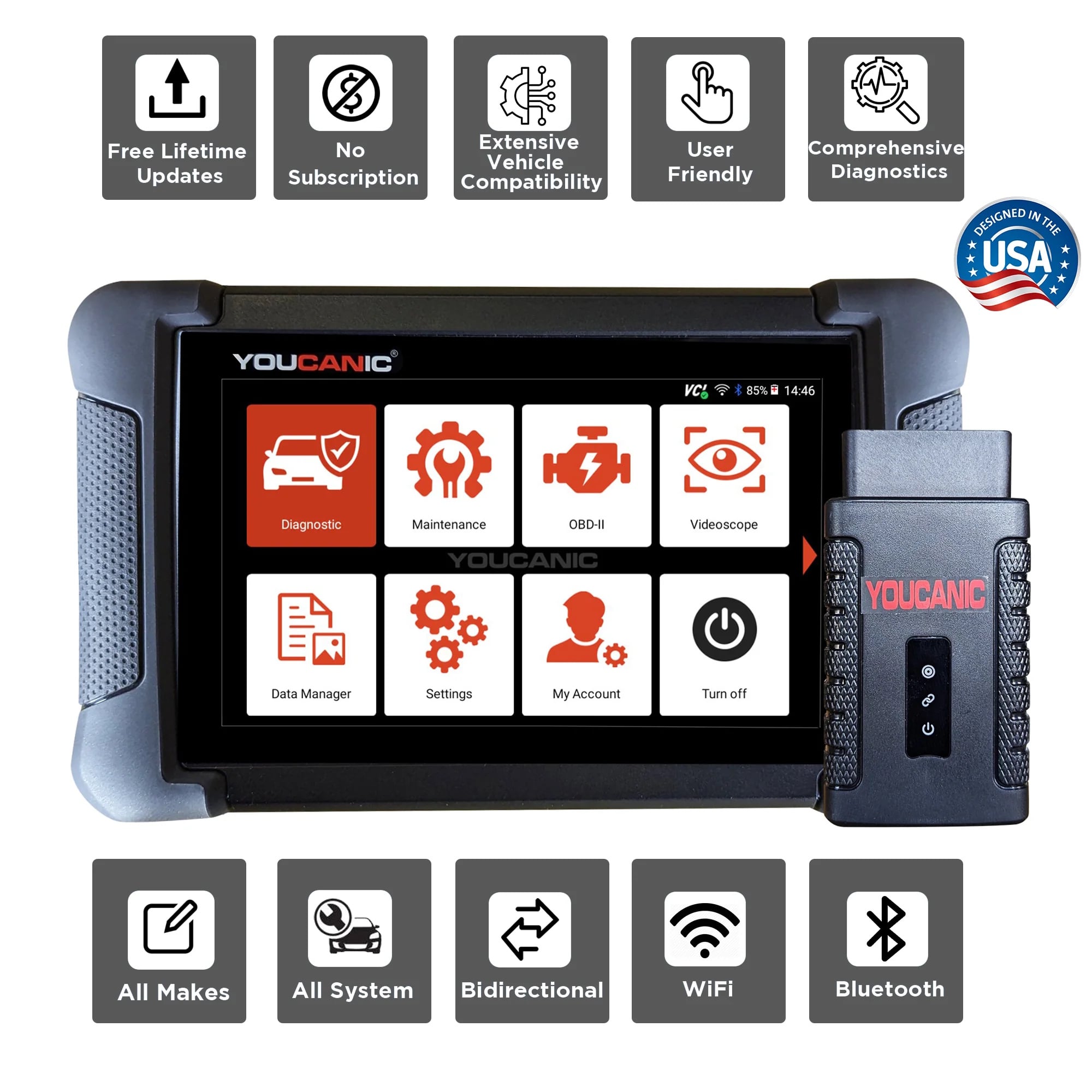
Get dealer level diagnostics at home with the YOUCANIC Full System Scanner.
- ✔ Works with all makes and models, including most luxury brands
- ✔ Topology map view shows all vehicle modules on one screen for faster diagnostics
- ✔ Bi directional controls to test fans, pumps, actuators and more so you do not have to guess
- ✔ Special resets and calibrations such as ABS bleed, EPB service, battery registration and more
- ✔ Free lifetime updates with no recurring fees
What is a Diesel Particulate Filter?
The DPF collects soot from exhaust gases as your car rolls along. As you drive, this soot will burn off, but if there is a problem with it or you don’t take your car on longer trips, the DPF can become clogged, leading to engine performance issues such as reduced fuel economy or foul-smelling exhaust fumes.
Step-By-Step Guide:
- Connect your VCI to the OBD port in your car. If you don’t know where it is located in your car, look it up in your user manual or online.
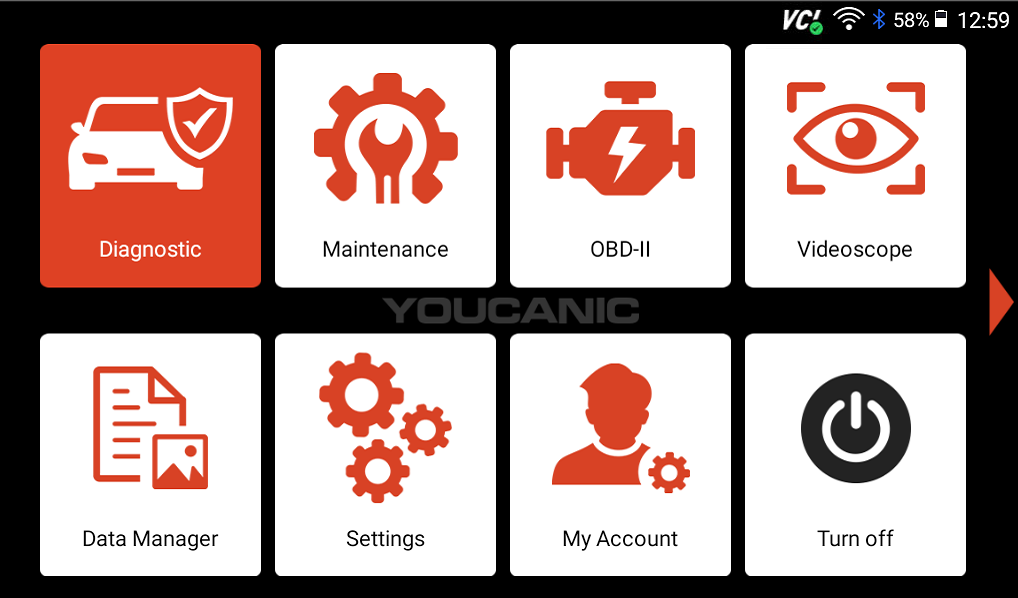
- Select Diagnostic on the home screen, then select your vehicle’s make from the list.

- Your scanner might automatically read your car’s VIN, but if it doesn’t, you will have the option to manually enter vehicle information or use the SmartVIN option.

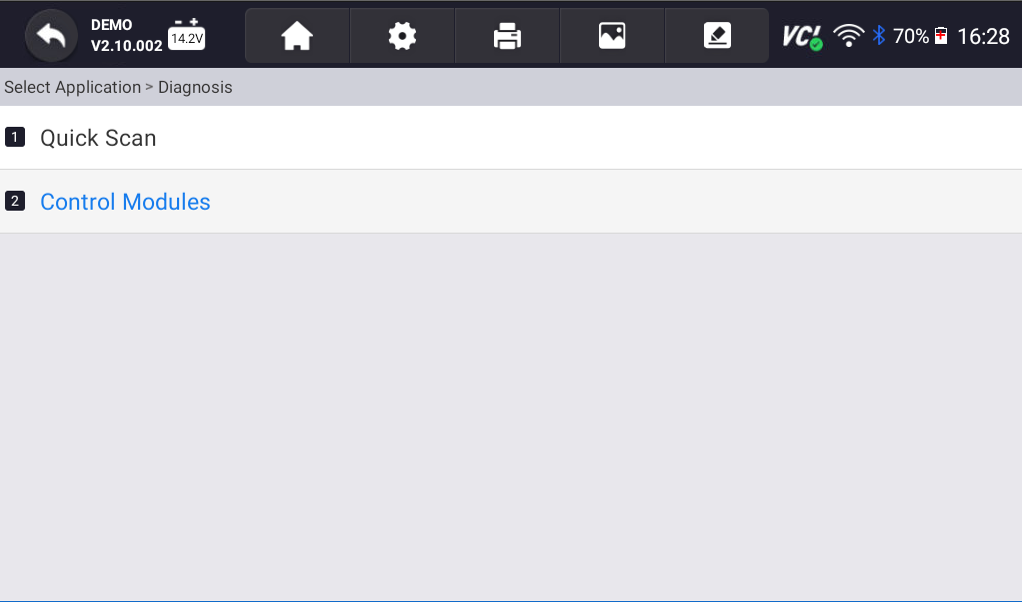
- We always recommend starting any diagnostic session with a Quick Scan, but if you are pressed for time, you can start by checking Live Data.
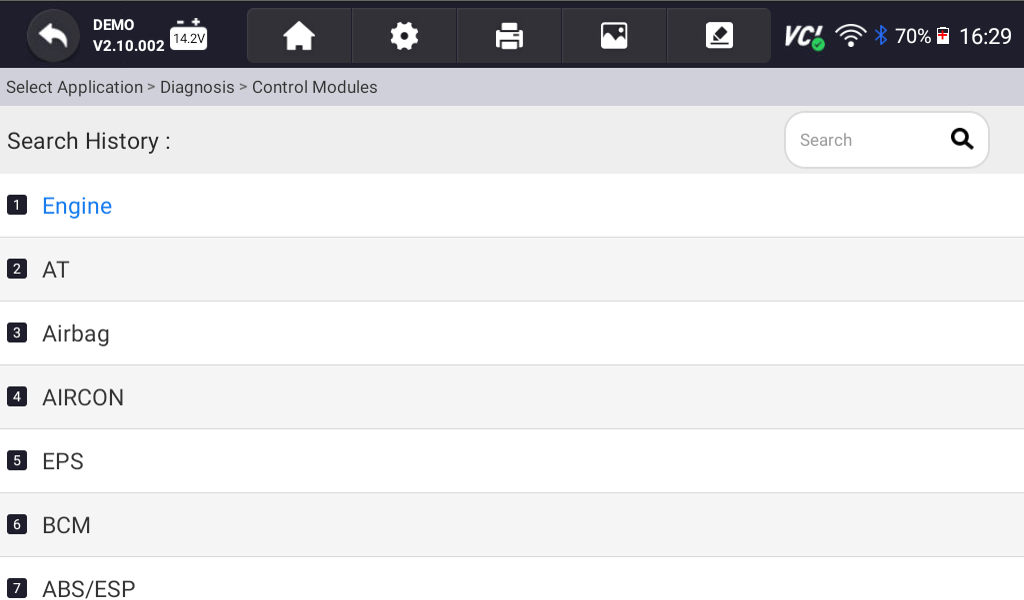
- Select Control Modules.
- On the following screen, select Drive, and go to Engine Electronics.

- Next, select Live Data, then Exhaust System.

- Finally, select the Actual Value of Diesel Particulate Filter option, and press Select All. This will let you view data in your DPF system and determine whether the filter is clogged.
- Now that you are reading live data, the most important thing to observe is the filter’s soot content. While the other datapoints can help you determine whether you have a clogged DPF, soot content is the best indicator of a clogged filter.


If your DPF is clogged, you might need to perform a Forced Regeneration. As you drive, your car will heat up enough for the soot collected in the DPF to burn off. If you don’t regularly drive long distances or your DPF is faulty, you may have to manually burn off this soot. Use the forced DPF Regeneration function on your YOUCANIC scanner to unclog your DPF!
Disclaimer: This guide may not apply to all vehicle makes and models. If you need to verify coverage for your particular vehicle, please contact YOUCANIC support or use our Compatibility Checker.

These are the parameters you will need to check DPF compatibility for your car.
We hope you have found this article helpful. For more tips and tricks to master your machine, check out our other Scanner Guides!
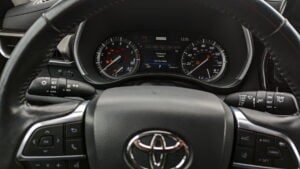

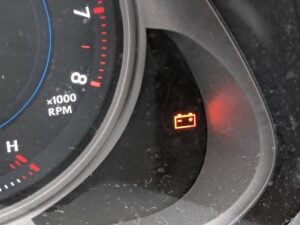

My GL320 complained the DPF soot/ash level was too high and wouldn’t regen. The Youcanic had an option to force it – it worked!