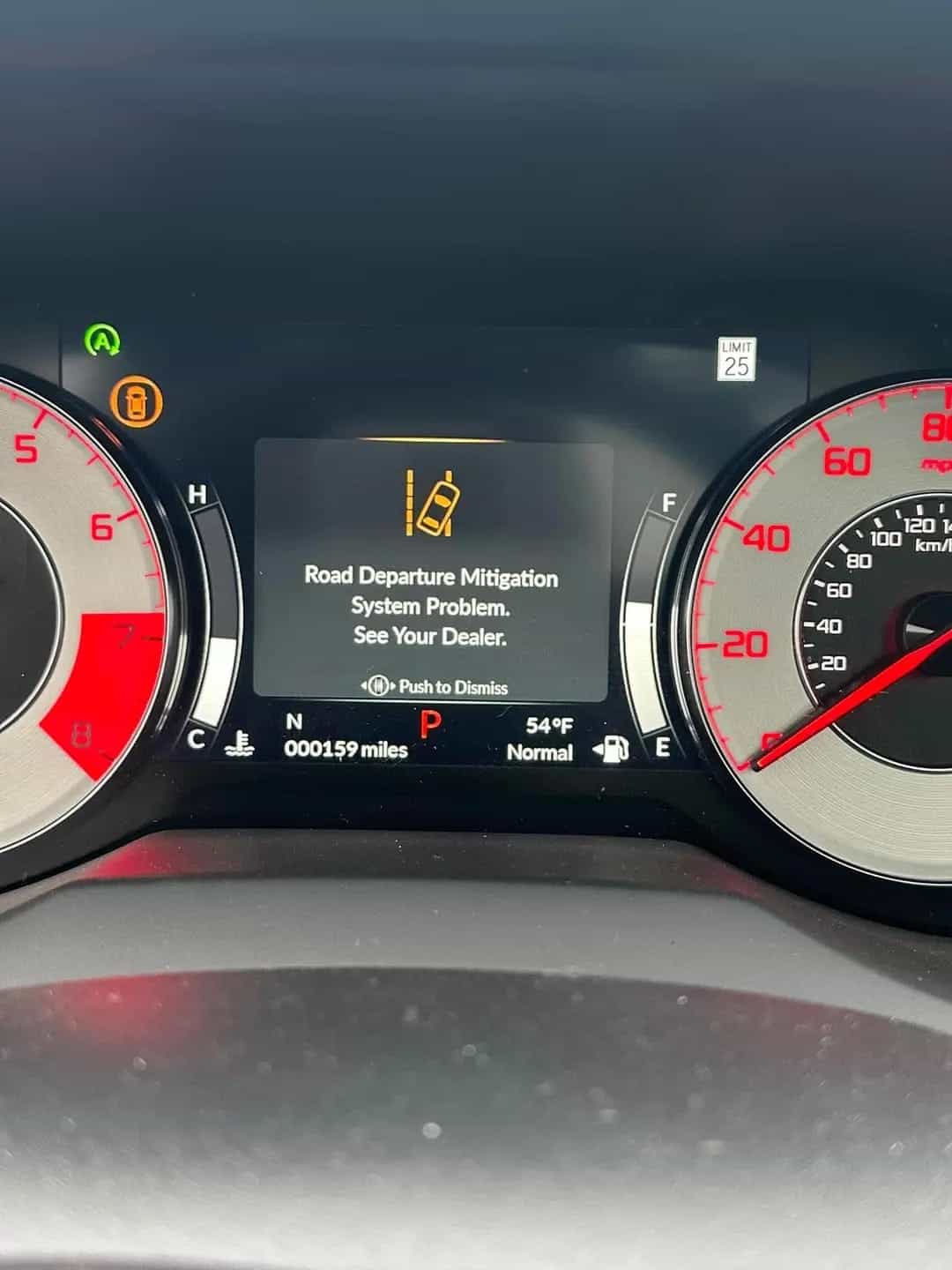
Acura Road Departure Mitigation System Problem – Meaning, Causes & How to Fix

Medium
30 mins - 2 hours
$600
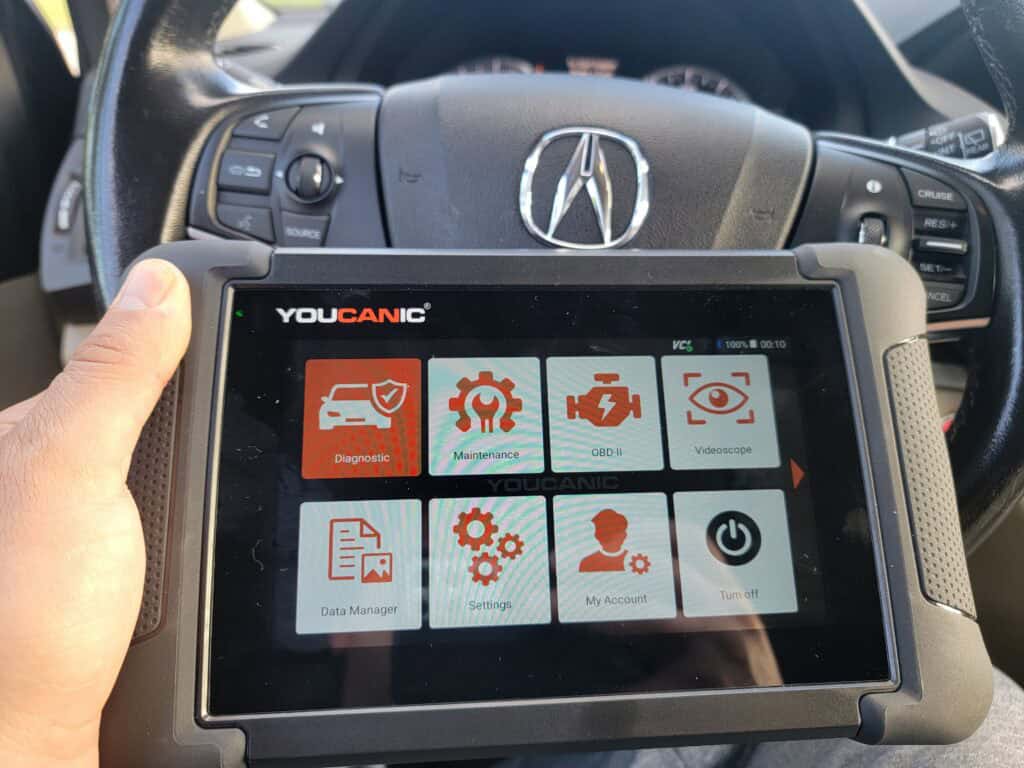
If your Acura displays a “Road Departure Mitigation System Problem”, it means the front camera or related steering systems may not be functioning properly. This feature is designed to help keep your vehicle centered in your lane using a windshield-mounted camera and steering control. When it fails, you’re at risk of unintentionally veering off the road—especially at highway speeds. Whether it’s due to a dirty camera, faulty sensor, or electrical fault, a full system scan using a tool like the YOUCANIC Scanner can quickly help you pinpoint and fix the problem before it becomes dangerous.

The Road Departure Mitigation System (RDM) helps keep your vehicle centered in the lane while driving at speeds between 45 and 90 mph (72 and 145 km/h). It uses a front camera located behind the rearview mirror to detect road lines. The system has specific conditions for proper function, which can be affected by bad weather, low light, unclear lines, a dirty camera, or using the windshield wipers at high speed. If the vehicle starts to drift into another lane, the steering wheel vibrates, and a warning symbol appears. The system may also apply the brakes to maintain lane position. A warning message indicates that the system needs attention.
Safety Risk – The issue may cause the vehicle to drive into the other lane or out of the road, leading to an accident.
Performance Issues – The automatic centering and warning alert of the steering may be disabled.
Costly Repairs if Ignored – The road departure mitigation is connected to other systems and uses the same parts to perform its functions. Meaning other features may get affected and malfunction. The estimated cost of repair may range from $290 – $1596.

Acura – Road Departure Mitigation System Problem – 5 Common Causes and How to Fix It
⚠️Faulty Camera – A faulty camera may become faulty due to electrical issues. And needs to be calibrated once replaced. Sometimes, an obstruction from the camera view may cause the camera to fail in detecting the road lines, which may lead to a malfunction.
⚠️ Faulty Steering Angle Sensor or EPS Malfunction – If the Electric Power Steering (EPS) system or the steering angle sensor sends inconsistent data, the RDM system may not respond correctly. This can cause delayed lane correction or prevent the system from activating at all.
⚠️Wheel Alignment – A misalignment may cause the vehicle to pull left or right on the side of the road. This may affect the effectiveness of the road departure mitigation system.
⚠️Faulty Wire – Loose, frayed, or burned wires can cause a lost electrical connection.
⚠️ RDM Malfunctioning Module – Control Module could trigger false alerts. They may malfunction because of electrical issues or an outdated software update.
🛠️ Pro Tip: Use an OBD-II scanner to check for error codes related to the issue.
Before taking your car to a mechanic, try these DIY fixes:
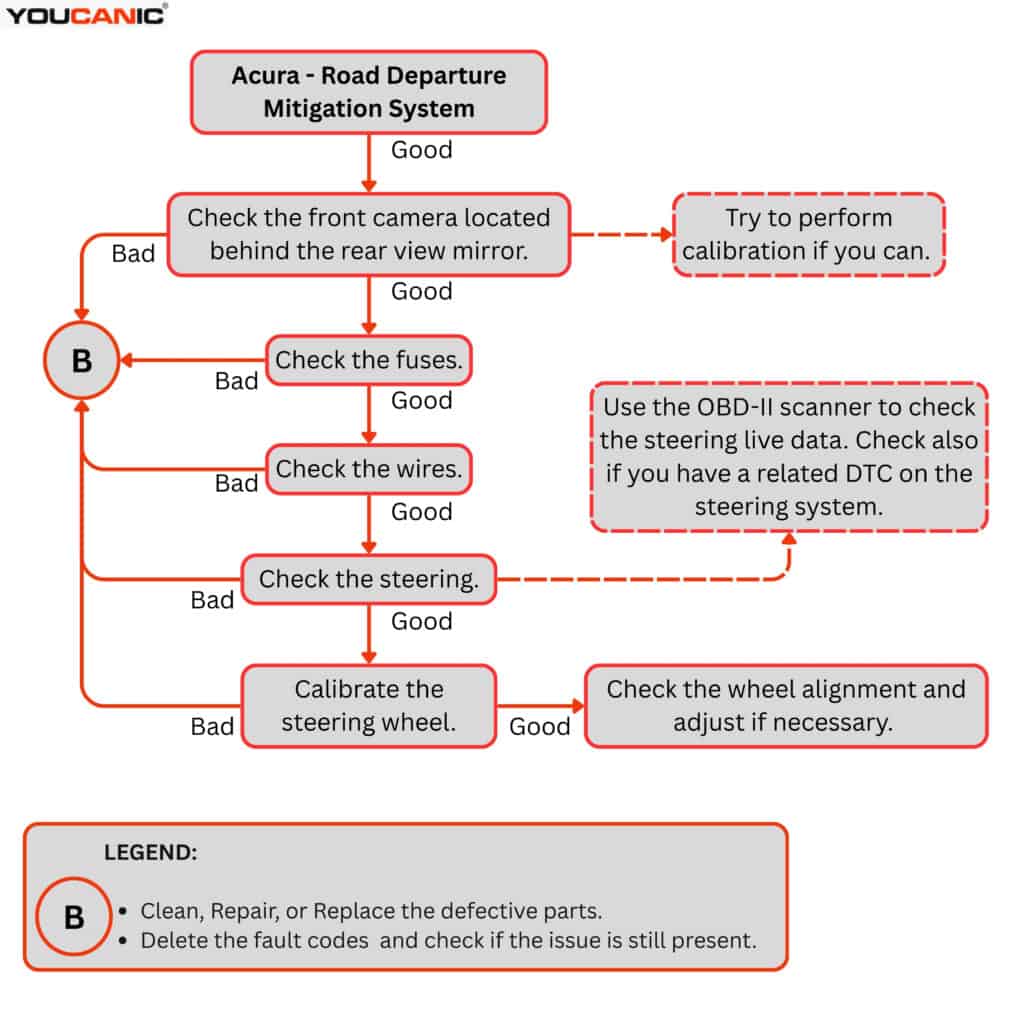
Once you complete the basic checks, the next step would be to test the 12-volt battery and charge it or replace it if necessary. Especially if the 12-volt battery is over 5 years old. After that, follow the video below to learn how to read the fault codes from the RDM control unit to determine what fault codes may be present.

Acura has recalls on the Road Departure Mitigation System, especially for the ZDX 2024 EV models. Contact your nearest ACURA dealership to check your vehicle as soon as possible. You may check your vehicle if it has a recall on this website: https://owners.acura.com/service-maintenance/recalls
If you scan your vehicle with an OBD-II scan tool, you may see one of these codes:
🚗 Need help decoding a fault code? Use the YOUCANIC Scanner to read and clear trouble codes instantly.
Follow this video tutorial on how to read and clear fault codes on an Acura.
Can I still drive with the road departure mitigation problem warning message?
➡️ Yes, but you need to fully take over the steering as a normal driving without advance driving assistance.
Can a dashcam affect the front camera?
➡️ Yes, if the dashcam wire supply or ground is tapped on the front camera wiring. Tapping the wire may also cause resistance to the component, causing it to malfunction. You must know that the modules and sensors have a voltage reference to operate properly. If this reference is interrupted, this will lead to issues.
Why windshield wiper cause the feature to malfunction?
➡️ If the wiper is turned on at a high speed. It may interrupt or obstruct the view of the camera, which may lead to malfunction. Additionally, heavy rain or bad weather may cause the system to malfunction.
Does an aftermarket windshield cause the camera to fail?
➡️ No, the aftermarket windshield will not cause the camera to fail. But it may cause an issue if not calibrated properly.
From dirty cameras to failed modules, Acura’s Road Departure Mitigation issues are often easy to spot—but only if you have the right tool. The YOUCANIC Scanner gives you dealership-level access to all systems, including steering and camera modules, so you can fix problems yourself or head to the mechanic with full knowledge. If your Acura shows the RDM problem warning, scan it, decode it, and fix it fast—before it becomes a costly accident.
Elbert G. Nonog is an Automotive Technical Writer and Training Manager with over 10 years of experience across major brands including Chevy, MG, Ford, Volkswagen, and Toyota. Rising from technician to leadership roles, Elbert excels at transforming complex automotive concepts into accessible training materials and documentation. His expertise spans conventional and electric vehicle systems, nationwide dealership training, and aftersales operations management. With TESDA certification and pursuing further education from the Technological University of Philippines, Elbert effectively bridges the gap between automotive engineering and practical application for industry professionals and enthusiasts.

Rushit Hila is a dedicated automotive engineer with ASE G1 certification and specialized training from an esteemed Automotive Specialty School. His hands-on experience and technical expertise in advanced diagnostics, system integration, and performance optimization make him a trusted voice in the industry.
Searching...
⭐⭐⭐⭐⭐ 4.8 stars · 247 Verified Reviews
The UCAN-II-D gives you full system diagnostics, bidirectional controls, and lifetime free updates. One scanner. Own it forever.
+ Free shipping · No subscription ever