How to Calibrate new Accelerator Sensors Using a YOUCANIC Scanner
Have you recently replaced your accelerator sensor? Before you can get back on the road, you will need to program it to your car! This guide will walk you through how to do this with your YOUCANIC Scanner. Are you more of a visual learner? Watch our video guide below:

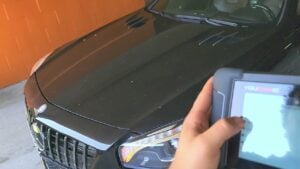
Demo Model: Mercedes-Benz
What is an Accelerator Sensor?
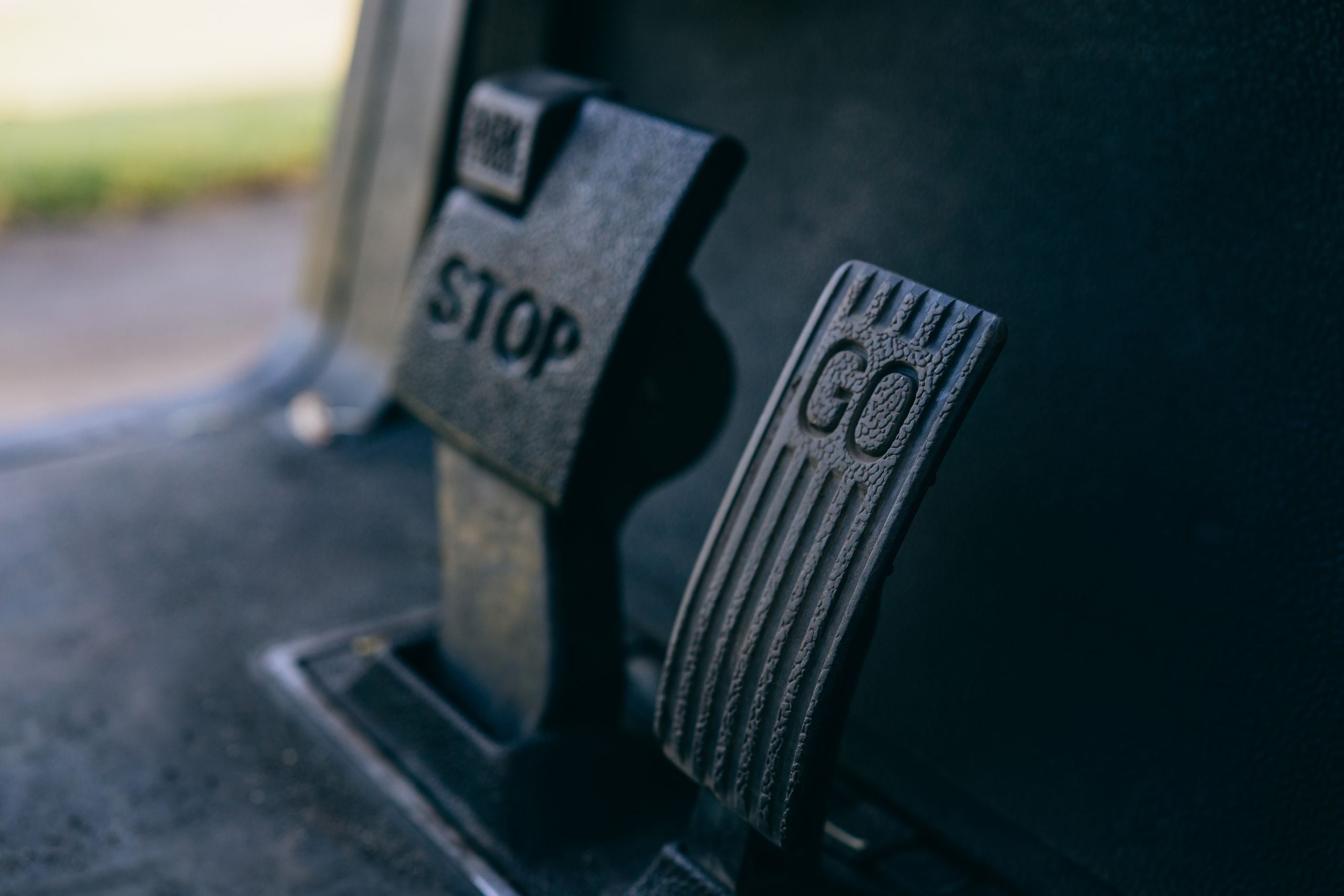
The accelerator sensor is connected to your gas pedal. As you drive, this sensor transmits information to your electronic throttle control (ETC), which tells your injectors how much fuel to release. If this sensor stops working, it can lead to driveability issues and significantly reduced fuel efficiency.

🔧 Stop paying the dealer for every warning light
Get dealer level diagnostics at home with the YOUCANIC Full System Scanner.
- ✔ Works with all makes and models, including most luxury brands
- ✔ Topology map view shows all vehicle modules on one screen for faster diagnostics
- ✔ Bi directional controls to test fans, pumps, actuators and more so you do not have to guess
- ✔ Special resets and calibrations such as ABS bleed, EPB service, battery registration and more
- ✔ Free lifetime updates with no recurring fees
Once this sensor has been replaced, the new sensor needs to be coded to your car’s ETC to ensure proper communication. Not coding your new sensor will lead to the same fuel efficiency and driveability issues you were facing before replacement.
Step-by-step Guide
- Connect your VCI adapter to your car’s OBD-II port, then turn the car on, but keep the engine off. If your car has push-to-start, press the start button with your foot off the brake pedal.

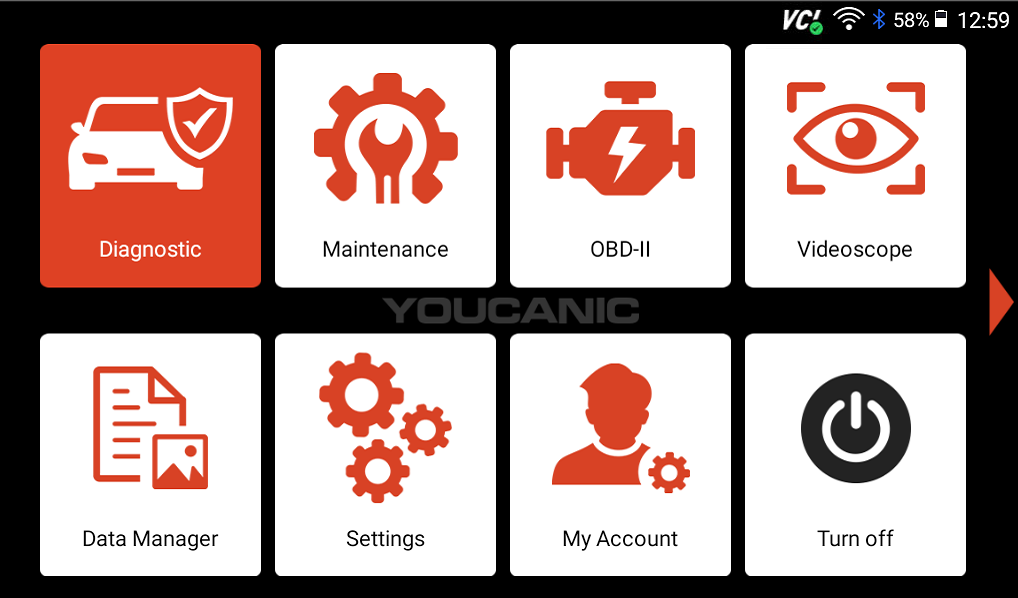
- Select Diagnose from the homescreen of your scanner.

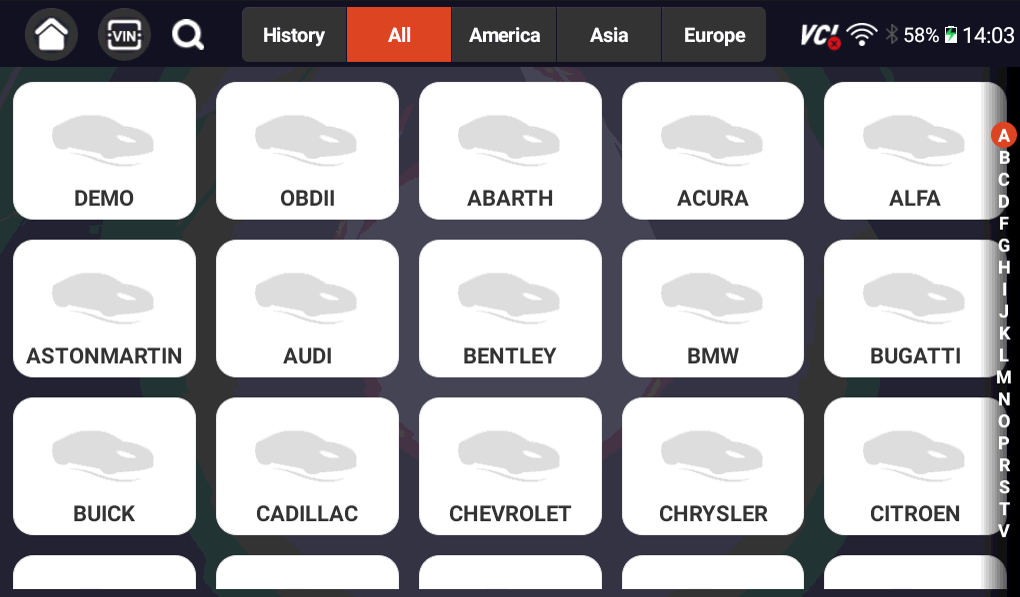
- Select your vehicle make from the list of available vehicles, and select either Smartvin or Manual entry to continue to the next screen.

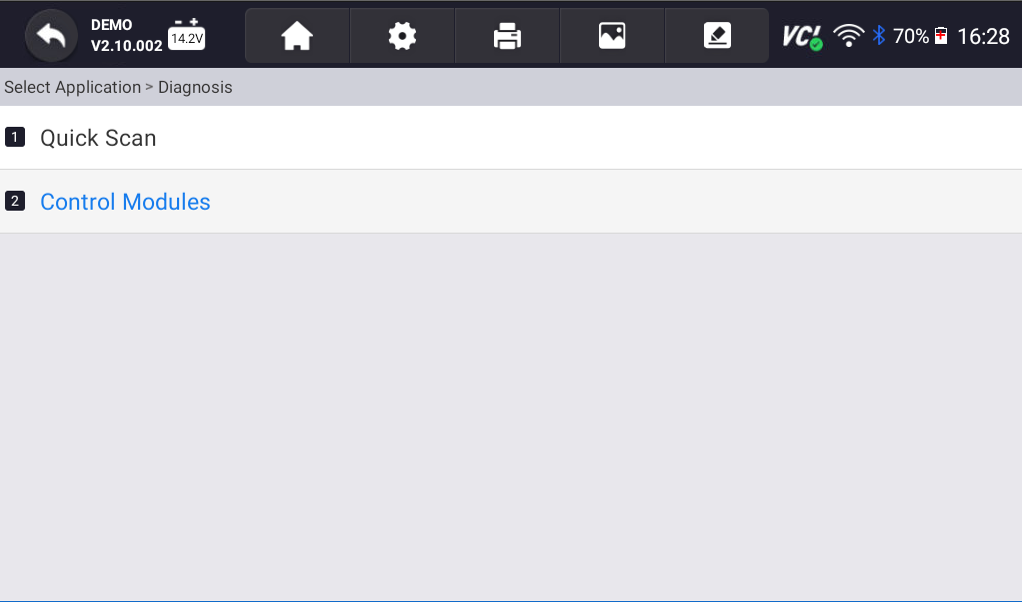
- Select Control Modules, then on the following screen, tap on the Chassis option.
 NOTE: The steps in this guide will show you how to calibrate accelerator sensors in a Mercedes-Benz. Exact steps will vary by vehicle.
 - Select Electronic Stability Program.

- Tap on Control Unit Adaptations, and on the following screen, select calibration of component ‘Acceleration sensor.’

- A message will appear on your screen describing the service you have selected. Press the Next button, and your scanner will start the coding process.

- Follow the on-screen prompts:


- Once the coding process is done, a message will appear on your screen, signalling that the coding process was successful.

 NOTE: The steps in this guide will show you how to calibrate accelerator sensors in a Mercedes-Benz. Exact steps will vary by vehicle.


Disclaimer: This guide may not apply to all vehicle makes and models. If you need to verify coverage for your particular vehicle, please contact YOUCANIC support or use our Compatibility Checker.
Need some extra help? Get real, helpful answers from real mechanics with YOUCANIC DIY Assist support. Email our support team and get a reply within 24 hours to help you with any technical questions you may have.