How to Reset a NOx Sensor using a YOUCANIC Scanner | Easy DIY
Is the check engine light on in your car? Maybe a quick scan revealed the fault codes P2202, P229F, or P242F. Before you start swapping parts, try resetting your NOx Sensor using a YOUCANIC Scanner! Not sure how? Keep reading!

Scanner Demo: Mercedes GL350
Why do I need to reset my NOx sensor?
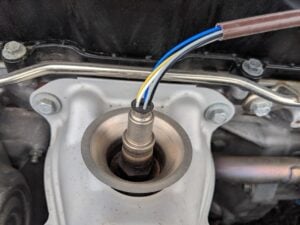
Your car’s engine control unit (ECU) communicates with your NOx sensor to ensure everything is working properly. The ECU has preset values that may change as the car is driven. As NOx sensor values change, your ECU will try to compensate, which can lead to performance issues. If you have been experiencing fuel-efficiency or other issues while driving, even if there isn’t a warning light on your dashboard, it might be time to reset your NOx adaptation values.

🔧 Stop paying the dealer for every warning light
Get dealer level diagnostics at home with the YOUCANIC Full System Scanner.
- ✔ Works with all makes and models, including most luxury brands
- ✔ Topology map view shows all vehicle modules on one screen for faster diagnostics
- ✔ Bi directional controls to test fans, pumps, actuators and more so you do not have to guess
- ✔ Special resets and calibrations such as ABS bleed, EPB service, battery registration and more
- ✔ Free lifetime updates with no recurring fees
Step-by-step Guide
- Plug your VCI into the OBD-II port of your car, found in the driver’s side footwell. If you don’t know exactly where it is, try to find the location online.

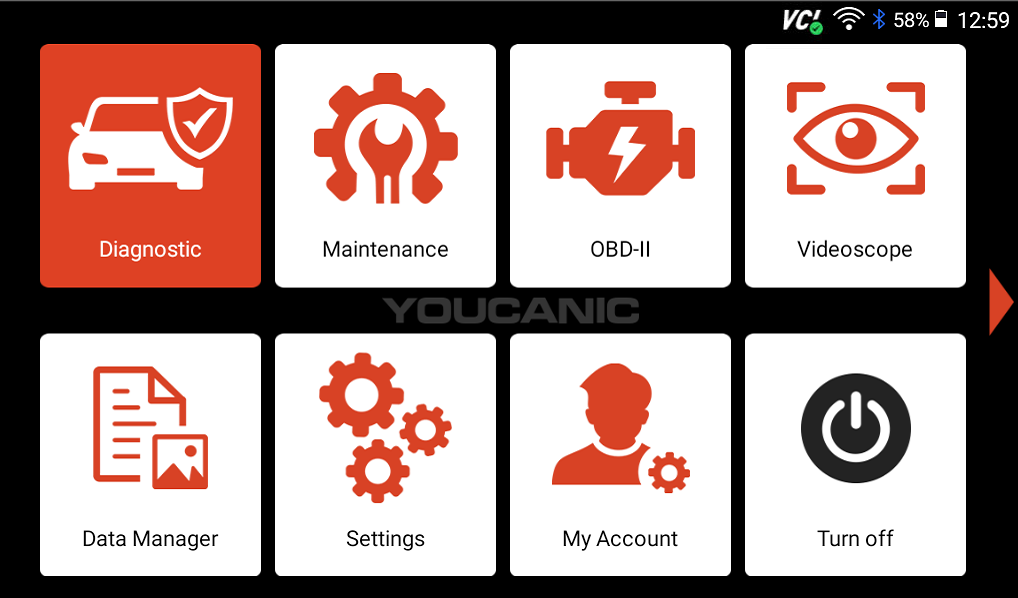
- On the homescreen of your scanner, select Diagnostic.

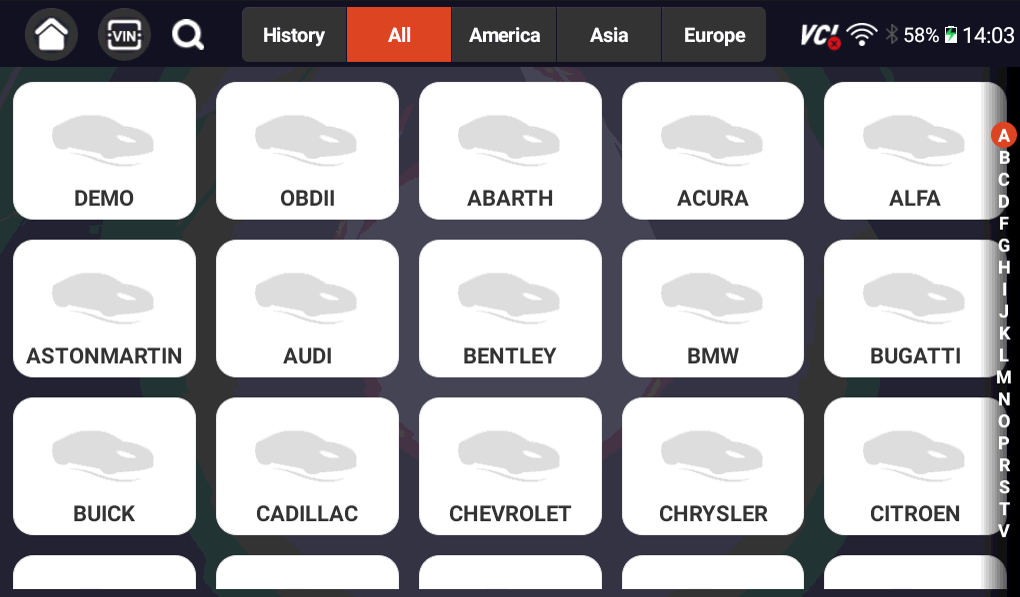
- Find your make on the following screen, then use the Smartvin or Manual Entry options to add other important vehicle information.

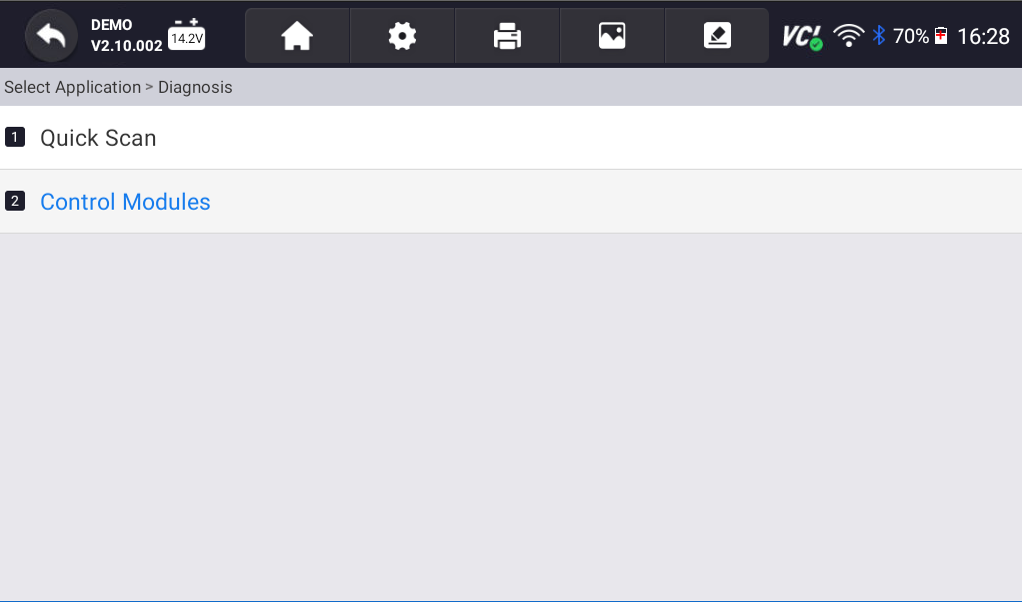
- Next, select Diagnosis, then Control Modules.

- On the following screen, select Drive.

- Scroll down until you see the SCRM (selective catalytic converter) option, and tap on it.
- Select Control Unit Adaptations.

- Click the last option on the following screen: Resetting the adaptation of the NOx sensors.

- A message will pop up on your screen, explaining what this reset adaptation does. Press OK, and your scanner will begin the reset process.

NOTE: This process resets the NOX sensor adaptation values. If you have replaced your NOx sensor and need to calibrate it to your car, you will need to run a teach-in program instead.



Disclaimer: This guide may not apply to all vehicle makes and models. If you need to verify coverage for your particular vehicle, please contact YOUCANIC support or use our Compatibility Checker.
Need some extra help? Get real, helpful answers from real mechanics with YOUCANIC DIY Assist support. Email our support team and get a reply within 24 hours to help you with any technical questions you may have.