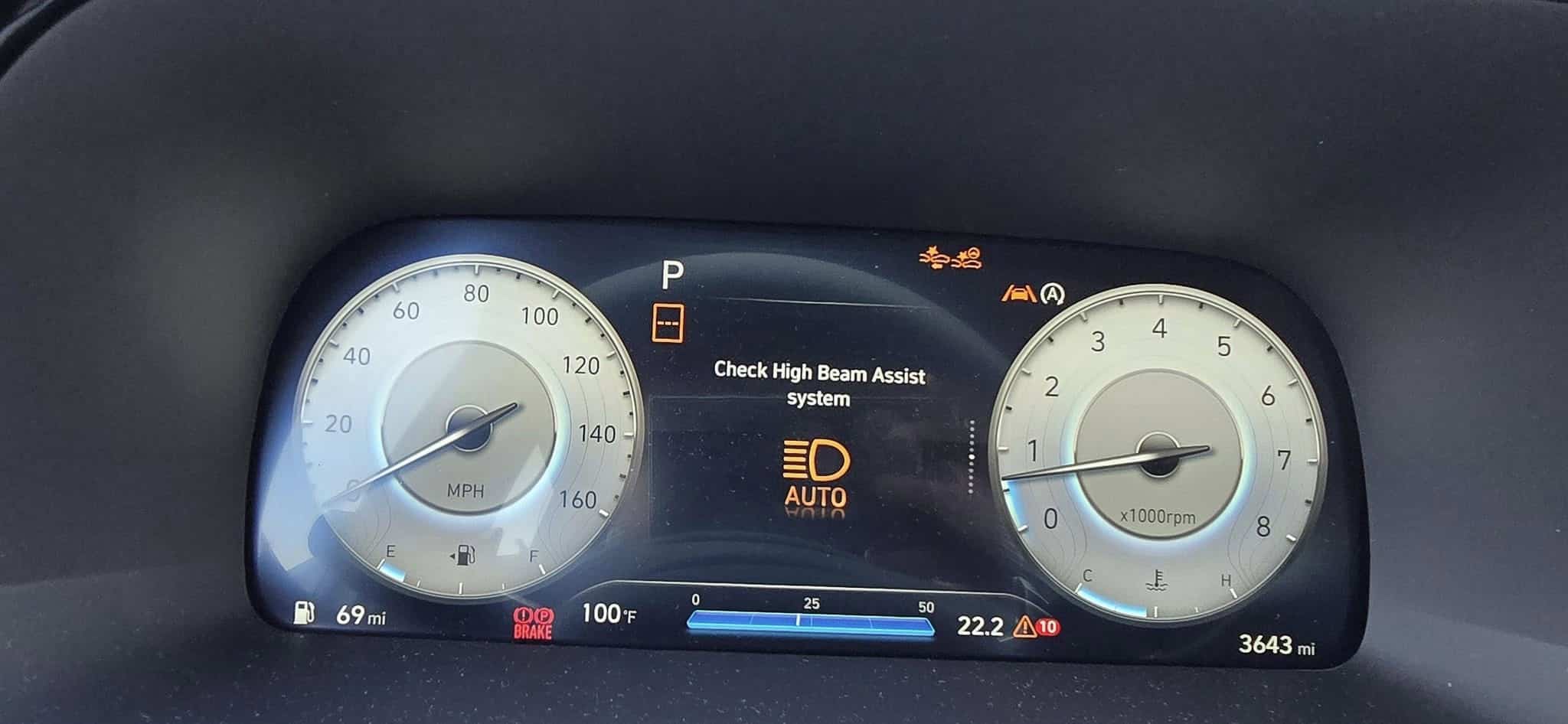
Hyundai Check High Beam Assist System Common Causes & Troubleshooting

Easy
1- 3 hr
$250
When the “Check High Beam Assist System” warning message appears on your Hyundai’s dashboard, it means there is an issue with the headlights or the High Beam Assist System. Ignoring this warning can lead to faulty headlight operation, reducing visibility while driving in the dark and creating a safety hazard on the road. It is important to diagnose and fix the problem as soon as possible.
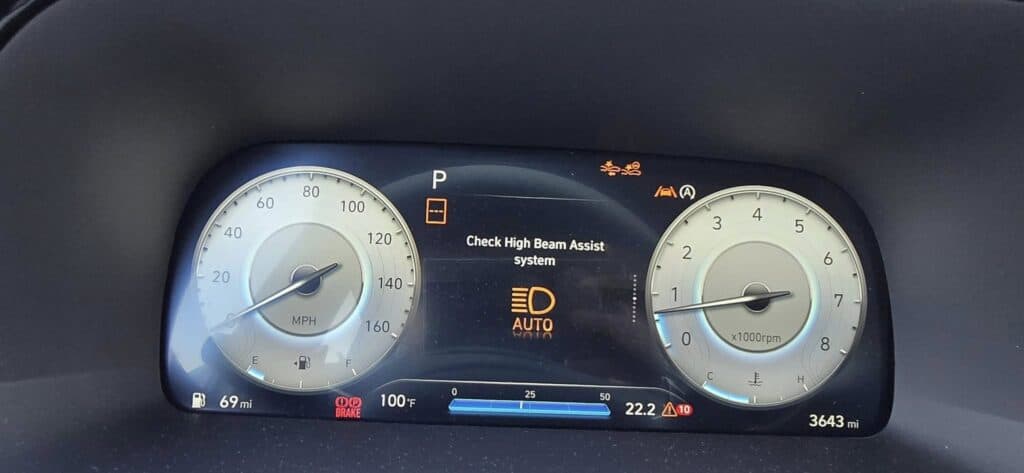
The High Beam Assist System is part of your vehicle’s convenience features, which automatically adjusts headlights between the high beam and low beam settings depending on certain road situations. When this light turns on, your High Beam Assist System is malfunctioning.
⚠️ Why You Should Fix It As Soon As Possible:

Here are the most common reasons this light appears:
✅ Weak Battery: Low voltage can cause erroneous system errors and unexpected warning lights. A weak battery can cause several issues with the headlights, such as dimming and flickering, reducing visibility at night.
✅ Blown fuse or faulty relay: A faulty fuse or relay can disrupt Hyundai’s High Beam Assist System. A blown fuse cuts off power, causing the system to stop working entirely, while a blown relay can cause a delay or erratic behavior to the headlights, causing the system to switch beams late or not at all.
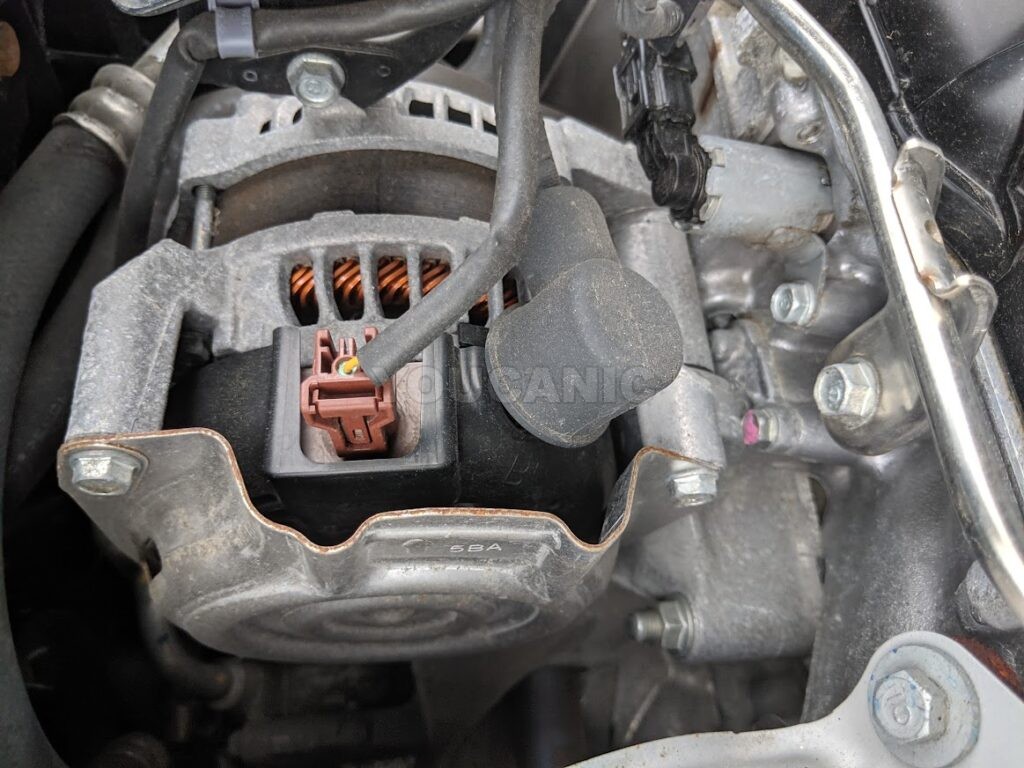
✅ Alternator and charging system: The system may not function properly if it is not getting a stable power supply. Headlights need a decent amount of power to provide visibility at night.
✅ Faulty Sensor: The front view camera detects ambient light and brightness that sends a signal to the headlights, making them switch between the high and low beams while driving. Over time, the front-view camera can become dirty, misaligned, or miscalibrated, sending inaccurate signals to the High Beam Assist system. Sometimes, wires and other connections can become loose or faulty, causing the warning message to appear. Other systems that rely on the front-view camera will flash malfunctioning messages, with the high beam assist warning message like the Check Lane Keep Assist and the Check Inattentive Driving Warning System when the front-view camera is at fault.
✅ A modified Windshield: The front-view camera may get obstructed and struggle to detect oncoming traffic and ambient light if the windshield is altered with thorough tinting and installation faults made during windshield replacement.
✅ Defective Headlight Stalk: If the stalk is not working correctly, the system may not detect if the High Beam Assist System is engaged or when to switch between high and low beams. This may cause the system to disable.
✅ Loose or Corroded Wires: Bad connections can cause intermittent faults.
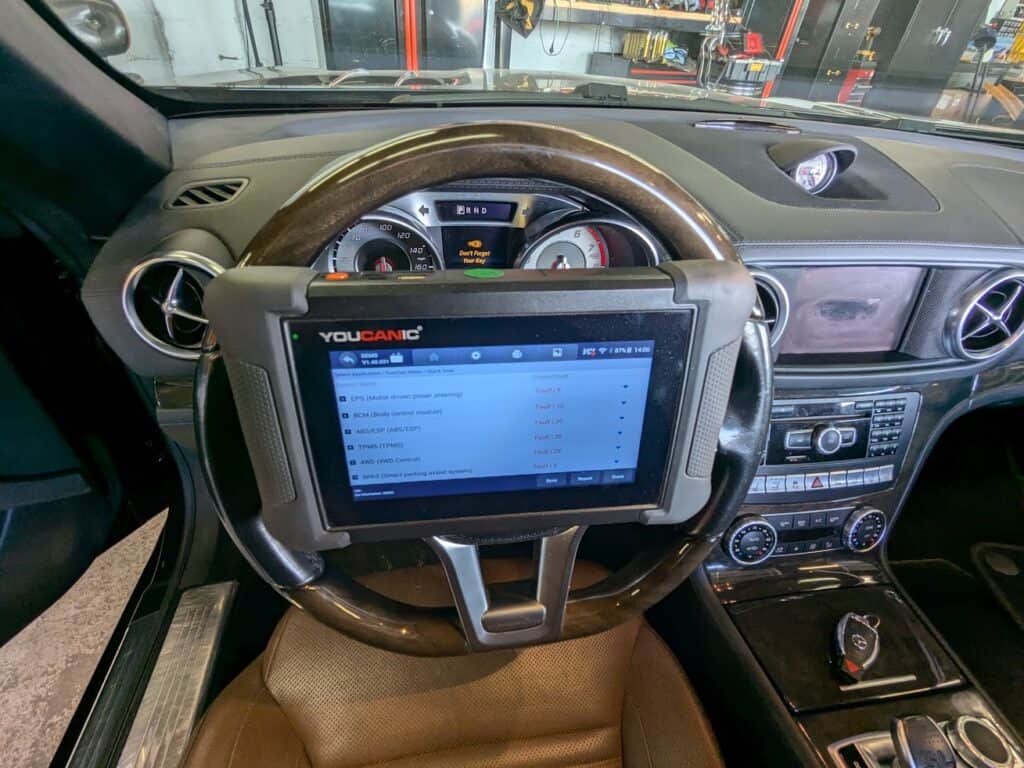
🛠️ Pro Tip: Use an OBD-II scanner to check for error codes related to the issue.
Before taking your car to a mechanic, try these DIY fixes:
If you scan your vehicle with an OBD-II scan tool, you may see codes such as C1604 – ECU Hardware Error or C1606 – CAN Time out – ECU Software Error. Let’s go over some of the most common fault codes that you will often get when you scan the vehicle.
➡️ You can still drive with the warning message on during the day when the visibility is good, as the system is not needed in bright conditions. However, driving at night or during low-light conditions is not recommended, as lighting is essential for visibility and safer driving. Depending on what caused the warning to illuminate on your dashboard, it is best to avoid long drives if the issue is related to a weak battery. A weak battery may cause the car to stall or not start, leaving you stranded.
➡️ To reset the warning message, disconnect the negative battery terminal for 30 minutes before reconnecting it. You can also use an OBD-II scanner to clear error codes. Alternatively, driving the car for a short time might reset the warning.
➡️ With the warning message on, the headlights may continue operating. Most commonly, it’s the automatic switching mechanism that is being affected. If the fundamental components of the system, like the headlights and the headlight stalks, are at fault, road safety during night driving is compromised. Headlights may fail to switch between high and low beams when using the stalk, causing glare to other drivers or reducing your visibility at night.
➡️ You can try the troubleshooting guides in this article, like resetting the system through battery disconnection or using an OBD-II scanner to clear error codes. If the warning message still appears on your dashboard, you may need to call your trusted mechanic or dealer.
The “Check High Beam Assist System” warning message indicates an issue with that safety feature in your Hyundai. This error could create unsafe driving conditions at night due to improper headlight operation. Following these troubleshooting steps and scanning for fault codes can save time and money while ensuring your car remains safe and reliable.
Antonie Labasan is a Registered Mechanical Engineer and Lean Six Sigma Blackbelt who brings practical automotive expertise to our diagnostic guides. With specialized training at VOLVO and years of experience managing diverse vehicle fleets including Toyota, Hyundai, and Kia models, Antonie understands common failure points across different manufacturers. His systematic approach to diagnostics helps readers identify and fix the true source of automotive problems, making his YOUCANIC scanner guides exceptionally effective for DIY mechanics.

Rushit Hila is a dedicated automotive engineer with ASE G1 certification and specialized training from an esteemed Automotive Specialty School. His hands-on experience and technical expertise in advanced diagnostics, system integration, and performance optimization make him a trusted voice in the industry.
Searching...
⭐⭐⭐⭐⭐ 4.8 stars · 247 Verified Reviews
The UCAN-II-D gives you full system diagnostics, bidirectional controls, and lifetime free updates. One scanner. Own it forever.
+ Free shipping · No subscription ever