How to check transmission fluid temperature using a YOUCANIC scanner
Is the transmission warning light on in the dashboard of your car? Your transmission fluid could be overheating. Did you know? You can check transmission fluid temperatures using a YOUCANIC scanner! Are you more of a visual learner? Follow along with our video guide below:

Demo Make: Mercedes-Benz
Why do I need to check my Transmission temperature?

It is important to check your transmission fluid regularly to prevent major transmission issues. Repairing or replacing your transmission can be very difficult and expensive. Ensuring your transmission is in good shape by checking the transmission fluid temperature keeps your car running longer and can save you thousands by fixing small issues before they become big problems.

🔧 Stop paying the dealer for every warning light
Get dealer level diagnostics at home with the YOUCANIC Full System Scanner.
- ✔ Works with all makes and models, including most luxury brands
- ✔ Topology map view shows all vehicle modules on one screen for faster diagnostics
- ✔ Bi directional controls to test fans, pumps, actuators and more so you do not have to guess
- ✔ Special resets and calibrations such as ABS bleed, EPB service, battery registration and more
- ✔ Free lifetime updates with no recurring fees
Step-by-step Guide
- This can only be done properly if your car’s engine has been warmed up first. Drive your car for a couple of minutes to ensure you get proper temperature readings.
- Connect your VCI dongle to your car’s OBD-II port in the driver’s-side footwell. If you aren’t sure where it is, you can look up the location online.

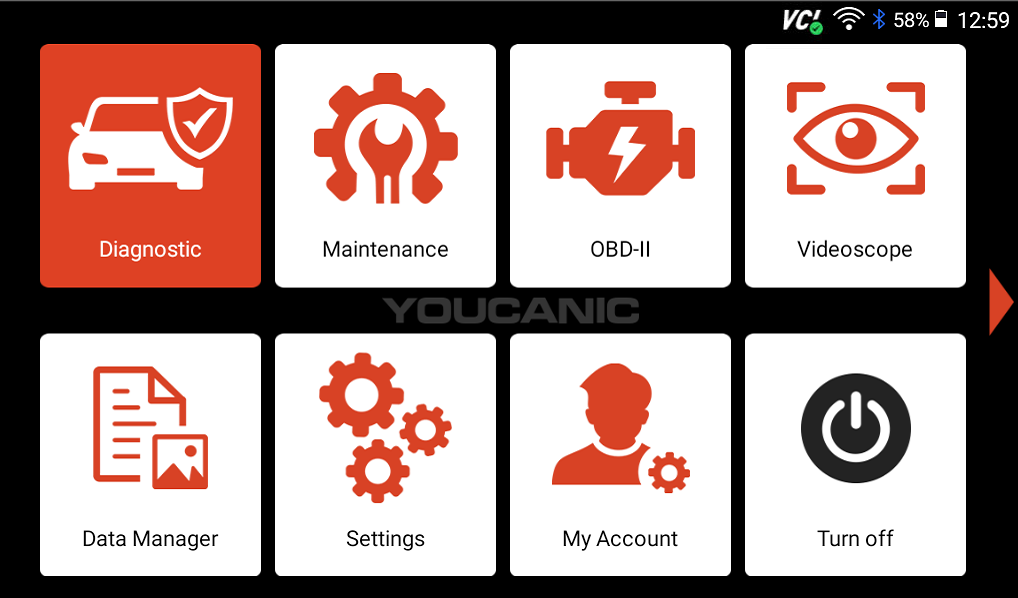
- Select Diagnostic from the homescreen of your scanner.

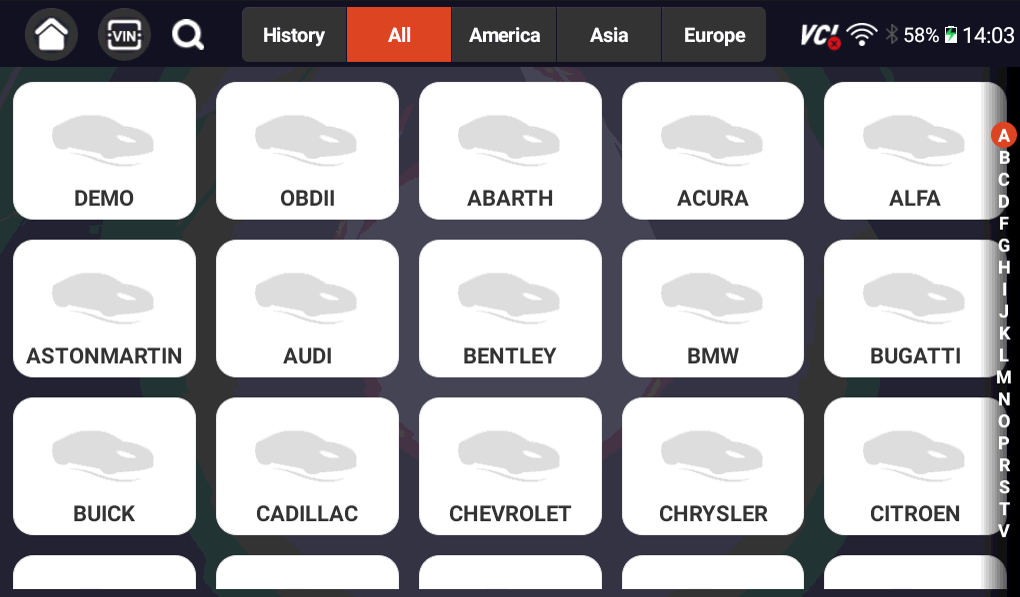
- Find your vehicle’s make on the following screen, then use either SmartVIN or Manual Entry to complete the connection to your scanner.

- Turn your car on to position I so that the car is on with the engine off. If you have a push-to-start vehicle, press the start button with your foot off the brakes.
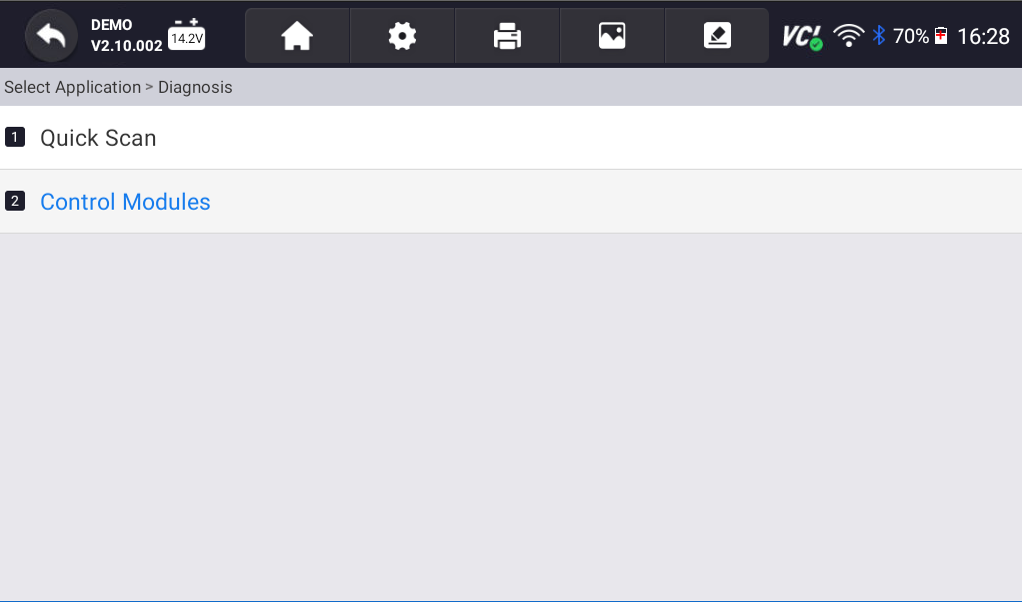
- Select Control Modules, and on the following screen, select Drive.

- Tap on Transmission control, then choose Live Data.

- Select Temperature Sensors, and your transmission fluid’s temperature will appear on the following screen.




Disclaimer: This guide may not apply to all vehicle makes and models. If you need to verify coverage for your particular vehicle, please contact YOUCANIC support or use our Compatibility Checker.
Need some extra help? Get real, helpful answers from real mechanics with YOUCANIC DIY Assist support. Email our support team and get a reply within 24 hours to help you with any technical questions you may have.