Toyota ABS Light Reset Instructions
Reviewed/Verified by:

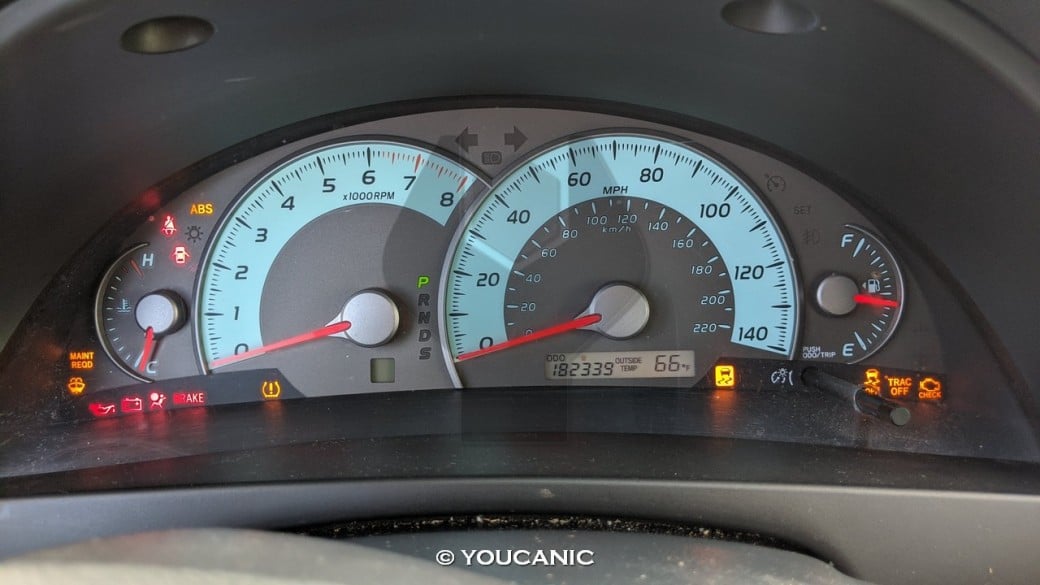
Is your Toyota ABS light on and won’t stay off even after you fixed the problem? Learn how to reset the ABS light by following the procedures below. This guide provides step-by-step instructions on reading codes and resetting or clearing Toyota ABS lights and codes.
At a Glance
- After the repair, the light may go out on its own after a short drive above about 20 mph; if not, clear the code with a scanner.
- ABS, VSC and brake lights together on a Toyota can come from low brake fluid or a weak 12 volt battery.
- On many models the rear wheel speed sensor is part of the hub, so the hub assembly gets replaced.
- Read the ABS code first; it names the wheel or circuit at fault.
Once you read the codes, you must fix the underlying problem before resetting the ABS light on your Toyota. In most cases, the problem is a bad ABS wheel speed sensor. You can clear the ABS light following these instructions.
How to Reset Toyota ABS Light
What you will need
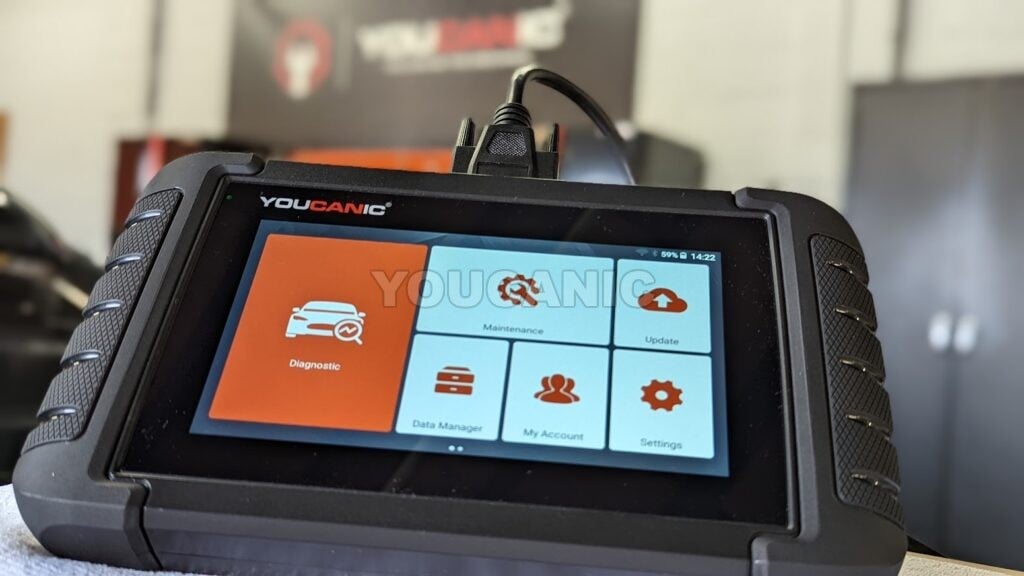
The YOUCANIC UCAN-II Pro reads Toyota ABS codes and shows all four wheel speeds live, so you can spot the sensor that drops out.

🔧 Find out what is actually wrong before you pay someone to guess
Dealer level diagnostics at home with the YOUCANIC UCAN-II Pro.
- ✔ Covers most makes and models, including many luxury brands. Send us your VIN and we will confirm your car before you order
- ✔ Reads every module, not just the engine, so you find the faults a basic reader says are not there
- ✔ Commands the car: test a fan or pump, bleed ABS, retract an electronic parking brake, register a battery
- ✔ No subscriptions. Free lifetime updates, so the price you pay is the whole price
- ✔ Backed by real mechanics in the USA you can email before and after you buy
Featured in The Wall Street Journal
Toyota ABS codes cannot be read or reset with a generic OBD-II scanner designed to access the engine module. You will need a scanner to work on Toyota and access the ABS module to read, clear, and reset the Toyota ABS light.
How to Reset Toyota ABS codes and light
- Connect your OBD-II diagnostic tool to the diagnostic port under the driver dash area.

- Turn on your ignition with two clicks; do not turn on the engine.
- Allow the OBDII tool to communicate with your car.
- Select the Toyota model or do an auto scan.
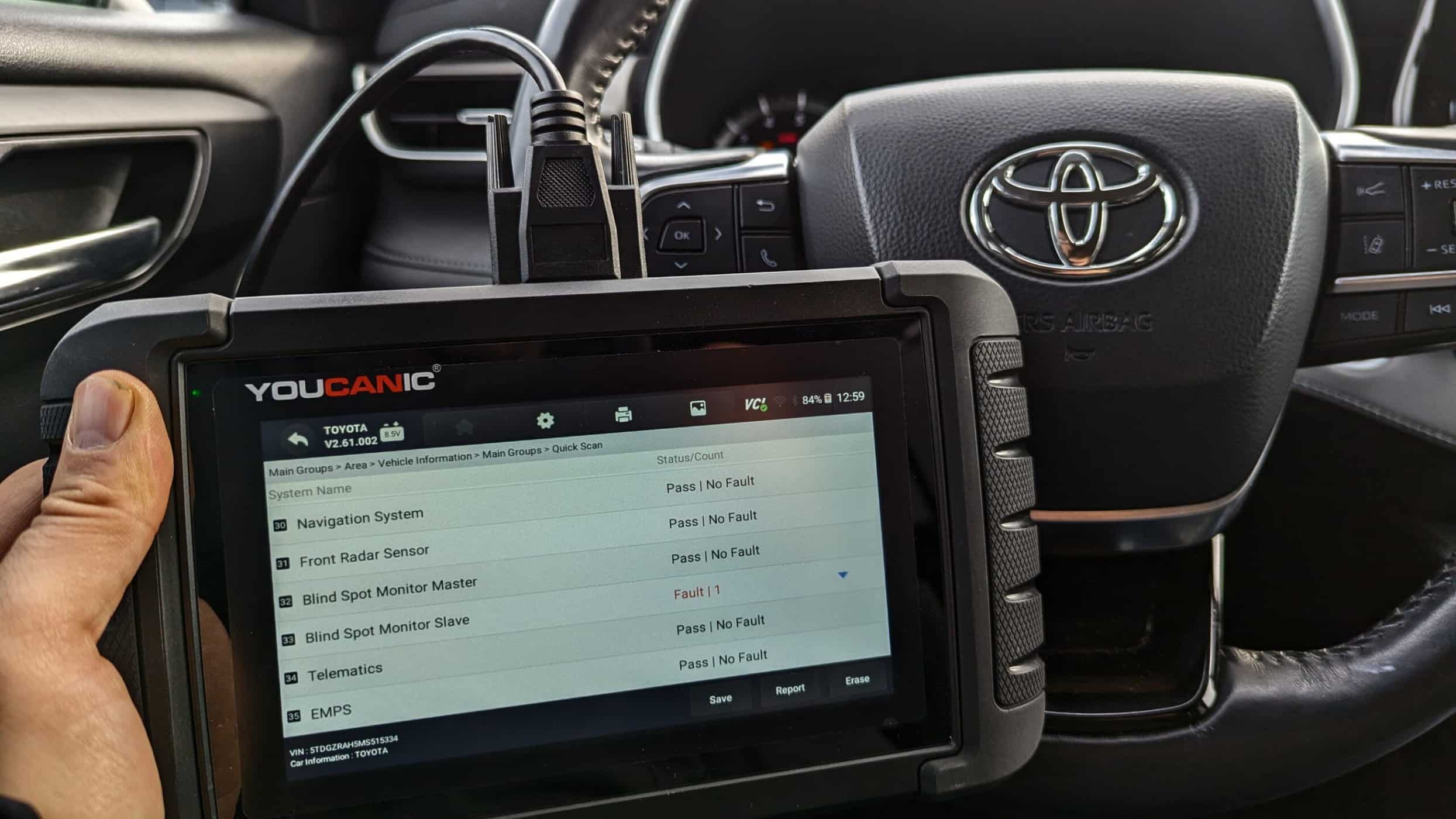
- Scroll down to the ABS module. Select “Read Fault Codes.”


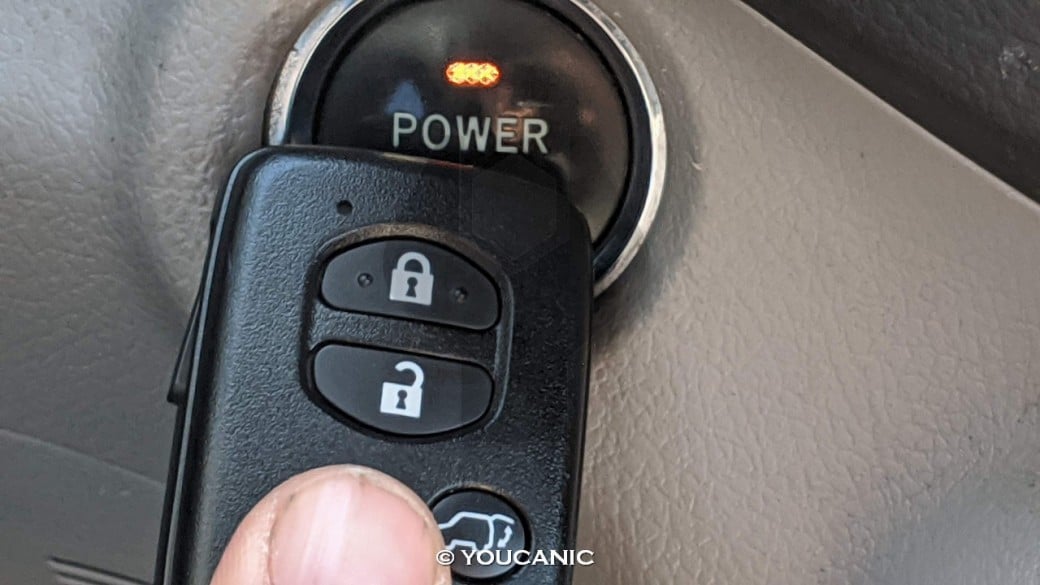
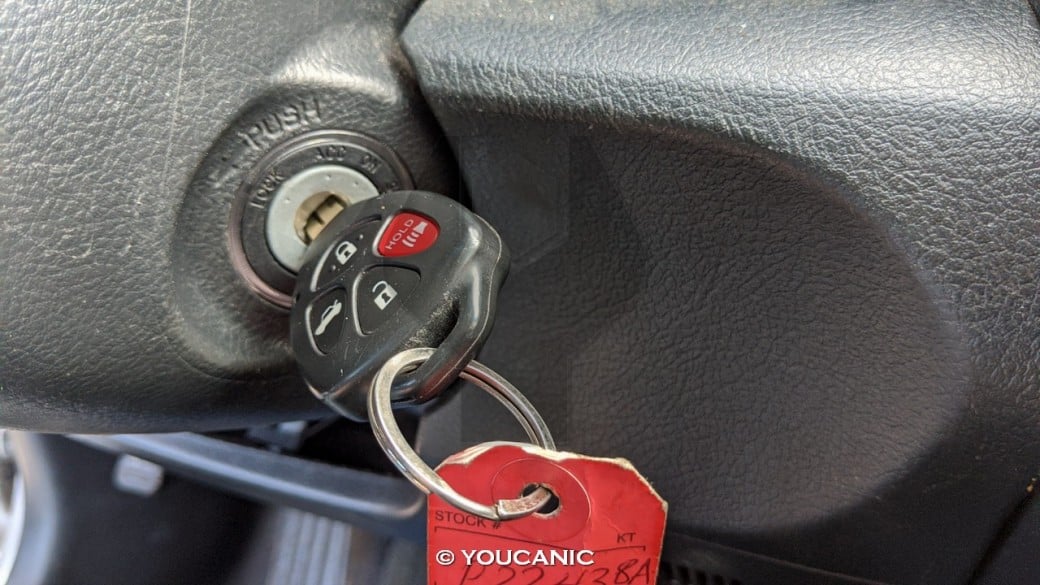
Write down all the fault codes and fix them.
Come back and select clear fault codes to erase the ABS light.
It is essential to realize that you cannot clear the Toyota ABS light or reset the codes without fixing it. If you clear Toyota ABS lights without fixing the problem, the ABS light will return as soon as you start driving.
How to Reset Toyota ABS without a Scan Tool
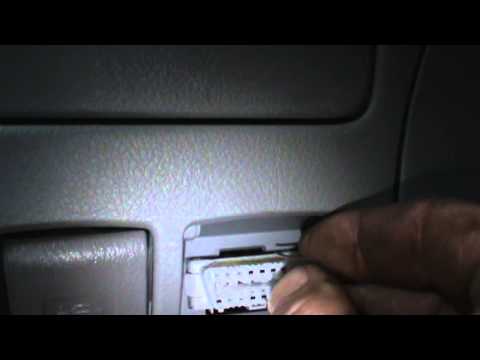
This video shows how to reset the Toyota ABS light with a scan tool. This procedure does not work on all Toyota models.
- Connect the TC (+) and the CG (-) on the OBD-II port. These are the number 4 and 13 pins on the port. Be careful in connecting these two ports. Always ensure the correct pins are connected to avoid damaging other systems.
- Turn the ignition to the on position.
- The indicator lights will flash. Quickly press the brake pedal eight (8) times.
- The ABS will flash rapidly when the reset is complete.
Can I disable the Toyota ABS light?
If your Toyota ABS light stays on all the time, the ABS is already disabled and non-functional. You cannot reset the Toyota ABS light by disconnecting the battery.
Frequently Asked Questions
Will the Toyota ABS light reset by itself?
Often yes. Once the fault is repaired, many Toyotas turn the light off after the system self checks during a short drive above about 20 mph. If it stays on, clear the code with a scanner.
Why are my Toyota ABS, VSC and brake lights on at the same time?
Common causes are a faulty wheel speed sensor, low brake fluid or a weak 12 volt battery. Read the ABS codes to find which one.
Can disconnecting the battery reset the Toyota ABS light?
It usually does not clear stored ABS codes. If the fault is still present, the light returns as soon as the system runs its self check.
Check these troubleshooting and repair guides for more help on your Toyota.