Troubleshoot BMW TCU Telematic Control Unit
Reviewed/Verified by:

Does an SOS malfunction message appear on your BMW iDrive screen? Learn how to troubleshoot and fix it by following the procedures below.
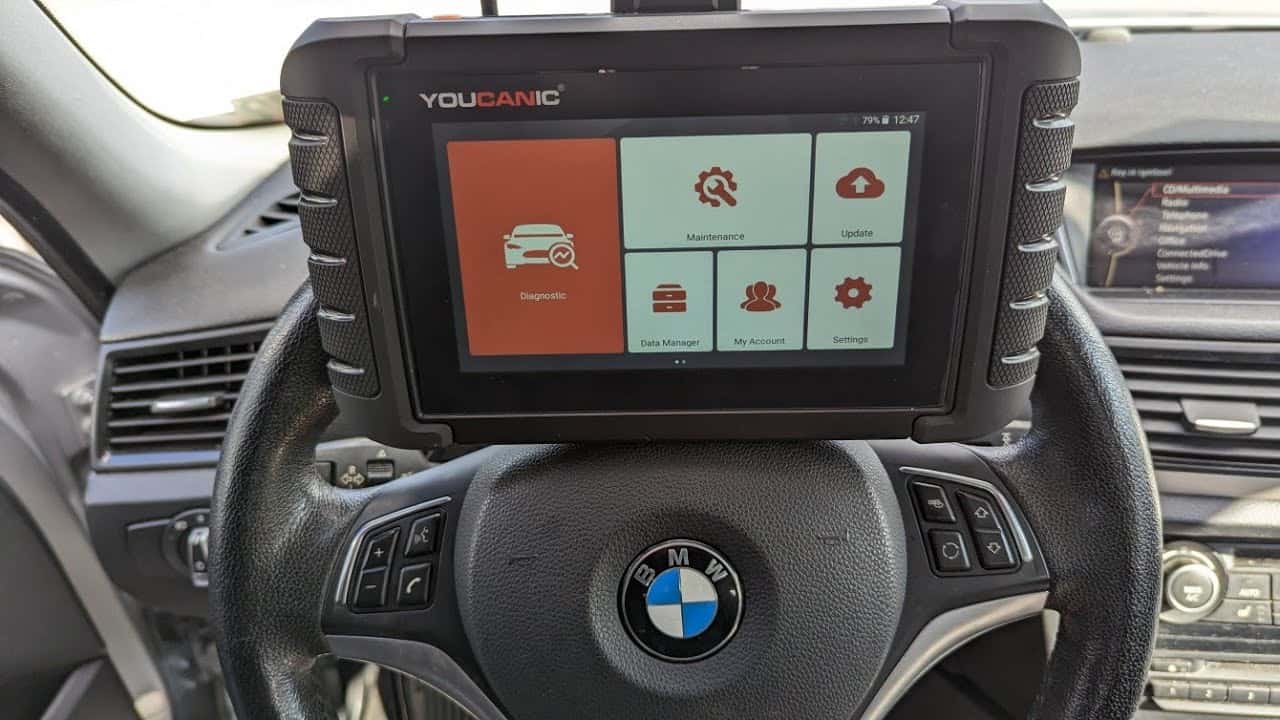
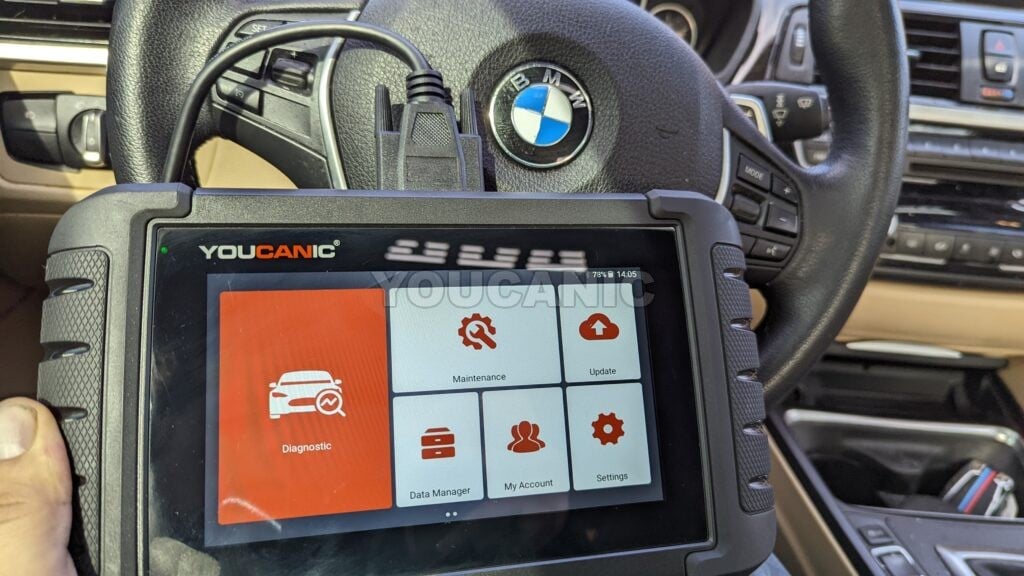
The BMW TCU module is located in the trunk area, but fault codes stored in the TCU can be read via the YOUCANIC full system scanner. BMW TCU module contains the Bluetooth module.
How to Troubleshoot BMW TCU Telematic Control Unit
Symptoms
A defective TCU module can prevent your phone from connecting to the car via Bluetooth. TCU and your Bluetooth handset communicate via the antenna connected to the TCU.

🔧 Find out what is actually wrong before you pay someone to guess
Dealer level diagnostics at home with the YOUCANIC UCAN-II Pro.
- ✔ Covers most makes and models, including many luxury brands. Send us your VIN and we will confirm your car before you order
- ✔ Reads every module, not just the engine, so you find the faults a basic reader says are not there
- ✔ Commands the car: test a fan or pump, bleed ABS, retract an electronic parking brake, register a battery
- ✔ No subscriptions. Free lifetime updates, so the price you pay is the whole price
- ✔ Backed by real mechanics in the USA you can email before and after you buy
Featured in The Wall Street Journal
When your BMW TCU module fails, you may notice:
- SOS malfunction message on iDrive screen.
How to Diagnose BMW TCU Module
If you are experiencing problems, reading fault codes from the TCU module is a good starting point.
If any code shows PRESENT status, the problem needs to be fixed before the code can be cleared.
What you will need
For this step, you will need a diagnostic scanner capable of reading and clearing codes from the BMW TCU module.
Procedure
These general instructions may vary depending on the diagnostic scanner model you use to troubleshoot BMW vehicles.
- Plug the OBD-II scanner into the diagnostic port under the dashboard.

- Turn on the ignition; don’t start the engine.
- Turn on the scanner and select your BMW chassis. Next, Select the Control Units menu.
- Select the TCU Module.
- Once you enter the TCU module, you can do the following.
- Read Codes from TCU Module
- Clear Codes from TCU Module
- Perform Adaptations, Activations, Tests


Verify that it supports your BMW model and year when purchasing a BMW scanner. Full system scanners that work on BMW vehicles can range from $150 to $800. Learn more about popular BMW scanners here.
Buy the BMW TCU module
You can buy a BMW TCU from your dealer or a BMW TCU Module online. The TCU module needs to be programmed and coded to match the options and your VIN. Remember that the Bluetooth code used to pair your phone with the car is stored in the TCU.
Check these troubleshooting and repair guides for more help on your BMW.