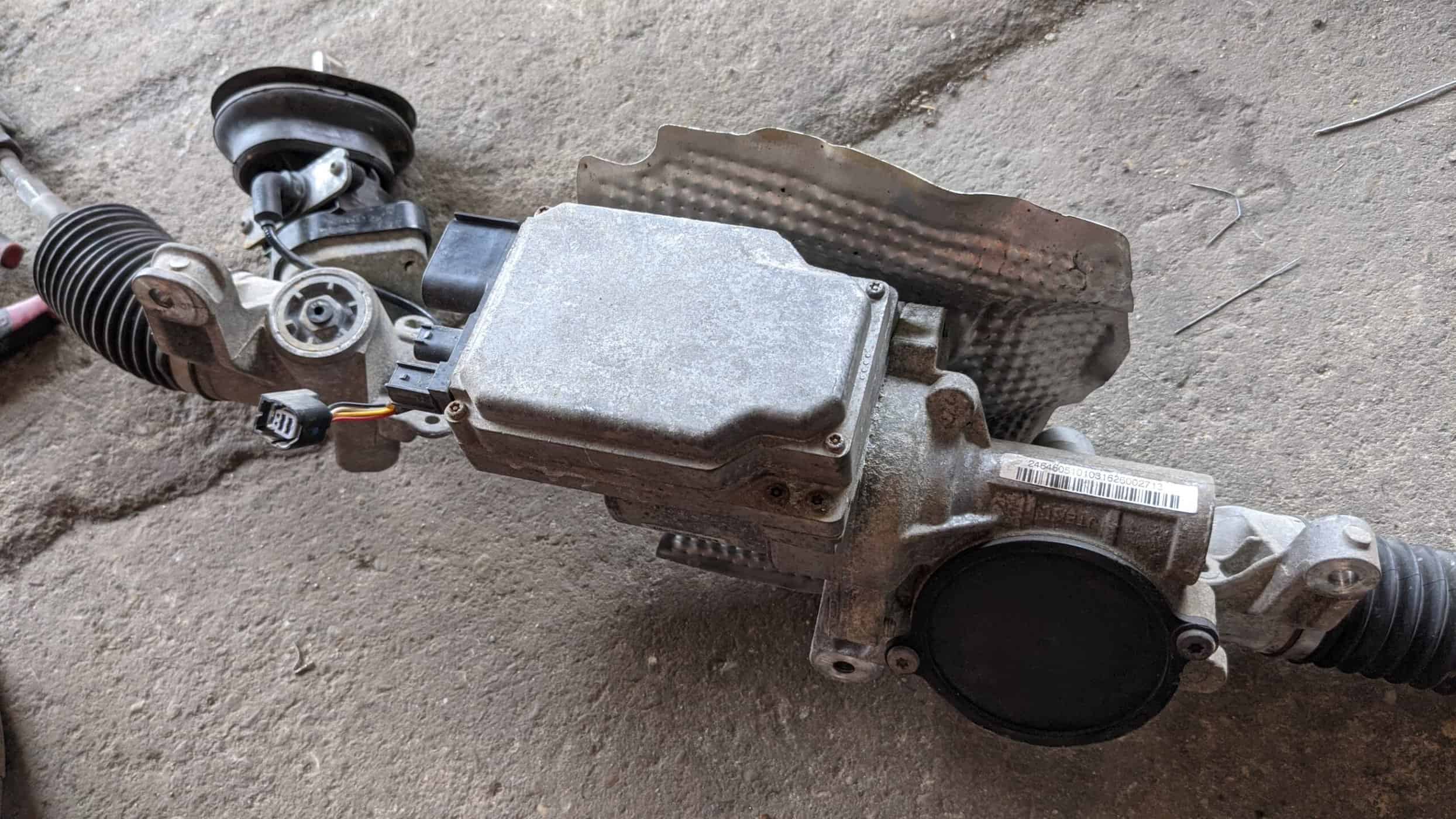
How to Calibrate a new Electric Power Steering Module using a YOUCANIC Scanner
Reviewed/Verified by:

Have you recently replaced the electronic power steering (EPS) module in your car? Before you take your car back out on the road, you will need to calibrate it to your car. Did you know? The calibrating process is quick and easy when you’ve got a YOUCANIC scanner!
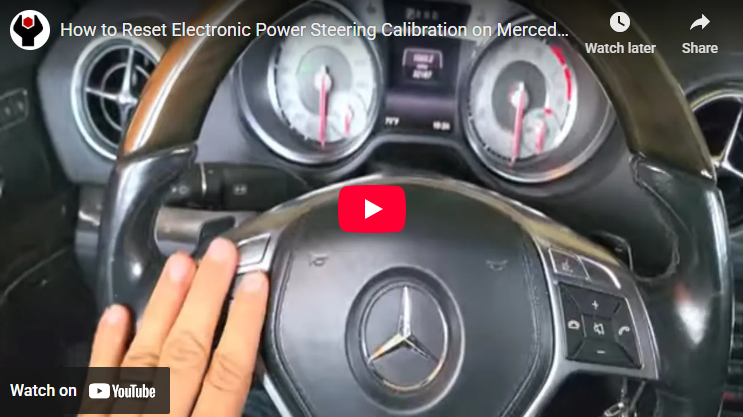

Demo Model: Mercedes-Benz
What is an EPS?
The electric power steering system (EPS) is designed to make steering a breeze. Unlike hydraulic power steering (HPS), EPS doesn’t rely on power steering fluid and slightly improves fuel economy.

🔧 Find out what is actually wrong before you pay someone to guess
Dealer level diagnostics at home with the YOUCANIC UCAN-II Pro.
- ✔ Covers most makes and models, including many luxury brands. Send us your VIN and we will confirm your car before you order
- ✔ Reads every module, not just the engine, so you find the faults a basic reader says are not there
- ✔ Commands the car: test a fan or pump, bleed ABS, retract an electronic parking brake, register a battery
- ✔ No subscriptions. Free lifetime updates, so the price you pay is the whole price
- ✔ Backed by real mechanics in the USA you can email before and after you buy
Featured in The Wall Street Journal
While there are many benefits to driving with an HPS, the EPS system has nearly become the default in most modern cars because it requires less maintenance than its hydraulic counterpart, such as power steering fluid changes, and, with fewer moving parts, it is less likely to break down.
Not all cars are manufactured with an EPS. If your car operates using an HPS system, this guide is not for you.
Step-by-step guide
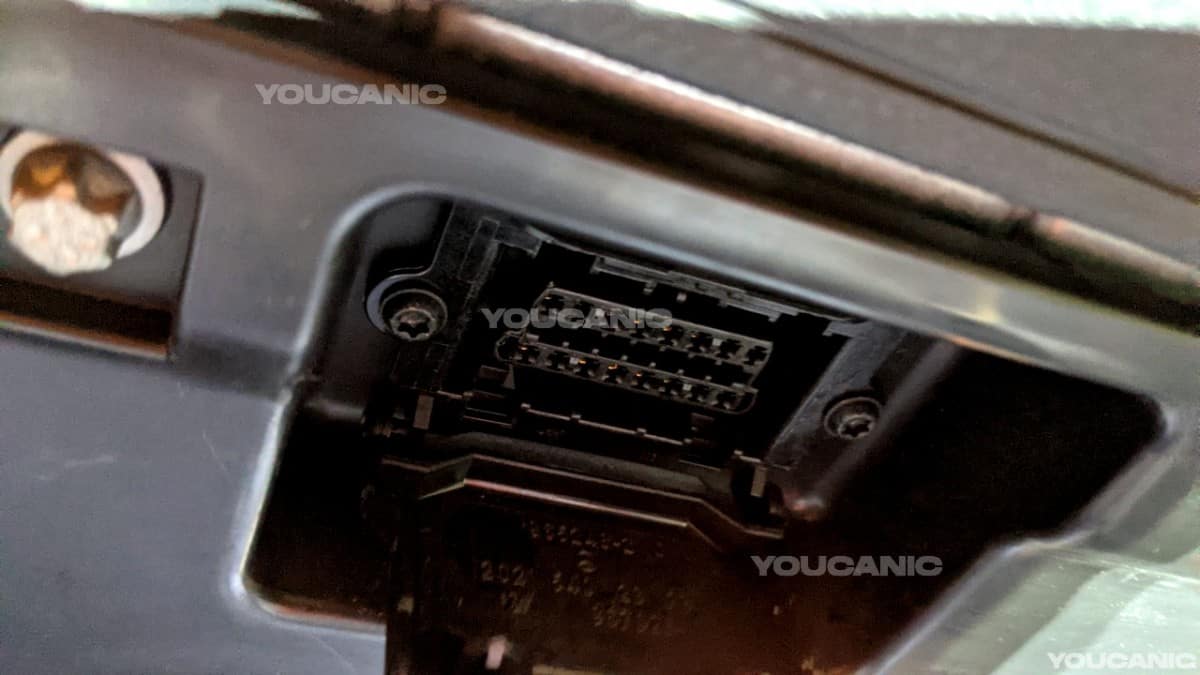
- Plug your VCI into the OBD-II port, usually found in the driver’s side footwell of your car.

- Turn your car on to position I by turning your key in the ignition one click. If your car has push-to-start, press the start button with your foot off the brake to start the engine without cranking it.
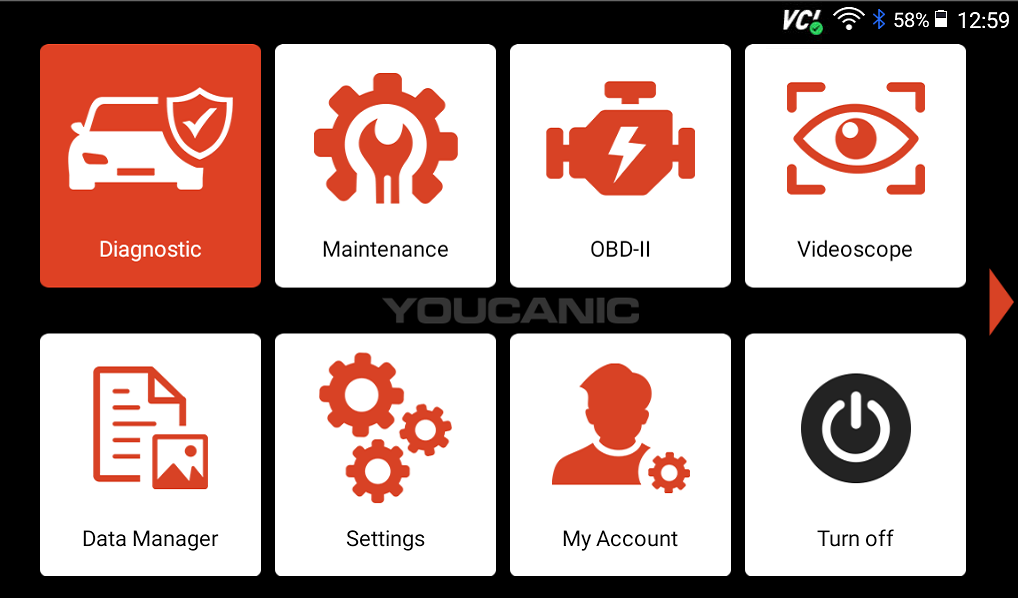
- Select Diagnostic.

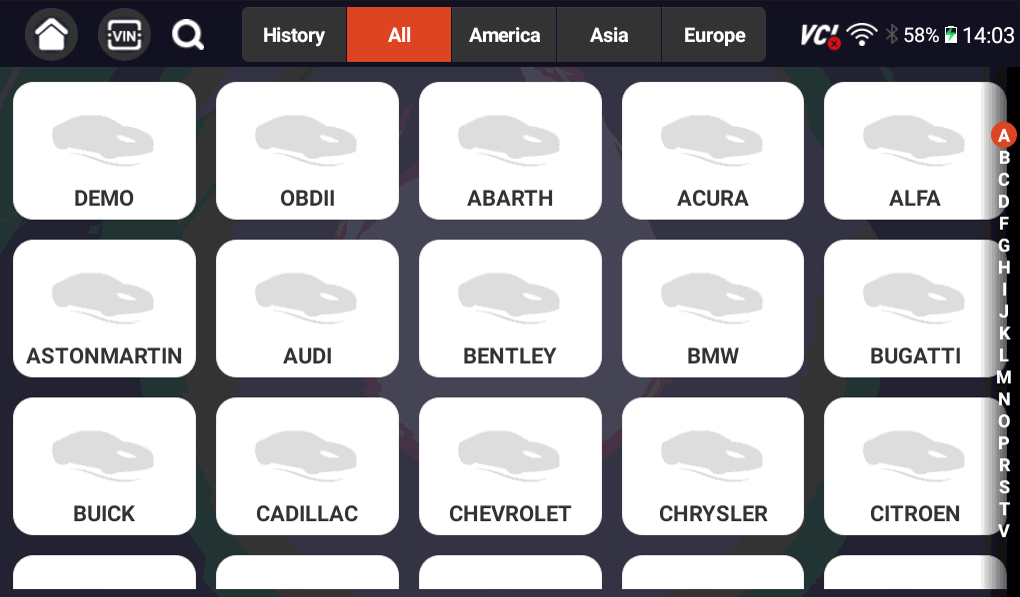
- Find your vehicle make on the list, and select either SmartVIN or Manual Entry.

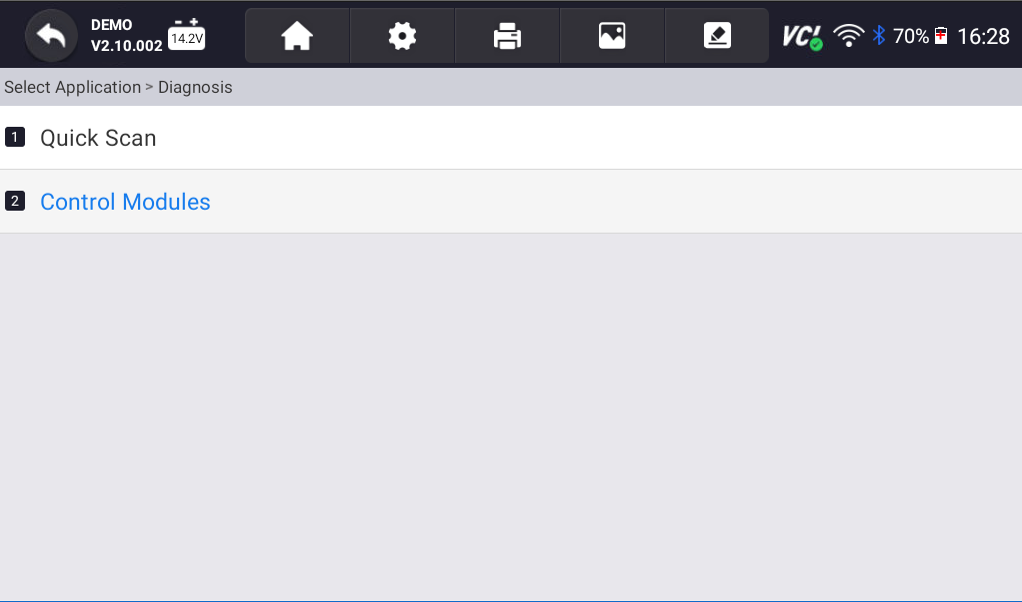
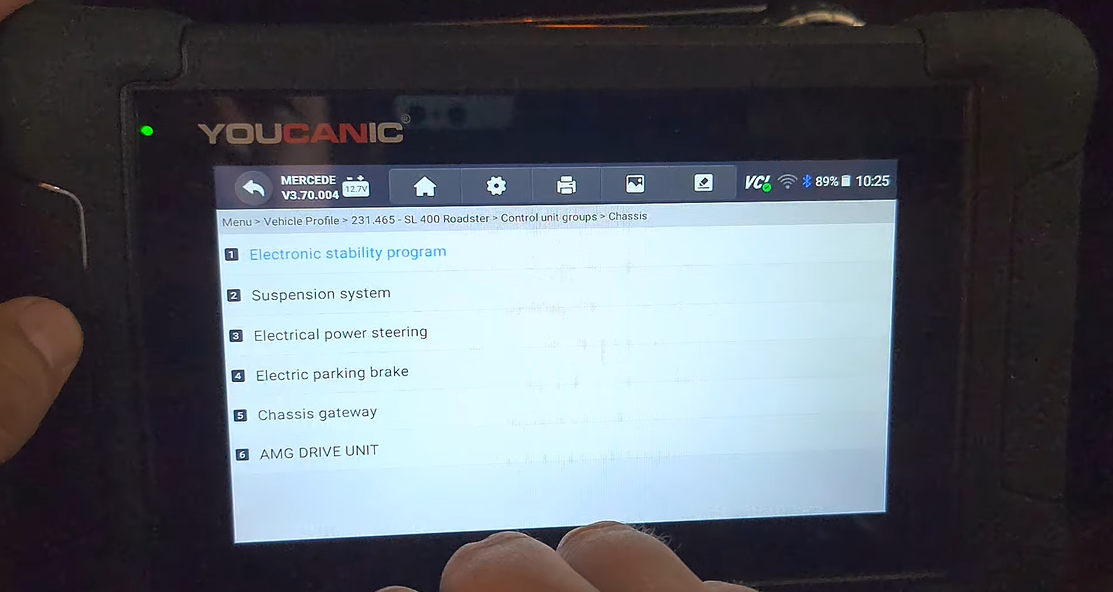
- Select Control Modules, and on the following screen, select Chassis.

- Next, select Electronic Power Steering.

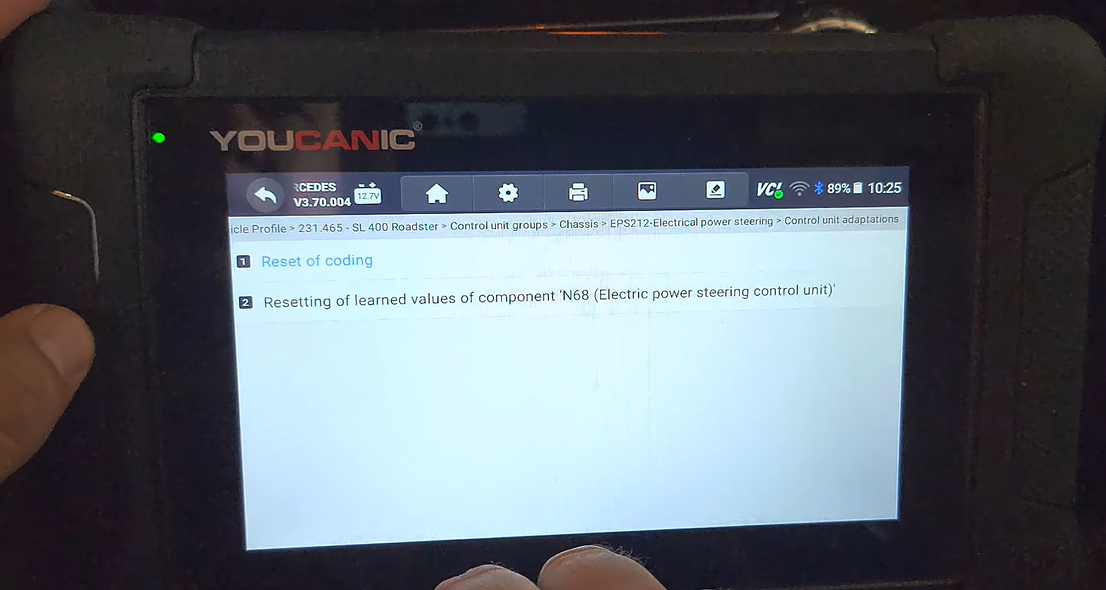
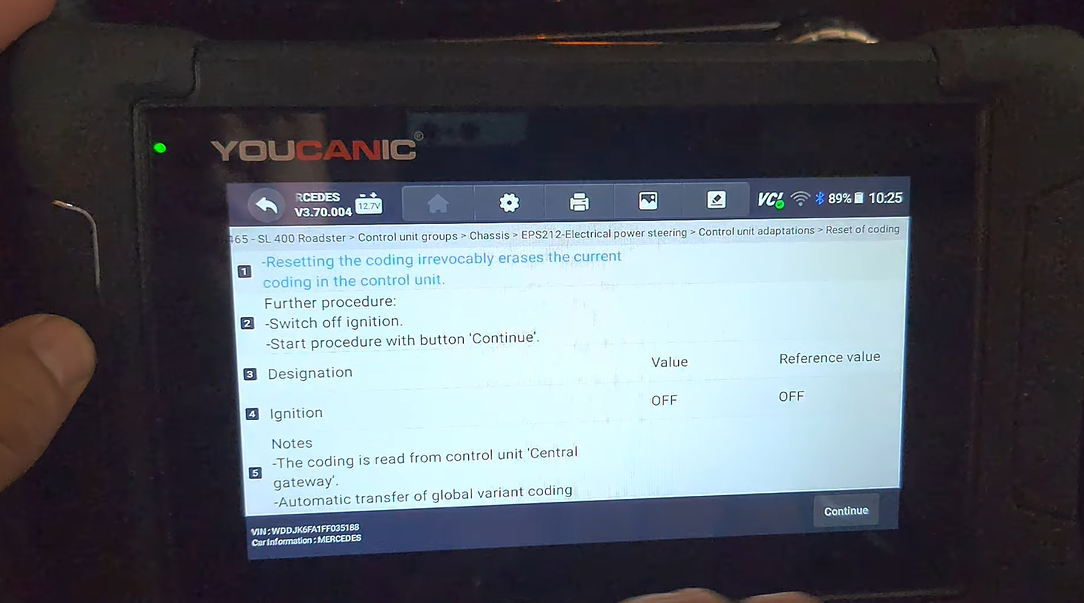
- Go to Control unit adaptations, then select Reset of coding.

- Turn the ignition off, and press continue.

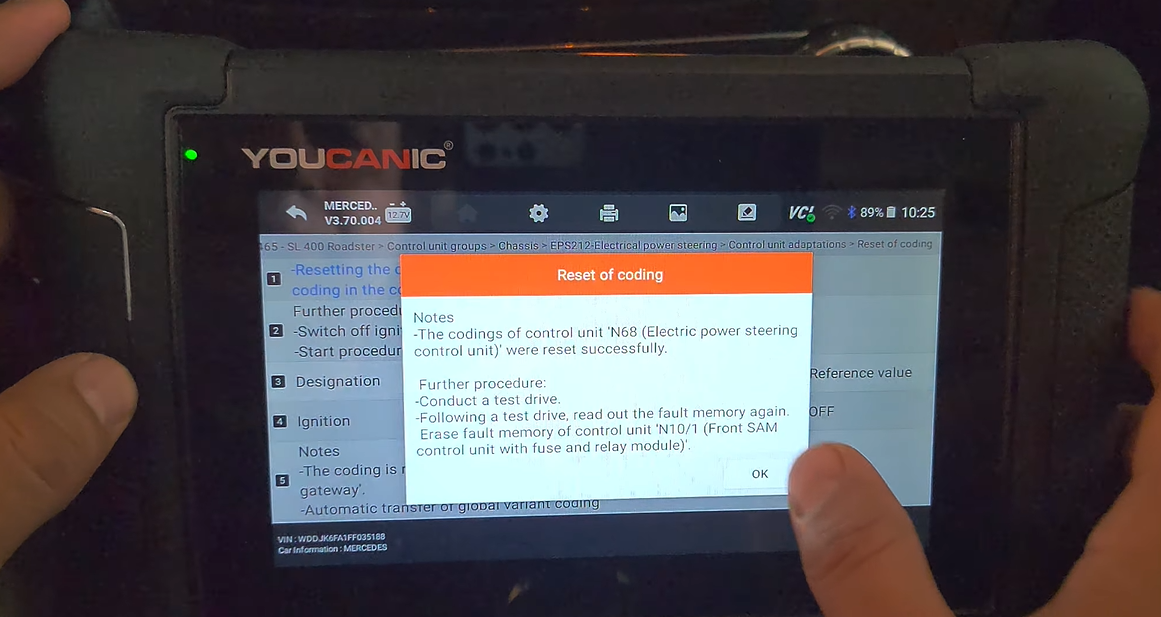
- If the reset was successful, a message will pop up on the screen, signaling that the reset was successful.

- If the calibration was unsuccessful, run a scan in your ECU for possible fault codes relating to your EPS. Once you have addressed all current codes and have successfully cleared them, try the calibration/reset procedure again.

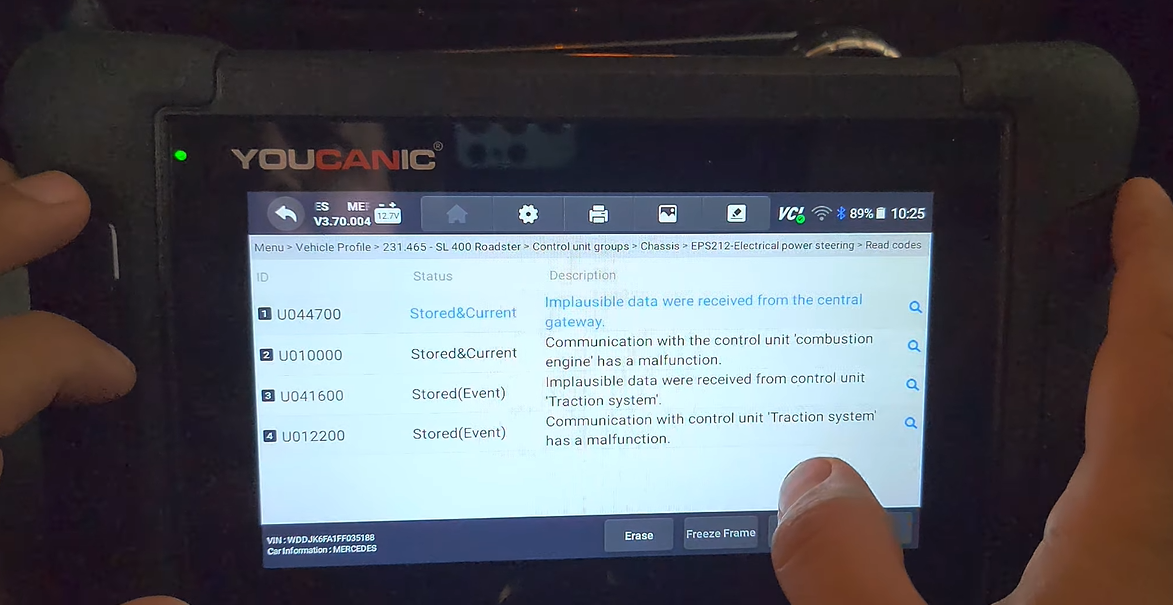
Likely issues that could be preventing a proper EPS calibration include fuse issues or issues with your new electric power steering module.
Disclaimer: This guide may not apply to all vehicle makes and models. If you need to verify coverage for your particular vehicle, please contact YOUCANIC support or use our Compatibility Checker.
Related Guides
- Mercedes-Benz Electric Power Steering Motor Replacement
- How to Calibrate new Accelerator Sensors Using a YOUCANIC Scanner
- Jaguar Power Steering Assistance Reduced Warning Message
- 2015 to 2021 Kia Sedona Check + Add Power Steering Fluid