How To Test Your Radiator Cooling Fan Using A YOUCANIC Scanner
Is your engine overheating, but your coolant levels look fine? The issue could be a faulty radiator cooling fan! Before taking your car to the dealership, test the fan yourself using a YOUCANIC scanner!

Demo Model: Mercedes-Benz
Step-by-step guide
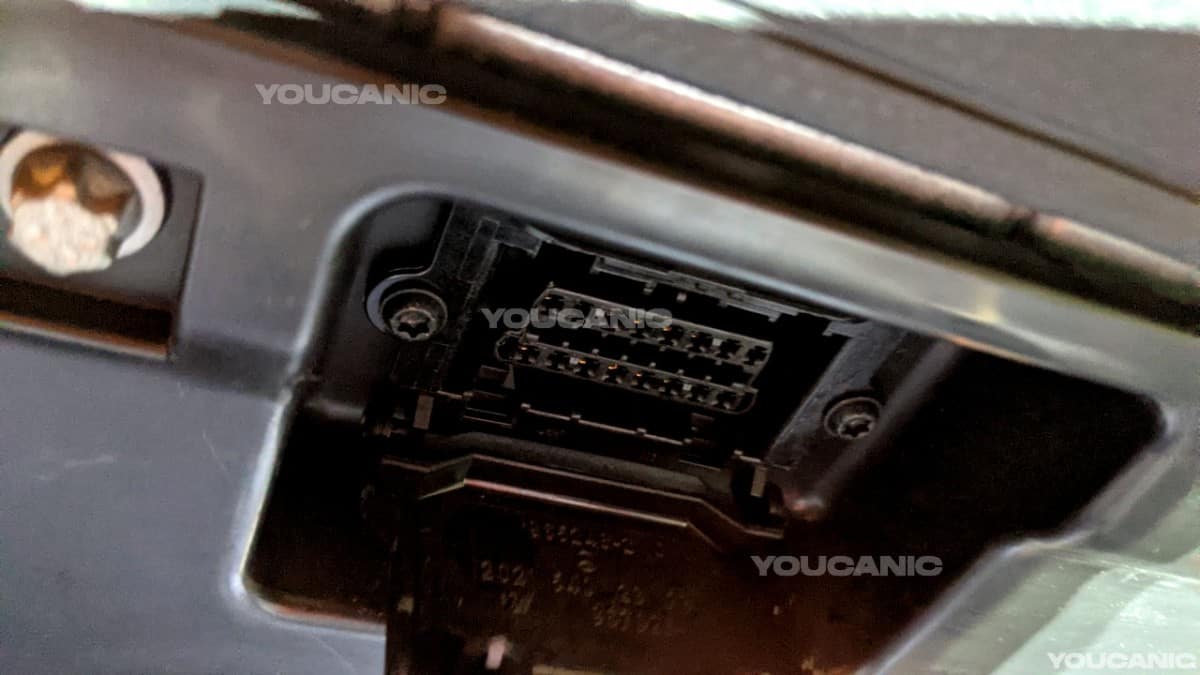
- Plug your VCI into your car’s OBD-II port, usually located in the driver’s side footwell. If you don’t know where it is, look it up in your user manual or online.

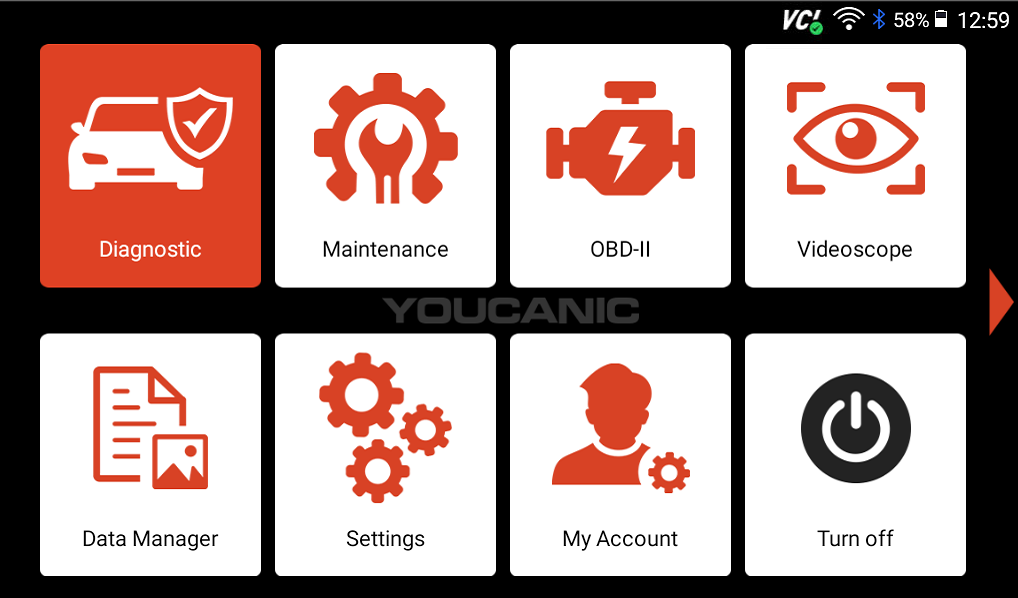
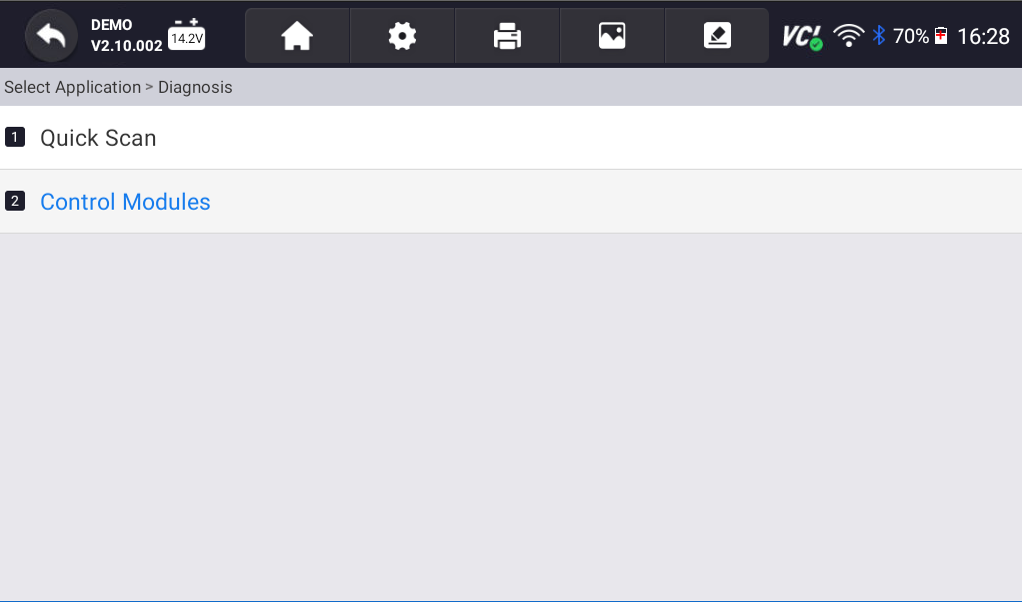
- Select Diagnostic from the homescreen of your scanner, then turn on the ignition.

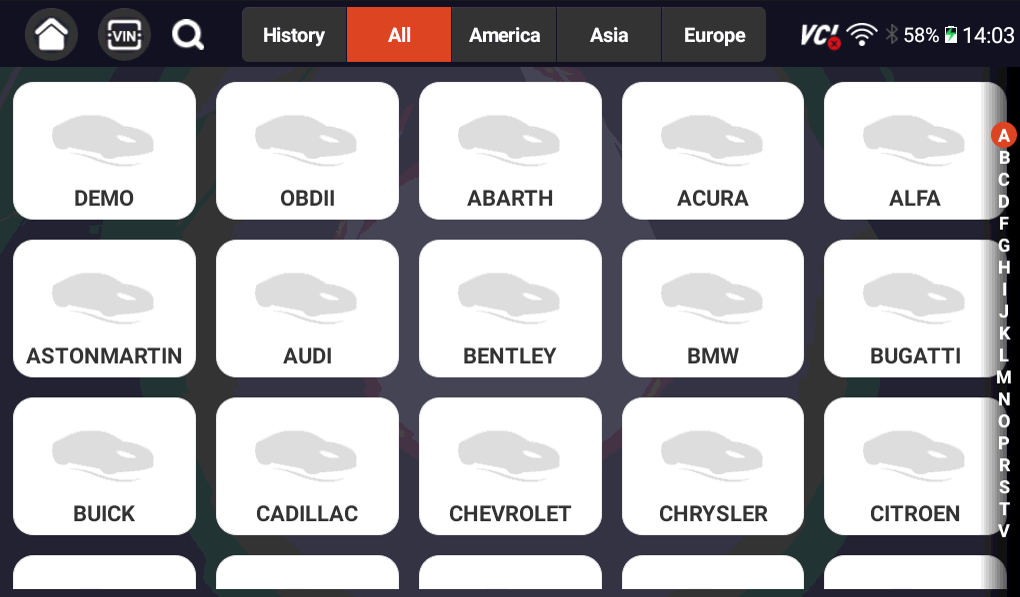
- Select your vehicle make on the following screen, and use the SmartVIN option to have your scanner automatically find your car’s VIN. If the SmartVIN function does not work, you can use the Manual Entry option to manually enter your car’s VIN.

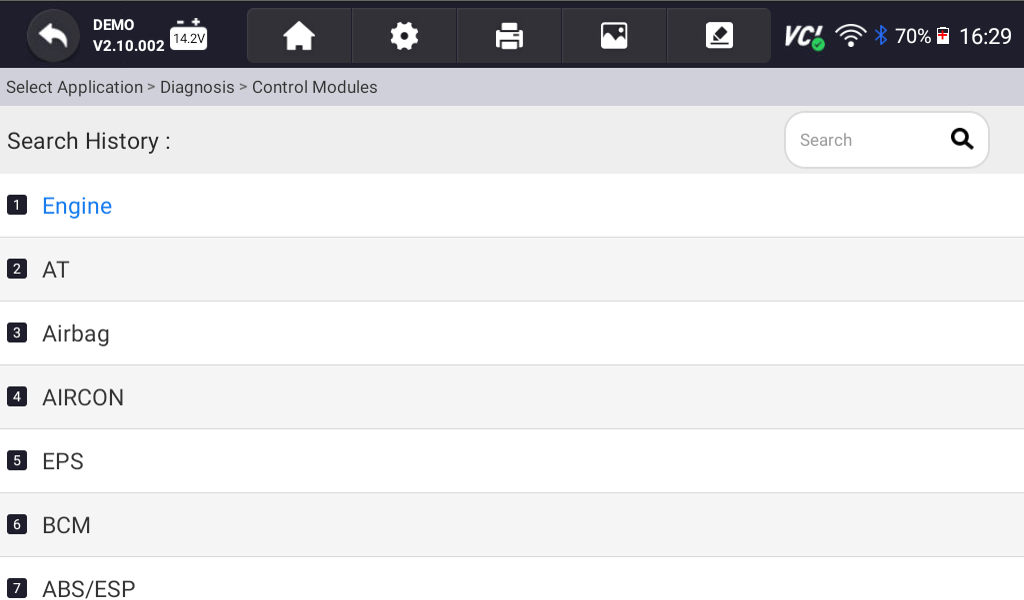
- Select Control Modules.

- On the following screen, select Drive, then select Engine Electronics.

- Next, select Active Tests.

- Select Combustion engine and air conditioning eith integrated control fan motor.
 NOTE: The name of this section will vary by make. Different manufacturers have different naming standards, so it may take some trial and error to dinf the part of your ECU that actually controls the cooling fans.
 - The following screen will allow you to test your cooling fans by adjusting the speed of the fan.

- Using the buttons at the bottom-right of your screen, adjust the cooling fan speed. As you do so, you should hear your fan turn on and off, adjusting based on the settings you selected. The Actual values line at the top of the screen will show you how fast or slow your fans are running.

 NOTE: The name of this section will vary by make. Different manufacturers have different naming standards, so it may take some trial and error to dinf the part of your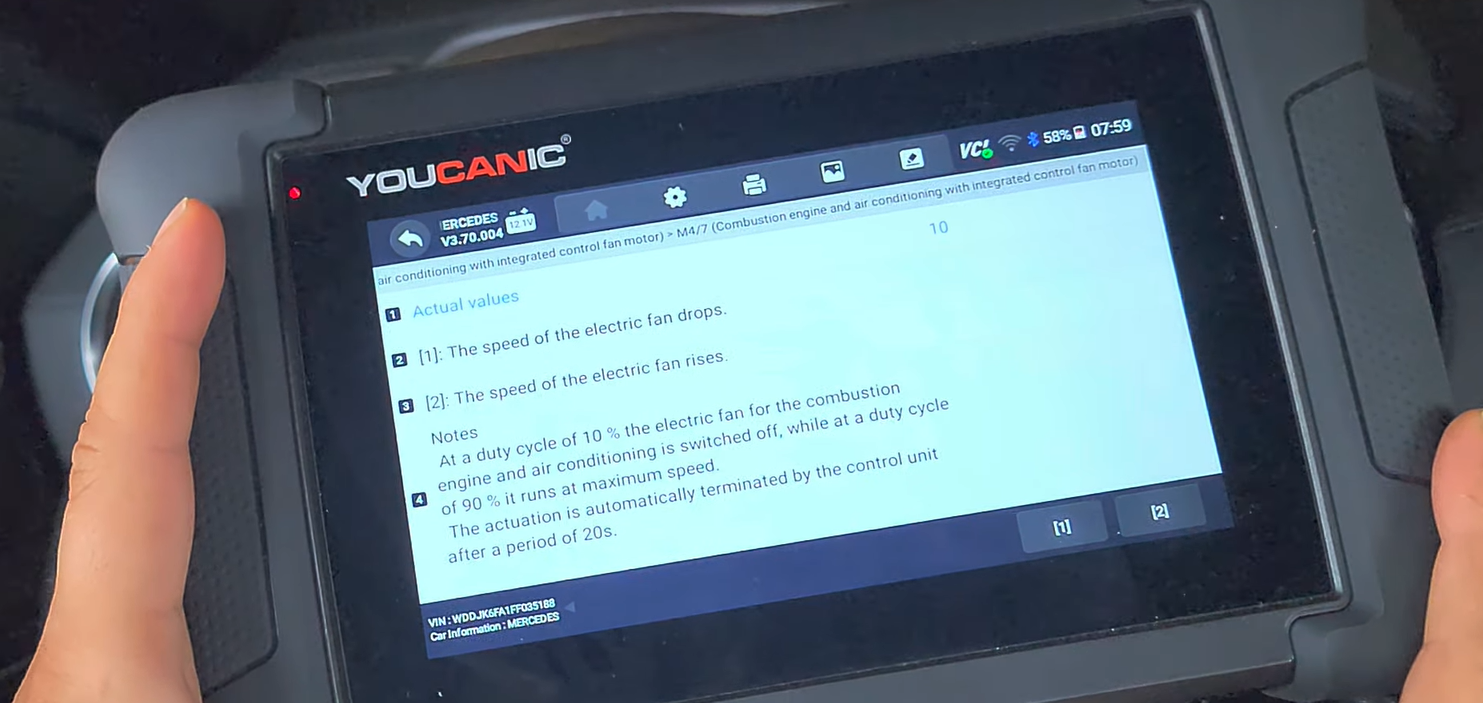
If you’ve found that your cooling fan isn’t working at all, the next thing you should do is replace the fan’s relay and run this test again. If the fan runs after replacing the relay, you found the issue!

🔧 Stop paying the dealer for every warning light
Get dealer level diagnostics at home with the YOUCANIC Full System Scanner.
- ✔ Works with all makes and models, including most luxury brands
- ✔ Topology map view shows all vehicle modules on one screen for faster diagnostics
- ✔ Bi directional controls to test fans, pumps, actuators and more so you do not have to guess
- ✔ Special resets and calibrations such as ABS bleed, EPB service, battery registration and more
- ✔ Free lifetime updates with no recurring fees
If the test fails again, you will need to test the cooling fan voltage using a multimeter. Unplug the fan and run the test again. Using your multimeter, check and see if that wiring harness is getting any power. If it is getting power, the fan is faulty and will need to be replaced.
Disclaimer: This guide may not apply to all vehicle makes and models. If you need to verify coverage for your particular vehicle, please contact YOUCANIC support or use our Compatibility Checker.