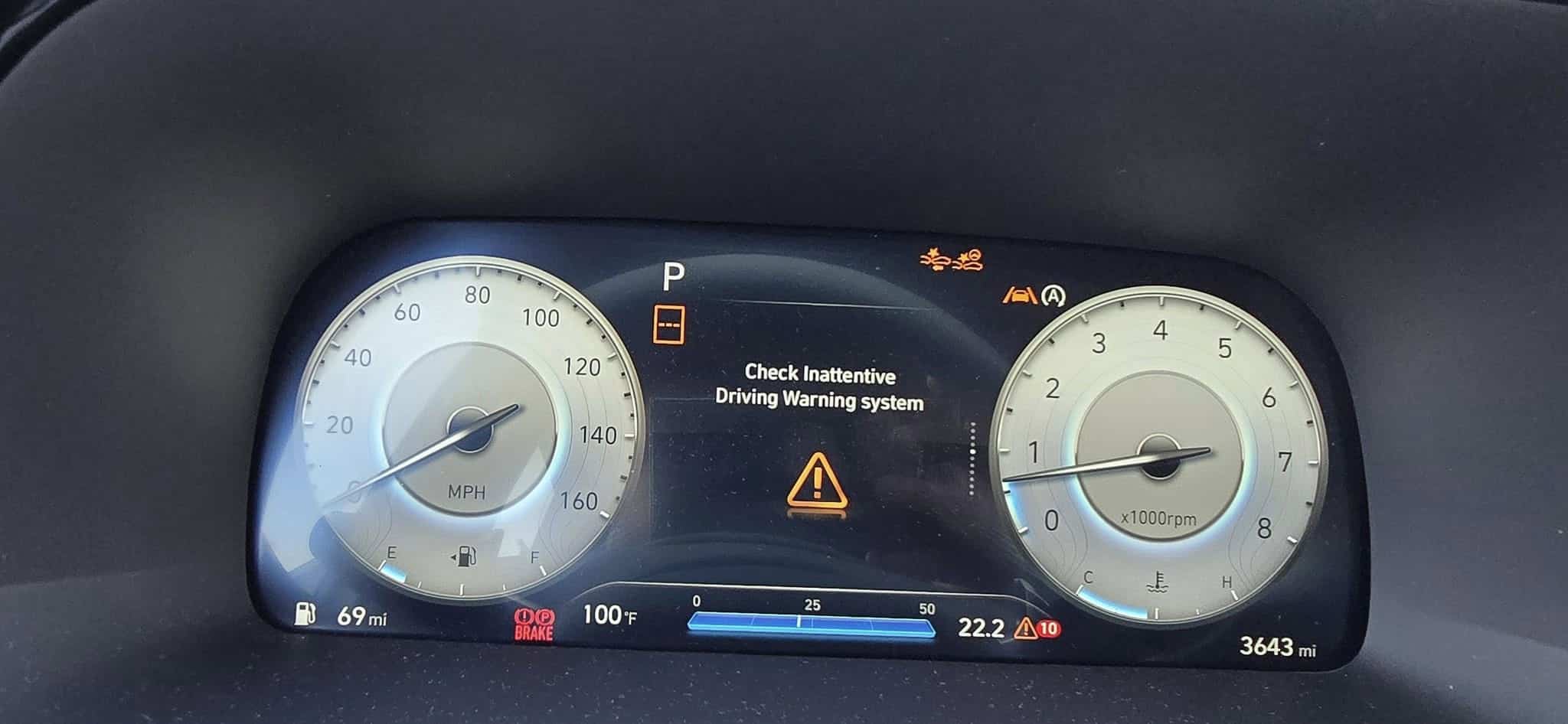
Hyundai Check Inattentive Driving Warning System: What It Means and How to Fix It
No matter how long the distance, driving can make a person drowsy. Thankfully, newer Hyundai models have safety features that let drivers know when it might be time to take a break. When these systems fail, the message “Check Inattentive Driving Warning System” will appear on your dashboard. What does this warning mean, and what should you do about it? This article will discuss common causes and fixes for this problem.
What does the error Check Inattentive Driving warning mean?
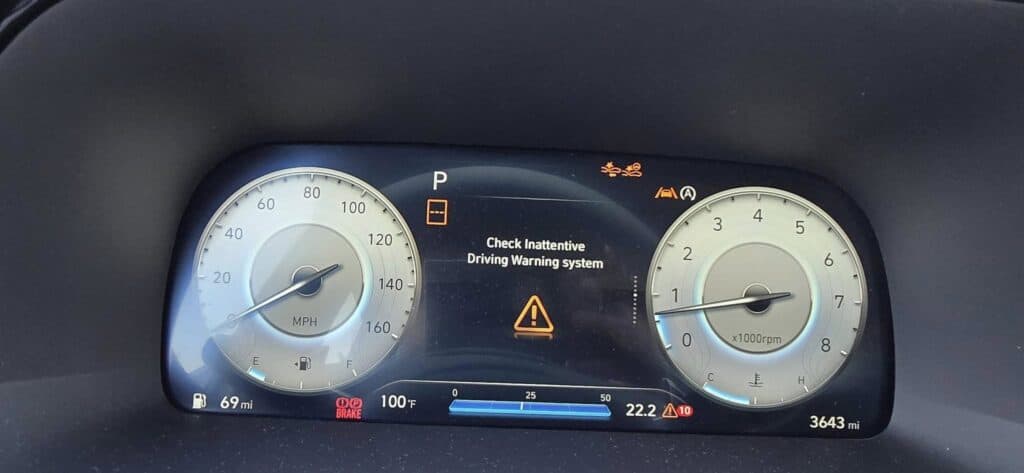
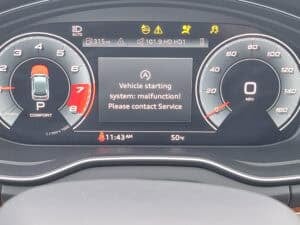
Many modern Hyundai cars have a unique assistance feature called the Driver Attention Warning System (DAW). The DAW has two main functions: the Leading Vehicle Departure Alert, which informs the driver during a stop when the vehicle in front has departed, and the Inattentive Driving Warning, which recommends that the driver take breaks during long periods of driving or when signs of inattentiveness or drowsiness are detected. When the latter function is not working, the warning message will appear on the dashboard with the triangle warning symbol.
The Inattentive Driving Warning system measures the driver’s attention on five levels; the higher the level, the more active the driver is. When the driver’s attention level falls below level one, the “Consider taking a break” message will appear on the dashboard, accompanied by an audible warning that suggests the driver take a break.

🔧 Stop paying the dealer for every warning light
Get dealer level diagnostics at home with the YOUCANIC Full System Scanner.
- ✔ Works with all makes and models, including most luxury brands
- ✔ Topology map view shows all vehicle modules on one screen for faster diagnostics
- ✔ Bi directional controls to test fans, pumps, actuators and more so you do not have to guess
- ✔ Special resets and calibrations such as ABS bleed, EPB service, battery registration and more
- ✔ Free lifetime updates with no recurring fees
When the system stops working, the “Check Inattentive Driving Warning System” warning will appear on the dashboard. Below, we will discuss the most common causes for this error message.
Possible Causes

- Front View Camera Issues -The front-view camera, located at the top of the front windshield next to the rearview mirror, detects driving signals, such as the vehicle’s positioning within the lane and the leading vehicle’s departure speed while the car is being driven. It is positioned to provide a clear view of the road ahead to best determine patterns of vehicle behavior that suggest driver inattentiveness, like how often the Lane Keep Assist has to kick in. If the front-view camera is broken or dirty, the camera cannot read the road markings properly. This means that the DAW and likely many other vehicle systems, like the Forward Collision-Avoidance Assist, Intelligent Speed Limit Assist, Lane Keep Assist, Lane Following Assist, High Beam Assist, and Smart Cruise Control, will malfunction, triggering the warning message on your dashboard.
- Aftermarket wheel size and suspension modifications – Sometimes, modifications get in the way of how the systems of your car function. Replacing wheel sizes with sizes that do not conform to the manufacturer’s specifications will affect the front camera’s view of the road. The same is true with suspension modifications, such as altering the default height of the front-view camera to detect driving patterns along the road.
- Wheel Alignment Issues, Tire Condition, and Tire Pressure – The condition of your wheels plays a significant role in your car’s stability and direction. Poor wheel alignment, worn-out tires, and low tire pressure can reduce traction, making it harder to keep the vehicle centered in its lane, leading to unintended steering corrections or erratic driving patterns, which the DAW system might misinterpret as driver inattentiveness. Uneven tire wear from misalignment can cause the car to pull to one side, while worn or improperly inflated tires can affect steering response. These can also be read as system inaccuracy, leading to the fault message appearing on your dashboard.
- Battery and Charging System – With the car having lots of systems and safety features that all rely on electricity to function, if the vehicle has a weak battery or a failing alternator, the functionality of the electronic components and systems in the car will be negatively affected, leading to several warnings and faults being displayed on your dashboard.
Troubleshooting
- Conduct visual checks inside and outside your vehicle:
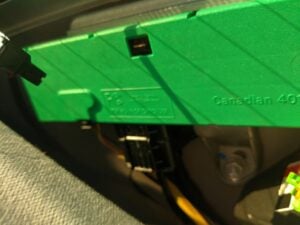
- Check the front-view camera next to the rearview mirror. Carefully inspect for loose connections, faulty wiring, or dirt on the camera or the window. Try not to move the camera around too much. If it is loose or has slipped out of its mounting, you will need to bring the car to the dealership for alignment and recalibration.
- Look for signs of damage outside your car, such as scratched or misaligned sensors and bump marks, especially near sensors. Check for traces of mud, dirt, and other contaminants that could cover your sensors. Clean them off with a soft towel or brush if they are dirty.
- Look under the hood for loose or dangling sensors and wires and snap them back in place. Check the drive belt for signs of damage or wear, and check the battery terminals for corrosion or a loose connection.
- Check the wheel alignment under your vehicle by looking at the wheels carefully. Severe misalignment is often noticeable to the naked eye. Look for uneven wear patterns in the tires, as this often suggests wheel misalignment issues. Check the suspension of your car, looking for cracks, wear, or looseness.
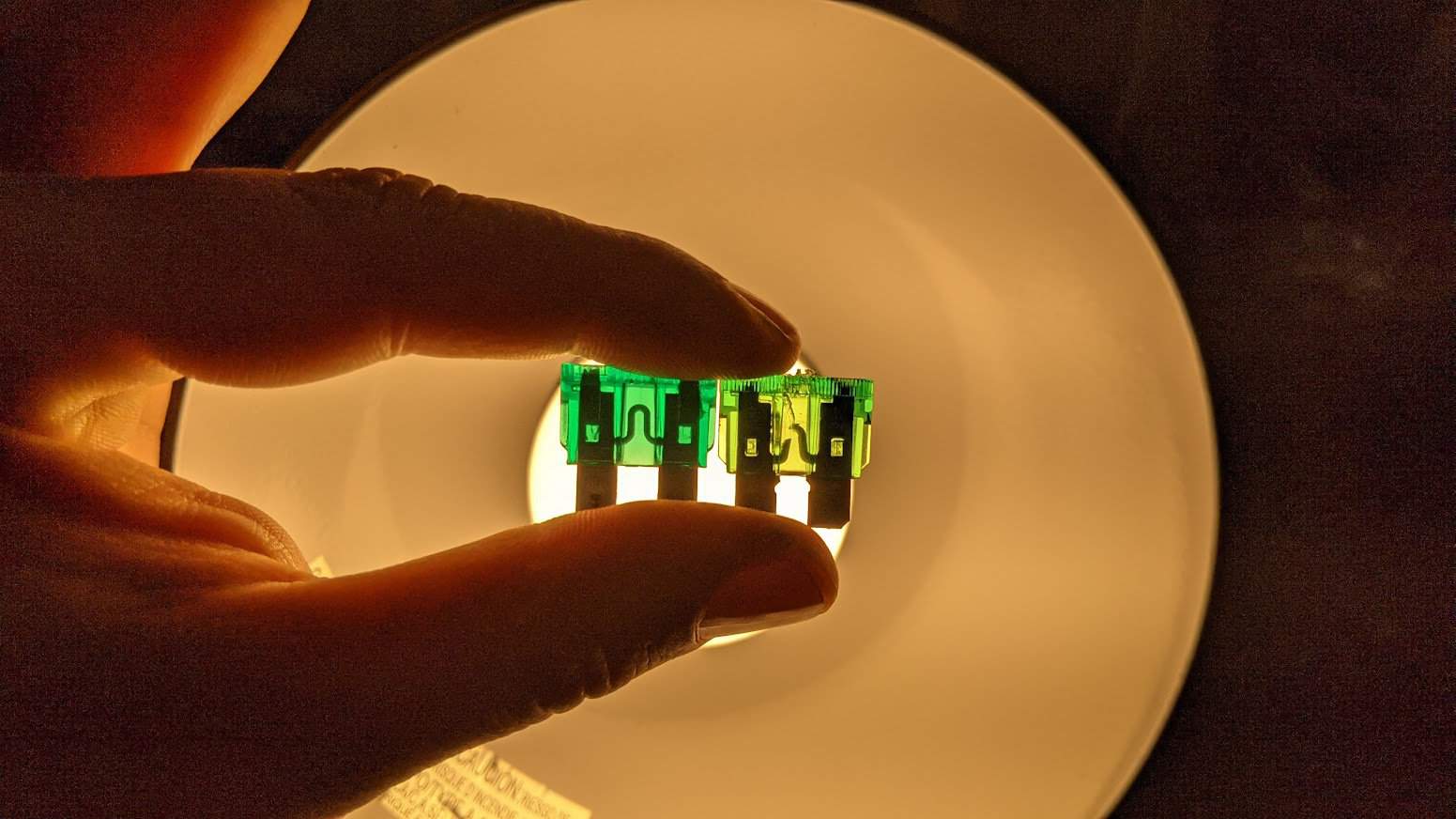
- Check the battery, alternator, and fuses. Test the battery using a battery tester. If the voltage is below 12V, it might be time to replace it. Locate the fusebox and look for any melted or damaged fuses. These will need to be replaced, but make sure you resolve the electrical issue before replacing a blown fuse so that the new fuse does not trip again. You may also conduct a battery reset by disconnecting the battery terminals for at least 30 minutes. This will resolve the problem if the warning light is a system glitch.
- Plug in your scanner. If you don’t have one, we strongly recommend that you buy a good-quality scanner like the YOUCANIC Scanner which can diagnose Inattentive Driving Warning System. This scanner has all the features and tools you need for troubleshooting. Plug the scanner into your car’s OBD port. Run a quick scan and start the diagnosis. This will give you an idea of where the fault is coming from. Many auto parts stores can also loan you a scanner for quick checks, but auto parts scanners may not be able to diagnose the Inattentive Driving Warning System.
- Bring your car to your trusted mechanic if you feel that the job is not something you can do on your own.
FAQ
- My DAW system is on, and the dashboard has no error message. Why isn’t it warning me to take a break with chimes or alerts on the dashboard?
The DAW (Driver Attention Warning) system does not always operate and may be disabled in certain situations. It won’t prompt the driver to take a break if the total driving period is less than 10 minutes. Other conditions that may prevent the system from functioning include:
- When lane markings are not detected by the camera.
- Sudden evasive maneuvers to avoid obstacles like potholes, falling objects, or rough roads.
- Driving on winding or curvy roads.
- When the vehicle’s speed is below 37 mph (60 km/h) or above 112 mph (180 km/h).
- Will DAW stop my car if I don’t respond to take a break?
No, the DAW system is only a warning system. If you ignore the alert, it won’t take control of the car, but it strongly advises you to pull over for a break. Think of it as a helpful passenger who notices you’re tired and reminds you to rest.