How to Read and Clear Citroën Fault Codes with an OB2-II Scanner
Navigating the sophisticated diagnostics of Citroën vehicles, from the dynamic DS3 to the spacious Grand C4 SpaceTourer, is key to ensuring their lasting performance and safety. Citroën, a brand celebrated for its innovative design and comfort, equips its cars with advanced systems that notify drivers of any issues through dashboard warning lights. These indicators, including the Check Engine, ABS, Airbag, and Traction Control lights, are vital for pinpointing potential malfunctions. This guide explains interpreting and resetting these fault codes in various Citroën models. Essential for the seasoned aficionado of models like the C5 Aircross and newcomers to the Citroën lineup, this guide will empower you with the knowledge to keep your vehicle in top condition, ensuring a safe and smooth driving experience.
What you will need

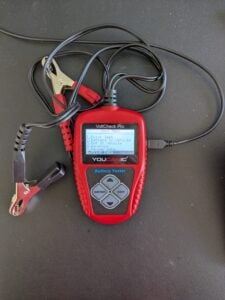
Gather the necessary tools: Equip yourself with a Professional-Grade OBD-II Scanner compatible with your Citroën. Click Here for our Professional-Grade YOUCANIC Scanner.

🔧 Stop paying the dealer for every warning light
Get dealer level diagnostics at home with the YOUCANIC Full System Scanner.
- ✔ Works with all makes and models, including most luxury brands
- ✔ Topology map view shows all vehicle modules on one screen for faster diagnostics
- ✔ Bi directional controls to test fans, pumps, actuators and more so you do not have to guess
- ✔ Special resets and calibrations such as ABS bleed, EPB service, battery registration and more
- ✔ Free lifetime updates with no recurring fees
Procedure
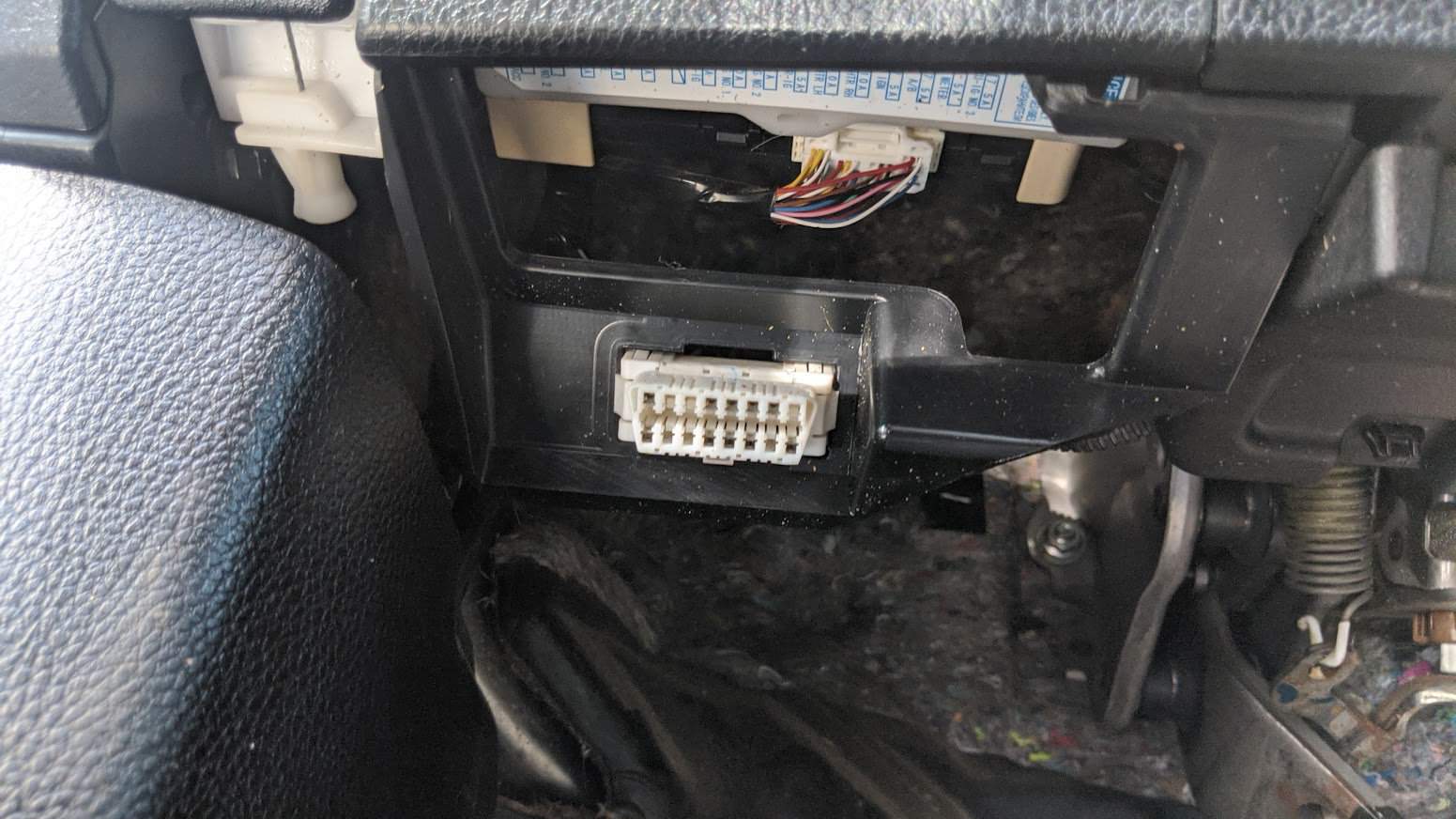
- Access the OBD-II Port: This port is usually found near the steering column under the dashboard. The OBD-II port is the gateway to your car’s diagnostic information. Turn the ignition key to the “ON” position without starting the engine to make a connection with the vehicle’s computer. If your Citroën has a START/STOP feature, press the button without pressing the brake pedal. Do not start the engine. If you are unsure of the OBD-II port of your vehicle, you can always check the Car Owner’s Manual.

- Access the Diagnostic Menu: On the YOUCANIC scanner’s display, navigate to the “Diagnostic” or “Scan” menu. This menu allows you to access various diagnostic functions for your Citroën.

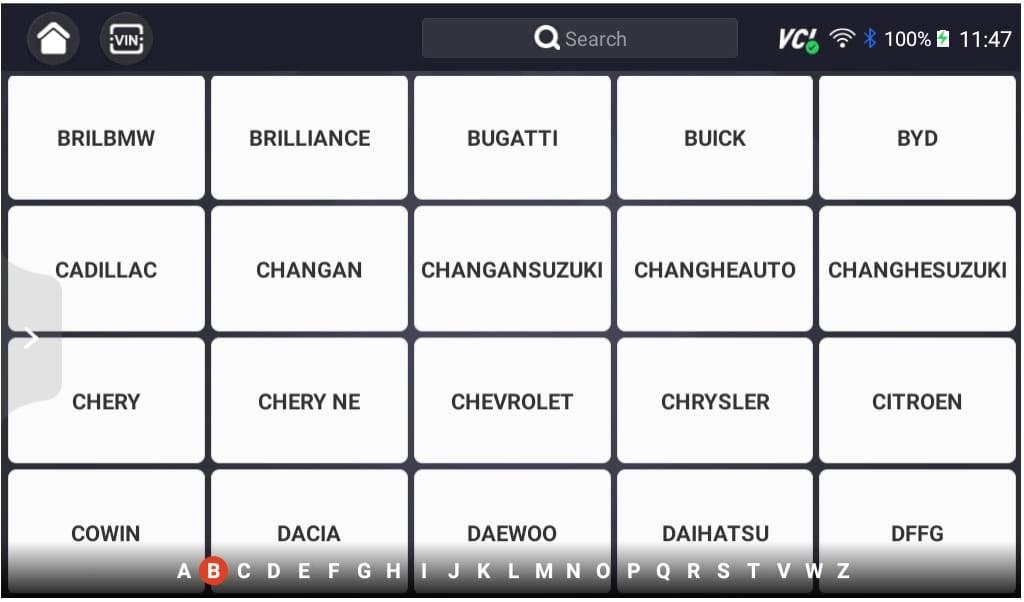
- Select ‘Citroën’ as the Vehicle Make: This ensures the scanner effectively communicates with the Citroën On-Board Diagnostic system and effectively scans the fault codes.
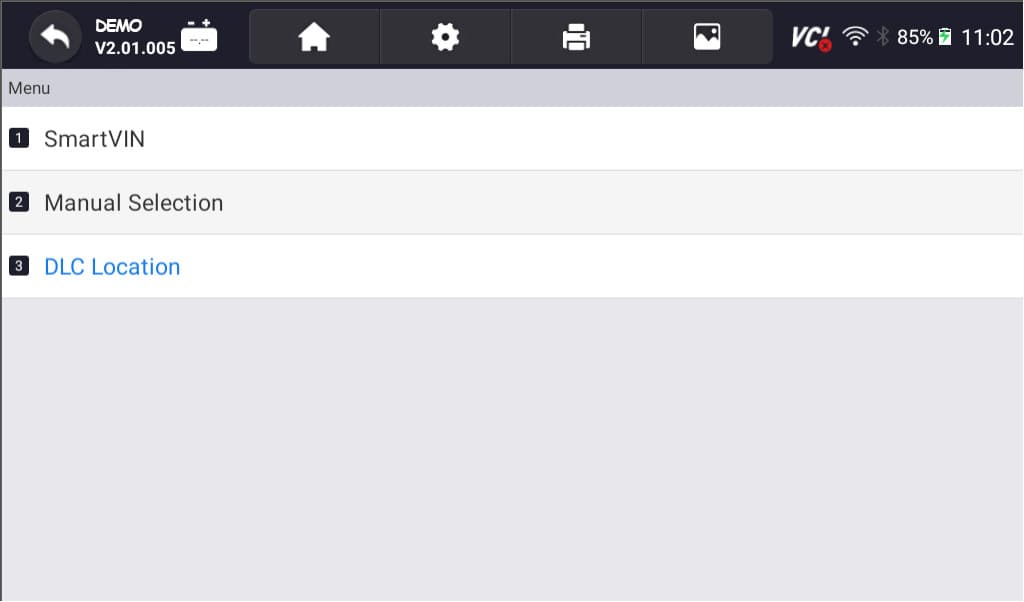
- Select option for model selection: The scanner has various options for model selection. You can choose SmartVIN to detect your vehicle automatically. However, you choose Manual Selection if SmartVIN does not work as intended.
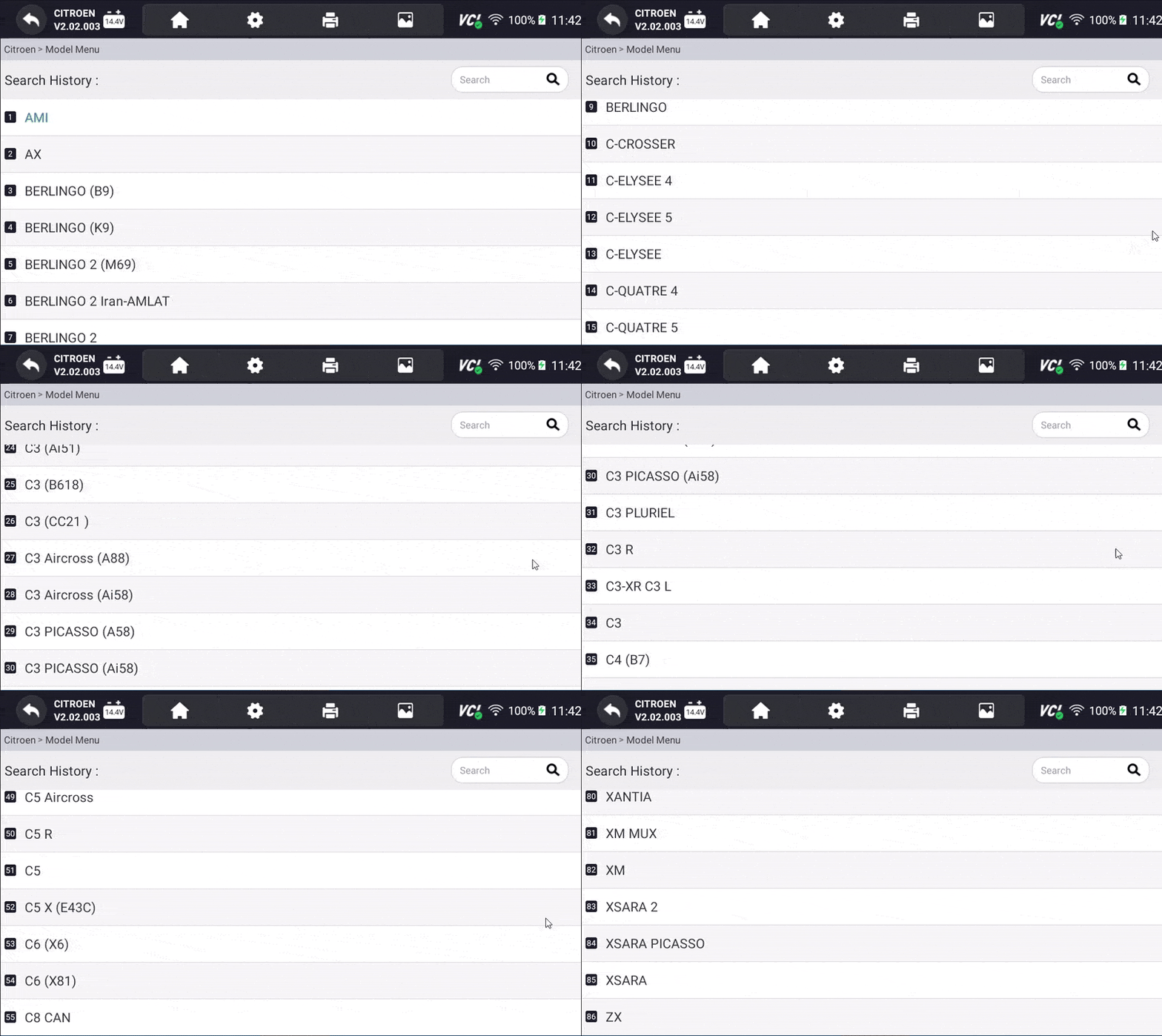
- Select the Specific Model and Chassis: After selecting the vehicle make, scroll through the available models and select the correct one for your Citroën. Choose the corresponding chassis or body type to properly sync the scanner to your vehicle.

- Select Control Units: Once you have selected the model and chassis, the scanner will let you choose between “Quick Scan” or “Control Modules.” Control Modules display a list of control units or modules in your vehicle. Examples include the engine control module (ECM), transmission control module (TCM), and ABS control module. Choose the specific module you want to diagnose. Otherwise, you can also choose the “Quick Scan” to check everything.
- Interpret the Codes: Once the YOUCANIC scanner completes the code retrieval process, the displayed codes will provide information about specific issues detected by the control unit. Take note of these codes for further analysis and diagnosis. Each DTC consists of a letter and four numbers. The letter indicates the system affected, while the numbers describe the issue more specifically. Click here to learn more about fault codes.
- Erase Codes: After the problem has been repaired, return to the scanner’s menu and select the option to “Erase Codes” or “Clear Codes.” This action removes the stored fault codes from the control unit’s memory, indicating that the problem has been resolved. Please note that you may or may not erase a code when the issue is not fixed.
- NOTE: These pictures are just the demo of our YOUCANIC Scanner. It may or may not be the same, but the procedure is the same.



Why can’t I clear the error codes?
Once you’ve identified the DTCs, you may be tempted to clear them, hoping to continue driving your Citroën, and the problem magically disappears. Clearing the codes can temporarily remove the “Check Engine” light, but it doesn’t address the underlying issue. It will always come back. Here are also some lists of why you cannot clear the codes of your Citroën:
- Use a Professional-Grade Scanner: Ditch the generic scanner and upgrade to a professional-grade like the YOUCANIC OBD-II Scanner. Generic scanners are like trying to open a Ferrari with a Ford key – it won’t work! YOUCANIC, on the other hand, is like the master key to your Citroën’s diagnostics, unlocking hidden diagnostic powers and letting you clear codes that would otherwise remain stubborn and hidden.
- Underlying Issues: Before clearing fault codes, remember to address the underlying issue that triggered them in the first place. Clearing codes is like patching a leaky pipe without fixing the cracked valve – it’s just a temporary fix. The ‘check engine’ light will surely come back and haunt you.
- Continuous Fault Monitoring: Like the SRS system, certain fault codes may be cleared by disconnecting the battery (like a reset). However, they will reappear even after clearing until the root cause is resolved. This is a persistent reminder to fix the problem, not just mask it.
- Proper Clearing Procedure: Following the correct steps outlined in your diagnostic scanner’s user manual is essential to clear fault codes effectively. If unsure about the clearing procedure, consult a professional for guidance specific to your scanner and Citroën model.
Ignoring the Fault Codes: A Recipe for Disaster
Turning a blind eye to DTCs is like ignoring those nagging reminders from your doctor. It might seem harmless in the short term, but ignoring these warning signs can lead to a cascade of problems, potentially causing significant damage to your Citroën’s delicate systems.
Frequently Asked Questions
What are DTCs?
DTCs, or Diagnostic Trouble Codes, are alphanumeric codes that your Citroën’s computer stores when it detects a problem,
What happens when I ignore fault codes?
Ignoring fault codes can lead to several problems, including further damage to your vehicle, increased emissions, and failure to pass emissions testing.
Can I scan my Citroën on my own?
Yes, you can scan using a professional-grade scanner for your vehicle. It is Ideal to know at least how to read codes so you can diagnose in case of emergencies. If the issue is more complex, consult an authorized Citroën technician.
References
- What Is an OBD2 Scanner and How Does It Work?
What Is an OBD2 Scanner and How Does It Work? | The Drive - DTC Fault Codes
DTC Fault Codes – YOUCANIC - What Does the Check Engine Light Look Like, and What Does It Mean?
What Does the Check Engine Light Look Like, and Really Mean? – Consumer Reports