

Mercedes-Benz Parking Brake Inoperative: What to Do When You See the Warning
A faulty handbrake module or parking brake mechanism can prevent an inoperative Mercedes-Benz parking brake from activating. The Mercedes-Benz EPB See Owner’s Manual warning light can come on when the parking brake actuator at one of the rear wheels is sticking. Below, you will see what those actuators look like and how to diagnose the problem with the YOUCANIC scanner.
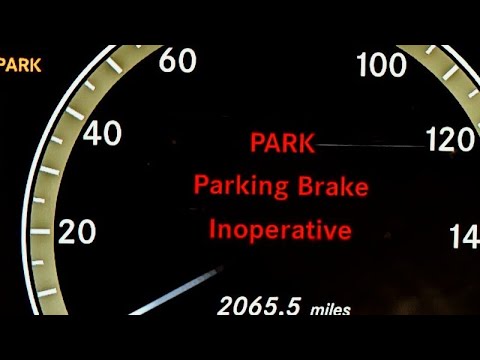
Mercedes-Benz Parking Brake Inoperative – See Operator’s Manual comes on during heavy rain or driving through water puddles or mud. Parking brake inoperative messages may appear after a car wash. Mercedes-Benz parking brake warnings may also appear when the vehicle is in motion and the driver’s door is opened. The parking brake may automatically apply and then be released.
Symptoms
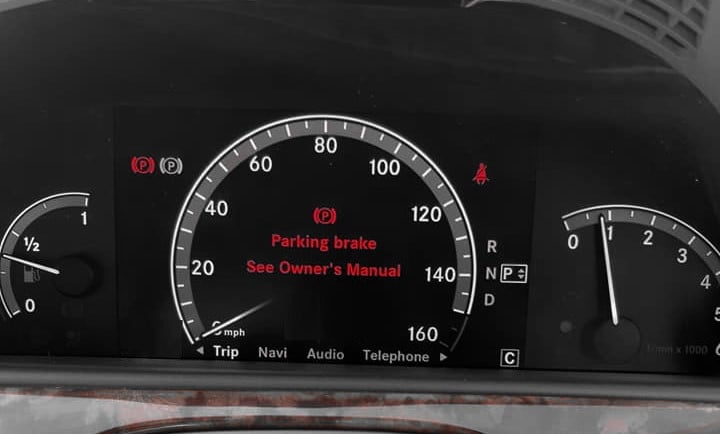
- Red parking brake warning on the dashboard.
- Both the red and the yellow parking brake symbols may come on.
- The parking brake icon flashing in the instrument cluster.
- Parking Brake – See Operator’s Manual.
- Parking Brake Nonfunctional – Visit Workshop.
- Electronic parking brake malfunction: see owner’s manual.
- Noise when operating parking brakes.
Temporary Fix

Pull over and put the transmission into Park. Turn the engine off, and then restart the vehicle. Pull and hold the park brake switch for at least 10 seconds, then release it. Start the engine, and the light may clear in most cases. In some cases, removing both rear wheels and lubricating the parking brake using lithium-based spray penetrating lubricant can also fix the problem.

🔧 Stop paying the dealer for every warning light
Get dealer level diagnostics at home with the YOUCANIC Full System Scanner.
- ✔ Works with all makes and models, including most luxury brands
- ✔ Topology map view shows all vehicle modules on one screen for faster diagnostics
- ✔ Bi directional controls to test fans, pumps, actuators and more so you do not have to guess
- ✔ Special resets and calibrations such as ABS bleed, EPB service, battery registration and more
- ✔ Free lifetime updates with no recurring fees
Common Causes
The parking brake is inoperative, a common problem on Mercedes-Benz models with electronic parking brakes, such as the S-Class, GL-Class, and most 2015 or newer models. The problem can also be the motor inside the electronic parking brake (behind the rear brake caliper), which can also break and trigger the Parking Brake. See the Owner’s Manual.
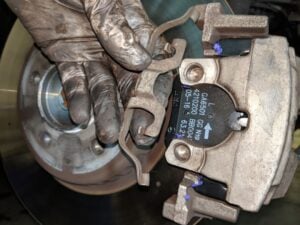
Electric parking brake module /actuator
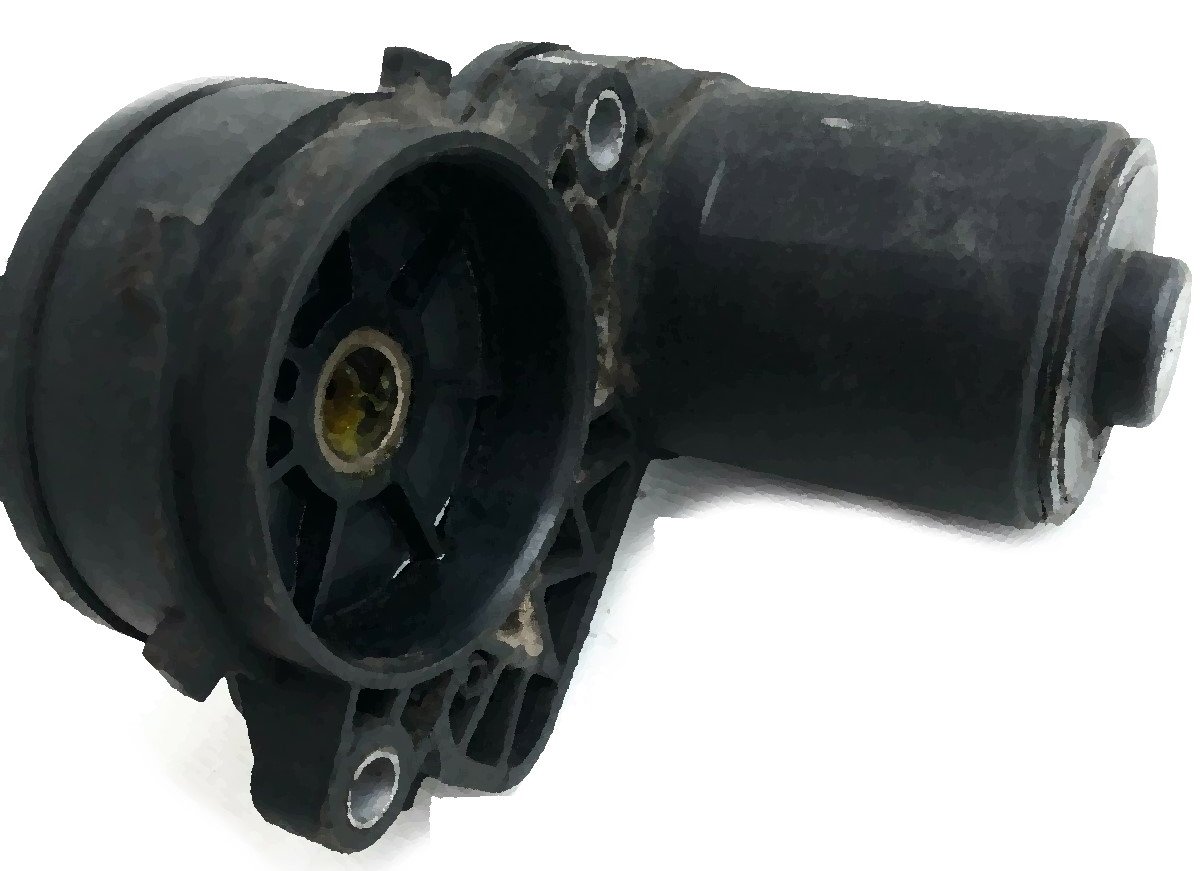
If you have applied the parking brakes a few times, you should be familiar with the sound of parking brakes being applied. If you don’t hear the parking brakes engage when you press the Park button, the electronic parking brake module or actuator/motor. A different symptom to know when you have a faulty parking brake motor is a loud, screeching noise when you try to apply or release the brake.
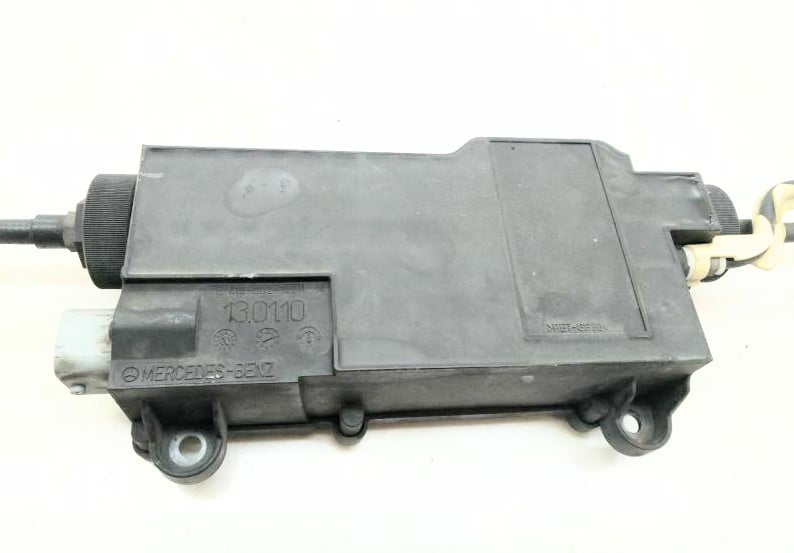
For example, this is a common problem in S-Class CL-Class, known as W221 and W216, respectively. You can replace the parking brake module or remove your faulty module and send it for repair to any companies that offer this repair service.
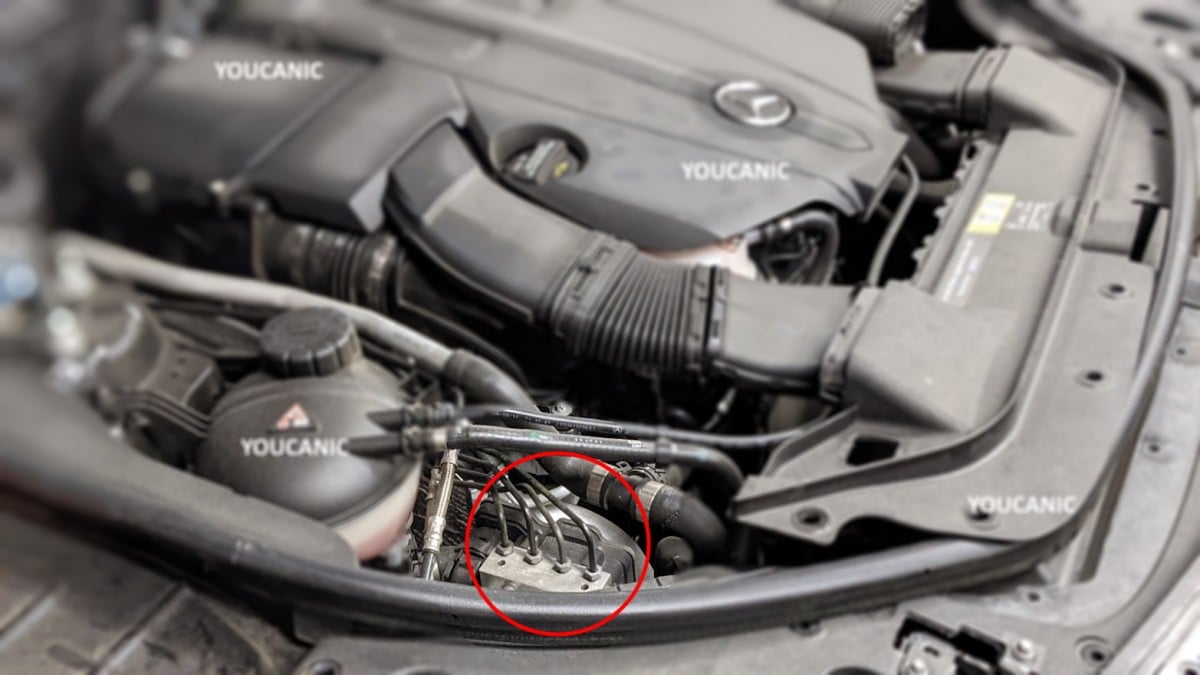
Corrosion or loss of connection at the ABS unit (in the engine bay) can also trigger this problem. If the ABS module is faulty, you will also notice the ABS light, traction control, brake light (staying on), and parking brake malfunction. While not a very common problem, this issue needs to be diagnosed with a Mercedes-Benz scanner.
Faulty Parking Brake Switch

Parking brake switches may stick and not release fully. The parking brake switch is located under the headlight switch on the dashboard. Pay attention to the switch position. It should pull out when released. If the switch stays pressed, it can trigger an electronic parking brake warning. Ensure it doesn’t stay pressed when you release the parking brake button.
Weak Battery
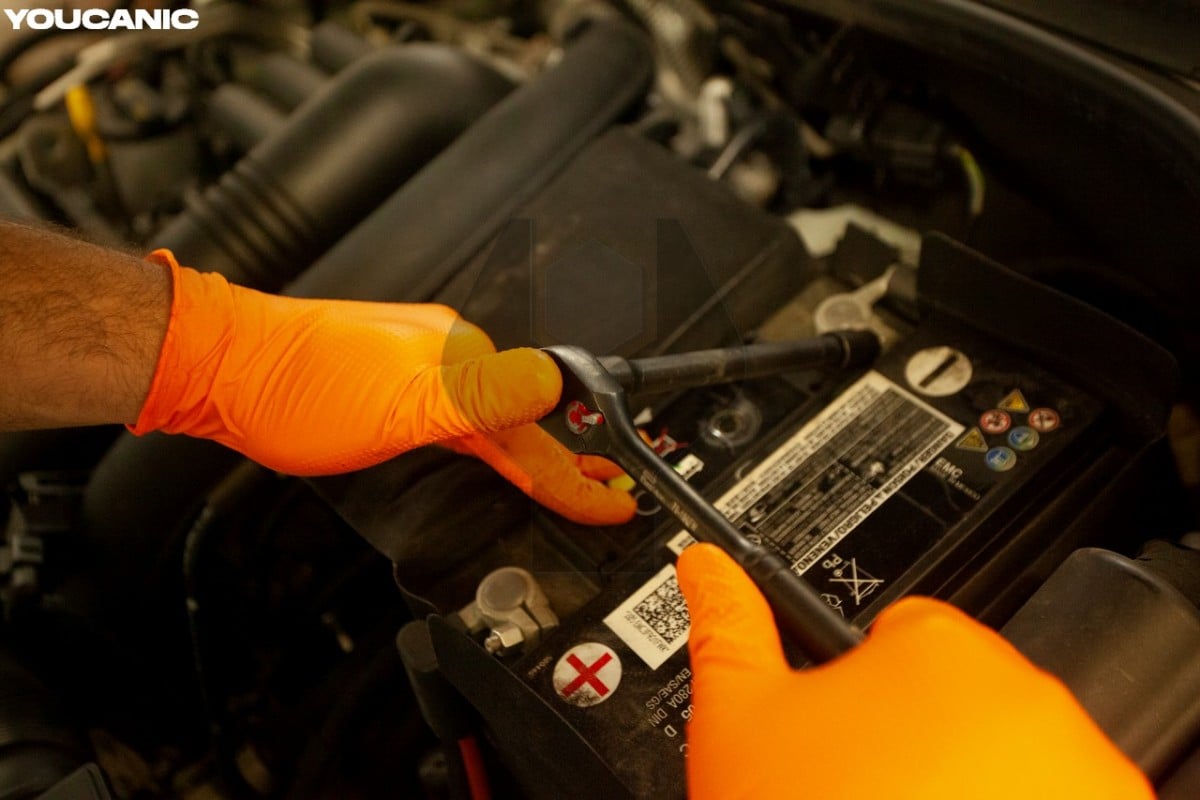
A weak main battery can also cause a Mercedes-Benz’s parking brake to be inoperative. Most auto parts stores can test your car battery free of charge, or you can use the 12 Volt Battery Test Tool to perform a battery test.
Less Likely Problems
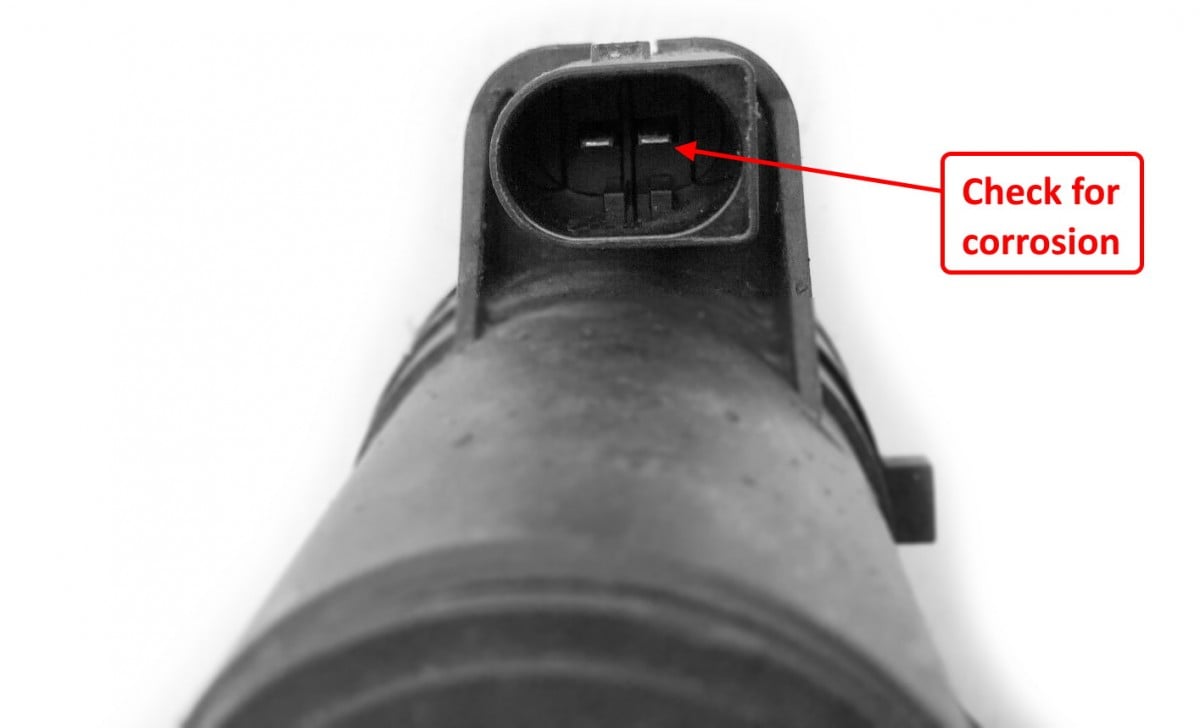
See the Owner’s Manual for other possible issues that can trigger Parking brakes.
- Low main battery voltage.
- Faulty SAM or Central Gateway Module.
- Damaged wire harness.
- Software issue – Ask the dealer to perform an update.
- A loose, broken, or corroded connector at the parking brake actuator.
- The brake light switch is faulty.
- ABS wheel speed sensor defective or dirty.
- Faulty parking brake switch.
- Brake cables need adjustment if they are not pulling evenly.
Troubleshooting
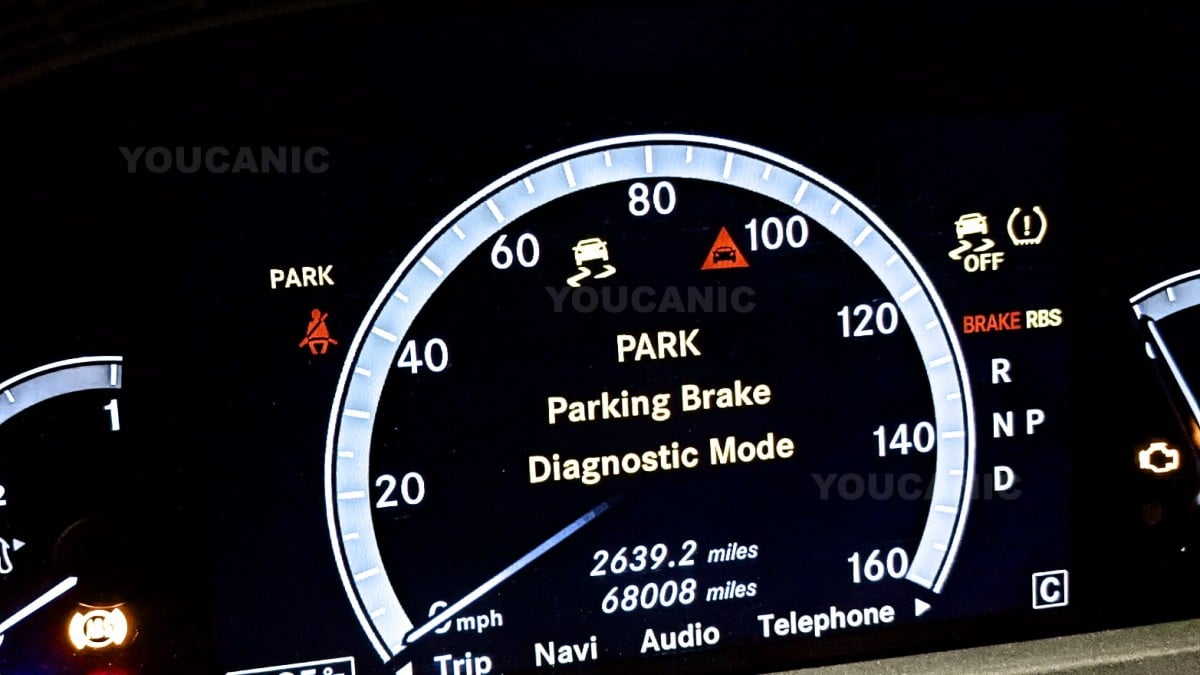
One quick test you can perform is to press the Parking button on the dashboard and have a friend listen to the rear wheels. You should hear the electric motor engage. Check both rear wheels. If you do not hear the noise in one of them, you know which one is faulty.
The actuators can get stuck over time if you rarely use the parking brakes. One possible solution is to use a Mercedes-Benz scanner and manually engage and disable the parking brakes at least fifteen times repetitively. Before replacing any parts, it is important to read the fault codes from the Electronic Parking Brake (EPB) module. If the parking brake malfunction shows on the dashboard, there is an incorrect code in the EPB module.
Go to Parking Module (EPB) > Actuations > Activate Parking Brakes.
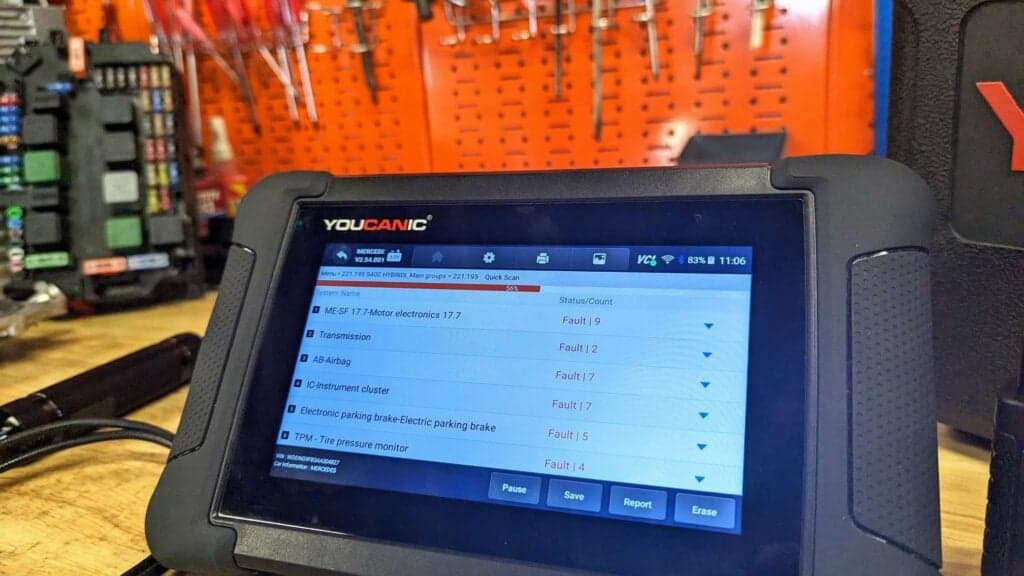
Use a YOUCANIC Full System Scanner to read fault codes from the EPB module. The principles stored in the EPB module will guide you in the right direction. For example, you will get fault codes such as:
- The position of the component Electric Parking Brake is Implausible
- B22d52- Electric parking brake malfunction; this component has not been implemented.
- B23aa07—The left brake has a malfunction and mechanical fault, and the right brake caliper is faulty. An open circuit exists.
- B23aa77-the left brake caliper is malfunctioning, and the commandment position cannot be reached. The left brake caliper is faulty. An open circuit exists.
- 584F – CAN signal Wheel Speed from Control Unit N47-5 ESP Control Unit is Implausible
- 5160 – Check Mechanical Components for Proper Operation and Installation.
Continue troubleshooting based on the fault codes showing as CURRENT or PRESENT. Stored codes can indicate an intermittent issue. Once you read the fault codes with a YOUCANIC Full System Scanner, you will better understand what’s wrong with the car and the cause of the Parking Brake being Inoperative. See the Owner’s Manual Warning. With a good scanner, you can check the proper operation of the parking brake actuators and the park brake switch without removing them by utilizing the live data values and the command function of the scanner.
Frequently Asked Questions
Why is my Mercedes Benz parking brake light on?
A faulty parking brake switch is one of the most frequent issues with the parking brake warning indicator turning on. You can check it by jiggling the switch. If it turns off and comes back on, the switch must be replaced to fix the problem.
What does it mean when your car says park brake malfunction?
Many common issues, such as a low-voltage system or open fuse circuit, can cause the “parking brake malfunction” to illuminate.


Hi there
I have 2013 Mercedes S550 W221 4Matic , the battery drains overnight, replaced the battery 3 different times, have code D135 wake-up command has short circuit to the ground.
if the park brake not see the park button is because the plug x18/1 is defective by corrosion water or imperfect contact !