
OBD-II Port Not Working? Here’s How to Troubleshoot the Issue
Reviewed/Verified by:

Is the Onboard Diagnostic-2 (OBD-II) port on your car not working? Are you using a diagnostic scanner that will not connect and communicate with the vehicle’s systems? Perhaps you are trying to pass the emission or smog test but fail because the OBD-II port has no power.
The OBD-II port may not work for several reasons, but the two most common problems are low battery voltage and a blown or busted fuse.

The main reasons why an OBD-II port doesn’t work are:

🔧 Find out what is actually wrong before you pay someone to guess
Dealer level diagnostics at home with the YOUCANIC UCAN-II Pro.
- ✔ Covers most makes and models, including many luxury brands. Send us your VIN and we will confirm your car before you order
- ✔ Reads every module, not just the engine, so you find the faults a basic reader says are not there
- ✔ Commands the car: test a fan or pump, bleed ABS, retract an electronic parking brake, register a battery
- ✔ No subscriptions. Free lifetime updates, so the price you pay is the whole price
- ✔ Backed by real mechanics in the USA you can email before and after you buy
Featured in The Wall Street Journal
- Blown fuse
- Low battery voltage
- Bad Engine Control Unit (ECU)
- Damaged wiring harness
- The Defective Control Unit is bringing down all vehicle communication.
- Damaged OBD-II port pins.
Testing the OBD-II Port
First, make sure to turn the ignition on. If the scanner remains off even after turning the ignition on, the problem is probably one of the issues mentioned above.

If your scanner fails to communicate with the OBD-II, you cannot retrieve the error codes stored in the Engine Control Unit (ECU). When a scanner does not work when plugged into the vehicle’s OBD-II port, the problem is rarely a scanner issue.
Additionally, if your OBD-II port is inoperative, you cannot pass the emission or smog tests required in most states.


If there is no communication between the OBD-II scanner and the vehicle’s OBD port, the most common problem is a blown fuse, no power to the port, a wiring short, or a failed module that brings down the vehicle’s Controller Area Network (CAN bus).
Still, how can you distinguish which of these two is at fault? To help you with that, we will determine what may cause the OBD-II scanner to stop working.
Troubleshooting Tips
If the OBD port is not working, you want to check the simple possible causes first.
1. Check Fuses

Like with any other electrical component, there is a fuse. If it blows, the port will not receive any signals, making it inoperable.
Observing the dashboard while turning on the ignition is the easiest way to determine if this may be the case. If the check engine light does not turn on, the fuse is most likely blown.
Check the fuses in the fuse box located in the engine bay and by the dashboard. Pull the fuse box cover and carefully inspect the fuses.
Many vehicles protect the data link connector port using the cigarette lighter fuse. This means that you may not have a fuse labeled OBD-II port.
2. Check the Vehicle Battery

An OBD-II scanner cannot communicate with the vehicle when the battery voltage is too low. The system’s necessary voltage must be around 12.5 V when the vehicle is off and around 14 V when the engine is running.
When you are diagnosing the car while the motor is off, the battery voltage can possibly drop below 10V. Many control units in the car will stop operating correctly or even power up, leading to no communication errors.
3. Damaged OBD Port Pins

Bent pins in the OBD-II port are another likely reason the system is not working. These diagnostic sockets are electrical connectors with wires pinned inside them.
The pins can get pushed in, bent, or detached at the back of the plug.
Over time, one or more pins may become loose and eventually slip out from the socket. The easiest way to check this is by looking for metal pins inside holes on the port.
Also, the voltage between terminals T4 and T16 should be around 12V.
4. Faulty ECU

A failed control module may be the reason you cannot connect to the vehicle via the OBD-II port. Modern cars can have over 30 control modules in some cases. If one module fails, it can cause issues with the CAN Network and prevent communication with the other modules.
Also, the OBD-II scanner will usually connect to one gateway module. If that module is faulty or down, you may not be able to establish communication with any of the other modules. If you suspect a defective module, unplug it and reconnect the scanner to see if it connects to the other modules on the car.
5. Damaged Wire Harness

A short on the wire harness to the OBD-II port could cause it not to communicate with your scanner. The OBD-II port has a positive and negative terminal. Check those with a multimeter for power. Your digital multimeter should read about 12 volts between the two terminals.
Water damage or flooding is another common issue that causes the OBD port to stop working. In a flooded vehicle, water may find its way inside the wire harness, causing short prevention, which leads to ECU problems or blown fuses and reduced power to the OBD-II port.
6. Fault Scanner
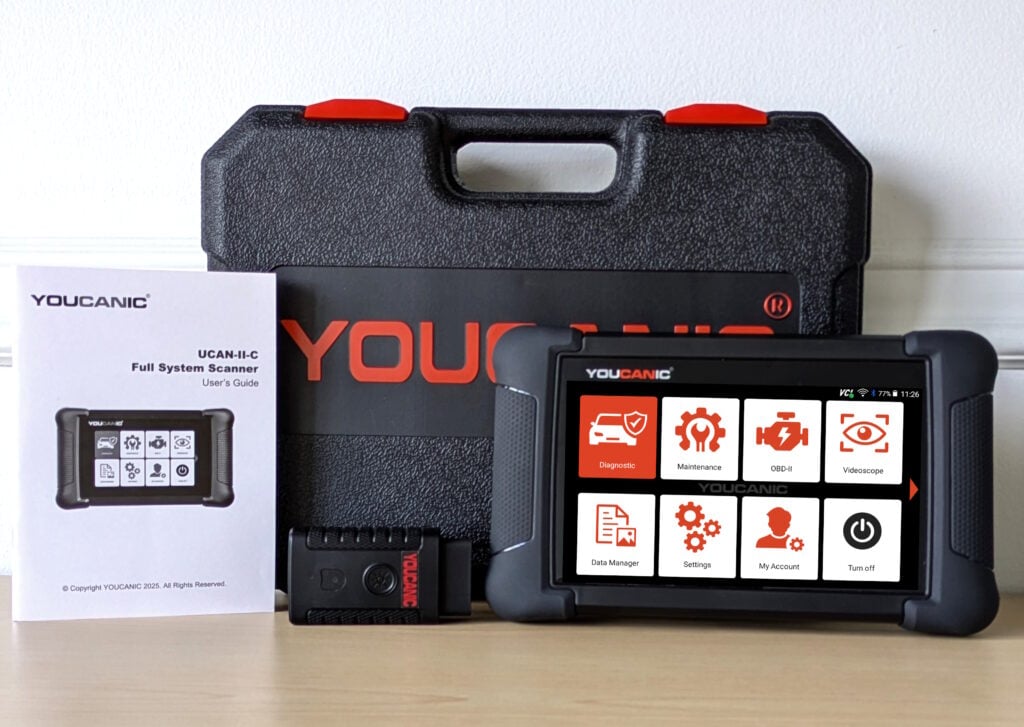
Okay, so yes, the scanner may be faulty. If you doubt it is defective, plug it into another vehicle to check if it works.
Sometimes, the reason is that your OBD-II scanner does not support the communication protocol that your vehicle uses. Try reading the codes using a different scanner.
Scanners and diagnostic tools come in all shapes and sizes, although all should work with any OBD-II-compliant car. Still, some devices will not work with particular makes or models. This is usually due to a diagnostic protocol, which may differ between manufacturers and model years. To prevent such cases, make sure that your scanner is compatible with your car.

Like the OBD-II port, most diagnostic tools have a fuse that protects them from short-circuiting and electrical overloads. The most common situation where it may blow is when the user plugs it into a damaged or wet port. In the case of a scanner that only powers on when connected to the car, determining if it is broken may be difficult. The easiest way of solving this dilemma is by plugging it into another vehicle.
Conclusion
You need a working OBD-II port to run a diagnostic and determine what is wrong with the car. The port must also work to pass the state emission test (smog test).
The two most common reasons an OBD-II port doesn’t work are a car battery voltage being too low and an open fuse for the Data Link Connector (OBD2 port), cigarette outlet, or radio.
What to do next: work out whether it is the port or the tool
Almost every no communication complaint comes down to one of three things, and they need completely different fixes. Either the port has no power, the vehicle is not answering, or the tool itself is the problem. Spending money before you know which one you have is how people end up with two scanners and the same fault.
- Check power and ground at the connector first. Pin 16 should show battery voltage and pins 4 and 5 are the grounds. No voltage means a fuse or wiring job, and that comes before anything else.
- Test the same tool on another car. It is the fastest way to clear the tool of suspicion, and it costs nothing.
- Switch the ignition on without starting the engine and retry. Plenty of modules simply will not respond with the key off.
- Note whether some modules answer and others do not. Partial communication points at a network or module fault inside the car, which is a very different repair from a dead socket.
A tool that can tell you which modules responded is what separates step four from guesswork. The YOUCANIC UCAN-II Pro lists them individually, and there is a seven day rental if you need it for one diagnosis. If you are not sure your vehicle is supported, email support with the VIN before ordering.
When buying a scanner will not help
A dead port with no voltage on pin 16 is an electrical repair, not a diagnostic one. In that situation a new tool changes nothing, and anyone who tells you otherwise is selling rather than helping.
Frequently Asked Questions
Why is my scanner not connecting via the OBD port?
Where can I find the OBD-II port in my car?
What causes the OBD-II port to stop working?
What is the purpose of the OBD port?
For years, automakers used various tools and methods to diagnose their vehicles, many of which were only available to authorized dealers. As a result, independent workshops and do-it-yourself enthusiasts could not perform proper maintenance. This was until the US government and its traffic-regulating agency started requiring all new vehicles to have a simple and easy-to-use diagnosis method.
To answer this requirement, car manufacturers introduced different diagnostic protocols and equipment. At first, most of these devices would only work with one brand. But by the mid-90s, all these diagnostic solutions had evolved into one standardized protocol that we call OBD-II.
What does OBD-II stand for?
References
- https://rustyautos.com/obd-scanner-wont-turn-on/
- https://chevroletforum.com/forum/silverado-fullsize-pick-ups-21/my-obd2-port-will-not-work-56495/
- https://www.powerstrokenation.com/threads/obd2-port-not-working.471201/
- https://stangsunited.com/showthread.php?6446-Why-would-an-OBD-port-not-work
- https://www.dsmtuners.com/threads/obd2-port-not-workin