How to Perform a Forced DPF Regen using a YOUCANIC Scanner
Has your diesel engine been running rough? Is the Diesel Particulate Filter (DPF) warning light on in your dashboard? Your DPF might be clogged. Before you perform a forced DPF regen on your car, you can make sure that it is actually clogged by following our guide “How to Perform a DPF Filter Health Check Using a YOUCANIC Scanner!”
Once you have confirmed that it is clogged, this article will walk you through exactly how to unclog it using a YOUCANIC scanner! Are you more of a visual learner? Follow along with our video guide below!
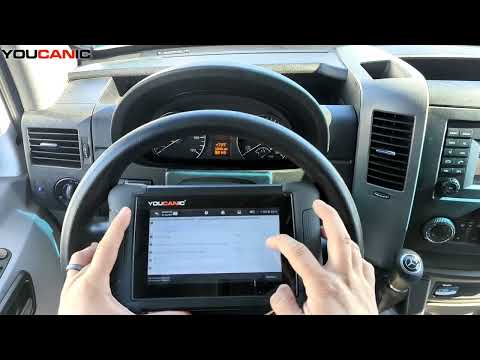
Demo Model: 2016 Sprinter

🔧 Stop paying the dealer for every warning light
Get dealer level diagnostics at home with the YOUCANIC Full System Scanner.
- ✔ Works with all makes and models, including most luxury brands
- ✔ Topology map view shows all vehicle modules on one screen for faster diagnostics
- ✔ Bi directional controls to test fans, pumps, actuators and more so you do not have to guess
- ✔ Special resets and calibrations such as ABS bleed, EPB service, battery registration and more
- ✔ Free lifetime updates with no recurring fees
Step-By-Step Guide
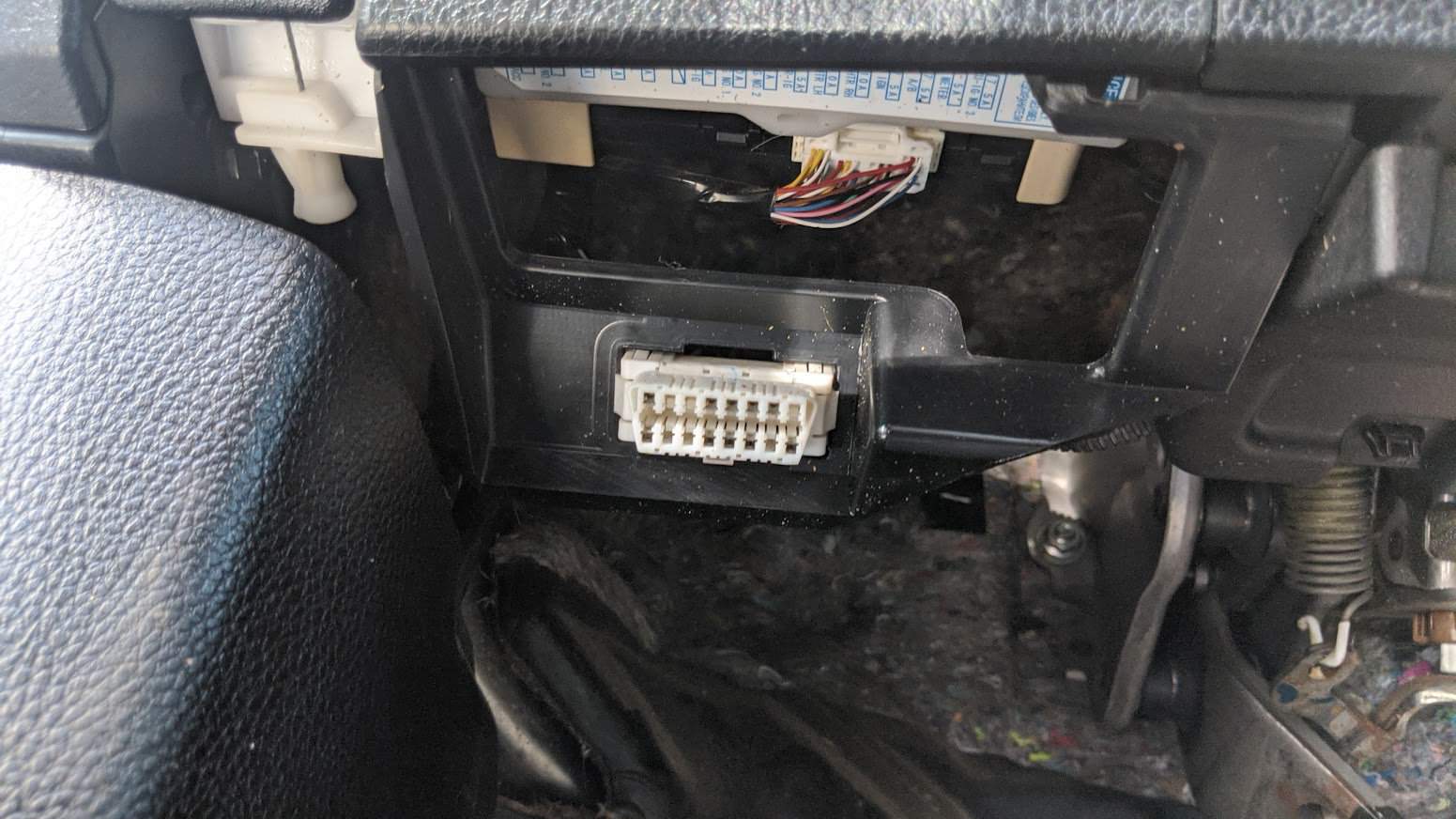
- Connect your VCI to the OBD-II port in your car, and make sure your scanner is connected. Turn your car on to position 1. If you have a car with a keyless start, press the start button with your foot off the brake pedal.

- Select Maintenance on the homescreen of your scanner.

- Select DPF from the list of available functions, then select your vehicle make.

- If the Smartvin option does not work, you will have to use the Manual Entry option to enter your car’s VIN and other information.

- Select Control Modules, then scroll down until you see the Motor Electronics option.
- On the following screen, you will see two options: “Regeneration of Diesel Particulate Filter while driving” and “Regeneration of Diesel Particulate filter at standstill.” The first option lets you perform this procedure while driving, while the second lets you run it without having to leave your garage.
WARNING: Your DPF will get very hot during this process. Please make sure your car is not leaking oil and is in an area free of fire hazards before you continue. - There are certain conditions that need to be met before this procedure can be properly carried out. Follow the instructions on the screen, and note that it will take about 45 minutes to complete a full DPF regeneration.
- If you need to stop in the middle of this procedure, all you need to do is press on the brake pedal when running this function at standstill, or pull over to the side of the road and turn the car off if you choose to perform a regen while driving.


DPF “Teach In” Function
Underneath the two regeneration options on your scanner, you will see two options for coding a new DPF if you have ever had to replace this filter.
- Once you have reached the maintenance screen, follow steps 1-5 above to see how two Teach-in options will appear: “Teach in diesel particulate filter again” and “Teach in diesel particulate filter after replacement of control unit.”
- Select the option that applies most to your car, and follow the on-screen prompts. Just like the DPF regen steps above, your vehicle will need to meet specific criteria for this function to work.
- Wait for the teach-in process to complete, and you’re done.
- If you continue to experience issues after this process, run a quick scan and look for fault codes related to the DPF. There might be something else going on that you might be able to find by reading and clearing fault codes in your car.
Disclaimer: This guide may not apply to all vehicle makes and models. If you need to verify coverage for your particular vehicle, please contact YOUCANIC support or use our Compatibility Checker.

This is what you will need to add when using our compatibility checker to see if DPF functions will work on your car.