How to Read & Erase Fault Codes on Bugatti Vehicles
Bugattis are some of the most impressive and expensive cars in the world. They are also one of the best-performing cars ever made. They are also some of the most complex, with many sophisticated systems that can cause problems if they malfunction. That is why reading and clear fault codes is important when owning a performance car, especially a hypercar. Fault codes are diagnostic trouble codes that store information about potential problems with your vehicle.
What are DTC/Fault codes? Should I be worried?

DTCs, or Diagnostic Trouble Codes or Fault codes, are standardized codes used to identify and diagnose problems in a vehicle’s various systems. These codes are stored in the vehicle’s On-Board diagnostic (OBD) system, accessed with a scan tool or an OBD-II Scanner. Now, this OBD system monitors various sensors and components throughout the vehicle and records or saves any abnormalities or potential problems. It warns the owner by showing a check engine, SRS, airbag, ABS, traction or other warning lights when a problem is detected. A corresponding DTC is stored along with additional information, such as the affected system, to be specific to you or the authorized technician.
How to read and clear Buggati DTC or Fault Codes
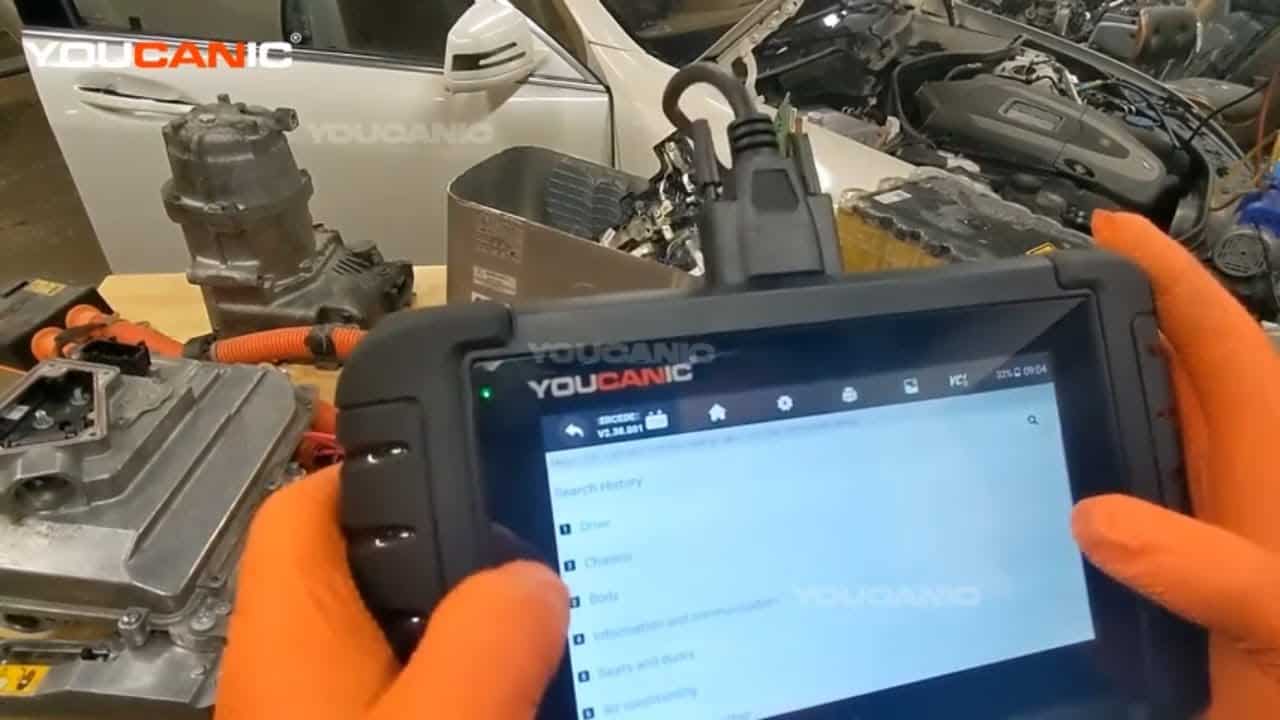
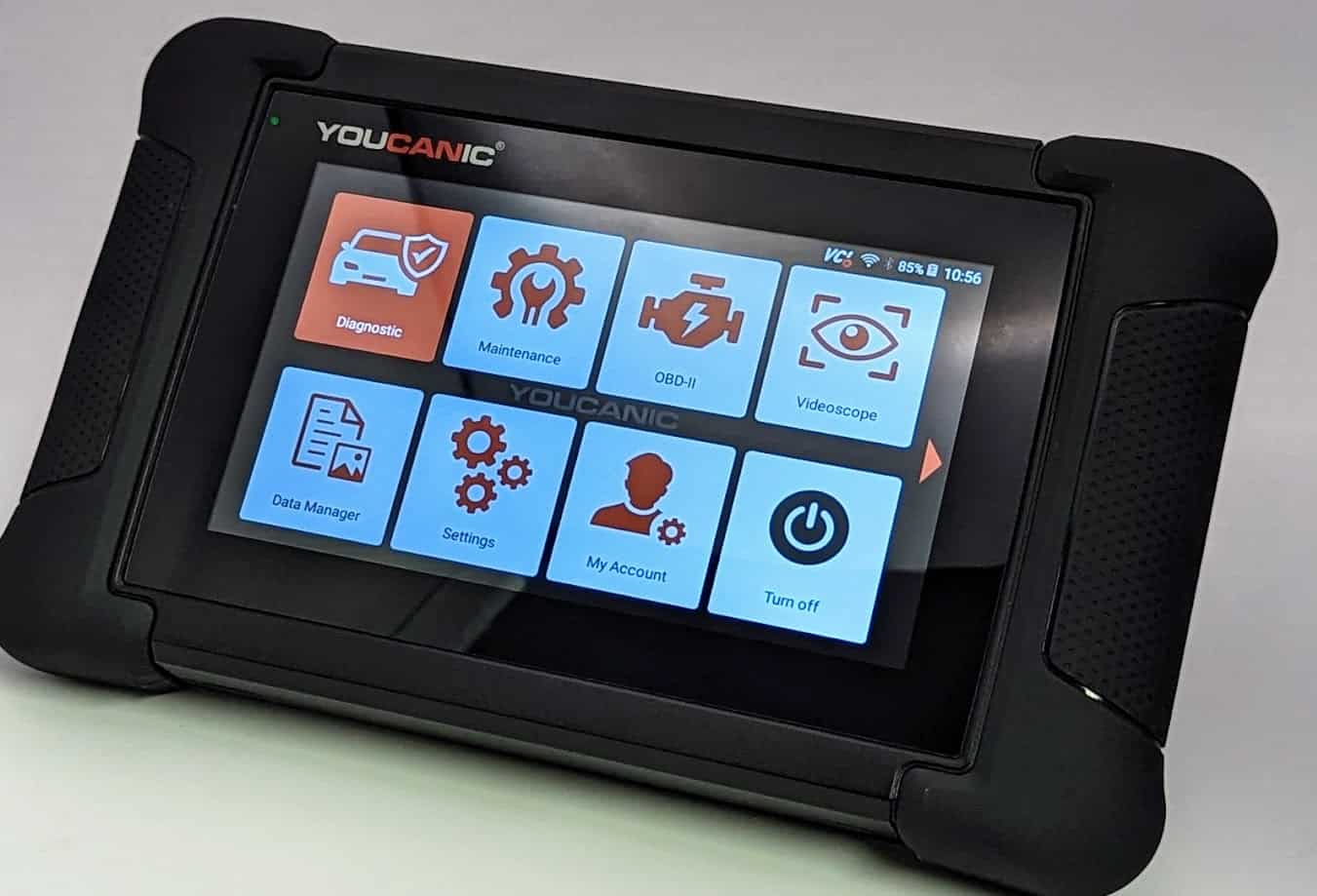
- Gather the necessary tools: Equip yourself with a Professional-Grade OBD-II Scanner that is compatible with your Bugatti. Click Here for our Professional-Grade YOUCANIC Scanner

- Access the OBD-II Port: This port is usually found under the dashboard, near the steering column; the OBD-II port is the gateway to your car’s diagnostic information. Turn the ignition key to the “ON” position without starting the engine to make a connection with the vehicle’s computer. If your Bugatti has a START/STOP feature, press the button without pressing the brake pedal. Do not start the engine. If you are unsure of the OBD-II port of your vehicle, you can always check the Car Owner’s Manual.

- Access the Diagnostic Menu: On the YOUCANIC scanner’s display, navigate to the “Diagnostic” or “Scan” menu. This menu allows you to access various diagnostic functions for your Bugatti.

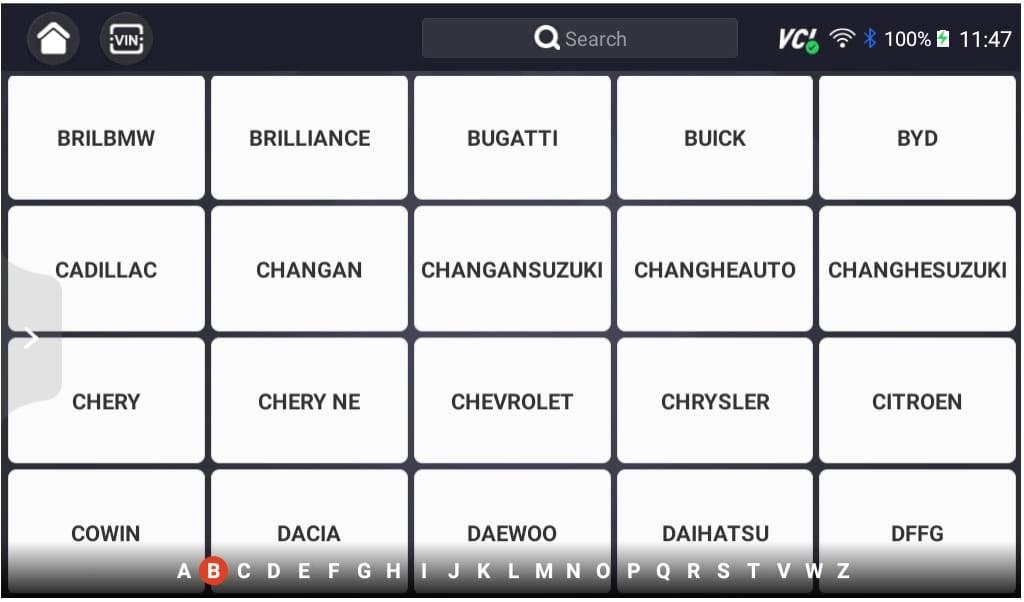
- Select ‘Bugatti’ as the Vehicle Make: This ensures the scanner effectively communicates with the Bugatti On-Board Diagnostic system and effectively scans the fault codes.
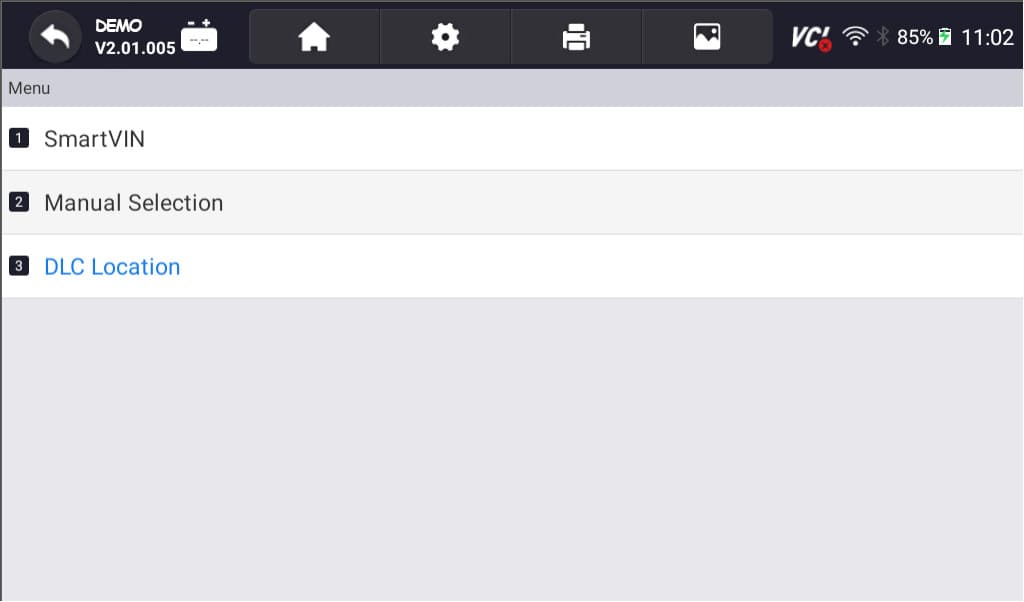
- Select option for model selection: The scanner has various options; you can choose SmartVIN to detect your vehicle automatically. However, you select Selection Manual if SmartVIN does not work as intended. If you want to know more about how to decode the VIN of a Bugatti, click here.
- Select the Specific Model and Chassis: After selecting the vehicle make, scroll through the available models and select the correct one for your Bugatti. Additionally, choose the corresponding chassis or body type to sync the scanner to your vehicle properly.

- Select Control Units: Once you have selected the model and chassis, the scanner will let you choose between “Quick scan” or “Control Modules.” Control Modules display a list of control units or modules in your vehicle. Examples include the engine control module (ECM), transmission control module (TCM), and ABS control module. Choose the specific module you want to diagnose. Otherwise, you can also opt to choose the “Quick Scan” to check everything.
- Interpret the Codes: Once the YOUCANIC scanner completes the code retrieval process, the displayed codes will provide information about specific issues detected by the control unit. Take note of these codes for further analysis and diagnosis. Each DTC consists of a letter and four numbers. The letter indicates the system affected, while the numbers describe the issue more specifically. To learn more about DTCs or Fault codes, click this link.
- Erase Codes: After the problem has been repaired, return to the scanner’s menu and select the option to “Erase Codes” or “Clear Codes.” This action removes the stored fault codes from the control unit’s memory, indicating that the problem has been resolved. Please note that you may or may not erase a code when the issue is not fixed.




I read Buggati fault codes, but I can’t clear them.
If you cannot clear the fault codes on your Bugatti, the problem is still present. In such cases, consulting with a qualified Bugatti technician who can diagnose the underlying issue and provide the necessary repairs is advisable. Here is the list of why you can’t clear the codes:

🔧 Stop paying the dealer for every warning light
Get dealer level diagnostics at home with the YOUCANIC Full System Scanner.
- ✔ Works with all makes and models, including most luxury brands
- ✔ Topology map view shows all vehicle modules on one screen for faster diagnostics
- ✔ Bi directional controls to test fans, pumps, actuators and more so you do not have to guess
- ✔ Special resets and calibrations such as ABS bleed, EPB service, battery registration and more
- ✔ Free lifetime updates with no recurring fees
- Use a professional-grade scanner: You might be using a generic OBD-II scanner. Utilize a full system scanner or a professional-grade scanner like the YOUCANIC scanner because generic scanners may not be fully compatible with your Bugatti and cannot access and clear manufacturer-specific codes or perform advanced diagnostic functions.
- Underlying Issues: Before attempting to clear fault codes, it’s crucial to address the underlying problem or malfunction that triggered the codes in the first place. Failure to resolve the root cause may result in the codes reappearing even after clearing them.
- Proper Clearing Procedure: Following the correct steps outlined in your diagnostic scanner’s user manual is essential to clear fault codes effectively. If unsure about the clearing procedure, consult a professional for guidance specific to your scanner and Bugatti model.
When and how frequently should you scan your Bugatti for DTCs?
It is recommended to scan your Bugatti for DTCs at least once a year or more frequently if you notice any signs of trouble, such as a check engine light illumination, unusual performance issues, or increased fuel consumption. Regular scanning can help identify potential problems early on before they escalate into more severe and costly issues.
What are your scanner’s History, Current Codes, and Stored Codes?
- History: These codes indicate past issues that have resolved themselves or are no longer causing the “Check Engine” light to illuminate. They typically do not require immediate attention.
- Current Codes: These codes represent the current or active problems that require immediate diagnosis. It indicates a present issue or malfunction in a specific system or component of the vehicle that needs to be addressed. They will remain displayed until the underlying issue is resolved.
- Stored Codes: These codes are inactive but remain stored in the computer’s memory, recording previous issues. These can provide additional information about past issues as a historical reference of earlier faults. While they may not be active, they can offer insights into the vehicle’s history and aid in the diagnostic process.
Visit our article here to learn more about your scanner’s History, Current Codes, and Stored Codes.
What are Live Data and Freeze data?
Live data allows you to monitor real-time sensor readings, providing valuable insights into the car’s operation. On the other hand, Freeze frame data captures a snapshot of vehicle conditions when a fault code is triggered. Analyzing this data provides context and aids in pinpointing the root cause of the issue.
Frequently Asked Questions
Should I always clear fault codes after repairing a problem?
Yes, it is recommended to clear fault codes after repairing a problem to ensure the code does not reappear. This also helps to reset the OBD system and prepare it for future monitoring. Consult the authorized mechanic if they already cleared it.
Can I clear fault codes myself?
Yes, you can clear fault codes yourself using a compatible scan tool. However, addressing the underlying issue that caused the code to be set first is essential, as removing the codes alone may not resolve the problem.
What is the difference between a DTC and a trouble code?
DTC and trouble code are interchangeable terms. They both refer to diagnostic trouble codes for identifying and diagnosing vehicle system problems.